
Visibility
Set your chatbot's access mode to Public or Private to control who can chat with it.
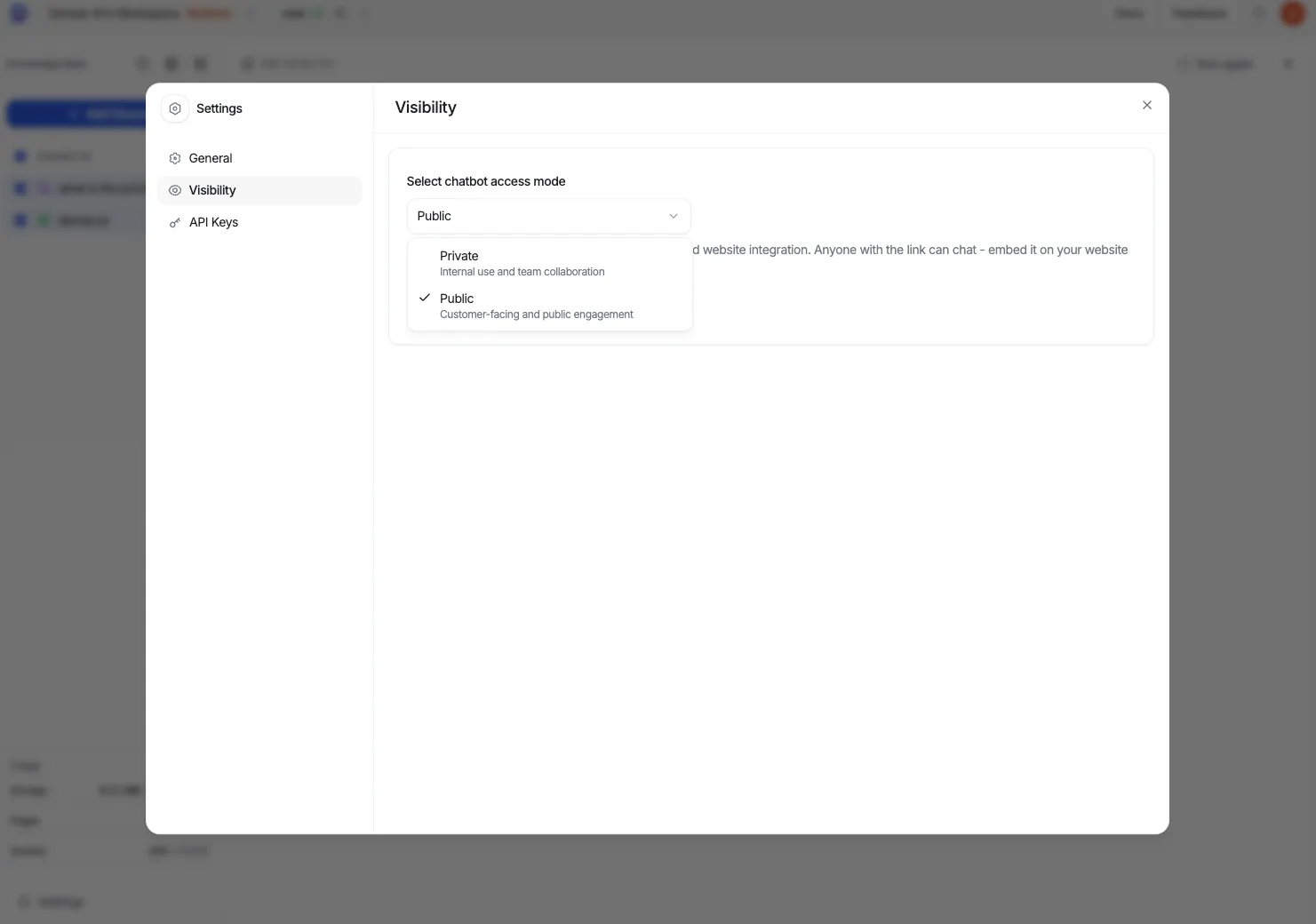
Visibility controls who can reach your chatbot. Choose between two access modes: Public or Private.
Public vs Private
- Public — Anyone with the link or embed can chat. This is required before deploying as a website widget, and it exposes the full feature and customization set.
- Private — Only members of your workspace can chat. Private chatbots use a simplified customization panel.
Match the mode to your setup
A website chatbot must be Public so visitors can use the embed. A knowledge base chatbot meant only for your team is usually kept Private.
Change the access mode
From your chatbot dashboard, open the Security section in the sidebar.
Find the access mode setting and choose Public or Private.
Save your change. The new mode takes effect for the chatbot right away.
Switching to Private affects an embed
If a chatbot is embedded on a website and you switch it to Private, visitors outside your workspace can no longer chat. Keep it Public while it serves a public site.