
API Keys
Generate and regenerate an API key to access your Denser chatbot programmatically through the REST API.
An API key lets you access a chatbot programmatically through the Denser REST API. Each chatbot has a single key that you can copy and regenerate at any time.
Generate a key
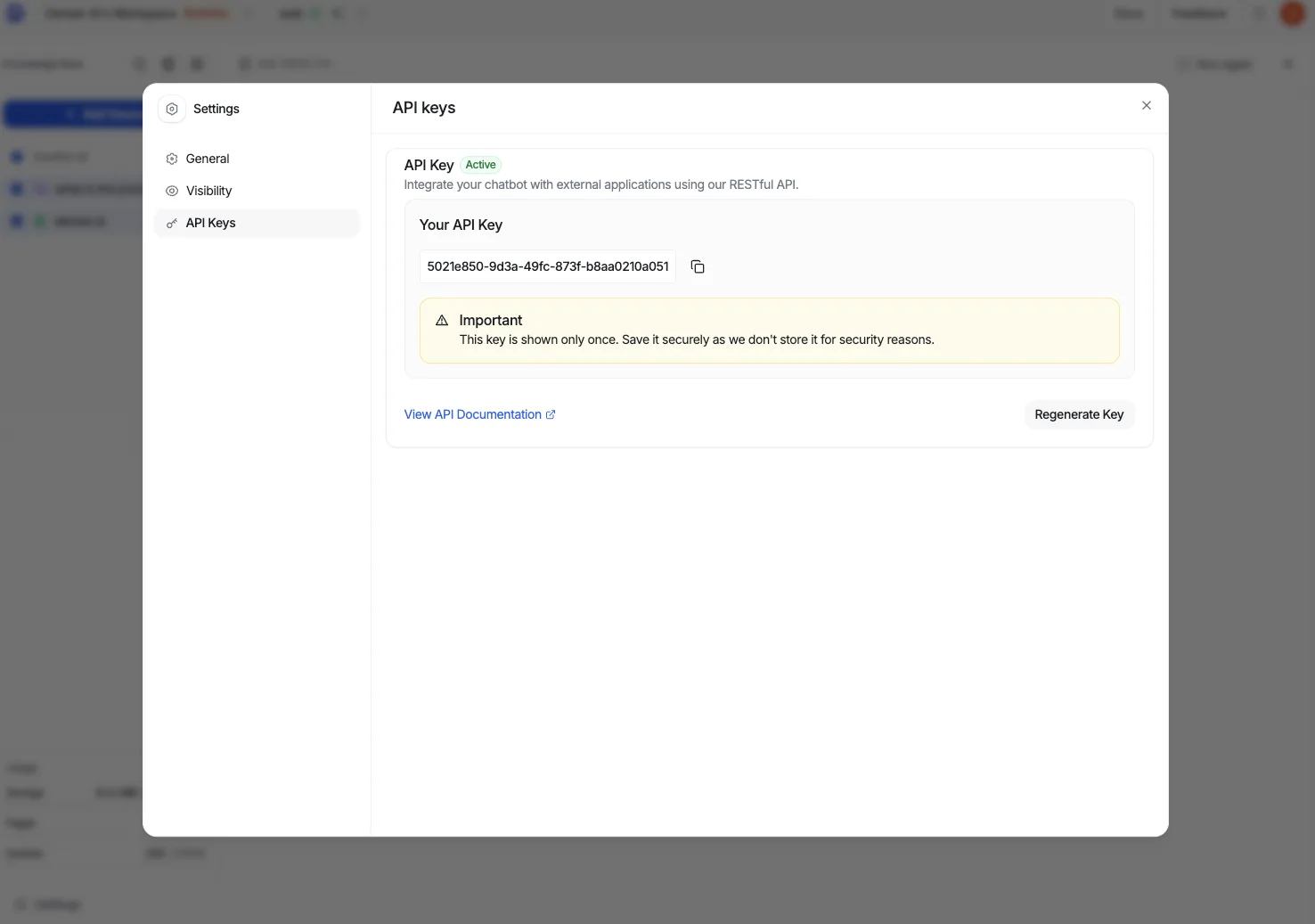
From your chatbot dashboard, open Settings and select the API Keys tab.
Copy your API key with the copy button and store it somewhere safe. It's shown only once and isn't stored on our side, so treat it like a password.
Use the key to authenticate your requests to the REST API.
Treat keys as secrets
An API key grants access to your chatbot. Never commit it to source control, embed it in client-side code, or share it publicly. If a key is exposed, regenerate it — the old key stops working immediately.
Regenerate the key
Each chatbot has one API key. To rotate or revoke it, click Regenerate Key — this issues a new key and immediately invalidates the previous one. Update any integration that used the old key with the new value.