
Telegram Integration
Connect your Denser chatbot to Telegram. Ask questions from a chat or channel and get answers as Telegram messages.
Bring your chatbot to Telegram so your audience can chat with it from any device.
Before you start
You'll need a Telegram account and access to @BotFather to create a bot.
Create a Telegram bot
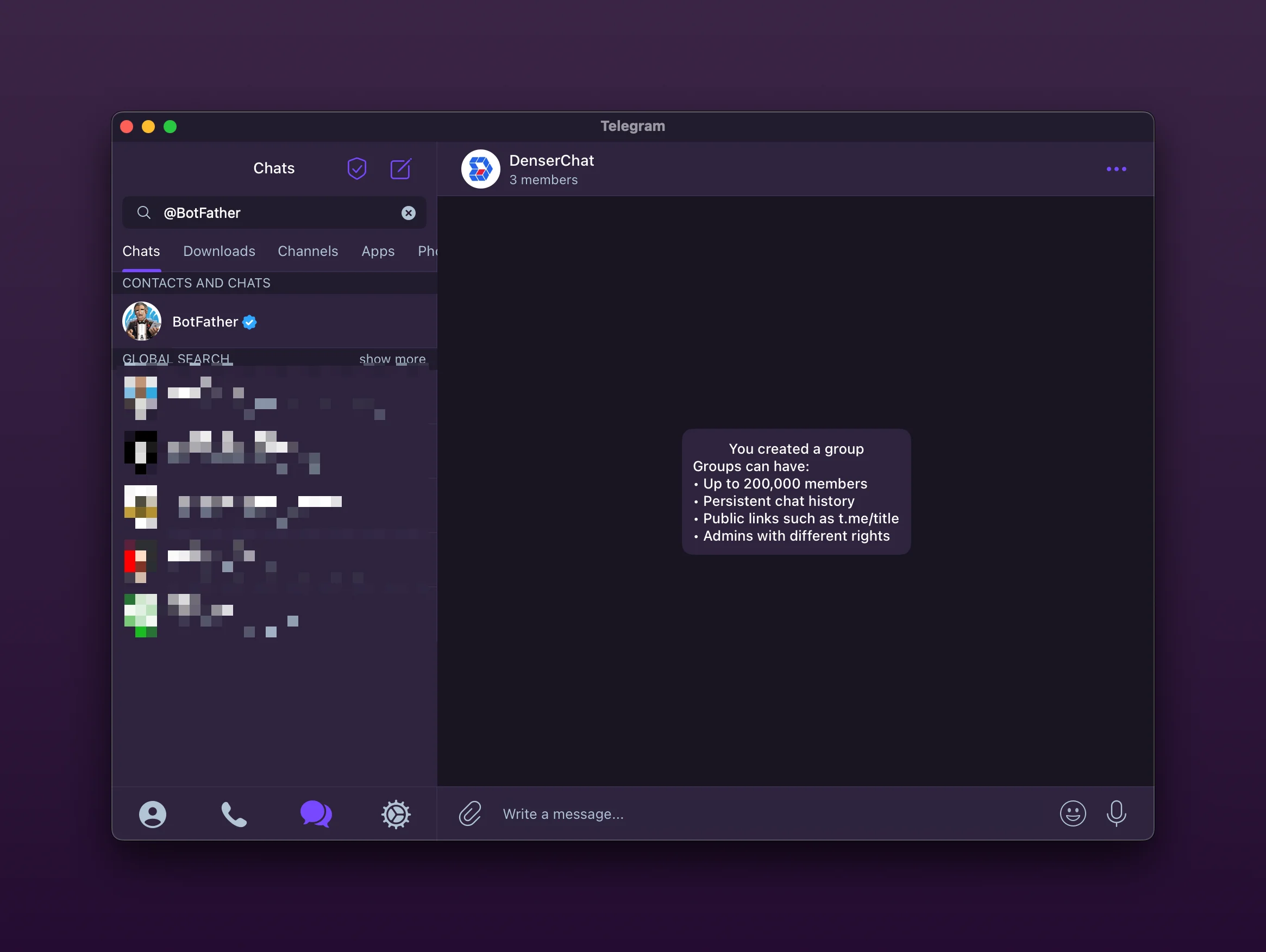
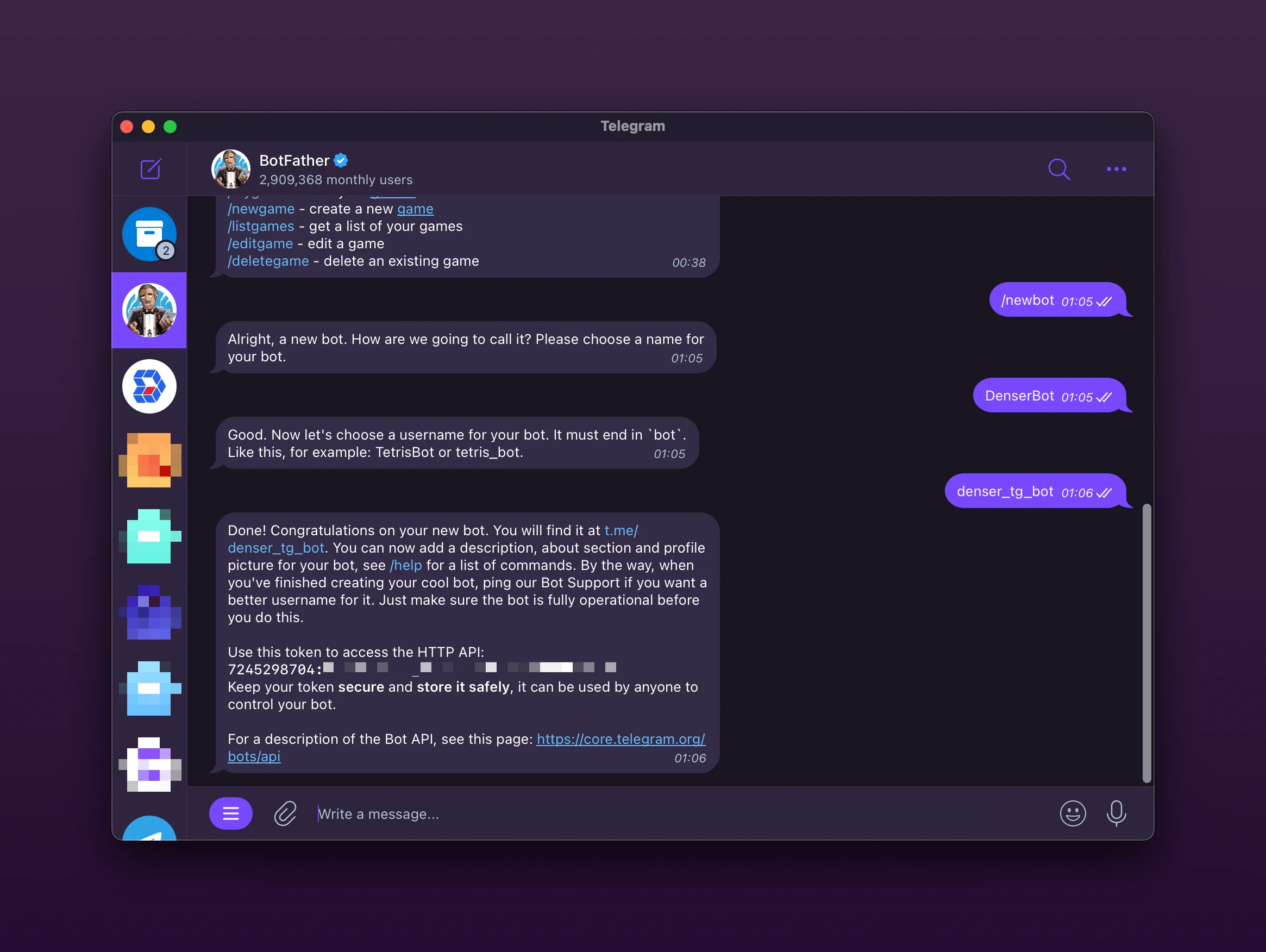
Open Telegram and start a chat with @BotFather. Send /newbot, follow the prompts, and copy the HTTP API token.
Connect the bot in Denser
- In your chatbot dashboard, go to Deploy and open the Telegram card.
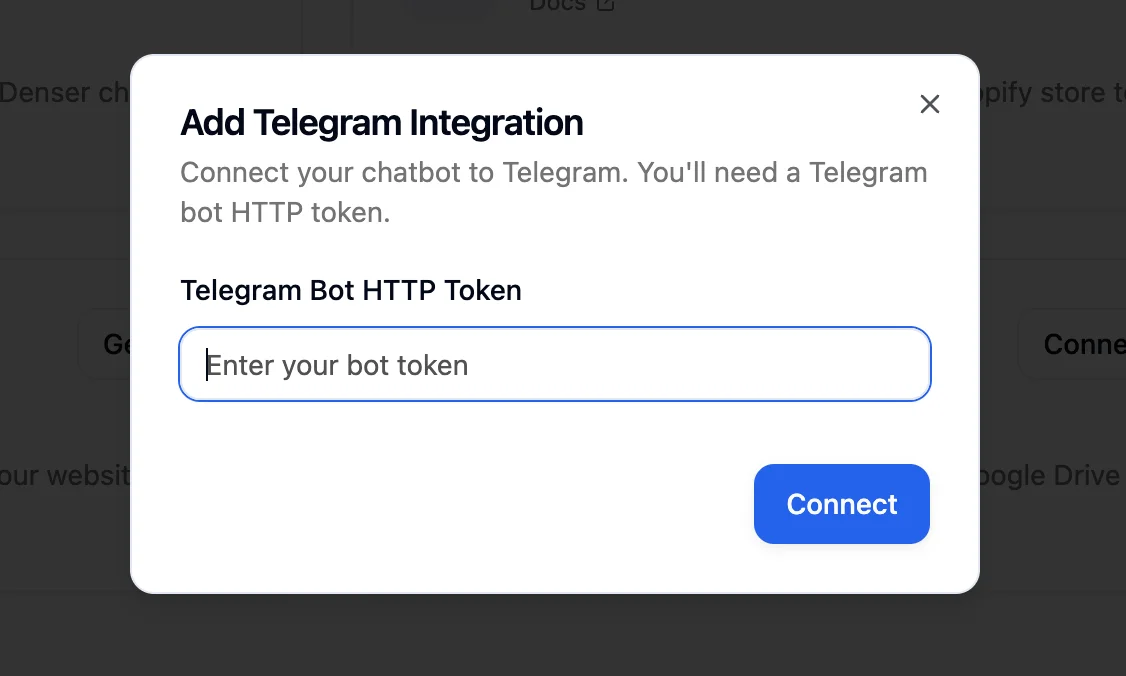
- Click Connect, paste the BotFather token, and confirm.
Test the experience
Search for your bot in Telegram and send a message. It responds in-thread just like it would on your site.
Add to a channel (optional)
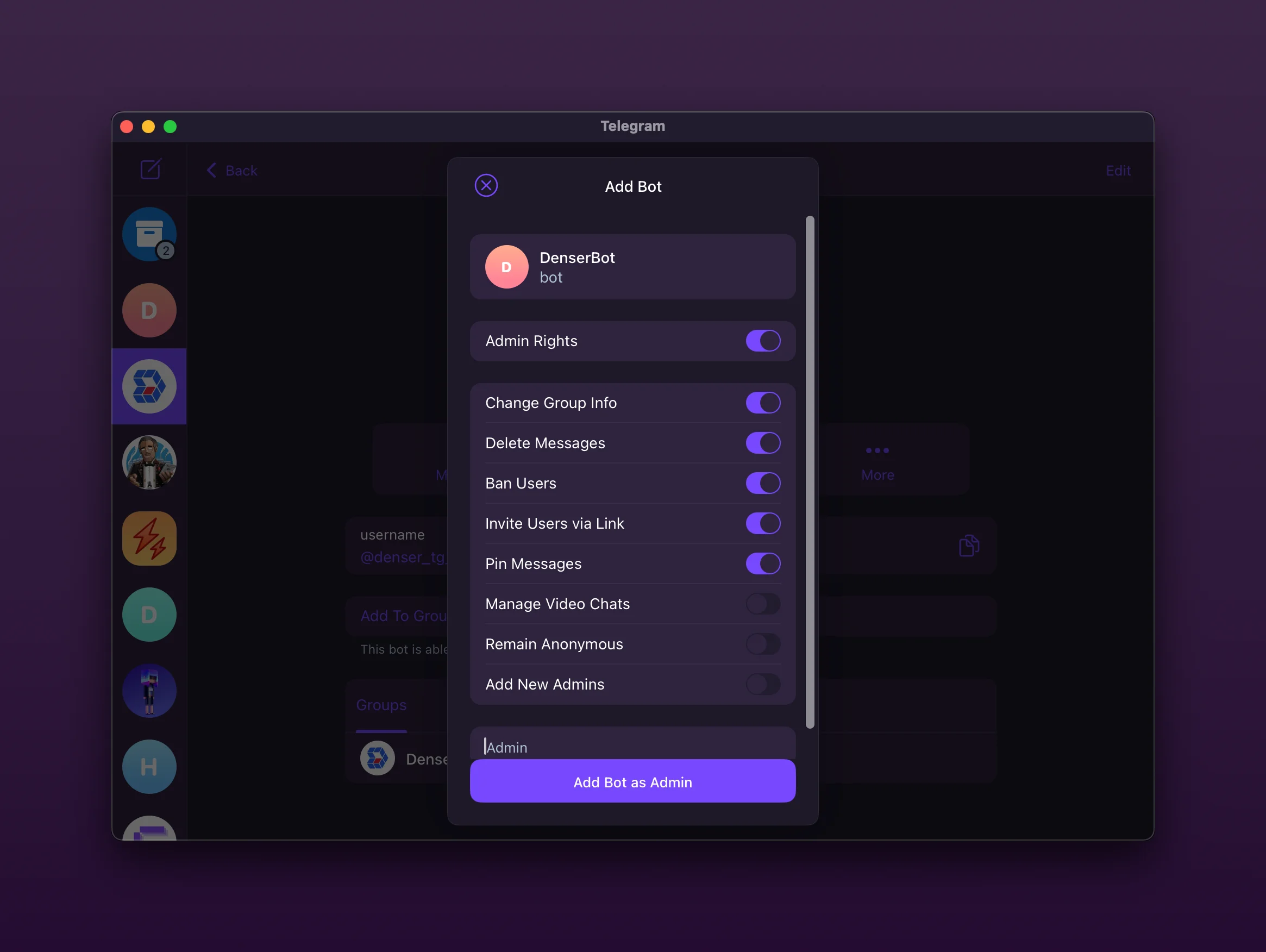
Edit your channel's member list and add the bot as an administrator so it can answer questions for the whole group.
Disconnect anytime
Use the Disconnect button on the Telegram card to revoke access instantly — handy when you need to rotate tokens.
Next steps
Slack Integration
Connect your Denser chatbot to Slack. Ask questions from a channel and get answers as threaded replies — ideal for internal knowledge base chatbots.
WhatsApp Integration
Connect your Denser chatbot to WhatsApp through a WhatsApp Business account so customers get answers right in their chats.