
General Settings
Workspace General Settings
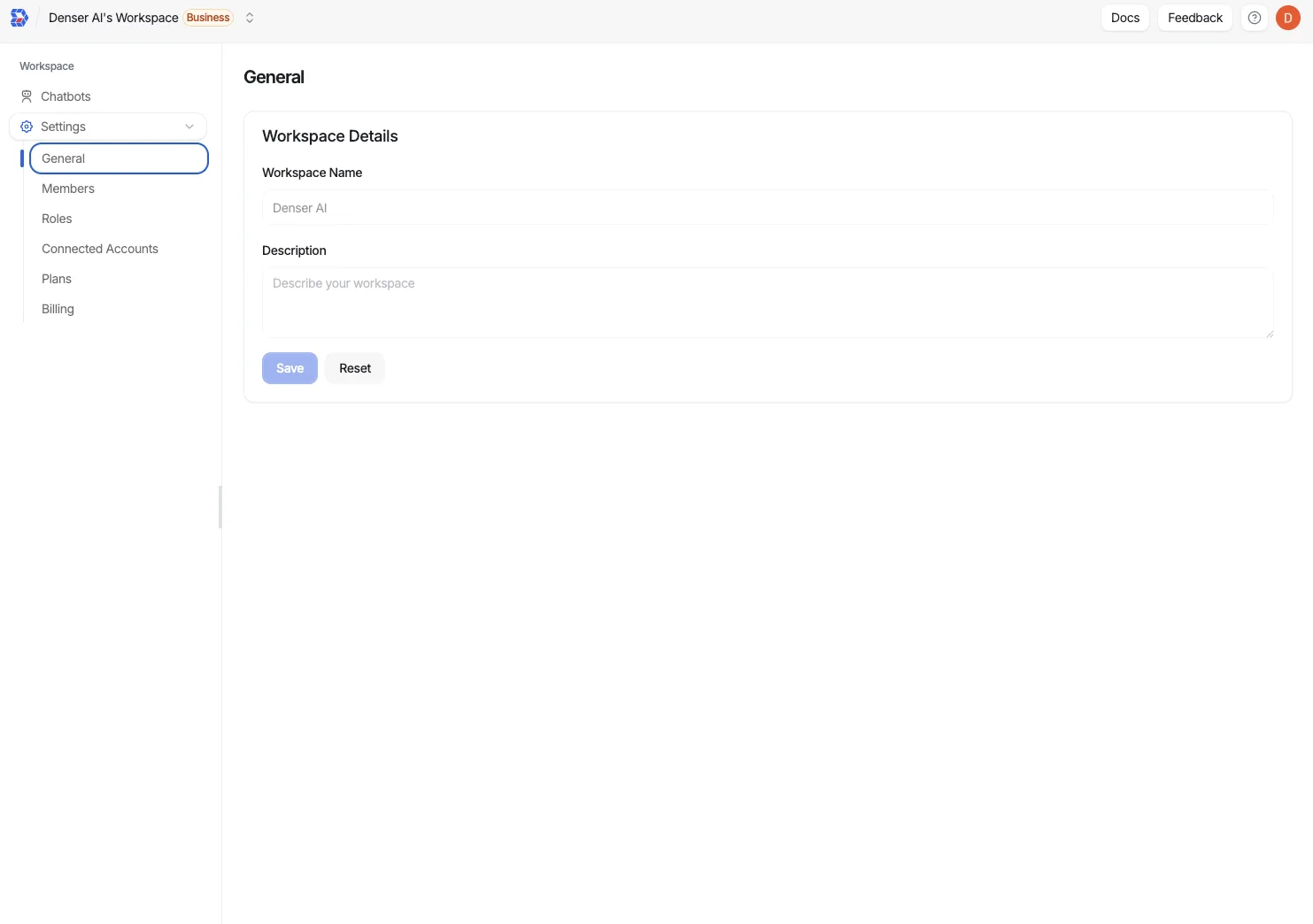
General settings define how your workspace shows up to teammates and customers. Update the workspace name and description so everyone knows they're in the right place.
Where to find it
Go to Workspace → General in the left navigation. You'll see fields for the workspace name and description.
Rename the workspace
Replace the default name with something recognizable--like your company, product line, or team.
Describe the purpose
Add a short description so new members understand what the workspace covers (for example, "North America Support Knowledge Base").
Save changes
Click Save to apply the updates. The new name appears throughout the dashboard and in workspace switchers.
Workspace vs. chatbot description
This description applies to the workspace and is shown to your team. A chatbot's own description is what appears in the information icon of its embedded or widget chat, so visitors can see what it helps with before they ask.
API Documentation
Use Denser.ai's API to query a chatbot programmatically, keep conversations per end user, and list them. Build custom chat UIs and connect your own apps.
Team Management
Manage team roles and permissions in Denser.ai. Invite members, control access, and organize workspaces to keep projects secure and collaboration smooth.