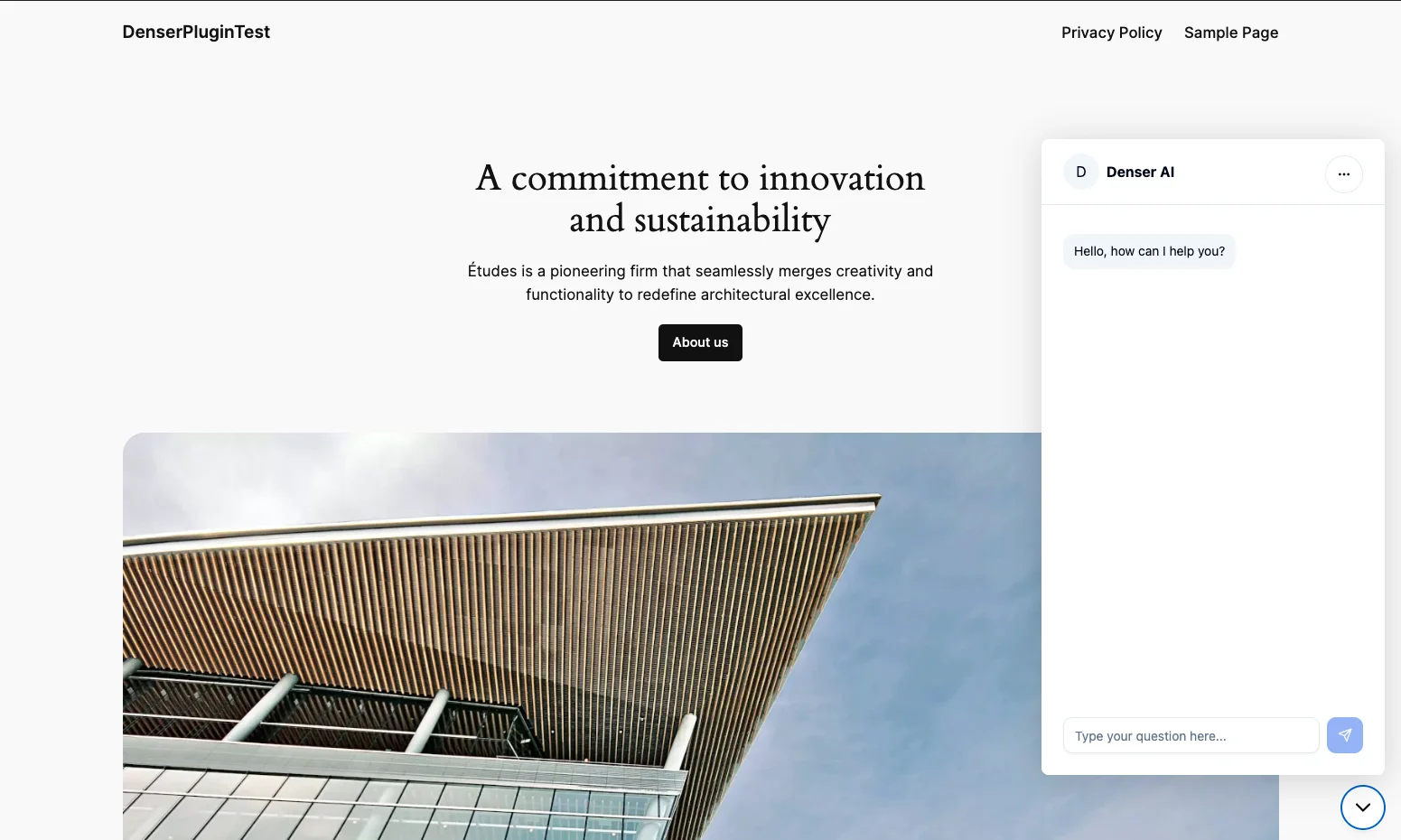
Deploy
WordPress Integration
Install Denser.ai's WordPress plugin for instant AI chat on your site. Easy setup, seamless integration, and powerful chatbot features.
Skip manual code edits — install the Denser WordPress plugin to manage your chatbot from the WordPress admin and keep your embed in sync.
What you need
- WordPress access with permission to install plugins.
- Your chatbot's ID from the Denser dashboard.
- The chatbot set to Public (see Security → Visibility).
Install the plugin
In WordPress, go to Plugins → Add New.
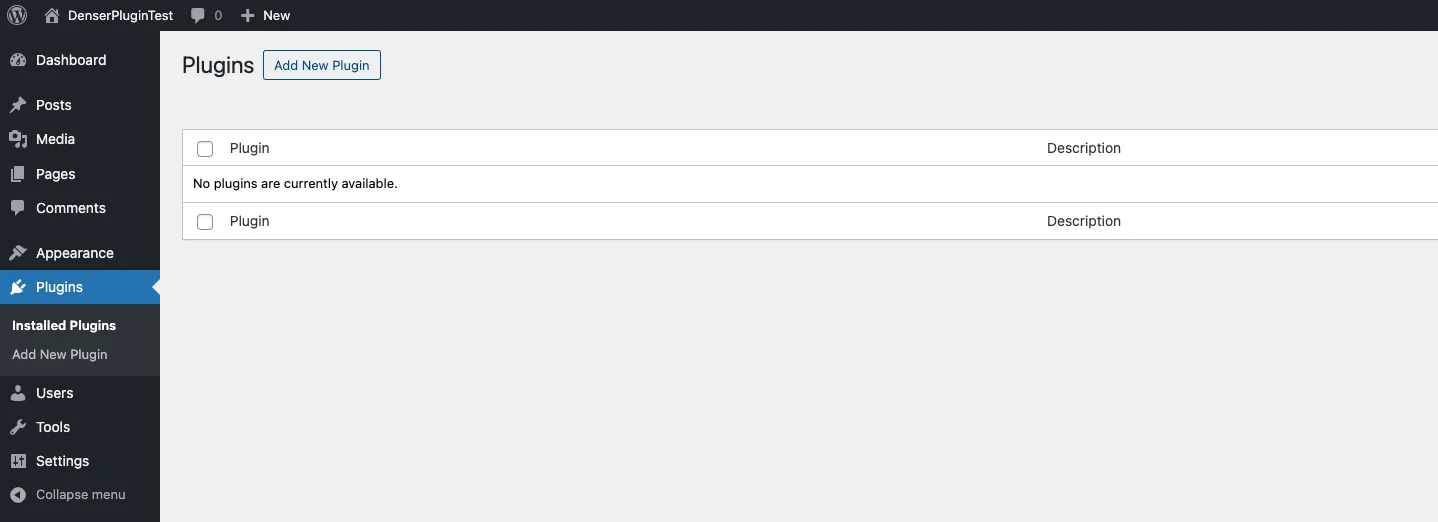
Search for Denser and press enter. Find the Denser plugin in the results.
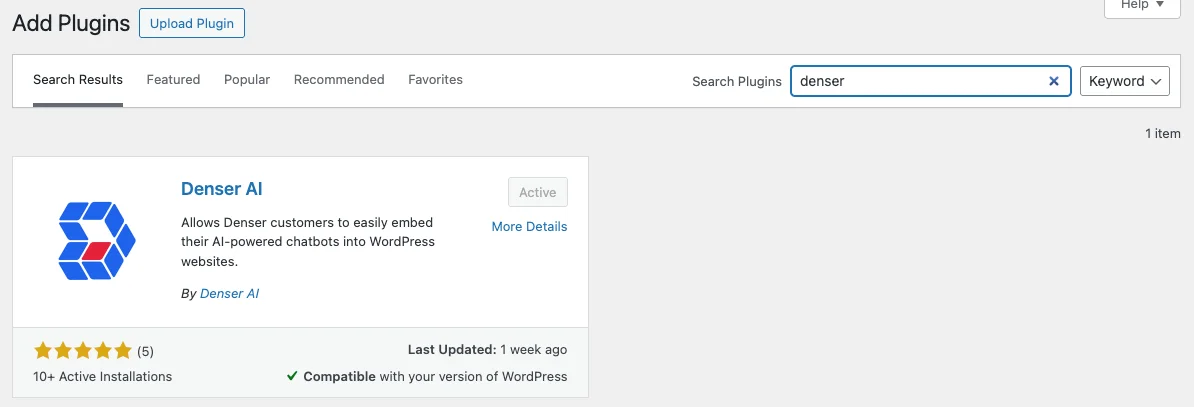
Click Install Now, then click Activate when installation completes.
Deploy the chatbot
Go to Settings → Denser Chat in your WordPress admin.
Paste your chatbot ID from the Denser dashboard into the Denser Chatbot ID field.
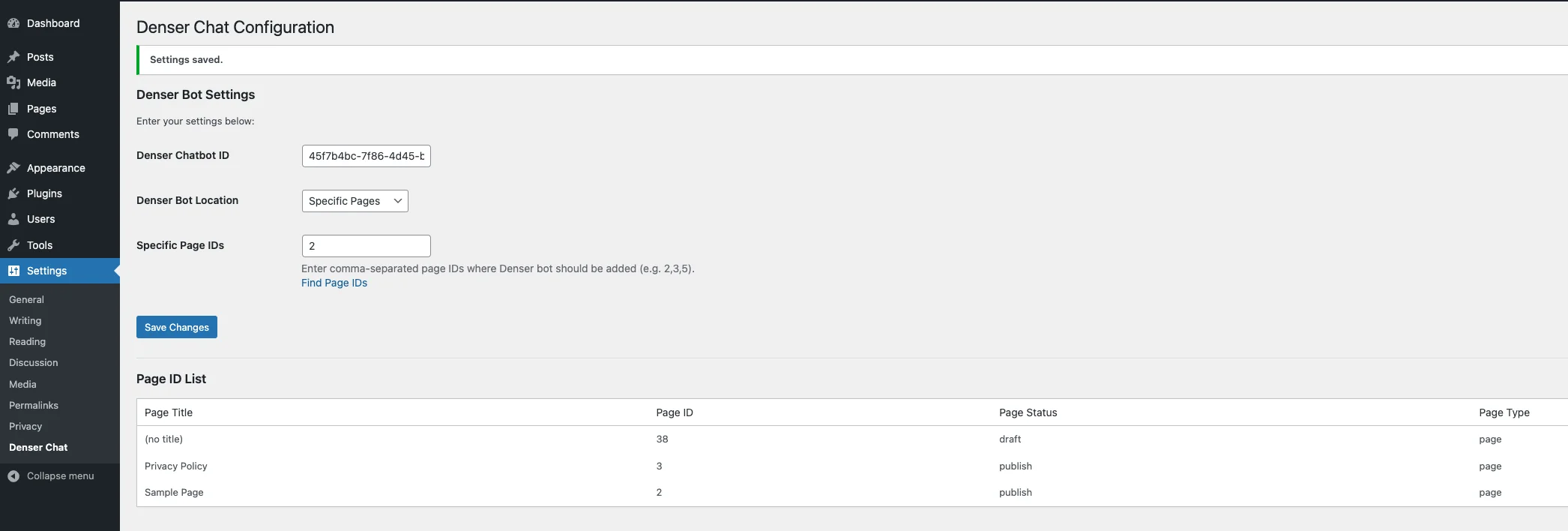
Set Denser Bot Location to control where the widget appears:
- All Pages — show everywhere.
- Home Page Only — limit to the homepage.
- Specific Pages — enter page IDs separated by commas.
Save your settings and reload the site — your chatbot appears on the chosen pages.