
Q&A
Q&A pairs let you control exactly how your chatbot answers specific questions. You author the question and the precise answer, making them ideal for FAQs and canonical responses where wording matters.
Add a Q&A pair
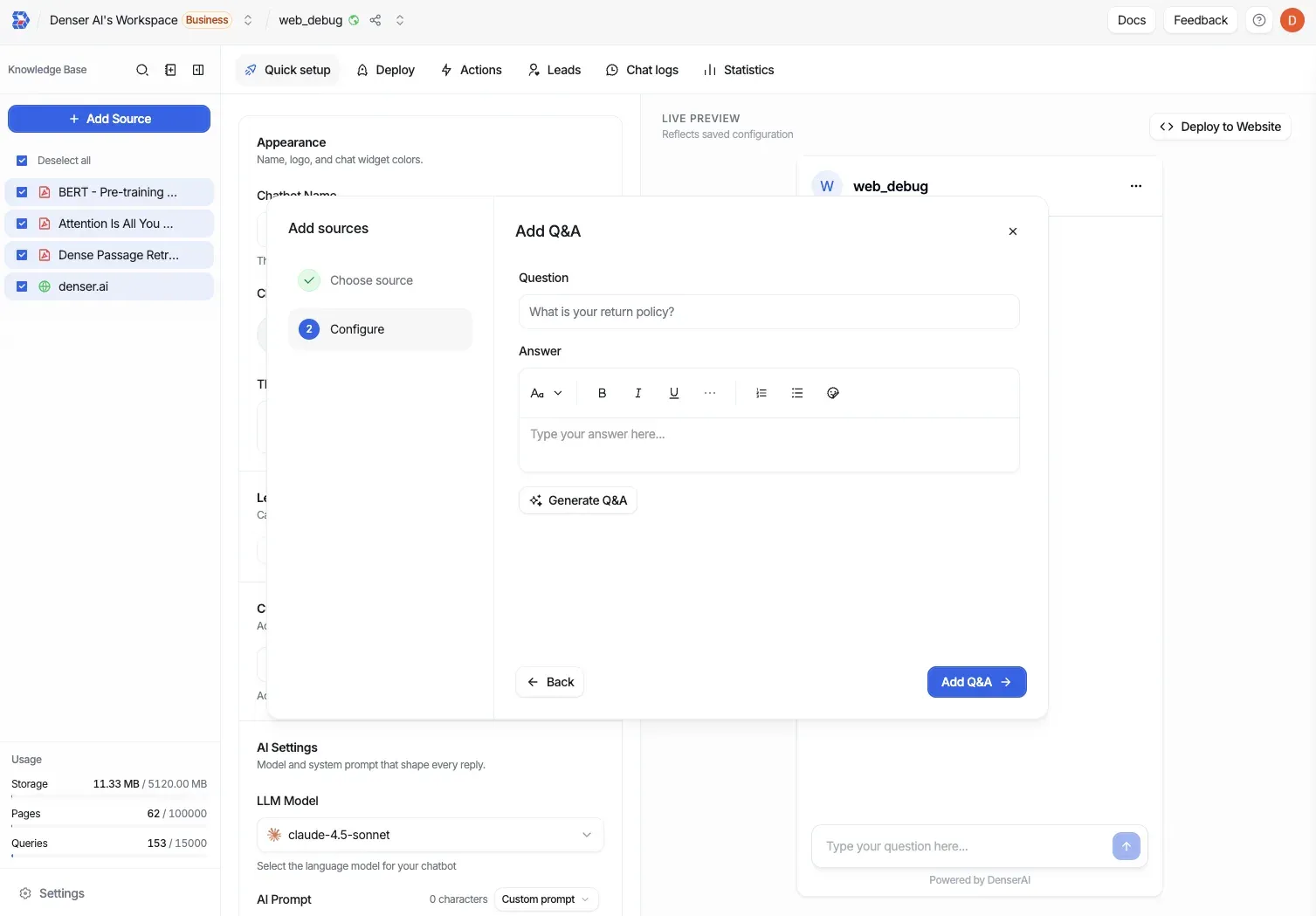
Section titled “Add a Q&A pair”In the Data Store, open the Q&A tab and start a new pair.
Write the question the way your users phrase it.
Write the exact answer you want the chatbot to give.
Save the pair. Repeat for each question you want to control.
Generate Q&A
Section titled “Generate Q&A”If you don’t want to write pairs from scratch, use the Generate Q&A helper to draft question/answer pairs you can review and edit before saving.
Manage pairs
Section titled “Manage pairs”- Search pairs by question text.
- Batch delete to remove pairs you no longer need.