
Links
Add a specific list of URLs to your chatbot without crawling an entire website.
The Links source indexes the exact pages you provide. Paste one or more URLs and Denser fetches each page, then adds it to your knowledge base — no domain crawling or page discovery involved.
Links vs Website
Both pull content from the web, but they discover pages differently:
| Links | Website | |
|---|---|---|
| What it indexes | Only the exact URLs you paste | Every page found by crawling |
| Discovery | None — you control the list | Crawls a domain or a sitemap |
| Best for | A handful of specific pages | A whole site or section |
Reach for Links when you want just a few specific pages — say, three help articles or a single pricing page — without pulling in the rest of the site. To index an entire site, use Website instead.
Add links
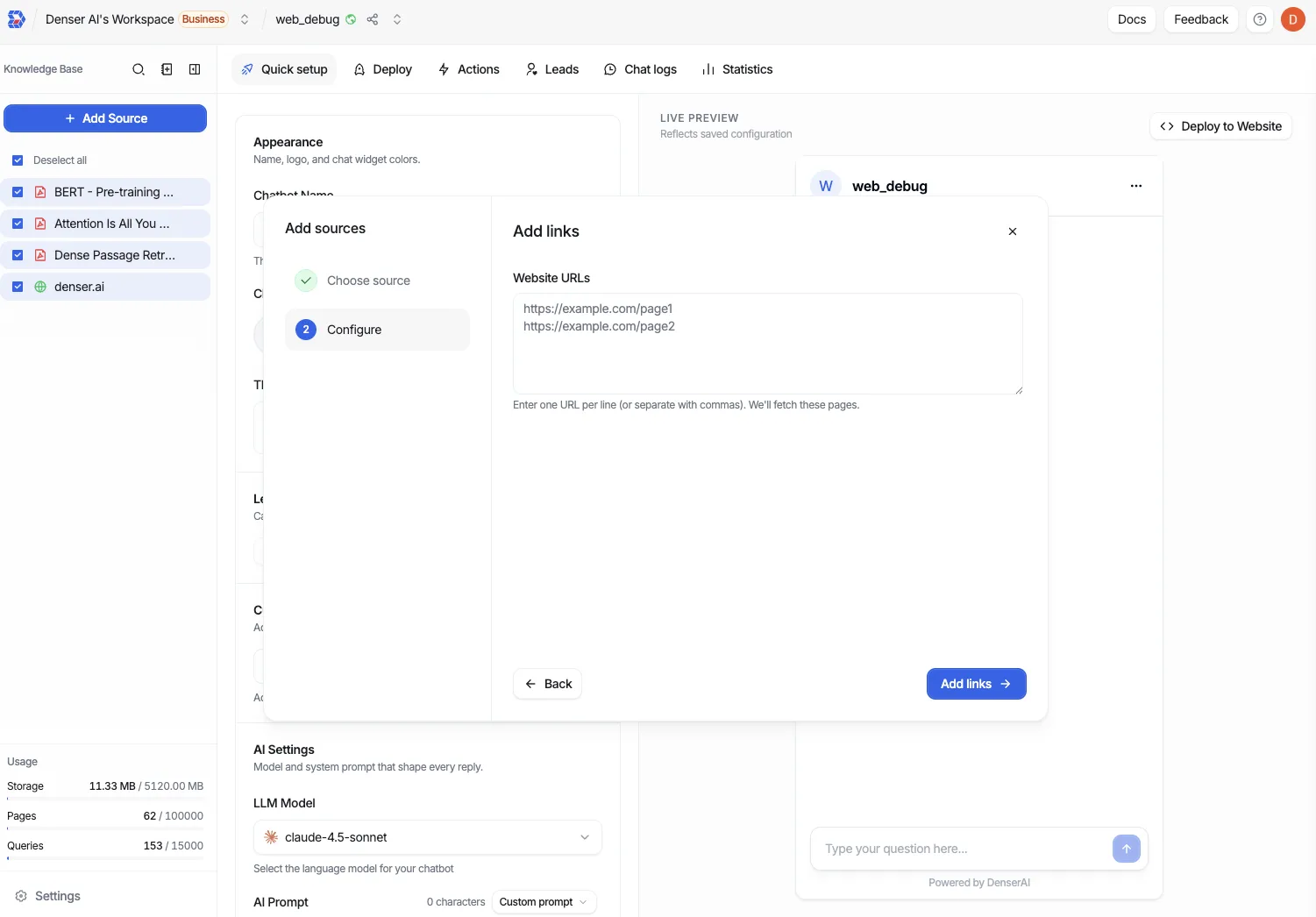
Open Add Source and choose Links.
Paste your URLs into the box. Separate multiple URLs with commas or new lines. Each entry must be a valid URL (for example, https://example.com/pricing).
Select Add links. Denser fetches each URL and lists the results so you can confirm they loaded.
When fetching is complete, click Start indexing to add the pages to your knowledge base.
Status and quota
Each link moves through the same states as a crawled page — fetching, ready for indexing, completed, or failed — and you can re-fetch a link that fails. Links count against your crawl quota (each URL is one link), the same as Website sources. See Plans & Billing for your plan's limits.