

10 Best Shopify AI Tools for Ecommerce Teams in 2026

Keeping up with customer interactions can be one of the most time-consuming parts of running a Shopify store.
But with the right tools, you can automate chats, support, and follow-ups without losing the personal touch your customers expect.
Artificial intelligence tools can help with routine work, from drafting product copy to answering frequently asked questions and finding products from a connected catalog. The useful question is not whether a tool includes AI, but whether it solves a job your store performs repeatedly.
In this article, we compare ten Shopify AI tools across customer support, marketing, creative production, and storefront operations. For a focused look at conversational commerce, visit our Shopify AI chatbot solution.
How We Evaluated These Shopify AI Tools#
We reviewed the product's primary use case, Shopify integration depth, setup requirements, data sources, supported actions, and the operational work a merchant still needs to perform. For customer-facing tools, we also evaluated whether shoppers can reach a human when automation is not enough, whether conversation context carries into the handoff, and how clearly merchants can configure the escalation path. Product capabilities and pricing can change, so confirm critical requirements with each vendor before purchasing. This list is organized by use case rather than claiming that one product is best for every Shopify team.
If your shortlist is specifically for conversational support and selling, use our focused best AI chatbots for ecommerce comparison alongside this broader Shopify tools list.
How AI Tools Drive Growth for Shopify Businesses#
Shopify sellers can now choose native and third-party tools for writing, imagery, marketing, customer service, product discovery, and storefront operations. Shopify's own AI tools guidance is a useful starting point for understanding its built-in features and the need to review AI-generated output.
AI can support growth when it removes a real bottleneck. A retail AI chatbot can answer common questions and guide product discovery when it has reliable store data. Creative tools can produce drafts faster, while marketing tools can help teams build and analyze campaigns.
Ecommerce chatbot examples also show why implementation matters: fast answers are valuable only when product, policy, and order information comes from an appropriate source.
As your business grows, AI tools make it easier to expand without adding more pressure to your team. With the right tools in place, you can run a focused operation while giving your customers a better experience.
10 Best Shopify AI Tools for 2026#
Running a Shopify store comes with a lot of moving parts. AI tools can take care of common tasks, help boost sales, and improve how your store works. Here are ten of the best Shopify AI tools, with a look at their pros and cons.
1. Denser#
Denser is an AI chatbot platform that connects with Shopify for live product search, native storefront cart actions, and verified order-status lookup. Merchants can also connect policy pages and documents so answers about shipping, sizing, and returns are grounded in store-controlled sources.
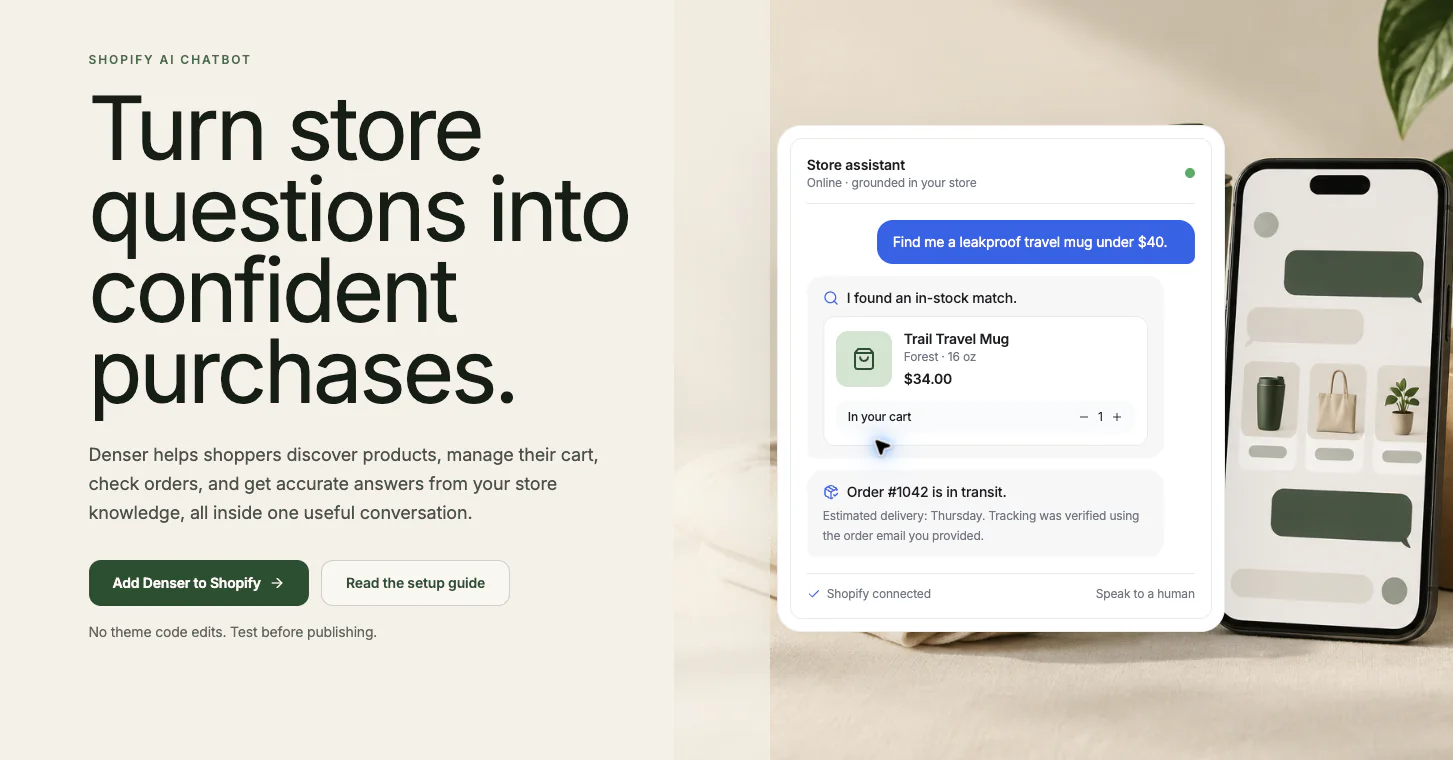
Its customer service chatbot uses advanced retrieval-augmented generation (RAG) technology to deliver precise answers with cited sources.
It can guide product discovery and answer pre-purchase questions while reflecting the brand's configured tone. Merchants should measure any conversion impact against their own baseline.
Denser is an AI website chatbot with a Shopify-specific feature set.
It can provide storefront answers outside staffed support hours. Its released Shopify feature set centers on storefront chat rather than claiming every messaging channel.
What Makes Denser Stand Out?#
Its natural language processing helps interpret shopper constraints such as budget, size, material, and intended use. Denser’s Shopify integration documentation explains how to connect the store and enable the theme app embed without editing theme code.
Shoppers can add, update, and remove products in the native Shopify cart. For order status, guest shoppers must provide the order number and exact email used on the order. Merchants can configure a Speak to a human action for questions that require judgment or an unsupported operation.
Teams can review conversations and unresolved questions to improve source coverage. Store conversion should be measured with Shopify analytics and a defined baseline rather than inferred from chat volume alone.
Ready to power your ecommerce store with a smarter chatbot? Sign up for a free trial or schedule a demo with Denser!
2. YourGPT#
YourGPT is an AI-first platform for automating customer support, sales, and operational workflows across channels. For Shopify brands, it works as a Shopify AI agent platform that helps businesses manage product questions, customer support, WISMO, order tracking, shipping queries, post-purchase support, and customer engagement across chat, voice, images, and documents.
While many tools cover only one part of the ecommerce journey, YourGPT helps Shopify teams manage both service and outreach from one platform. Brands can use it to guide product discovery, handle order and delivery requests, and run campaigns across channels while AI continues the conversation when customers respond.
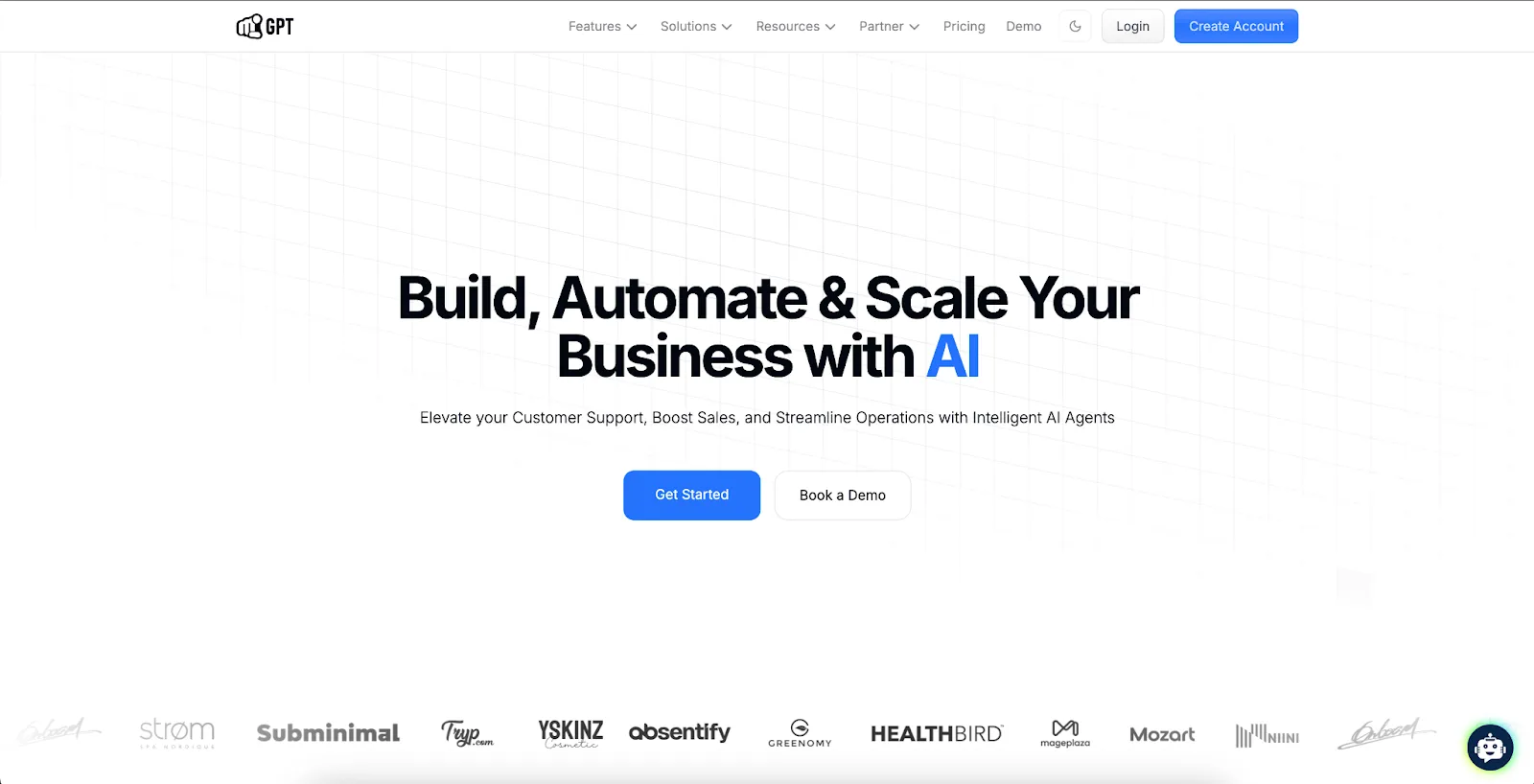
Image Source: yourgpt.ai
Teams can deploy YourGPT across website chat, WhatsApp, Instagram, Messenger, email, and other touchpoints through a unified inbox. Its Shopify integration describes support for product catalogs, policies, FAQs, and order workflows, with escalation to human teams when needed. Test those workflows against your own store data before estimating automation outcomes.
It also supports sales use cases beyond support. Shopify brands can use YourGPT to recommend products, re-engage shoppers, qualify leads, and keep conversations moving from first touch to post-purchase follow-up. That makes it a strong fit for businesses that want one system for service, conversion, and retention.
3. Shopify Magic#
Shopify Magic works as Shopify’s built-in suite of AI features. It helps Shopify store owners create content and simplify tasks across the platform. It includes an AI assistant for writing product descriptions, email copy, and other store text.
It features a virtual helper called Sidekick to guide you through the Shopify admin. You can quickly generate product descriptions that match your brand voice and stylize product photos with new AI tools.

Image Source: shopify.com
Shopify Magic uses Shopify’s knowledge of your store to produce content that fits your brand. The platform introduced an AI image generator/editor where you can create new product imagery or stylized photos.
However, some users note that customization options are limited. You can’t deeply control the AI beyond choosing the tone or providing hints. Certain advanced features are restricted by plan, such as predictive analytics, which are only available on higher-priced plans.
4. OnModel#
OnModel is an AI tool that generates model-based product photos with virtual models for traditional photoshoots. It’s a Shopify app built for apparel stores where you can swap the model in your existing product photos or create new on-model images from product shots.
The tool uses AI to produce realistic model photos by filling in details from basic product images. You can match models by skin tone, age, and more to represent your audience better. The tech also helps you generate content that reflects inclusion.
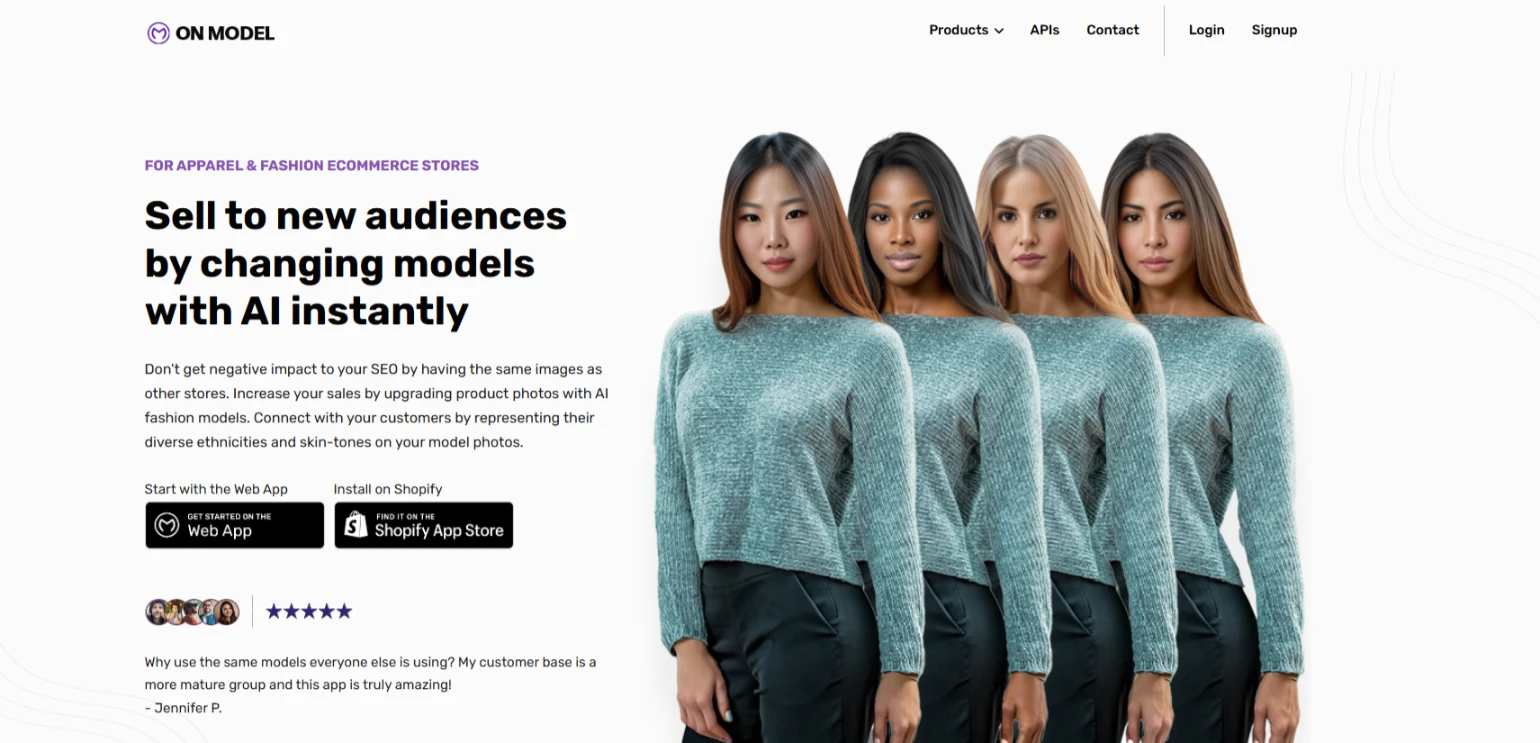
Image Source: onmodel.ai
However, one user noted that complex clothing designs might require multiple AI generation attempts to get right. Occasionally, the AI would produce “mangled body parts” or mismatched skin tones when swapping models.
Specific product categories like lingerie images were flagged by the AI’s safety filters and couldn’t be processed. Some users have found the need to do extra editing on the AI outputs to make them look perfectly real.
5. Jotform AI Chatbot for Shopify#
Jotform AI Chatbot for Shopify is an AI-powered live chat tool that helps Shopify merchants automate customer support and guide shoppers toward the right products. It can answer questions about products and policies in real time, recommend items, and provide support around the clock.
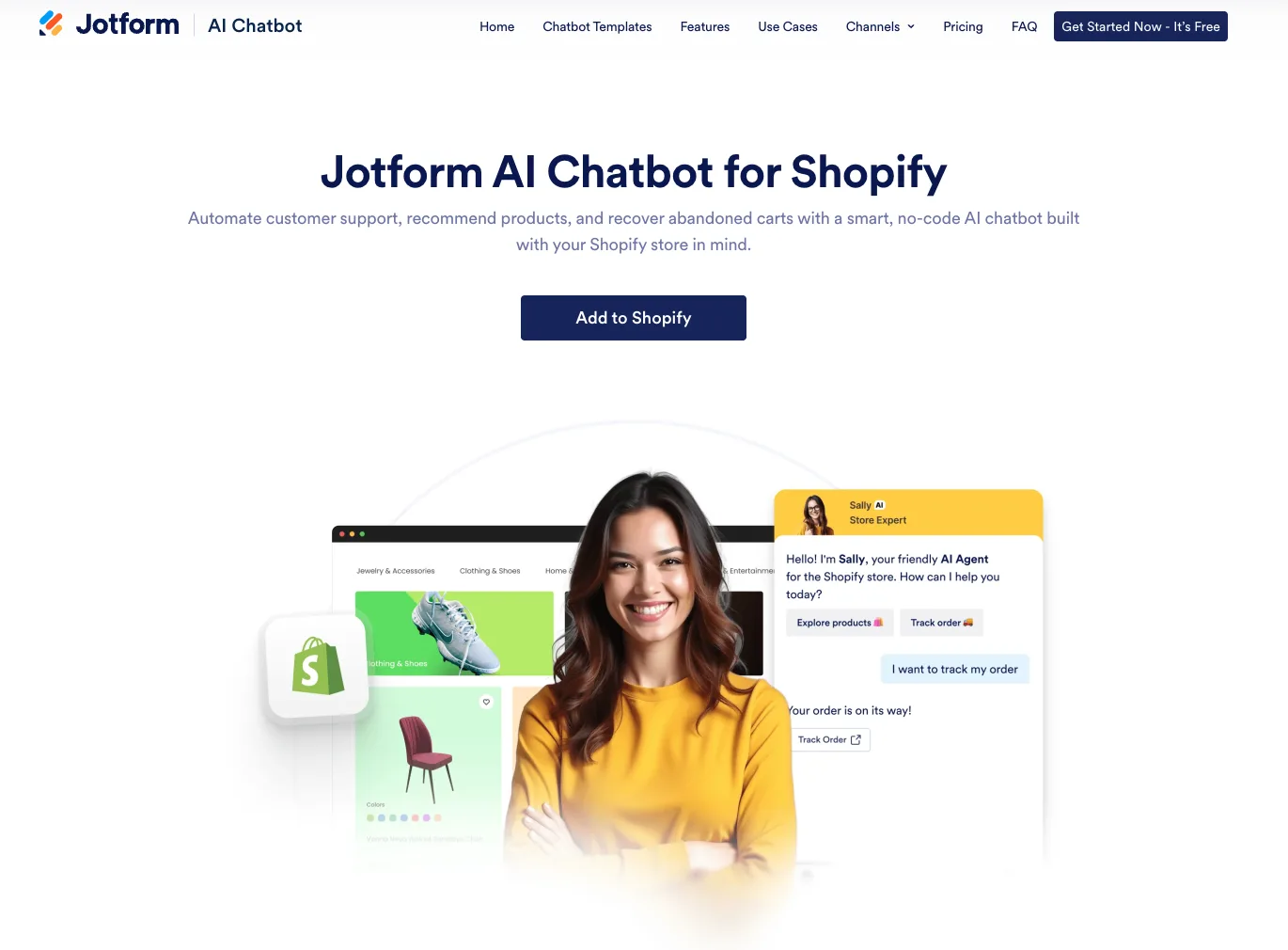
Image Source: jotform.com
The Shopify integration keeps product and order details up to date without coding, while the built-in support workspace combines live messaging, automated replies, and self-service answers. Merchants can also use it across channels including WhatsApp, Instagram, and Messenger.
Jotform AI Chatbot is a practical option for stores that want to reduce repetitive support work while giving shoppers faster answers. As with any customer-facing AI tool, merchants should review its responses and test its product recommendations before relying on it for key sales or support workflows.
6. Tidio#
Tidio is a customer messaging platform that combines live chat, chatbots, and AI to help Shopify merchants provide quick support and boost sales. It has a built-in Lyro bot that handles FAQs using this AI tool to provide instant answers 24/7.
Tidio integrates with Shopify and offers product recommendations through Lyro. Its official product-recommendation guide documents search, comparison, variant, complementary-product, and price-range requests for connected stores.
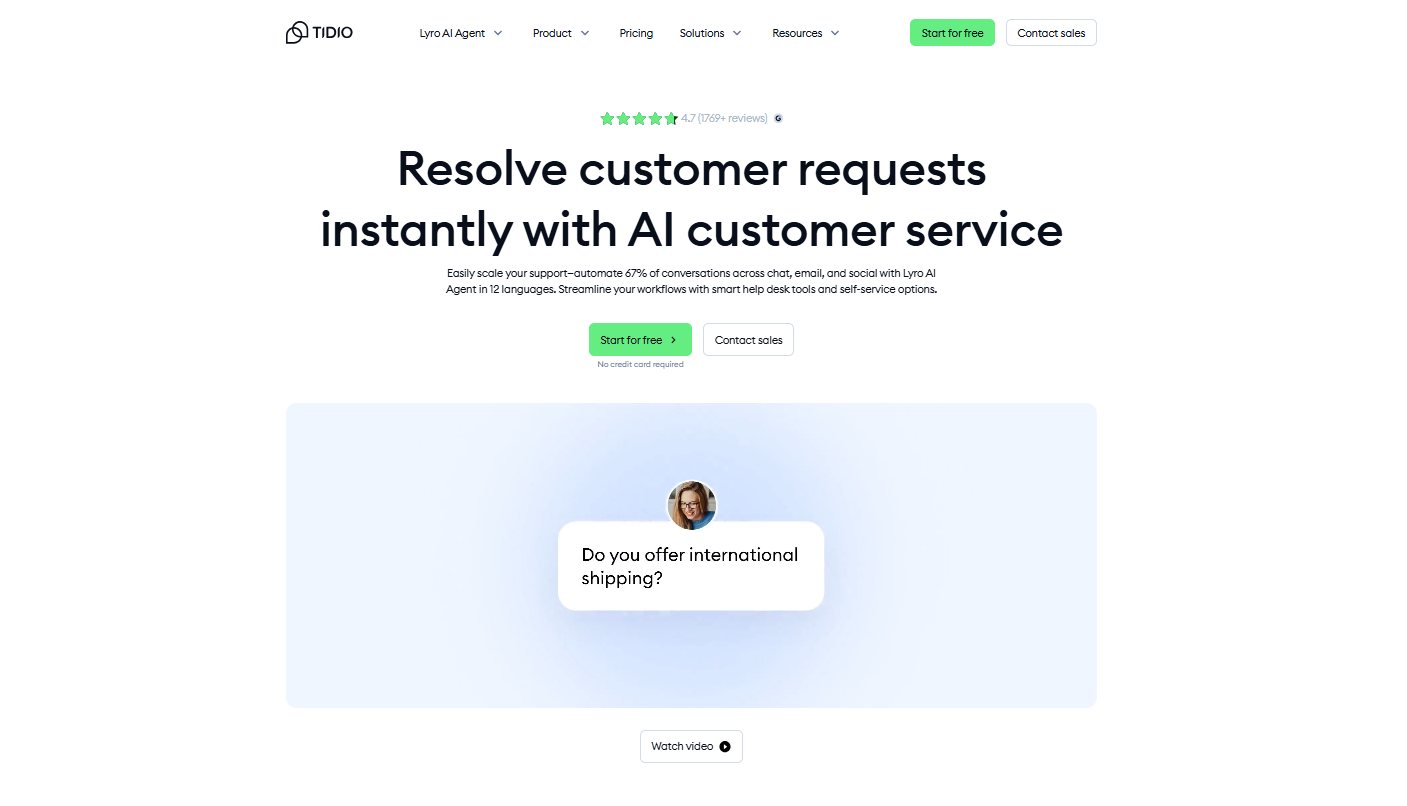
Image Source: tidio.com
Tidio’s key features include real-time messaging, chatbot flows, and email automation, which are helpful for scaling support in an online store. Its AI also helps optimize email subject lines for campaigns based on past engagement.
But, unlocking premium functionality comes at a price. The scalability for large teams often leads to upgrading, which some users find costly. While Lyro is helpful, its AI capabilities can feel basic or generic, especially for complex inquiries.
7. Klaviyo#
Klaviyo is an email and SMS marketing platform that integrates with Shopify. In recent years, it has infused AI into its toolkit for smarter engagement with ecommerce businesses.
You can access a variety of tools that support list building, segmentation, automation, and SEO tools for better campaign targeting. Klaviyo also supports campaigns written in multiple languages, suitable for international brands.
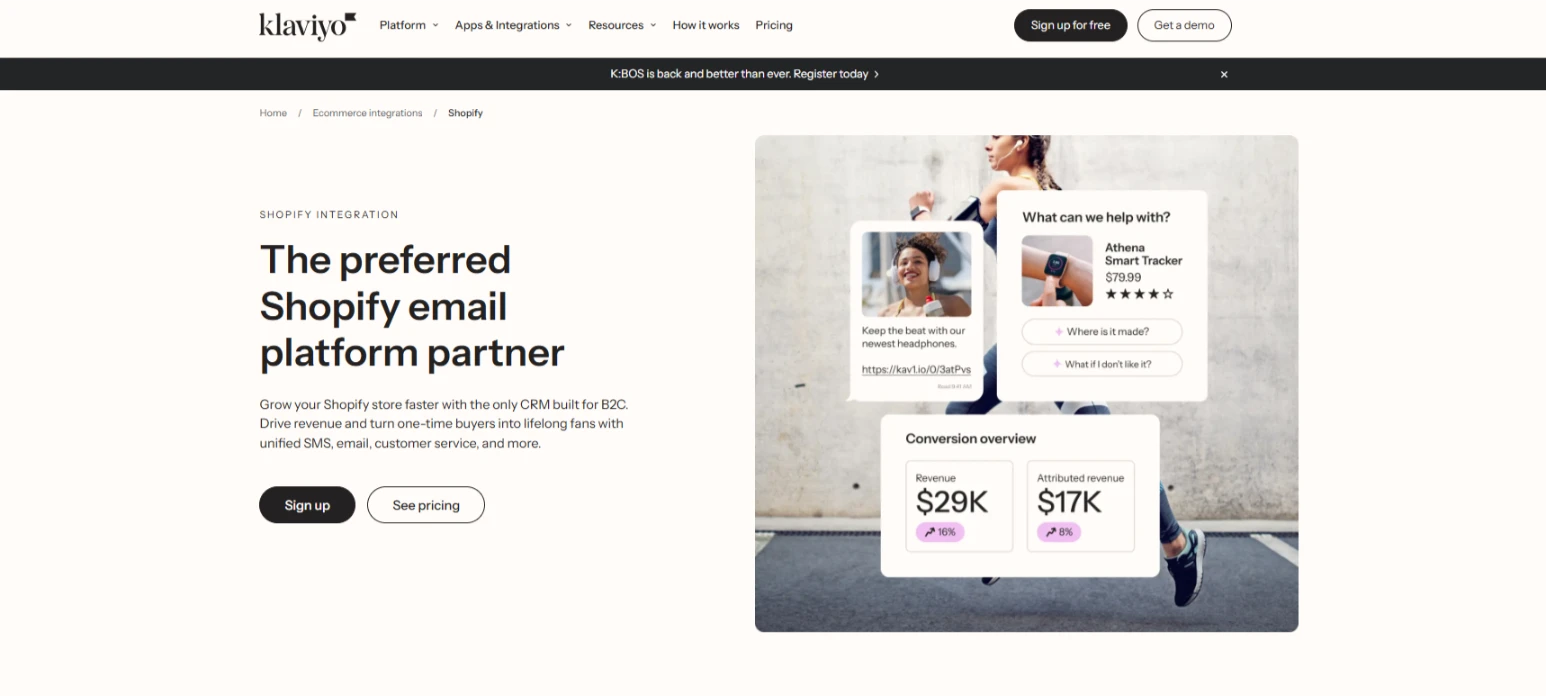
Image Source: klaviyo.com
These predictions help you create segments and tailor marketing. Klaviyo has also rolled out a generative AI assistant for copy, where it can suggest subject lines or draft full email content in your brand’s tone.
The main concerns of Klaviyo are about cost and complexity. It can become expensive as your subscriber list grows, which many users stated is “steeper in pricing” compared to some alternatives.
New users may find the interface and setting up advanced flows a bit overwhelming at first. It often takes some time to fully take advantage of all of the segmentation and analytics power.
8. Recart#
Recart is an AI-enhanced SMS platform that helps automate subscriber growth and campaign flows. It’s been used by Shopify-based dropshipping business owners who rely on mobile traffic and fast interactions.
The platform uses AI for smart sending, content optimization, and timing predictions. It also generates personalized content and can create high-quality videos for SMS campaigns using customer data from Shopify.
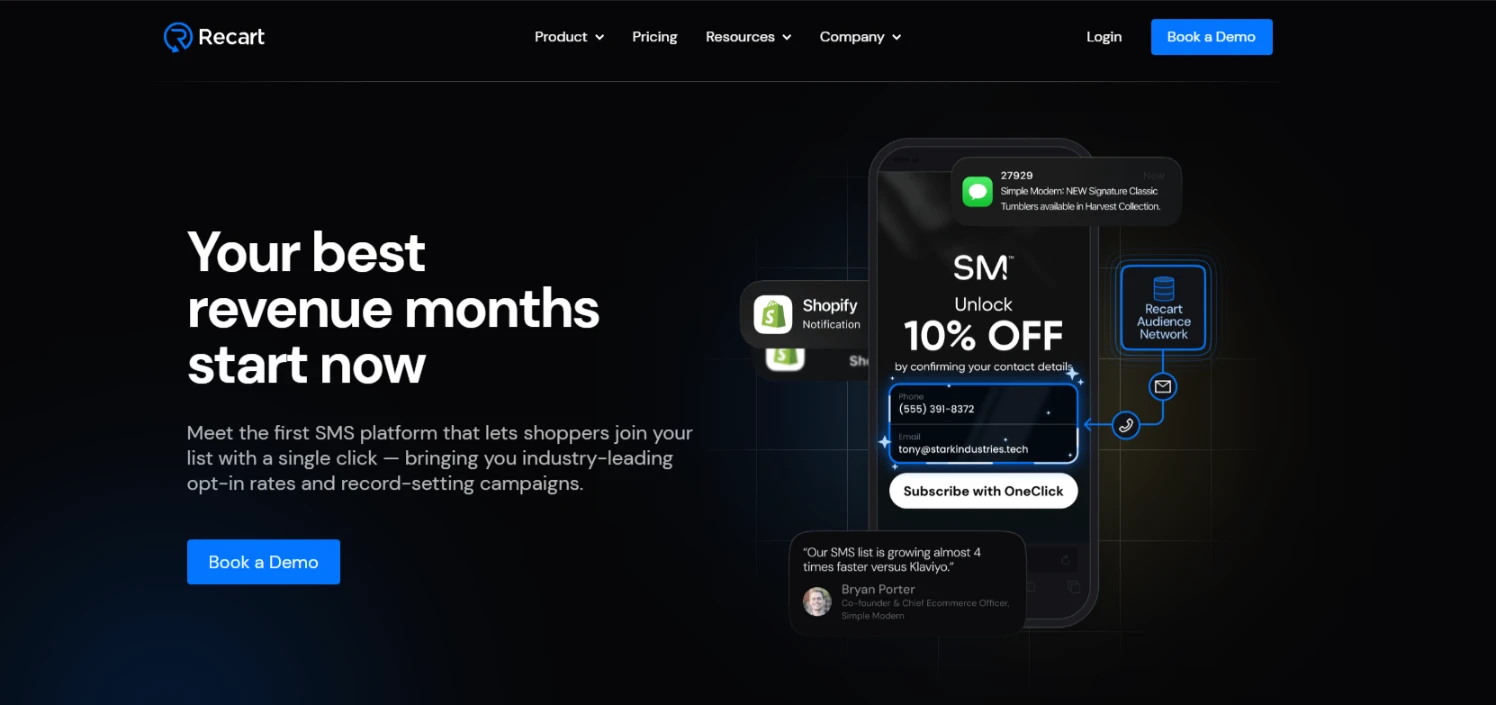
Image Source: recart.com
Recart also offers sending and campaign features for SMS programs. Because SMS consent, quiet hours, and opt-out requirements vary by jurisdiction and program, merchants should verify the platform's current compliance controls and obtain legal guidance appropriate to their market.
One consideration with Recart is that it’s a specialized tool. It's commonly used for SMS, but if your audience doesn’t engage via text or if you’re looking for email and other channels, you’d need additional solutions.
Some users also find the initial setup and learning curve a bit complex. It automates a lot, but configuring your promotion rules and understanding all the features, like pop-ups or AI settings, is challenging.
9. PagePilot#
PagePilot is an AI-powered app that lets you build high-converting Shopify product pages and entire storefronts. Dropshippers and new store owners use it to automate the content creation process, saving time on page design and layout.
You can input product information and use the AI to draft a product-page layout, images, descriptions, and feature sections. Merchants should review every factual statement and avoid publishing fabricated social proof or customer claims.
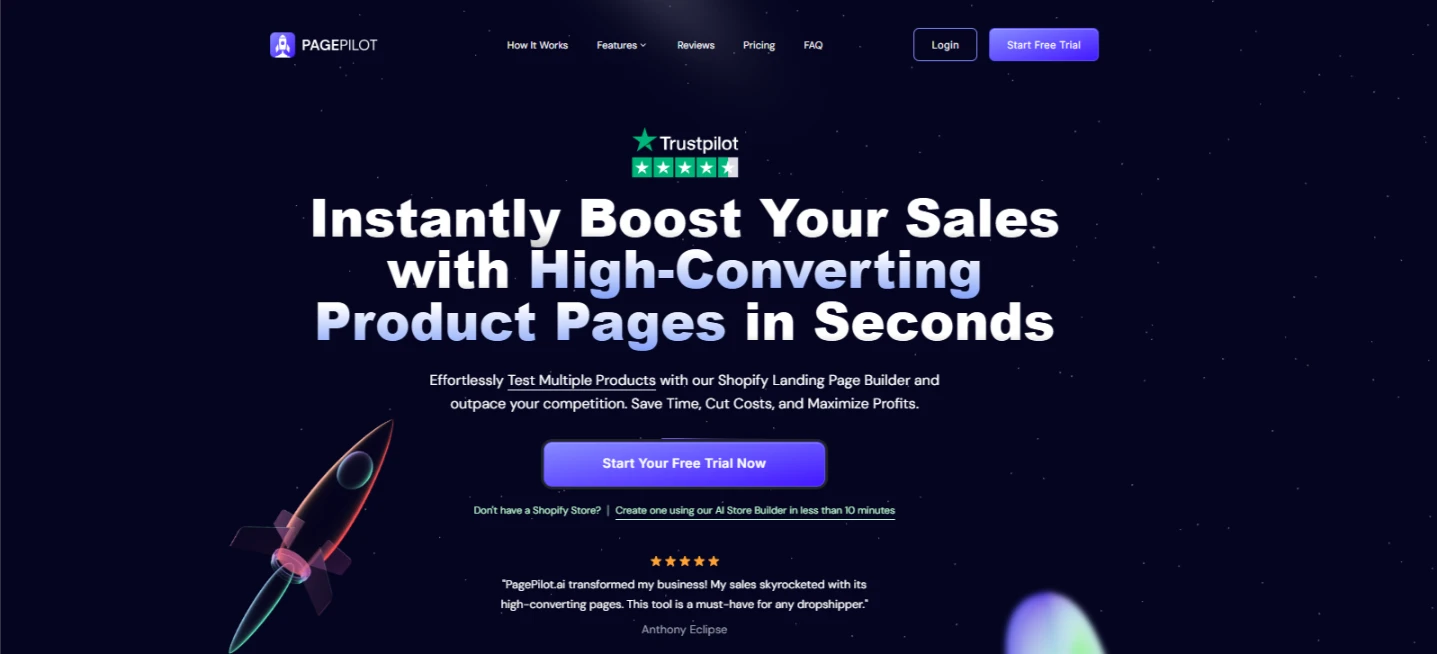
Image Source: pagepilot.ai
PagePilot also comes with pre-designed templates and sections that the AI populates, so your pages look professional and on-brand without you needing to drag-and-drop elements.
However, some users have pointed out that the AI-generated content can become repetitive if you use it for multiple similar products. The descriptions might reuse specific phrases or structures, which requires manual editing to keep pages unique.
The tool also tends to include some generic elements, like shipping info claiming “tracked and insured shipping” on every page, which may not apply to all sellers. So, you might need to remove or customize those default inserts.
10. Pencil#
Pencil is a creative-focused AI video generator that acts like an automated ad agency. It helps Shopify brands quickly build video content for use across platforms like Instagram, Facebook, and TikTok.
With its machine-learning engine, Pencil analyzes past ad performance and gives suggestions tailored to your marketing strategies. Each new video or graphic comes with scoring feedback based on what elements are likely to work best.

Image Source: trypencil.ai
You can chat with a creative AI assistant in Pencil to brainstorm campaign ideas or copy, using it as a creative sparring partner to get new angles for your ads. It offers an asset library to organize your brand’s images/videos and uses them in the generated ads appropriately.
For Pencil, one limitation is that it works best if you have solid brand assets ready, as one review pointed out, the platform relies on your existing assets.
Some users mention that the editor can be a bit clunky. At the same time, you can edit AI-generated ads, but the customization might feel limited if you’re used to complete creative control in design software.
Is a Chatbot the Right Fit for Your Shopify Store?#
Bringing a chatbot into your Shopify store provides your customers with a fast, helpful experience.
Shoppers expect quick service, and ecommerce AI agents help you meet those expectations by assisting your customer support team in handling questions on the spot.
It can respond to common inquiries, assist with supported order questions, and stay available outside business hours. This kind of support can address questions that otherwise interrupt checkout. Measure its effect on shopping cart abandonment rather than assuming every answered chat caused a purchase.
Beyond AI customer service, an ecommerce chatbot can support product discovery and guide shoppers toward checkout when its integration supports those actions.
Product suggestions may influence basket size, but merchants should test recommendation relevance and compare results with a baseline.
What makes chatbots even more valuable is that they can keep customers engaged long after a sale. A chatbot can greet returning visitors and follow up with updates or personalized offers.
These interactions feel natural and timely, and they give customers a reason to come back.
See What AI Chatbots Can Do for Your Shopify Business—Try Denser!#
If you’re looking to take full advantage of AI on Shopify, Denser is the tool built to move your store forward.
Denser helps you deliver instant, accurate support while guiding shoppers toward the right products. From the first visit to post-purchase follow-up, it creates a more responsive experience for your customers.
What sets Denser apart is how closely it works with Shopify data. It searches products at request time, supports eligible order-status lookup, and can use the conversation's stated constraints to help shoppers narrow products.
Once connected and tested, it can support buyers with product, cart, order-status, and knowledge questions. Teams should continue reviewing unresolved questions and source quality.
If your goal is to combine Shopify product, cart, and order workflows with grounded store-knowledge answers, Denser is designed for that storefront use case.
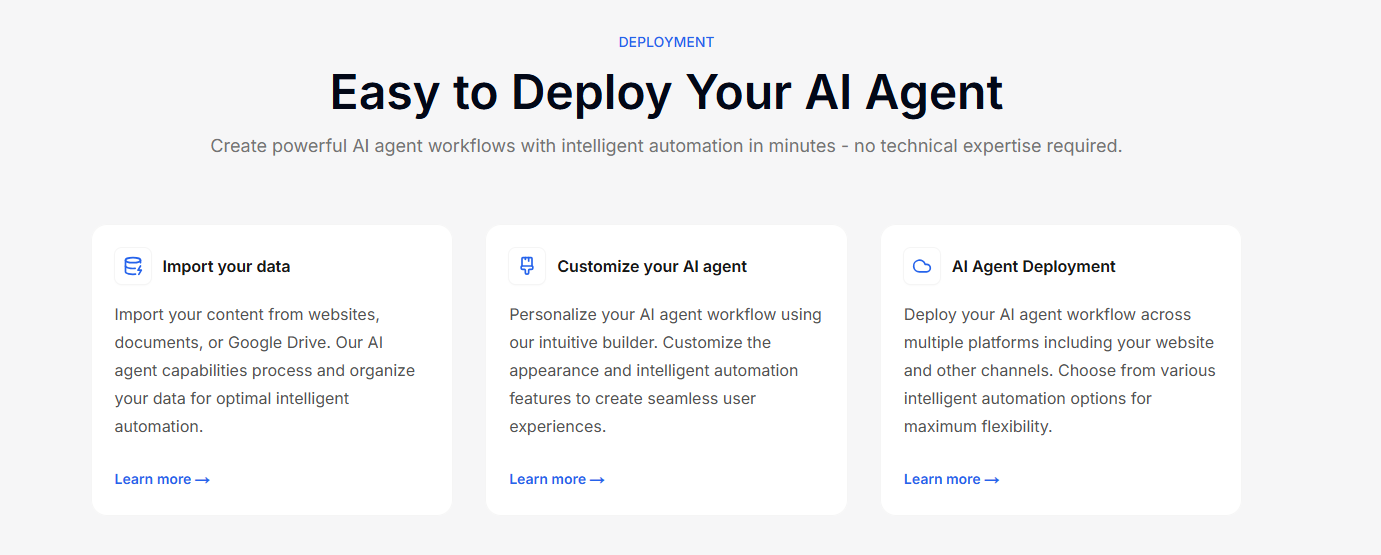
Sign up for a free trial or schedule a demo today and see how Denser can help you turn traffic into loyal customers!
FAQs About Shopify AI Tools#
What AI tools does Shopify have?#
Shopify offers a set of built-in AI features under the name Shopify Magic. These tools help you write product descriptions, create marketing emails, and answer customer questions inside Shopify Inbox.
Shopify also supports a wide range of third-party website builders and AI apps for tasks like chatbots, inventory tracking, dynamic pricing, and ad creation. Tools like Denser work well with Shopify and offer deeper functionality depending on your user needs.
Is Shopify AI worth it?#
Yes, AI tools in Shopify can help you save time, improve the customer experience, and boost the store's performance. If you want to automate product descriptions, offer 24/7 customer support, or send targeted email campaigns, AI gives you the ability to do more with less effort.
Many Shopify merchants using AI see better conversion rates and faster growth, especially when they apply it across various sales and marketing channels, including search engines.
Is Shopify AI free?#
Some AI features, like Shopify Magic, are included in your Shopify plan at no extra cost. These offer a great free plan option to generate text and get content suggestions right inside your admin dashboard.
However, advanced tools from third-party apps may come with monthly fees. Still, most offer trials or low-cost starter plans so you can try features before upgrading.
How to integrate AI in Shopify?#
You can add AI tools through the Shopify App Store by browsing apps that meet your needs, such as chatbots, pricing tools, or landing pages that convert better.
Most apps walk you through setup and are built with a user-friendly interface so that you won’t need a developer. Even without technical expertise, you can still integrate AI and get results fast if you're already using the right website builder for your store setup.