
Also from DenserSharper AI
Sharper AI
NewThe AI office assistant built on your knowledge. Research, draft, and build slides and spreadsheets from your own sources.
A sister product from the team behind Denser Chat.
Lead Generation Chatbot
Denser answers visitor questions from your content, qualifies buying intent, and captures name and email inside the chat, so your sales team gets warm leads 24/7.
Free to start. No credit card. Live in minutes.
Denser AI
Online
Ask one buying-intent question, then collect contact details in the conversation.
Timeline
Team size
Qualified lead captured
Jamie Rivera · This month · 25 reps · transcript attached
Powered by DenserAI
Customer proof
2k+
active teams
24/7
support coverage
50%
fewer tickets
 City of San José
 Onondaga County
 EOS Australia
 Portfoliobox
 Upsiide
 Valk WeldingCity of San JoséOnondaga CountyEOS AustraliaPortfolioboxUpsiideValk Welding
Source-grounded retrieval, citations, contradiction checks, lead capture, analytics, and deployment controls in one product system.
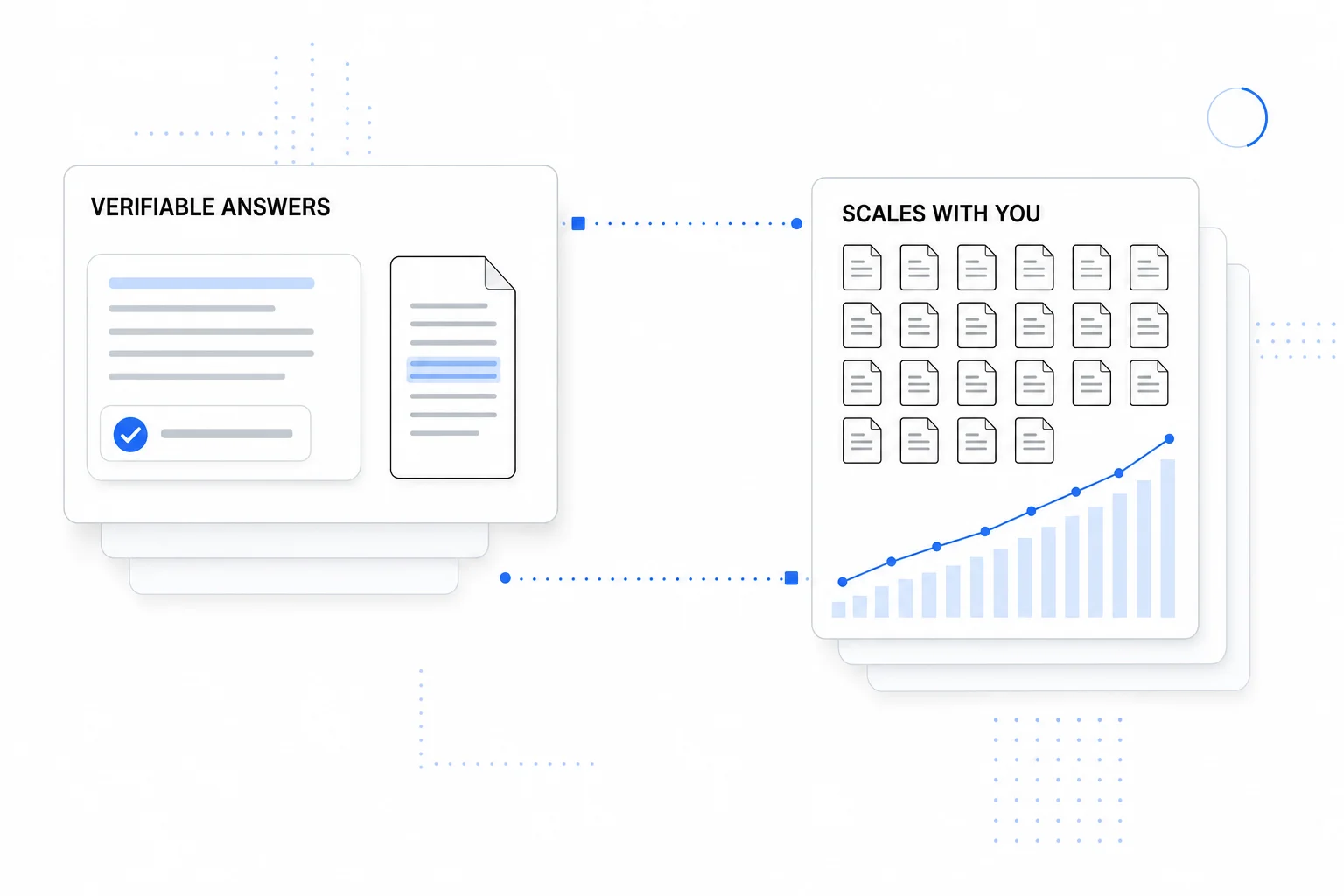
Every response links to the exact source passage, so your team and your customers can verify it in one click.
Surface conflicting facts before your users do.
Every question your bot missed, grouped by topic.
Script, iFrame, React, or REST deploy.
Calendly, forms, Zendesk, and actions.
Lead forms and CRM-ready exports.
Queries, latency, satisfaction, topics.
Lead capture
When a visitor is interested, the chatbot asks for their details in the flow of the conversation. Every lead lands in one place, ready to search, filter, and export, each one attached to the chat it came from.
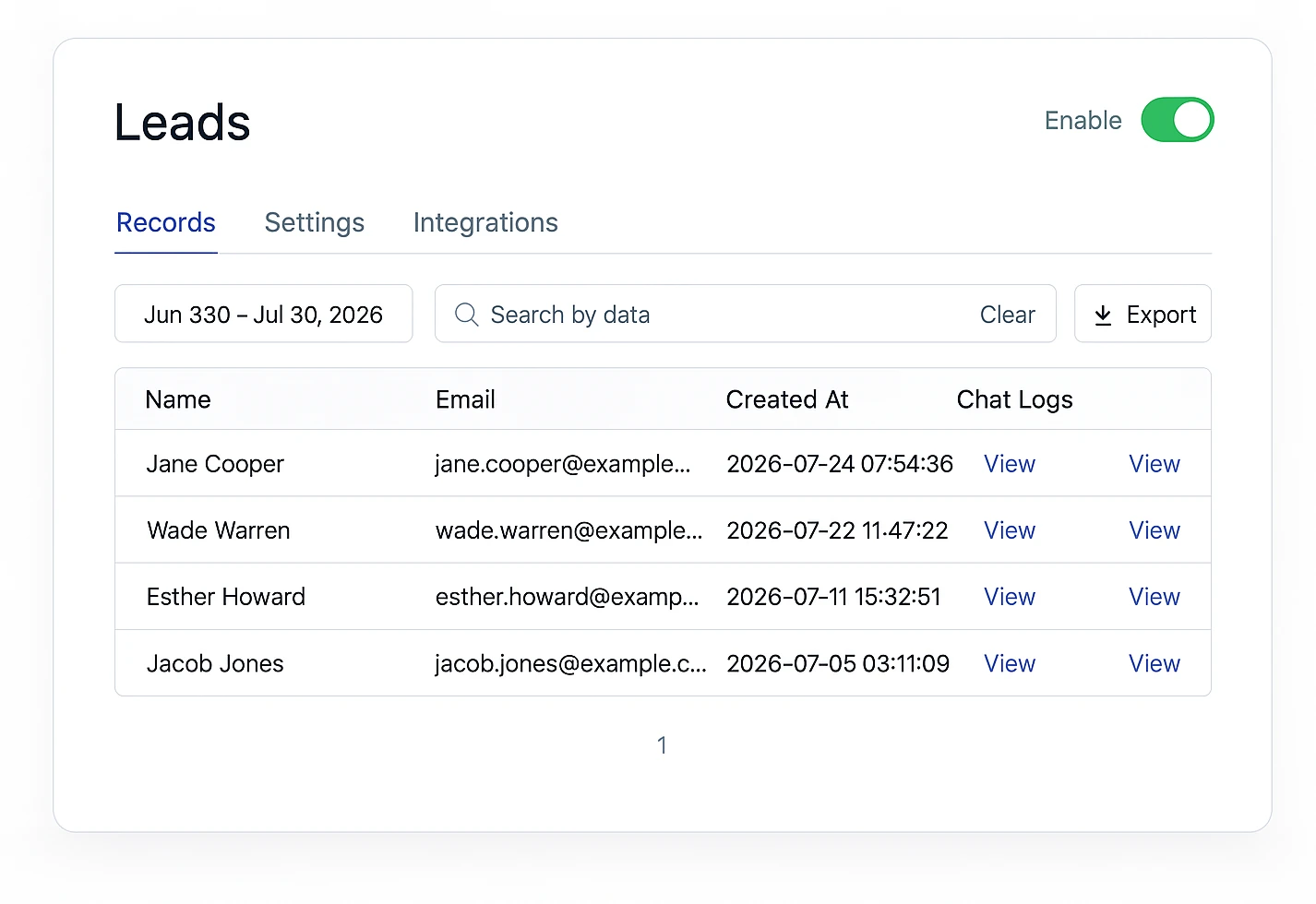
Name and email captured inside the chat, no separate form to hunt for
Search, filter by date, and export to CSV or your CRM
Every lead linked to its full chat transcript, so you see intent
Appointment booking
“Can I book a demo?” is the best message a sales chatbot gets, and a link to a booking page is where many visitors drop off. Denser keeps them in the conversation and books the meeting there.
“Can I book a demo?” or “Are you free next Monday?” The agent recognizes it from the examples you gave it.
It reads open times from your Cal.com calendar, for the day the visitor asked about, and shows them as a card.
It books the chosen time with the visitor's name and email. Cal.com sends the invite and the video link.
Playbook template
You get a lead on the Leads page and a meeting in Cal.com from one conversation. Visitors who already left their details skip the form and go straight to booking.
How playbooks workPrefer your own booking page? The chatbot can show a Calendly or Cal.com booking link as a button instead.
Denser Chat has been a game changer for us. It intelligently handles many of our customers' frequently asked questions, reducing customer support tickets by approximately 50%. This has freed up our marketing team to focus on more meaningful, high-value work.
Questions
When a visitor shows interest, the chatbot asks for their name and email right inside the conversation, with a clear consent line. Every submission lands in your Leads dashboard, linked to the full chat transcript.
Yes. With the Book in chat (Cal.com) action, the chatbot offers open times from your Cal.com calendar inside the conversation. The visitor taps a time, and the agent books it with their name and email. Cal.com sends the confirmation and invite, just as your booking page would.
In-chat booking works with Cal.com: paste your public booking link (a personal event or a team link) and pick the time zone. If you use Calendly, the chatbot can show your Calendly booking link as a button instead.
No. Times come from your calendar when the visitor asks, so the agent only offers times that are free, and it books only the time the visitor picked. Your Cal.com rules for minimum notice, limits, and buffers still apply.
Yes. Search and filter leads by date, export them to CSV, and connect integrations so new leads flow into the tools your sales team already uses.
It does both. The chatbot answers questions from your own content and can ask qualifying questions in the flow of the chat. Because every lead is linked to its transcript, your team sees intent, not just an email address.
Websites, PDFs, Word and PowerPoint files, and plain text. It answers visitors accurately from your own content while it works to capture the lead.
Yes. The chatbot greets and qualifies visitors around the clock in 80+ languages, so you capture leads even when your team is offline.
Most teams are live in under 30 minutes. Paste your site URL or upload your docs, turn on lead capture, then copy one snippet onto your site.
Point Denser at your website, docs, and PDFs. It answers in minutes, every reply cited to its exact source.
No code. Free to start. Cancel anytime.