

10 Best AI Agents for Customer Support in 2026: Features, Pricing, Pros and Cons

What are the best AI agents for customer support in 2026? We compared 10 leading platforms using seven practical criteria: grounded answer quality, whether the agent takes actions, whether it follows procedures, supported channels, human handoff, operational controls, and total cost.
The short answer: Denser is the best fit for teams that want source-cited answers, actions and step-by-step playbooks they can test, flat pricing, and a built-in handoff path without buying a large service suite. Intercom Fin and Zendesk are stronger when the AI must live inside a mature helpdesk. Ada, Decagon, and Sierra suit complex enterprise automation. Gorgias leads for ecommerce, while Freshdesk, Tidio, and Wonderchat provide more accessible entry points.
Competitor prices were checked against official vendor pages on September 19, 2026; Denser's entry was updated in October 2026 for its actions, cards and playbooks. Pricing changes frequently, and several enterprise vendors publish no numerical list price. Always confirm limits, add-ons, and contract terms before buying.
Best Customer Service AI Agents at a Glance#
| Rank | AI agent | Best for | Public starting price | Pricing model |
|---|---|---|---|---|
| 1 | Denser | Cited answers plus actions and playbooks | Free; paid from $39/month | Fixed plan with query allowance |
| 2 | Intercom Fin | AI and human support in one workspace | $0.99/outcome; Intercom from $29/seat/month | Outcome plus optional seats |
| 3 | Zendesk AI Agents | Mature enterprise ticket operations | Plans from $19/agent/month | Seats plus automated resolutions |
| 4 | Ada | Enterprise omnichannel automation | Custom | Conversation or resolution based |
| 5 | Decagon | Complex workflows across voice, chat, and email | Custom | Contact sales |
| 6 | Sierra | Enterprise, multichannel customer journeys | Custom | Outcome based |
| 7 | Gorgias AI Agent | Shopify and ecommerce operations | Helpdesk from $10/month; AI about $0.90–$1/resolution | Tickets plus AI outcomes |
| 8 | Freshdesk Freddy | Conventional helpdesk value | $19/agent/month annually | Seats plus AI sessions |
| 9 | Tidio Lyro | Small teams and standalone AI support | From $32.50/month | AI conversation allowance |
| 10 | Wonderchat | No-code agents trained on web content | Free; Basic from $124/month annually | Credits and estimated resolutions |
There is no universal winner. A website documentation agent, an ecommerce returns agent, and an enterprise voice agent solve different jobs. Use the rankings as a shortlist, then test finalists against the same real customer conversations.
This article ranks named AI-agent platforms. If you need a vendor-neutral checklist before building a shortlist, use our AI chatbot for customer support buyer's guide instead.
Already selected a platform? Follow the 30-day AI customer service agent implementation playbook to define the pilot, permissions, evaluation set, launch gates, and operating owner.
How We Ranked the AI Agents#
We evaluated each platform against the same seven questions:
- Can customers verify the answer? Grounded retrieval, source links, and appropriate refusal matter more than a fluent response.
- Does it take actions? We looked for authenticated lookups, API calls, order or account operations, bookings, and team notifications, plus controls such as read-only access, identity checks, and customer confirmation before anything changes.
- Does it follow procedures? Some requests need steps in a fixed order: check the order, apply the policy, then act. We looked for a way to write those steps, branch on conditions, and see which step the agent is on.
- Where can it operate? Website chat, email, messaging, voice, and existing helpdesk compatibility affect deployment fit.
- How does it hand off? A useful escalation preserves the transcript, customer context, attempted actions, and reason for transfer.
- Can operators control and improve it? Testing, analytics, knowledge-gap detection, permissions, and change management reduce production risk.
- What does success cost? We considered platform fees, seats, outcomes, sessions, add-ons, and whether the vendor publishes enough information to forecast a bill.
Our ranking favors operational fit and pricing clarity over the longest feature list. Claims about vendor capabilities and prices link to vendor-owned product, documentation, or pricing pages. Pros and cons are editorial assessments based on those published capabilities and packaging.
AI Agent vs. Customer Service Chatbot#
A customer service chatbot primarily holds a conversation. A customer service AI agent can also reason through a request, retrieve approved information, call a tool, update another system, and escalate when it cannot safely finish.
The distinction is not the label on the product page. Test whether the system can complete a real outcome—such as checking an order, applying an approved change, or opening a properly routed ticket—and whether operators can inspect what happened.
For a longer explanation with a worked example, see AI agent vs chatbot. For the broader operating model, read our guide to AI customer support.
Procedures, AOPs, Journeys, Playbooks: Same Idea, Different Names#
Every serious customer support AI agent now has a way to write down how a situation should be handled, step by step. The vendors name it differently, which makes comparison harder than it should be:
| Vendor | What they call a written procedure |
|---|---|
| Intercom Fin | Procedures |
| Zendesk | Procedures |
| Decagon | AOPs (Agent Operating Procedures) |
| Sierra | Journeys |
| Ada | Playbooks |
| Denser | Playbooks |
The questions to ask are the same whatever the name. Can a non-engineer write and change the steps? Can a step run a real action? Can it branch on what the action returned? And when you test it, can you see which step produced each reply and which actions actually ran? The last one separates a procedure you can trust from one you hope is working. For rule-based routing, macros, and ticket operations, see helpdesk automation.
1. Denser: Best for Grounded Answers and Predictable Pricing#
Denser turns websites, help centers, product documentation, PDFs, and other approved sources into a customer-facing AI support agent for website chat, a help page, email, phone, WhatsApp, a REST API, and Shopify stores. Its differentiator is verifiability: answers include citations that let customers and support teams inspect the source, and when the agent acts, a step trace shows exactly what it did.
Beyond answers, Denser's agent takes actions and follows playbooks:
- Actions include Talk to a person (live in the same chat when a teammate is free, a ticket when nobody is), Call your API (paste a URL, cURL, or a code snippet, test it, and tick the fields the agent may read), Book in chat with Cal.com, a read-only Stripe billing lookup with an identity check, Slack messages to your team, forms, and 11 built-in Shopify actions such as Order status, Request a return, and Cancel order. Changes in Shopify happen only after the shopper confirms in a later message.
- Cards show results as small layouts in the chat, such as an order summary, a plan picker, or a product list, with a text version on channels that can't draw them.
- Playbooks are step-by-step procedures built from Say / ask, Do, and If blocks (up to 15 steps), started when a conversation matches their "When to use" examples. Six templates cover troubleshooting then hand-off, unhappy customers, return requests, order cancellations, billing questions, and lead capture with booking. Ask AI can draft a playbook from a sentence.
In the test chat, a trace under each reply names the playbook, the step the agent is on, the path taken at each branch, and the actions that ran. The same step is highlighted in the flow editor, and if a reply promises a hand-off that didn't run, the trace flags it. Each playbook reports completed, escalated, and abandoned conversations over 30 days.
Helpdesk is included on every plan: escalated conversations enter Denser's helpdesk queue or create tickets in Zendesk, Intercom, Freshdesk, and HubSpot. Answer Quality identifies weak responses and knowledge gaps, making Denser especially relevant to teams that care about correctness.
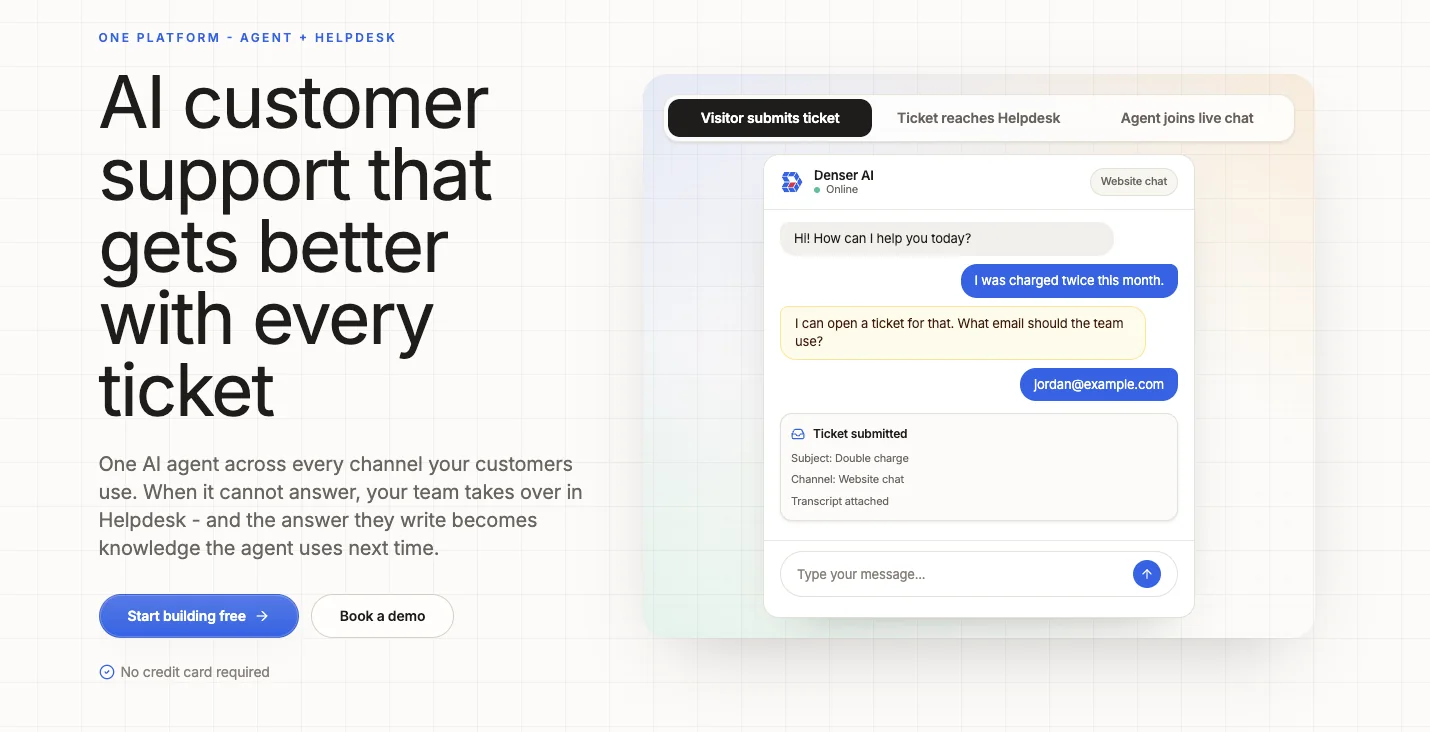
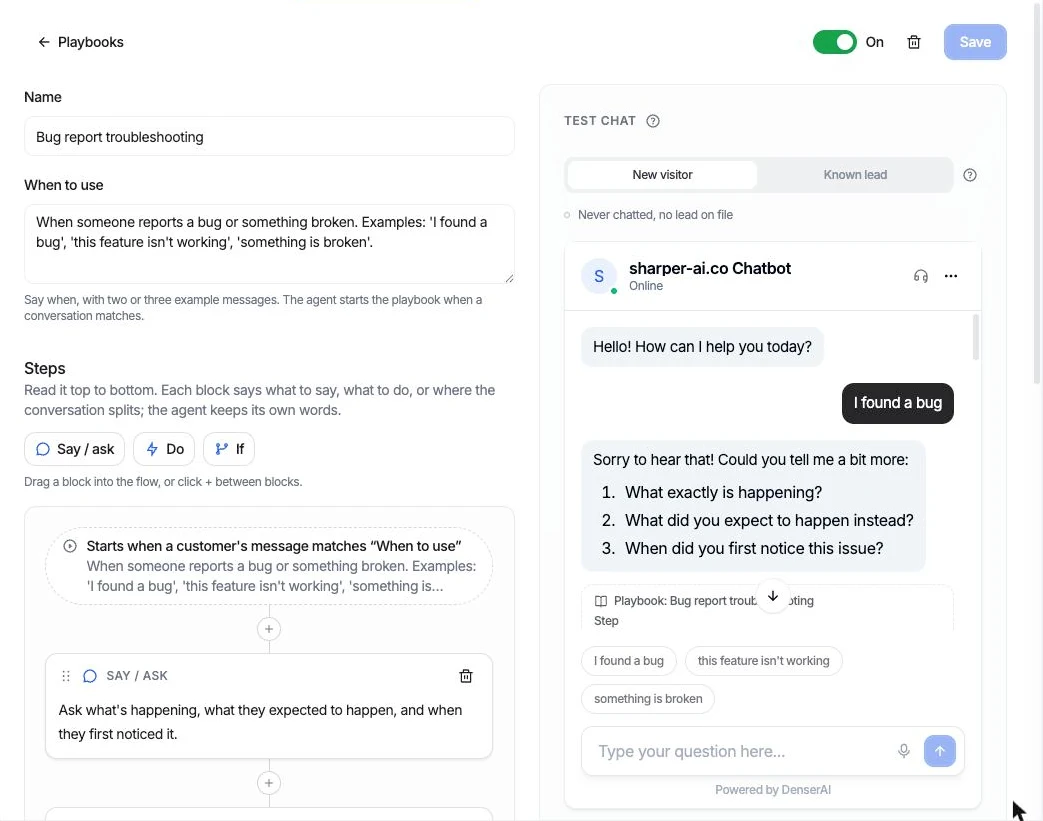
Denser's playbook editor: name, When to use, and steps on the left; the test chat, with a trace under each reply, on the right.
Main features#
- Source-cited answers grounded in company content
- Actions: your own API, Cal.com booking, Stripe billing lookup, Slack, forms, and Shopify orders and returns
- Playbooks with six templates, Ask AI drafting, and a step trace in the test chat
- Cards for orders, products, plans, and bookings in the chat
- Built-in helpdesk with live takeover in the same chat, or a ticket when nobody is free
- Ticket creation in Zendesk, Intercom, Freshdesk, and HubSpot
- Website, document, Google Drive, and database knowledge sources
- Answer-quality insights and knowledge-gap discovery
Pricing#
Denser pricing starts with a free plan for one DenserBot and 50 monthly queries. Starter is $39/month for two bots and 1,500 queries. Standard is $119/month for four bots, 7,500 queries, five team members, and Answer Quality. Business is $399/month, and Enterprise is $899/month. Yearly billing is 20% off. Pricing is flat by tier, not per resolution. Actions, cards, and playbooks share one allowance per chatbot: 1 on Free, 5 on Starter, 10 on Standard, and 20 on Business and Enterprise; Collect leads and Shopify's actions don't count toward it.
Pros#
- Customers can verify answers through source citations.
- The step trace shows which playbook step and which actions produced each reply, before customers see it.
- Actions that change something ask the customer first, and lookups check identity before showing data.
- Fixed tiers are easier to forecast than per-resolution billing.
- It can create tickets in established helpdesks rather than forcing a migration.
Cons#
- The action and playbook allowance is small on Free and Starter (1 and 5 per chatbot).
- Voice and broad social-channel support are not its primary strength.
- Stripe billing is read only: refunds and plan changes still go to a person.
- Teams needing workforce management or a mature contact center will need another system around it.
Best for: SaaS, ecommerce, professional services, education, and other content-rich organizations that want accurate answers, a handful of well-tested actions and procedures, and a straightforward escalation path.
2. Intercom Fin: Best Integrated AI and Human Workspace#
Fin is Intercom's customer-facing AI agent. It can answer across chat, email, and phone, follow configured procedures, take actions in connected systems, and hand a conversation to a human. Teams can buy Fin with Intercom's helpdesk or deploy it with another supported helpdesk.
Intercom is particularly strong when AI and human agents need one operational workspace with inboxes, tickets, workflows, reporting, and a help center. Its outcome definition deserves careful review because a resolution, qualification, disqualification, or completed procedure handoff can become billable.
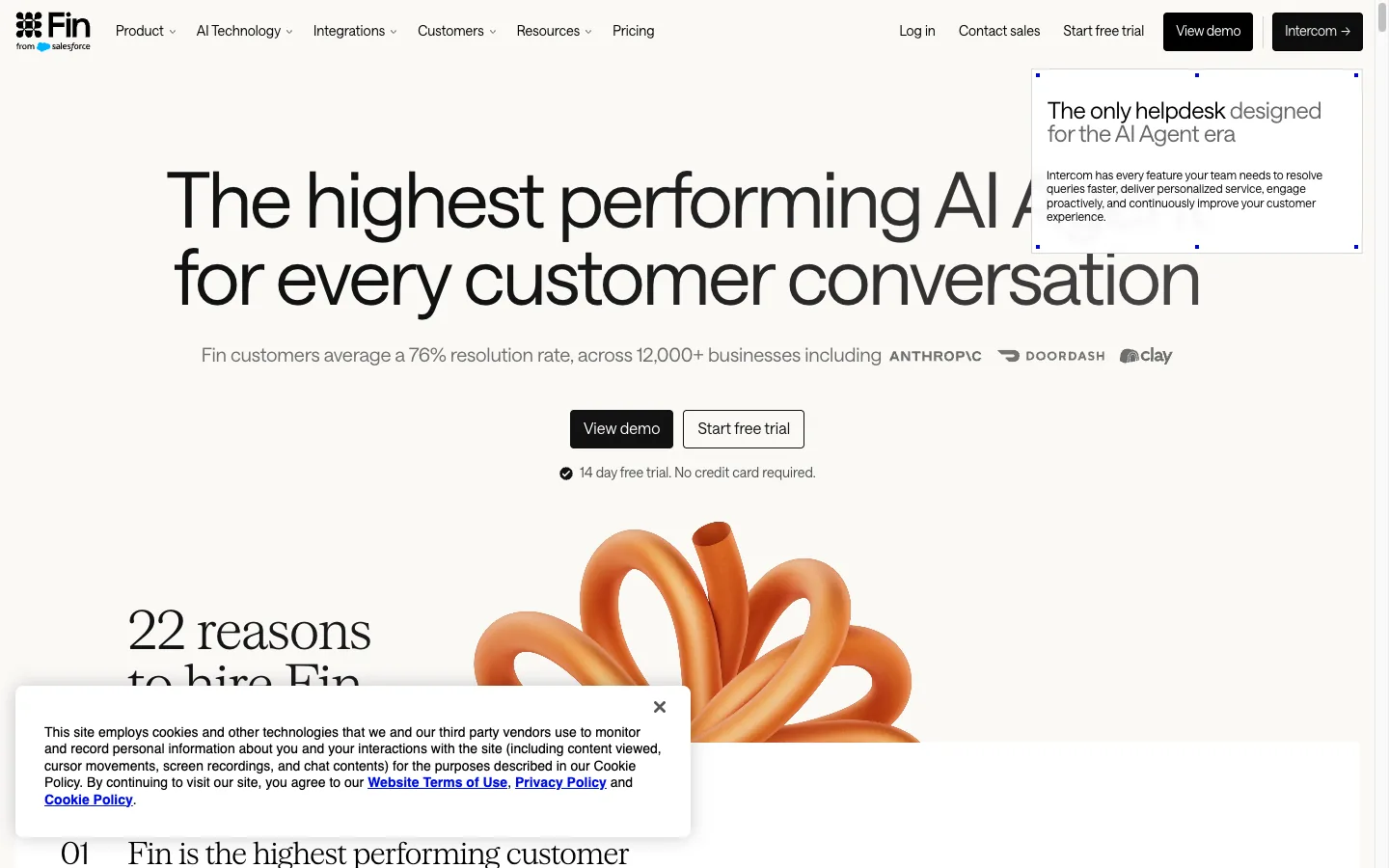
Source: Intercom Fin homepage, captured September 19, 2026.
Main features#
- Answers and actions across chat, email, and phone
- Configurable procedures and workflows
- Helpdesk, shared inbox, tickets, reporting, and knowledge hub
- Human handoff with conversation context
- Standalone deployment with supported third-party helpdesks
- Performance analytics and optimization tooling
Pricing#
Fin pricing is $0.99 per outcome, with a minimum monthly commitment for standalone use. Intercom's helpdesk starts at $29 per seat/month annually for Essential, $85 for Advanced, and $132 for Expert; Fin usage is additional.
Pros#
- Mature combination of customer-facing AI and human support operations.
- Can work with Intercom or an existing helpdesk.
- Broad workflow, reporting, and channel capabilities.
- Outcome pricing avoids charging for every individual message.
Cons#
- Total cost combines AI outcomes, seats, and optional add-ons.
- Fin's definition of a billable outcome is broader than a confirmed answer resolution.
- The platform can be more complex than a small team needs.
Best for: Growing support organizations that want an established AI-first helpdesk or already use Intercom.
3. Zendesk AI Agents: Best for Mature Ticket Operations#
Zendesk AI Agents sit inside a broad service platform with ticketing, routing, knowledge, messaging, chat, voice, analytics, and governance. Agents can answer questions and use Action Builder to complete multi-step workflows across Zendesk and connected systems.
Zendesk is the strongest fit when ticket operations are already the center of the support organization. Its administrative depth is useful for complex queues and service levels, but buyers should model both human-agent seats and automated-resolution consumption.
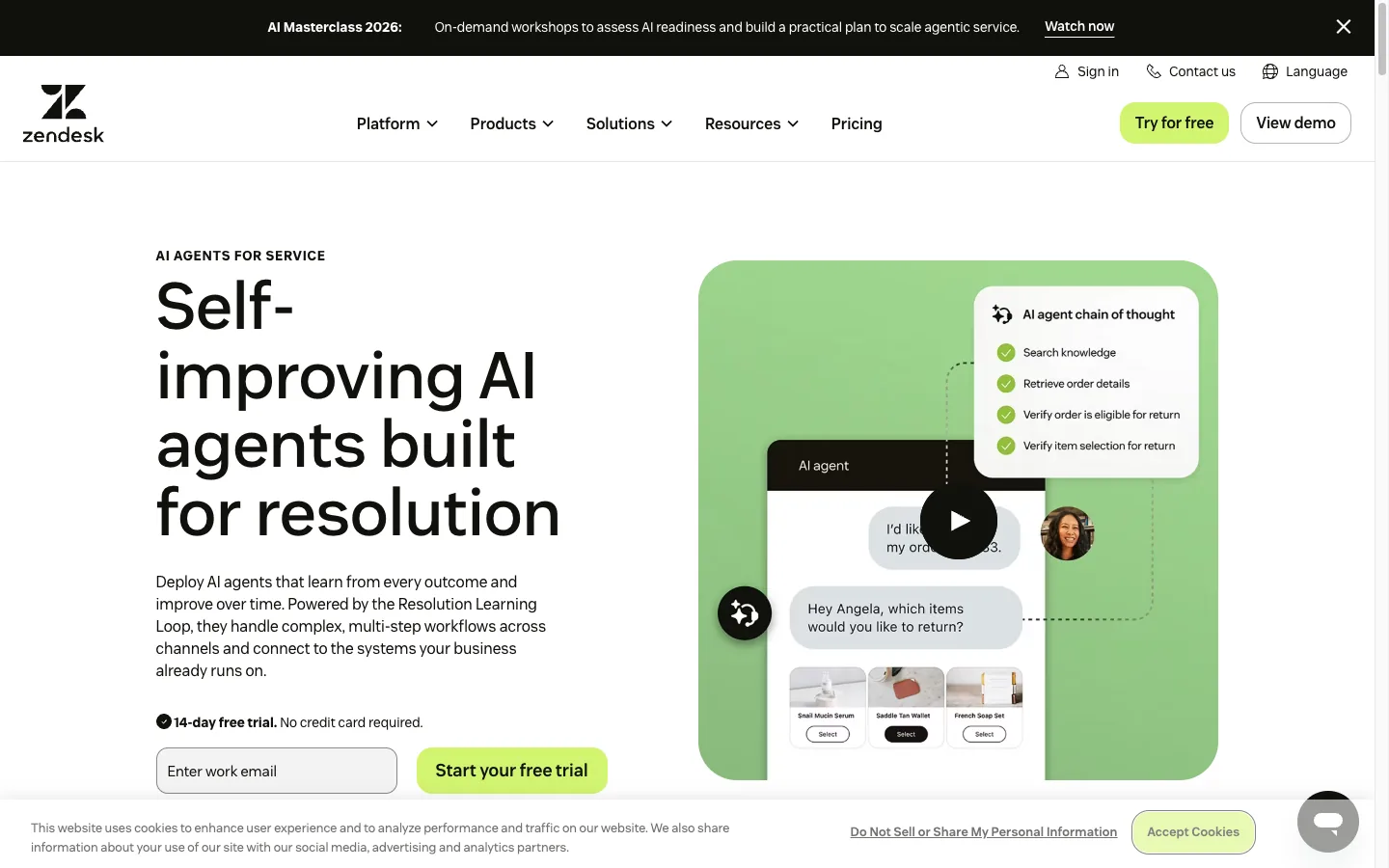
Source: Zendesk AI Agents, captured September 19, 2026.
Main features#
- AI agents across messaging and email, with broader omnichannel service tooling
- Agent Builder and low-code Action Builder
- Ticketing, routing, SLAs, analytics, and knowledge management
- More than 80 supported languages
- Copilot and workforce-management add-ons
- Enterprise permissions, audit controls, and sandbox options
Pricing#
Zendesk pricing starts at $19 per agent/month annually for Support Team, $55 for Suite Team, and $115 for Suite Professional. AI-agent access is included, while usage is measured in automated resolutions. Plans include a small baseline allowance, and additional resolutions and add-ons can increase the total.
Pros#
- Deep ticketing, routing, governance, and reporting capabilities.
- Suitable for multi-team and omnichannel support operations.
- AI actions and human workflows live in the same service platform.
- Existing Zendesk teams can add AI without replacing their core helpdesk.
Cons#
- Total cost is harder to forecast than the advertised seat price.
- Administration and implementation can be heavy for smaller teams.
- A single AI agent is configured for one channel type, according to Zendesk's current documentation.
Best for: Mid-market and enterprise teams with established Zendesk processes, complex queues, and formal service-level requirements.
4. Ada: Best for Enterprise Omnichannel Automation#
Ada is built for high-volume enterprises that want one reasoning layer across voice, chat, email, messaging, SMS, in-app, and social channels. It combines knowledge, processes, API actions, simulations, coaching, analytics, and enterprise security controls.
Ada can authenticate a customer, retrieve account information, execute a workflow, update a system of record, and confirm the result. It also supports handoff integrations with platforms including Zendesk, Salesforce, Amazon Connect, Genesys, Kustomer, and Freshworks.
Main features#
- Unified reasoning across voice, chat, email, messaging, and social
- Playbooks for multi-step procedures and API-backed actions
- Simulation, coaching, and performance monitoring
- Broad helpdesk and contact-center integrations
- Multilingual support and enterprise governance
- Published support for SOC 2, HIPAA, GDPR, and PCI DSS requirements
Pricing#
Ada does not publish a numerical list price. Its platform page describes conversation-based pricing as the common model and resolution-based pricing as an enterprise option. Buyers must request a tailored quote through Ada's demo page.
Pros#
- Strong breadth across digital and voice channels.
- Designed for complex, authenticated, end-to-end workflows.
- Extensive enterprise integration and compliance story.
- Simulation and coaching support ongoing operational improvement.
Cons#
- No public dollar pricing makes early cost comparison difficult.
- The enterprise operating model may be excessive for simple website support.
- Deployment and governance require dedicated ownership.
Best for: Large, regulated, or global businesses that need consistent automation across multiple contact channels.
5. Decagon: Best for Complex Cross-Channel Workflows#
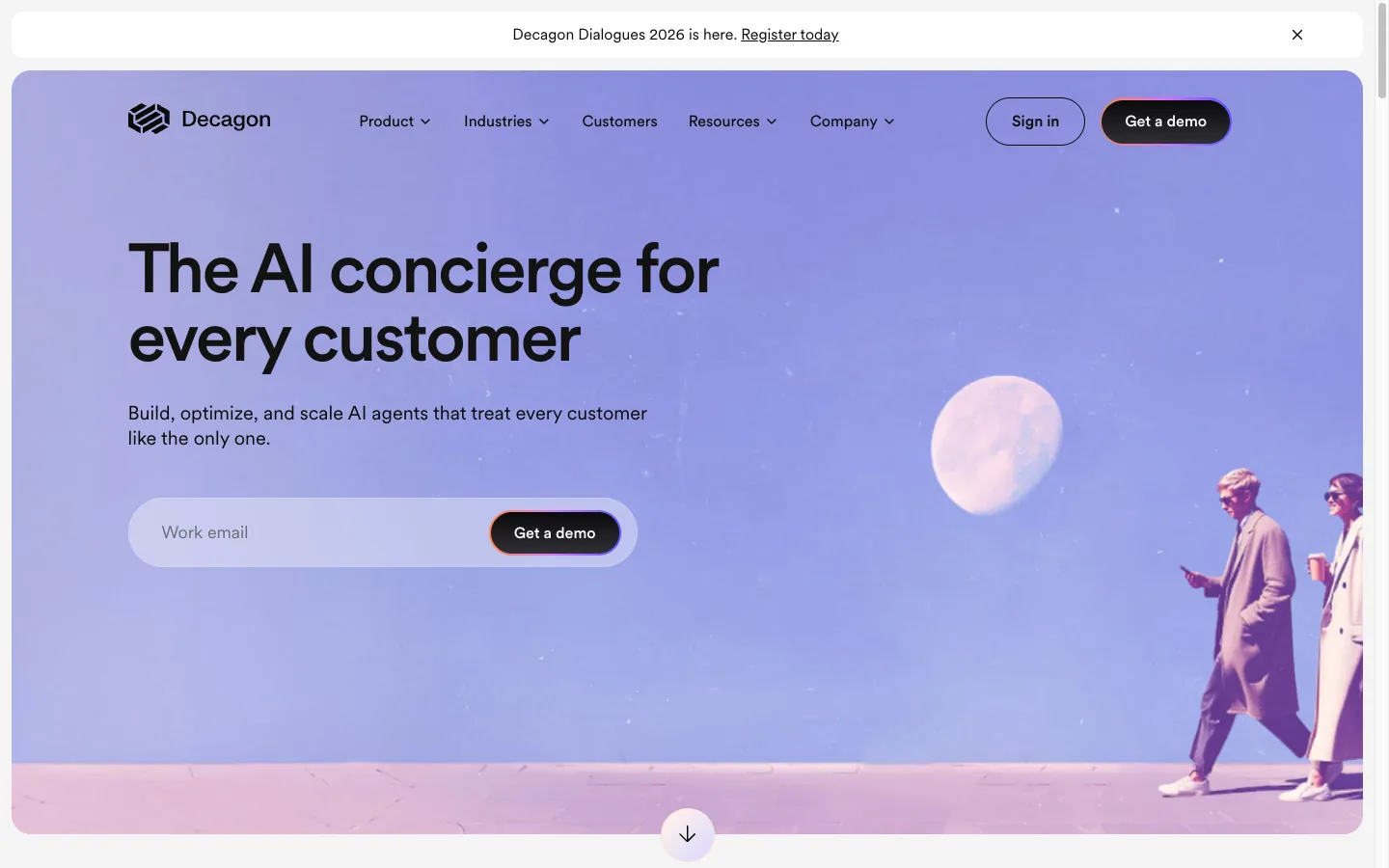
Decagon provides AI agents for chat, email, and voice. Its Agent Operating Procedures let operators describe workflows in natural language, while testing, observability, experiments, and analytics help teams validate and improve agent behavior.
The platform is designed for enterprises that want to automate more than FAQ responses. It emphasizes tool use, complex workflow execution, cross-channel consistency, and frequent iteration without sending every change through an engineering sprint.
Source: Decagon homepage, captured September 19, 2026.
Main features#
- Natural-language Agent Operating Procedures
- Chat, email, and voice from a unified platform
- Testing, QA, observability, and experimentation
- Analytics and conversation insights
- Integrations for customer and business systems
- Tools for continuously updating production workflows
Pricing#
Decagon does not publish standard dollar pricing. Its site directs buyers to request a demo, so contract structure, included volume, implementation, and overages should be confirmed with sales.
Pros#
- Built for multi-step, action-oriented customer workflows.
- Strong testing and observability story.
- One operating model spans chat, email, and voice.
- Natural-language procedures can reduce dependence on custom flow code.
Cons#
- No public list price or self-serve plan.
- Enterprise scope implies a longer evaluation and implementation process.
- Public information is less sufficient for estimating total cost without a sales process.
Best for: Enterprise teams automating complex customer operations across several channels.
6. Sierra: Best for Enterprise Customer Journeys#
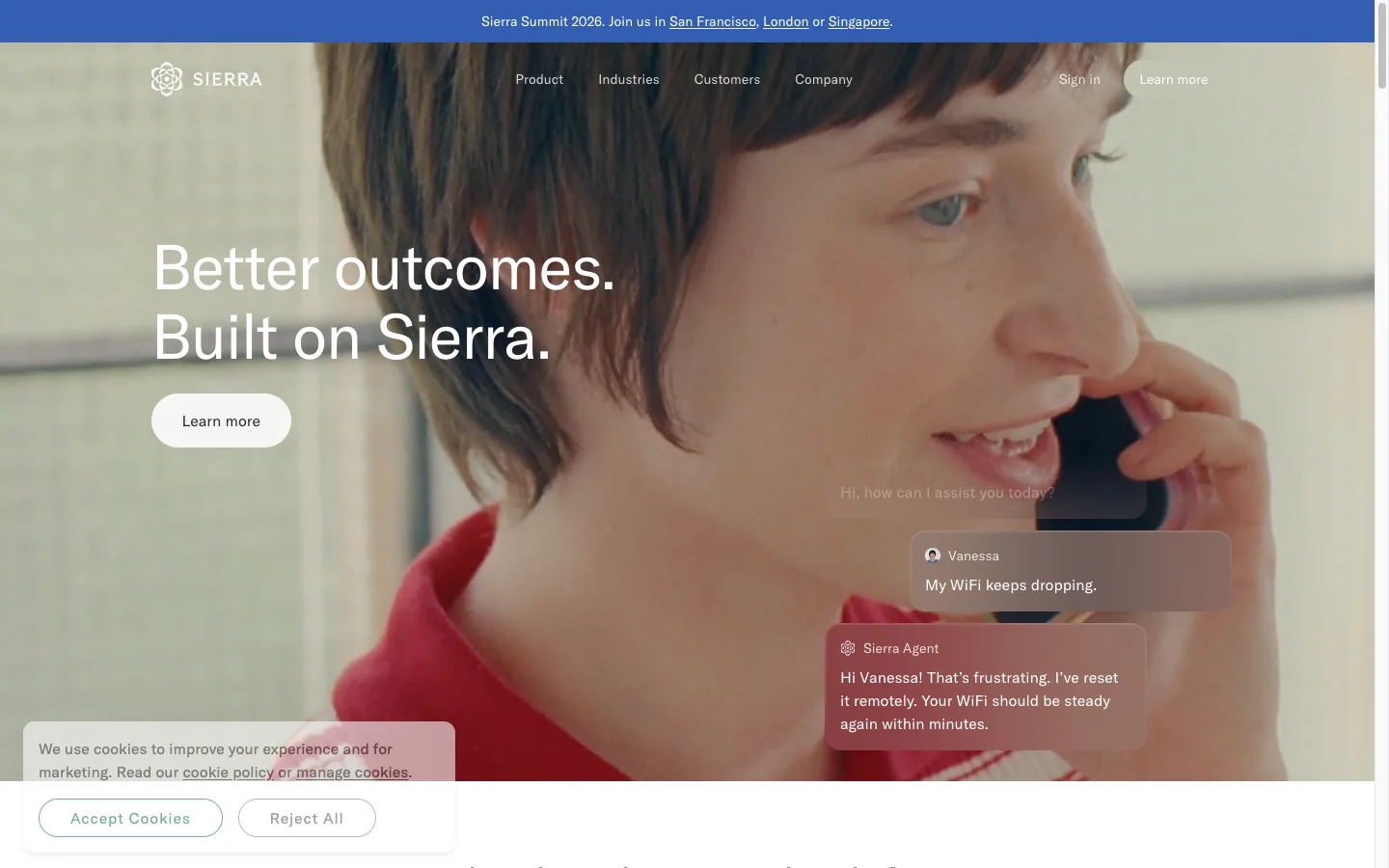
Sierra positions its agent beyond reactive support. It supports chat, SMS, WhatsApp, email, voice, and ChatGPT, and adds long-horizon planning, customer context, proactive engagement, experimentation, and detailed observability.
Its Ghostwriter system can turn SOPs, transcripts, images, audio, or plain-language goals into a guarded agent configuration. That breadth makes Sierra compelling for businesses that want AI to influence retention and lifetime value as well as resolve service requests.
Source: Sierra homepage, captured September 19, 2026.
Main features#
- One agent across chat, SMS, WhatsApp, email, voice, and ChatGPT
- Ghostwriter-assisted agent building from existing operational material
- Long-horizon planning and customer-context memory
- Explorer, Monitors, Experiments, and action-level observability
- Proactive engagement and outcome optimization
- Enterprise security and compliance controls
Pricing#
Sierra advertises outcome-based pricing but does not publish a dollar rate. Pricing requires a sales conversation, and buyers should define exactly which completed jobs are billable.
Pros#
- Broad channel support and cross-channel customer context.
- Designed for both service resolution and longer customer journeys.
- Strong observability, experimentation, and optimization capabilities.
- Outcome billing can align fees with completed work when definitions are clear.
Cons#
- No public rate card or self-serve tier.
- Broad enterprise scope is unlikely to suit teams needing a simple web agent.
- Long-horizon and proactive use cases increase governance requirements.
Best for: Large consumer brands pursuing sophisticated, personalized service and lifecycle automation.
7. Gorgias AI Agent: Best for Ecommerce#
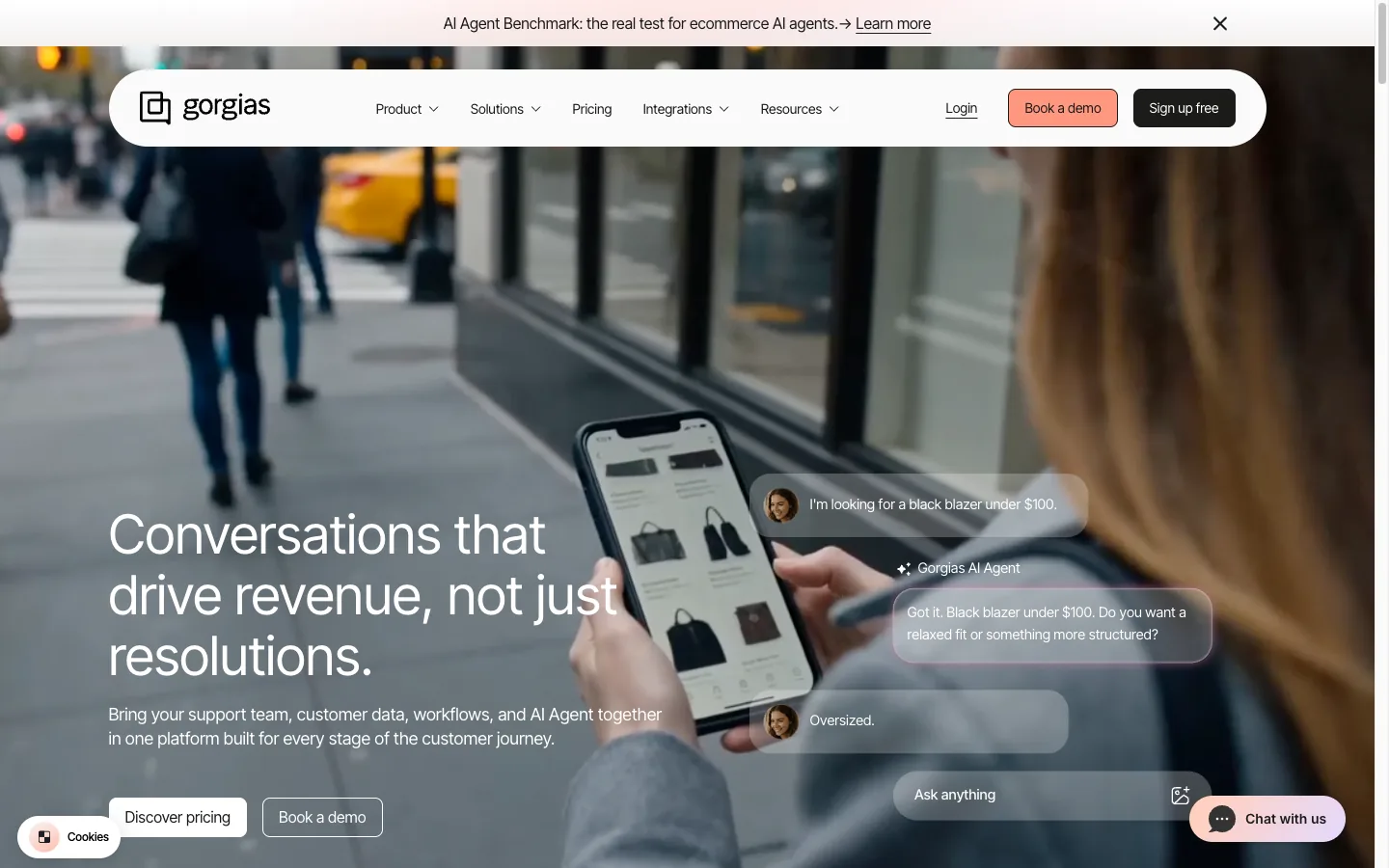
Gorgias AI Agent is designed for ecommerce conversations and can use store and order data to track orders, process returns, modify orders, recommend products, and answer policy questions. It works across email, chat, and SMS and is especially closely integrated with Shopify operations.
Gorgias separates the human helpdesk and the AI Agent economically. The helpdesk is based on ticket volume, while AI automation adds an outcome fee when the agent resolves a conversation without human help.
Source: Gorgias homepage, captured September 19, 2026.
Main features#
- Ecommerce actions for orders, returns, subscriptions, and product guidance
- Deep Shopify and ecommerce ecosystem integrations
- Email, chat, and SMS support
- Brand voice, multilingual responses, and image understanding
- Human escalation rules and performance reporting
- Unlimited human seats on higher helpdesk tiers
Pricing#
The Gorgias helpdesk starts at $10/month for 50 tickets, with larger plans based on ticket volume. Its official AI Agent pricing explanation says most annual plans charge $0.90 per resolved interaction; monthly plans are generally $1, and overages vary by tier. The AI Agent is an add-on to the helpdesk.
Pros#
- Purpose-built actions and context for ecommerce support.
- AI-resolved conversations are priced by completed outcome.
- Strong fit for Shopify stores and seasonal retail workflows.
- Human teams are not charged per seat on higher plans.
Cons#
- Less compelling outside ecommerce.
- Buyers must model both helpdesk ticket usage and AI outcomes.
- Seasonal spikes and overages can make costs variable.
Best for: Shopify and direct-to-consumer brands that want the agent to act on order and customer data.
8. Freshdesk Freddy AI Agent: Best Conventional Helpdesk Value#
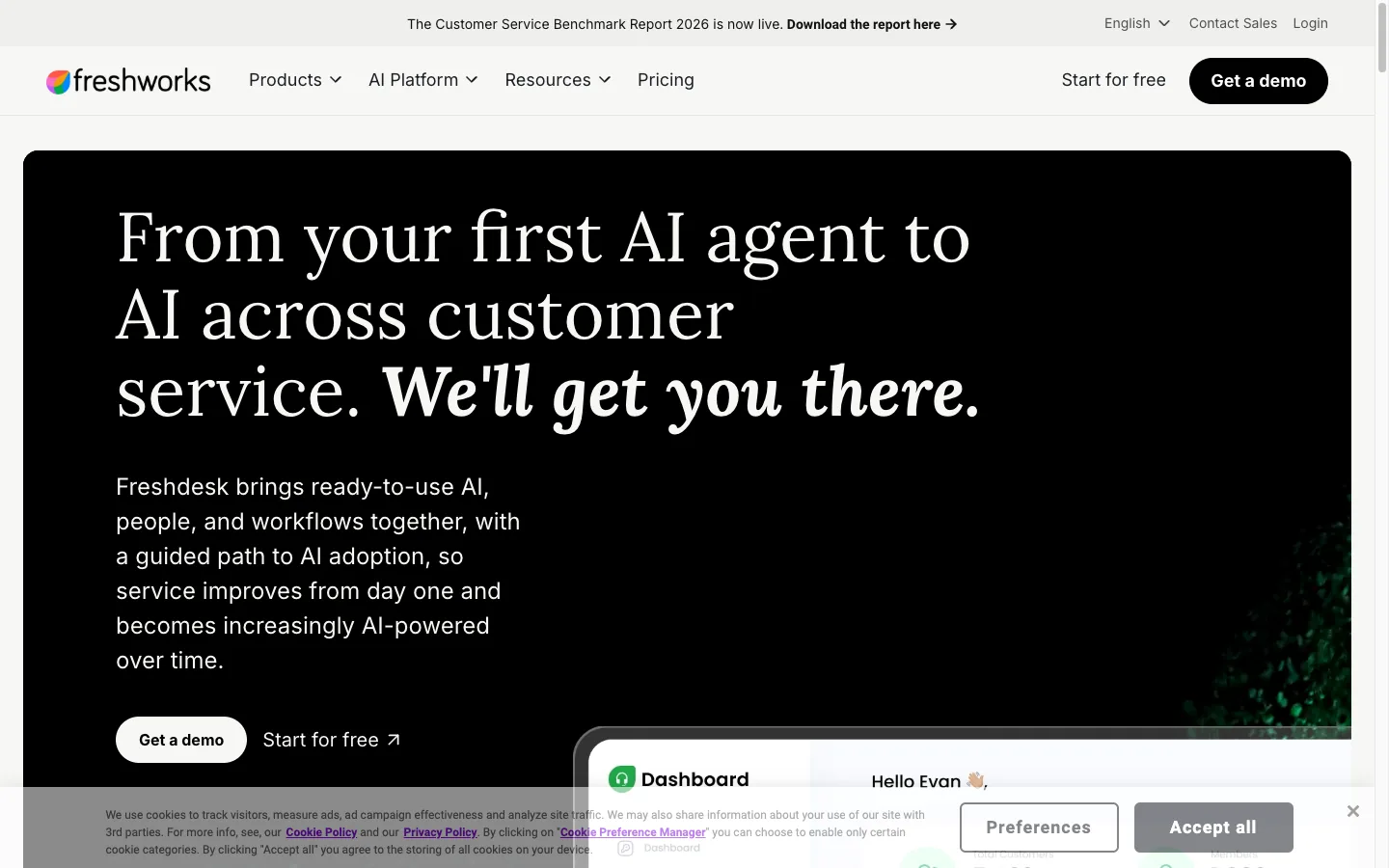
Freddy AI Agent works inside Freshdesk's ticketing and knowledge platform. It supports email and chat agents, and newer agentic workflows can connect service processes to other systems through connector tasks and MCP actions.
Freshdesk remains approachable for teams that want traditional helpdesk capabilities—shared inbox, customer portal, routing, SLAs, reporting, and permissions—with customer-facing AI added to the same environment.
Source: Freshdesk homepage, captured September 19, 2026.
Main features#
- Email and chat AI agents
- AI Agent Studio and agentic workflows
- Ticketing, shared inbox, customer portal, and knowledge base
- Routing, reporting, SLAs, and permissions by plan
- Optional Freddy Copilot for human agents
- Connector tasks and MCP actions for external workflows
Pricing#
Freshdesk pricing starts at $19 per agent/month annually for Growth, $55 for Pro, and $89 for Enterprise. Paid tiers include a one-time 500-session allowance. Additional Freddy AI Agent sessions cost $49 per 100; Copilot is $29 per selected agent/month on eligible plans.
Pros#
- Familiar helpdesk capabilities at a relatively low seat price.
- AI, ticketing, portal, and knowledge management share one product family.
- Email AI is available across paid Freshdesk plans.
- Session packs make incremental usage visible.
Cons#
- The initial 500 sessions are one-time, not a recurring monthly allowance.
- Chat AI requires Freshdesk Omni, while email AI is available in Freshdesk.
- Session, seat, Copilot, connector, and action charges require separate forecasting.
Best for: Small and mid-market teams that want a conventional helpdesk with customer-facing AI.
9. Tidio Lyro: Best for Small Teams#
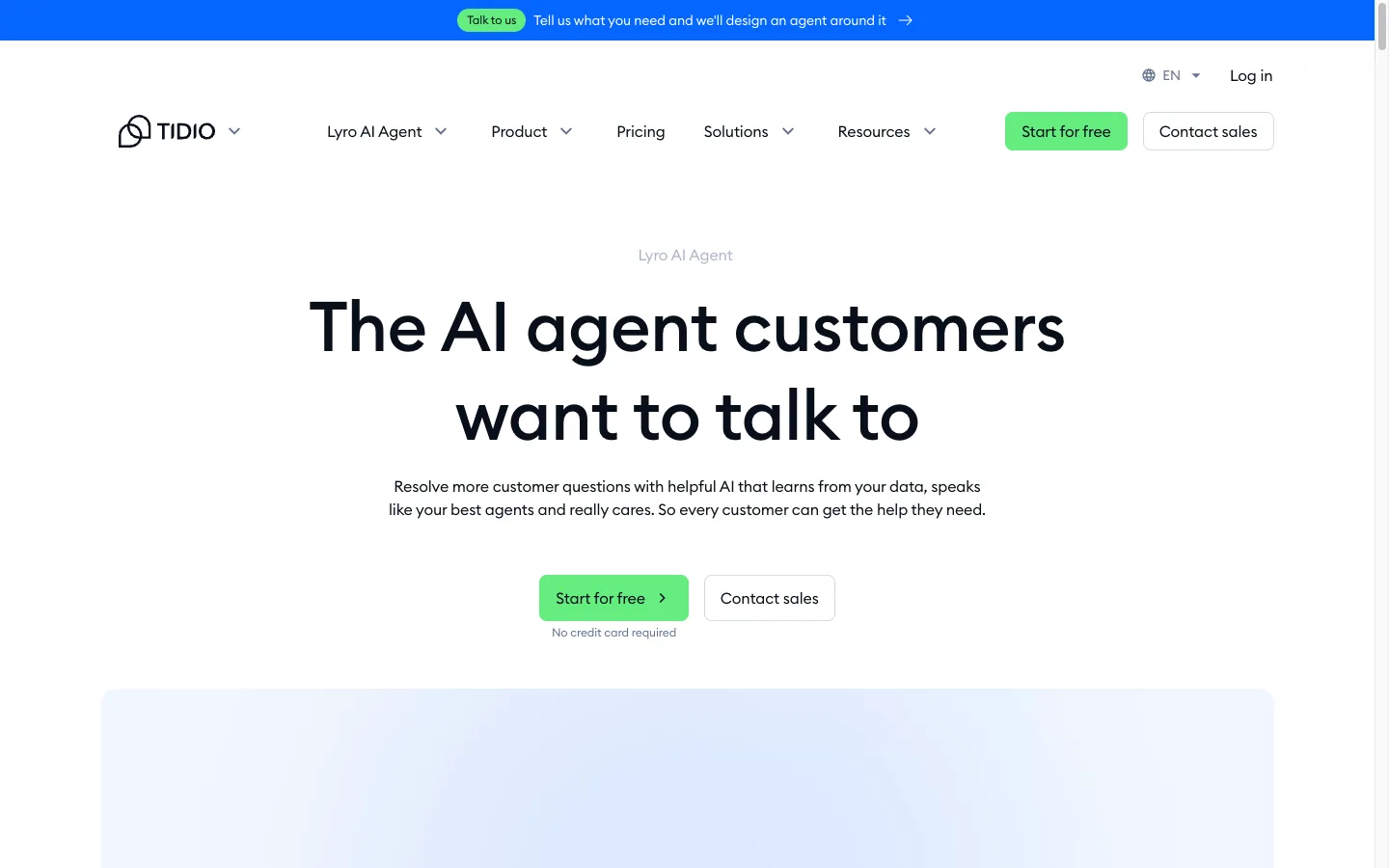
Lyro is Tidio's knowledge-grounded AI agent for customer questions and recurring actions. It can run with Tidio's live chat and ticketing or connect to another helpdesk through Lyro Connect. Each account receives 50 lifetime conversations for testing.
Lyro is easier to trial than many enterprise agents, and its pricing exposes a defined monthly conversation allowance. Small teams should distinguish Lyro's AI conversations from Tidio's separately metered human-support conversations and Flows visitors.
Source: Tidio Lyro, captured September 19, 2026.
Main features#
- Answers grounded only in connected support content
- Human handoff and customizable communication style
- Smart Actions for recurring tasks
- Website and FAQ ingestion
- Standalone use with another helpdesk through Lyro Connect
- Live chat and ticketing available in the wider Tidio platform
Pricing#
Tidio pricing includes 50 lifetime Lyro conversations on every account. The standalone Lyro AI Agent starts at $32.50/month for 50 monthly conversations. Tidio's broader Customer Service plans start at $24.17/month annually, while higher-volume managed plans require a quote.
Pros#
- Low-friction trial and relatively accessible entry price.
- Can be purchased separately from the full customer-service platform.
- Knowledge-grounded answers and human handoff cover common small-team needs.
- Works as an extension to other helpdesks on eligible plans.
Cons#
- The free 50-conversation allowance is lifetime, not monthly.
- AI, human conversations, and Flows use different quotas.
- Higher volumes and Lyro Connect may require Plus, Premium, or a sales conversation.
Best for: Small businesses that want to add a support agent without starting with an enterprise contract.
10. Wonderchat: Best No-Code Content-Trained Agent#
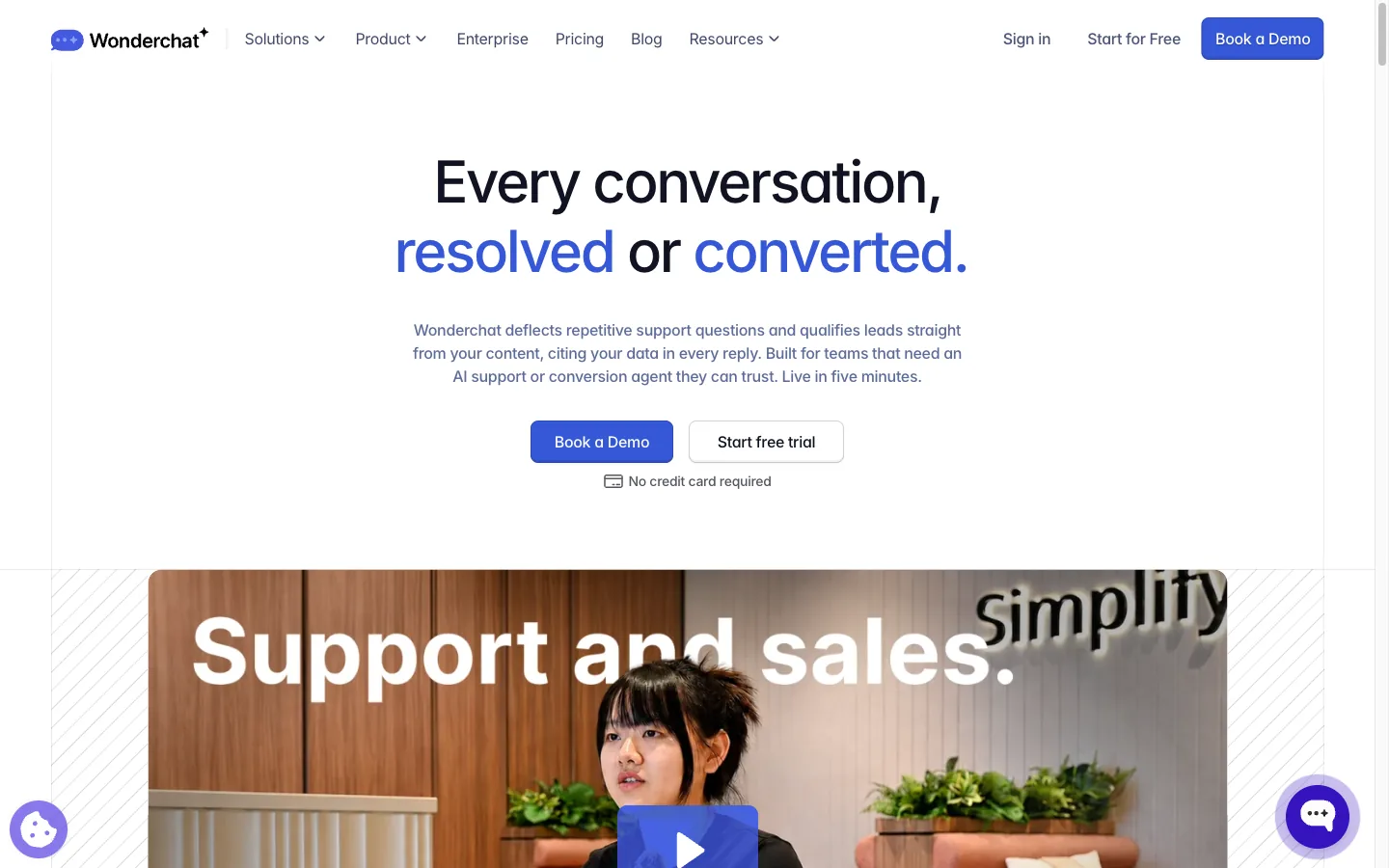
Wonderchat builds no-code support and conversion agents from websites, documents, and other knowledge sources. It provides human handover, configurable workflows, multilingual responses, corrections, analytics, voice on higher tiers, and helpdesk integrations on its Scale plan.
Wonderchat is straightforward for teams that want to launch from existing public content. Its credit system and estimated-resolution figures need closer inspection, because credits—not resolutions alone—are the underlying capacity unit.
Source: Wonderchat homepage, captured September 19, 2026.
Main features#
- No-code agents trained on websites and documents
- Human handover, lead capture, and chat workflows
- Multilingual responses and correction flags
- Multiple model options and configurable tools
- Voice and helpdesk integrations on higher tiers
- Analytics, confidence scoring, and recurring website crawling by plan
Pricing#
Wonderchat pricing includes a free plan with 20 credits. When billed annually, Basic is $124/month for about 1,000 estimated resolutions, and Scale is $417/month for about 5,000. Enterprise starts at a stated $1,499 but requires sales contact. Extra credits are sold separately.
Pros#
- Fast, no-code deployment from existing content.
- Free plan makes initial testing possible.
- Combines support and conversion-agent use cases.
- Higher tiers add voice and helpdesk integrations.
Cons#
- Current entry pricing is higher than several self-serve alternatives.
- Credits and estimated resolutions make direct cost comparison less intuitive.
- Important integrations and advanced analytics require higher tiers.
Best for: Teams seeking a no-code content-trained agent and willing to manage a credit-based plan.
How to Choose the Right Customer Service AI Agent#
Start with the job, not the vendor list.
Choose Denser when accuracy and testable actions matter#
Denser is the strongest shortlist candidate when customers need verifiable answers from documentation, the agent should take a focused set of actions (orders, returns, billing lookups, bookings, hand-offs) through playbooks you can watch step by step, and the team wants predictable plan pricing without operating a large service suite.
Choose Intercom, Zendesk, or Freshdesk when the helpdesk is central#
These platforms combine customer-facing AI with human ticket operations. Choose based on the helpdesk your team already uses, then model AI usage separately from seats and add-ons.
Choose Ada, Decagon, or Sierra for complex enterprise automation#
These vendors emphasize omnichannel consistency, authenticated actions, complex workflows, testing, and governance. Require a structured pilot and a full cost proposal before selecting one.
Choose Gorgias for ecommerce#
Gorgias has the clearest specialized fit when support work depends on Shopify, order history, returns, and product data.
Choose Tidio or Wonderchat for a no-code starting point#
Both offer quicker entry than enterprise platforms. Compare their underlying quotas carefully and test escalation as thoroughly as answer quality.
For a volume-based cost model, use our AI chatbot pricing comparison. If you are still defining the broader category, compare AI chatbot solutions before committing to a support-specific product.
A Four-Week Evaluation Plan#
- Export 50 to 100 recent customer conversations across common, ambiguous, account-specific, sensitive, and undocumented issues.
- Mark the approved answer, source, allowed actions, and required escalation path for each case.
- Run the same test set through every shortlisted agent.
- Score factual correctness, source support, action completion, refusal quality, handoff context, and latency.
- Deploy one narrow workflow to a limited audience.
- Review every failed, abandoned, repeated, or escalated conversation weekly.
- Compare verified resolution, repeat-contact rate, CSAT, human handling time, and total monthly cost.
Do not select a platform using deflection alone. A customer who leaves after a wrong answer has been deflected but not helped. First-contact resolution and repeat-contact rate provide a more useful view; see our guide to first-contact resolution.
Frequently Asked Questions#
What is the best customer service AI agent?#
Denser is best for source-cited answers plus testable actions and playbooks, with predictable pricing. Intercom Fin is best for an integrated AI and human workspace, Zendesk for mature ticket operations, Ada for enterprise omnichannel automation, and Gorgias for ecommerce. The best choice depends on the workflow, channels, existing helpdesk, and billing model.
What are the best customer service AI tools?#
Customer service AI tools fall into three groups: AI agents that answer and act for customers (Denser, Intercom Fin, Zendesk AI Agents, Ada, Decagon, Sierra, Gorgias, Tidio Lyro, Wonderchat), copilots that help human agents draft replies, and helpdesks with AI built in (Zendesk, Freshdesk, Intercom). Start with the AI agent if most of your volume is repeat questions and routine requests.
What is the difference between an AI agent that answers and one that acts?#
An answering agent replies from your content. An acting agent also runs actions, such as looking up an order, requesting a return, or booking a meeting, usually inside a written procedure. Check that actions which change data ask the customer first and that you can see which actions ran.
How much does a customer service AI agent cost?#
Self-serve products can start free or around $30 to $120 per month. Helpdesk platforms often combine per-agent subscriptions with session or outcome charges. Enterprise products such as Ada, Decagon, and Sierra use custom contracts. Compare total cost at your expected volume, not just the entry price.
Can an AI agent replace customer service representatives?#
An AI agent can resolve documented, repetitive, and safely automated requests. People remain essential for exceptions, emotionally sensitive conversations, policy judgment, security issues, and relationship repair. The system should make human escalation obvious and preserve context.
What should a customer service AI agent integrate with?#
Common integrations include the helpdesk, CRM, ecommerce platform, order system, identity provider, knowledge base, and analytics stack. Grant only the permissions required for each approved action and log every system change.
How should AI-agent performance be measured?#
Track verified resolution rate, factual accuracy, repeat-contact rate, escalation quality, CSAT, action completion, latency, human handle time, and total cost. Audit failed and abandoned conversations rather than treating them as successful deflections.
Final Recommendation#
Choose a customer service AI agent by testing whether it can finish your real work safely—not by counting marketing features.
For teams whose support answers live in websites, documentation, and knowledge bases, Denser offers a practical balance: cited answers, actions and playbooks with a step trace, Answer Quality, a built-in helpdesk on every plan, external ticket creation, and fixed pricing from $39/month. Start with the free plan or book a demo using your own support questions.