

10 Best Free AI PDF Tools in 2026 (Reader, Summarizer & Chat)

You need to review a 90-page contract before tomorrow. Paid AI PDF tools could handle it, but you're not ready to commit $20/month for a tool you might use twice. The good news: several free AI PDF tools can summarize, chat with, and analyze documents without charging you a cent.
What are the best free AI PDF tools? The best free AI PDF tools in 2026 are Denser (source-cited Q&A with any PDF), Google NotebookLM (completely free, multi-source research), PDFgear (free offline desktop app), ChatGPT (GPT-4o with file uploads), ChatPDF (2 free PDFs/day without signup), and Smallpdf (30+ PDF tools). Each handles different PDF tasks: summarization, Q&A chat, document analysis, and editing.
To test Denser directly, start with the free Chat with PDF tool or the free AI PDF summarizer.
But "free" means different things for different tools. Some give you unlimited access with no strings attached. Others cap you at two documents per day or strip out key features. We tested 10 free AI PDF tools to find out exactly what you get without paying. For a broader look at all PDF chat options including paid tiers, see our complete chat with PDF guide.
Key takeaways#
- Free AI PDF tools now do three jobs: read aloud/summarize, extract and chat, and translate or reformat.
- For cited Q&A on a single PDF, Denser leads — it answers from your document with sources you can click.
- For multi-source research, Google NotebookLM is the best free option.
- Check "free" carefully — most tools are free with limits; real PDF AI chat needs a generous free tier or a trial.
What can free AI PDF tools do?#
Free AI PDF tools let you interact with documents using natural language instead of scrolling through pages manually. The core capabilities include:
- Summarization: Condense a 100-page report into key takeaways in seconds
- Q&A chat: Ask specific questions and get answers with page references
- Document analysis: Extract data points, compare sections, and identify key clauses
- Translation: Read documents in languages you don't speak
- Mind maps: Convert document structure into visual diagrams
These tools use retrieval-augmented generation (RAG) to process your PDFs. The AI breaks your document into searchable chunks, uses semantic search to find relevant passages, and generates accurate answers grounded in the actual content.
Whether you need a pdf ai free tool for quick summaries or deep document analysis, the quality gap between free and paid tiers is smaller than you'd expect. Most free tiers use the same AI models as paid plans. The restrictions are usually on volume (queries per day, number of documents) rather than on accuracy.
How we tested these free AI PDF tools#
We uploaded the same set of PDFs — a 40-page research paper, a 120-page product manual, a legal contract, and a financial report — to each tool. We scored each on: answer accuracy and citations, free-tier limits, speed on long documents, OCR on scanned PDFs, and ease of use. "Free" below means a genuinely usable free tier or a no-credit-card trial.
10 best free AI PDF tools compared#
Quick comparison: free AI PDF tools in 2026
| Tool | Best for | AI chat with PDF | Citations | Free limit | Signup required |
|---|---|---|---|---|---|
| Denser | Cited Q&A with any PDF | Yes, with sources | Yes (clickable) | 50 queries/mo | Yes |
| Google NotebookLM | Multi-source research | Yes | Yes | 50 sources/notebook | Yes (Google) |
| PDFgear | Offline desktop use | Yes (Copilot) | Partial | Unlimited | No |
| ChatGPT | Multi-document analysis | Yes | Partial | Rate-limited | Yes |
| ChatPDF | Quick one-file summaries | Yes | Yes | 2 PDFs/day, 10 MB | No |
| Smallpdf | All-in-one PDF toolkit | Limited AI | No | Limited daily uses | No |
| NoteGPT | Mind map summaries | Yes | Partial | Limited daily | No |
| SciSpace | Academic research | Yes | Yes | Limited daily | Yes |
| AskYourPDF | Multi-file chat | Yes | Yes | 1 convo/day, 15 MB | Yes |
| Claude | Long documents (200K) | Yes | Yes | Rate-limited | Yes |
Capabilities as of June 2026; check each tool's site for current free-tier limits.
The 10 best free AI PDF tools, ranked#
1. Denser — best for cited chat with any PDF#
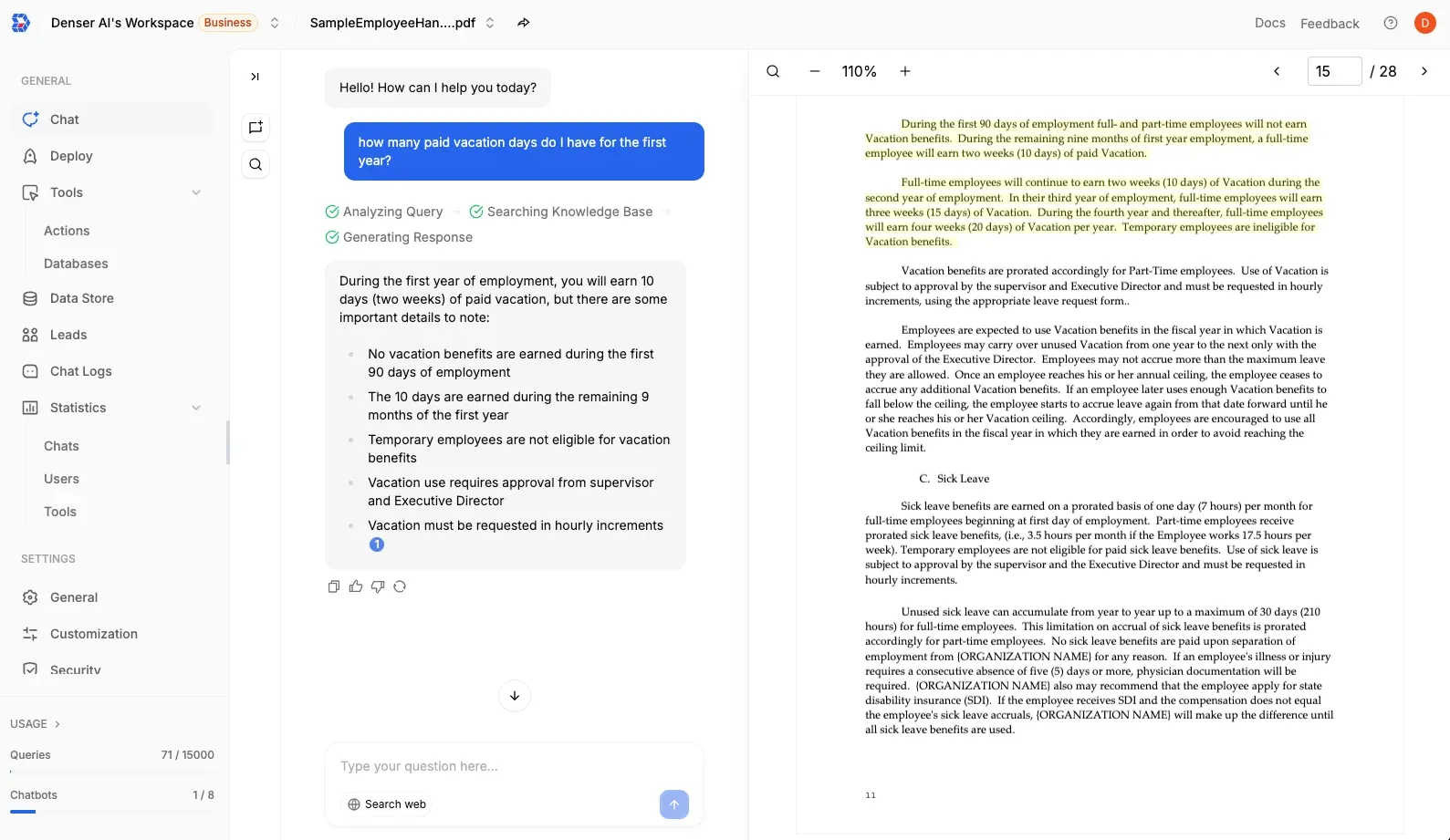
Denser is the strongest free AI PDF tool if your goal is asking questions of a PDF and getting answers you can trust. You upload a document (or connect your knowledge base), ask a question, and get an answer with clickable citations back to the exact passage. It handles long PDFs well because retrieval is the core of the product — it finds the right page, then the LLM answers from it. Try chat with PDF.
Best for: researchers, students, lawyers, and anyone who needs to verify where an answer came from. Free tier: 50 queries/month; standard file size.
2. Google NotebookLM — best for multi-source research#
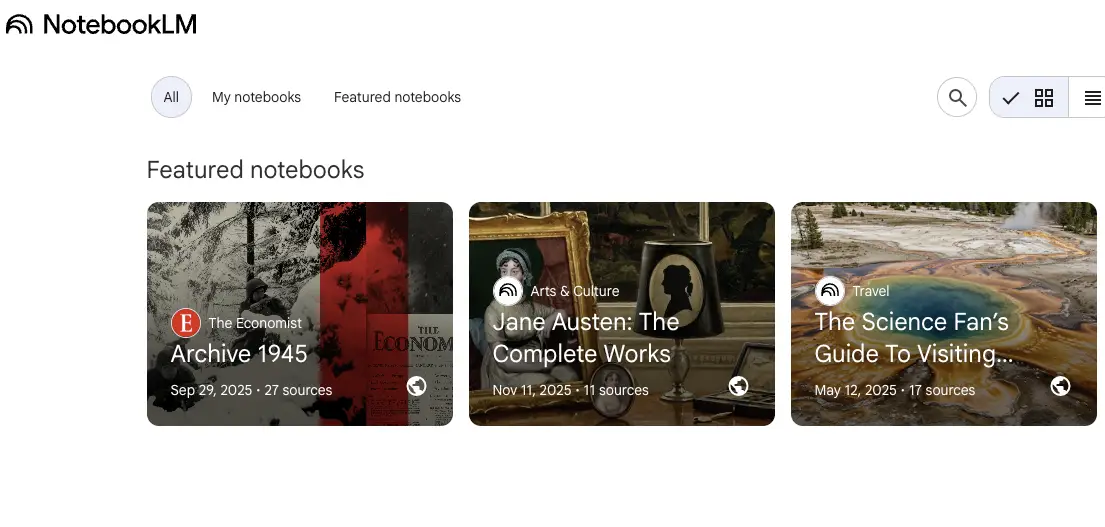
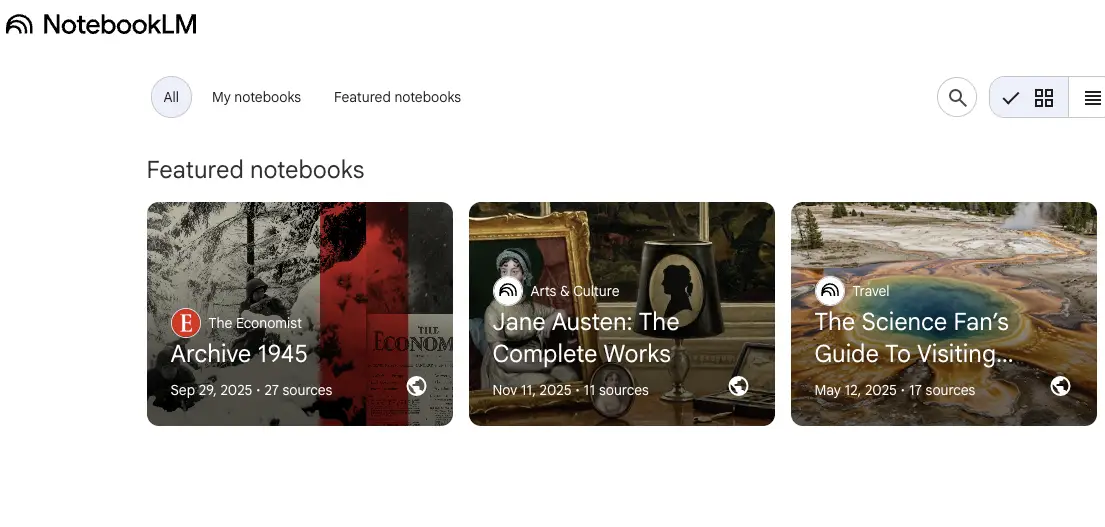
NotebookLM shines when you have several PDFs and want synthesis across them. It generates summaries, study guides, and audio overviews from up to 50 sources at once. It's free with a Google account, though it's built for research notes rather than quick single-file chat.
Best for: synthesizing many PDFs into notes and briefings. Free tier: free (Google account); 500K words per source.
3. PDFgear — best free offline desktop app#
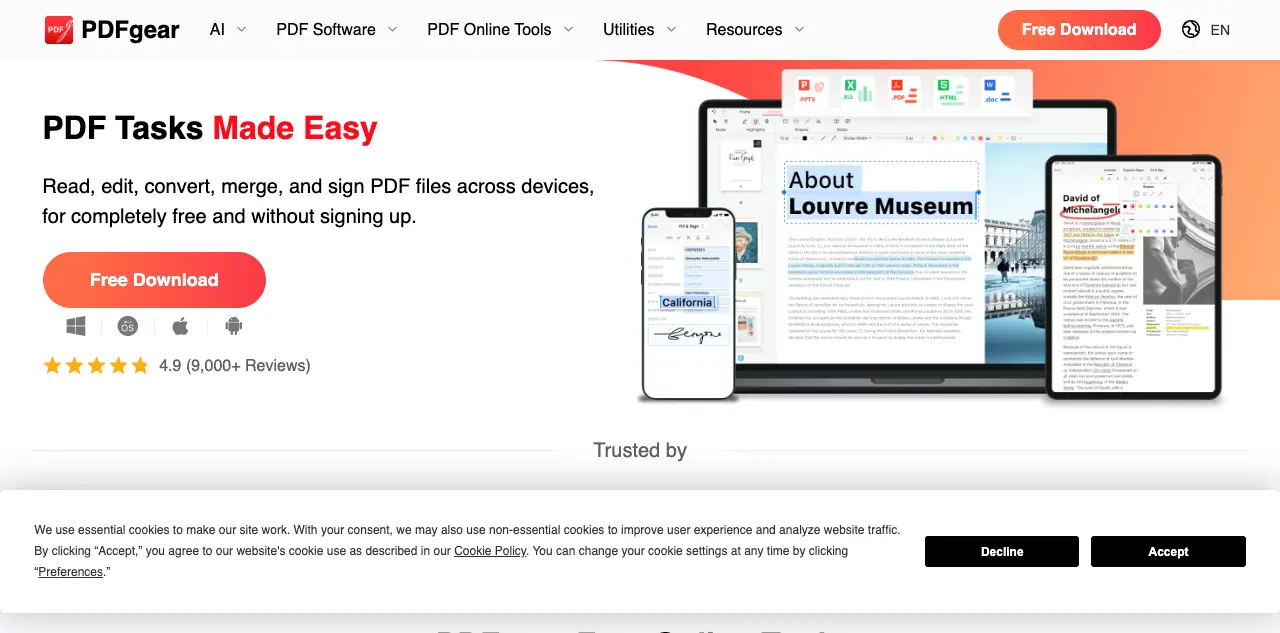
PDFgear is a free desktop app (macOS/Windows) with a built-in Copilot-style AI assistant that works on local files — a plus for privacy since your PDF never leaves your machine. It also covers editing, merging, and conversion at no cost.
Best for: offline, privacy-sensitive use and a full free PDF editor. Free tier: unlimited; no signup.
4. ChatGPT — best for multi-document analysis#
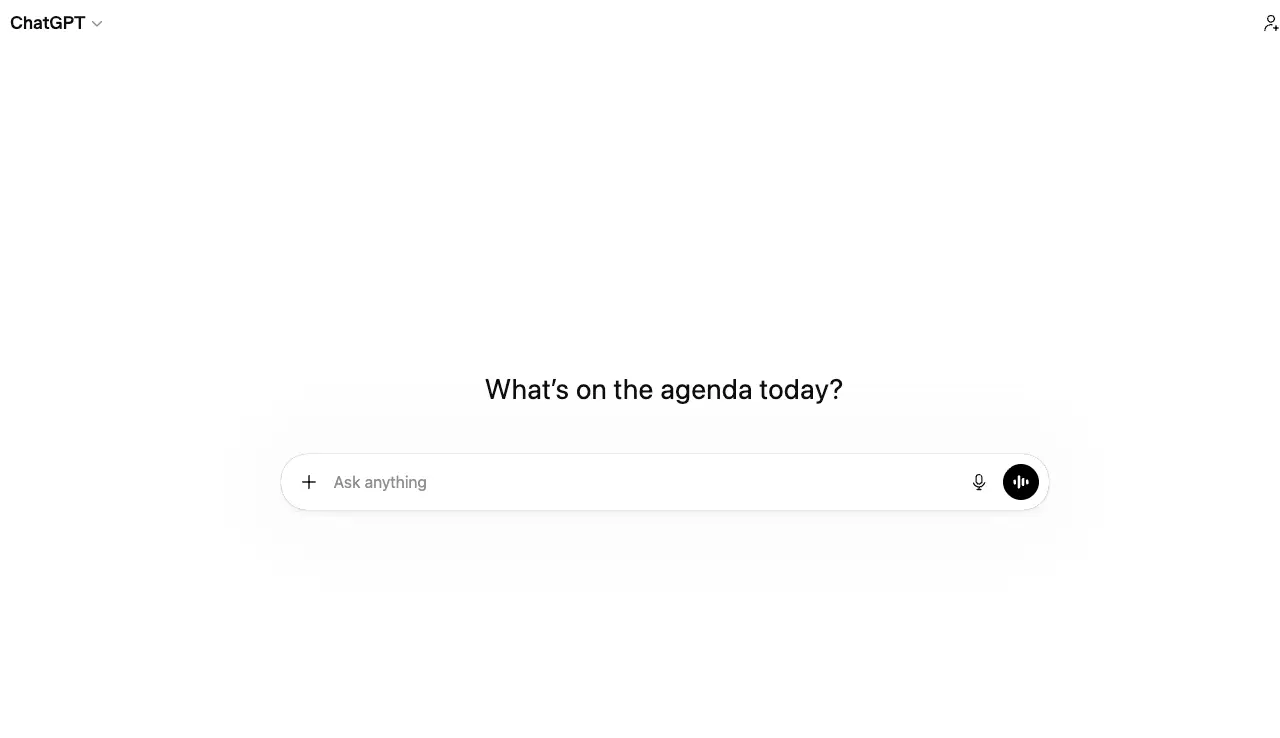
ChatGPT (GPT-4o) lets you upload one or several PDFs and ask questions with reasoning. Citations are partial (it references content but not always exact pages), but cross-document analysis is strong.
Best for: flexible analysis across multiple documents. Free tier: rate-limited; OpenAI account required.
5. ChatPDF — best quick one-file chat without signup#
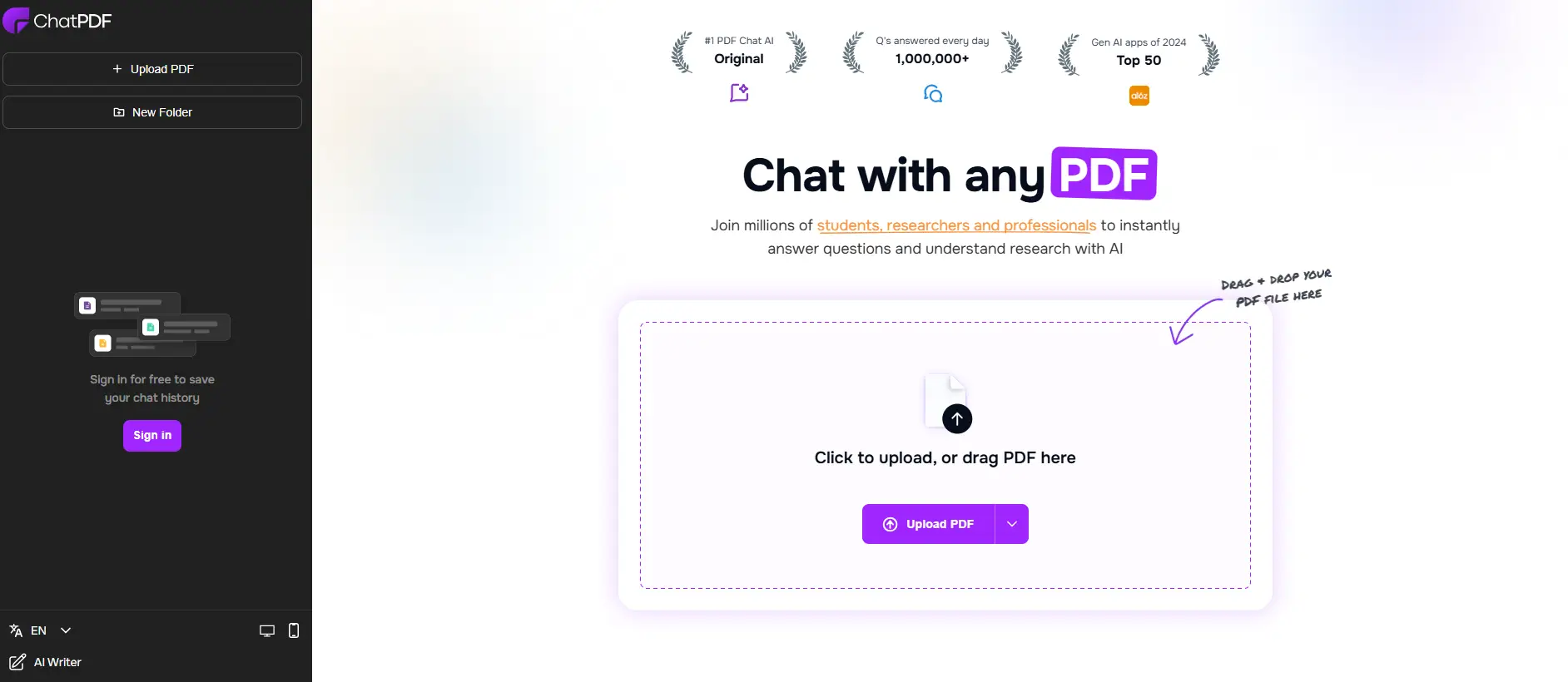
ChatPDF is the fastest way to get a free PDF summary. No account needed — upload a file and start asking questions immediately. The side-by-side layout shows your document next to the chat window. If you want a Denser-style experience with more depth, see our ChatPDF alternative comparison.
Best for: instant Q&A on a single short PDF. Free tier: 2 PDFs/day, 120 pages, 10 MB.
6. Smallpdf — best all-in-one PDF toolkit#
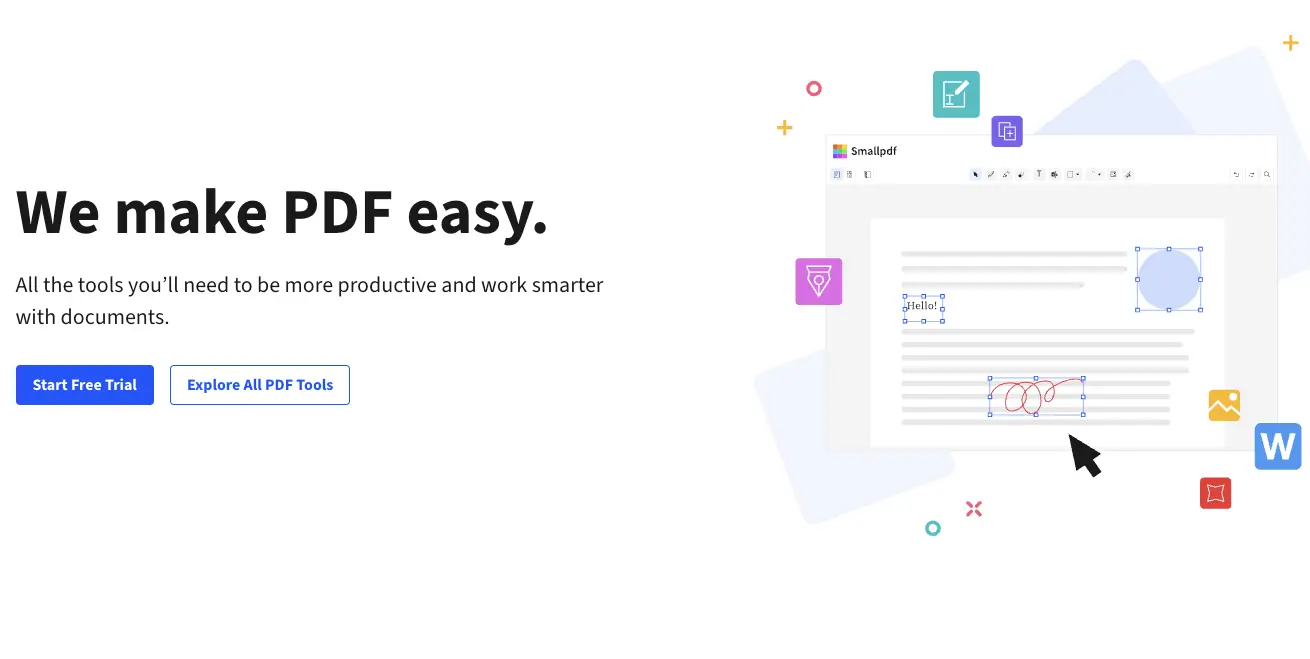
Smallpdf offers 30+ PDF tools (compress, convert, merge, edit) with light AI features. Its AI chat-with-PDF is limited, but it's the best free pick when you need general PDF editing alongside AI summarization.
Best for: everyday PDF editing and conversion with light AI. Free tier: limited daily uses; no signup required for basic tasks.
7. NoteGPT — best for mind map summaries#
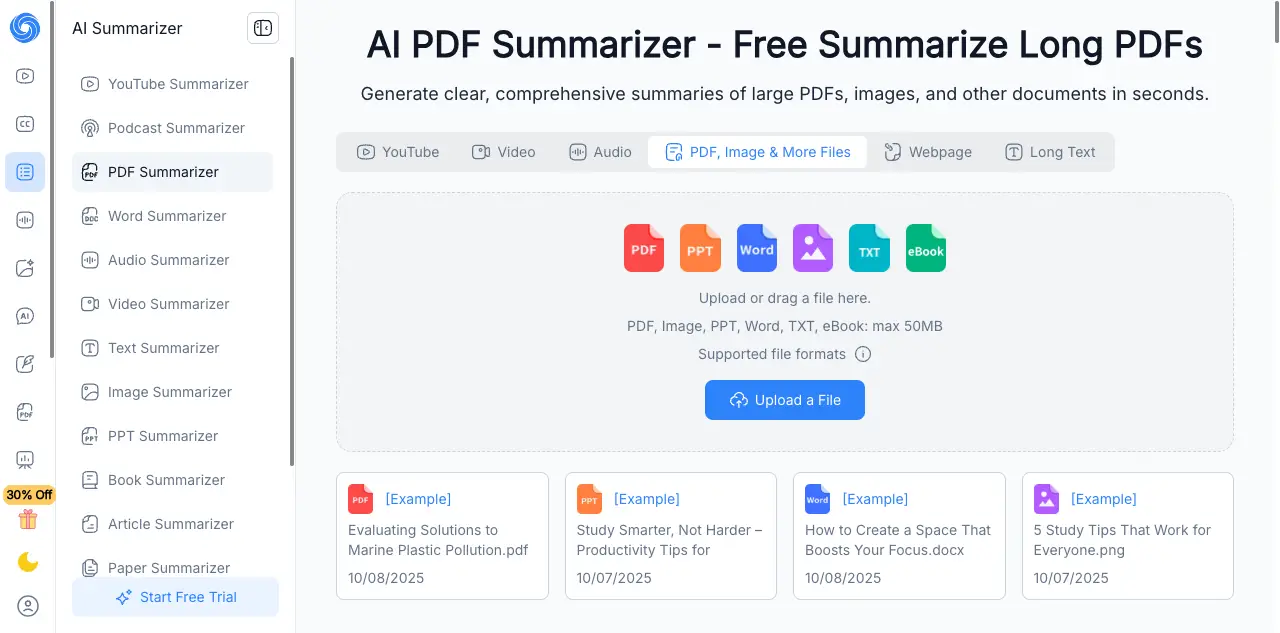
NoteGPT turns PDFs into summary mind maps and outlines, useful for studying and lecture notes. AI chat is available but its standout is the visual summary format.
Best for: visual learners and students who want mind-map summaries. Free tier: limited daily; no signup.
8. SciSpace — best for academic research#
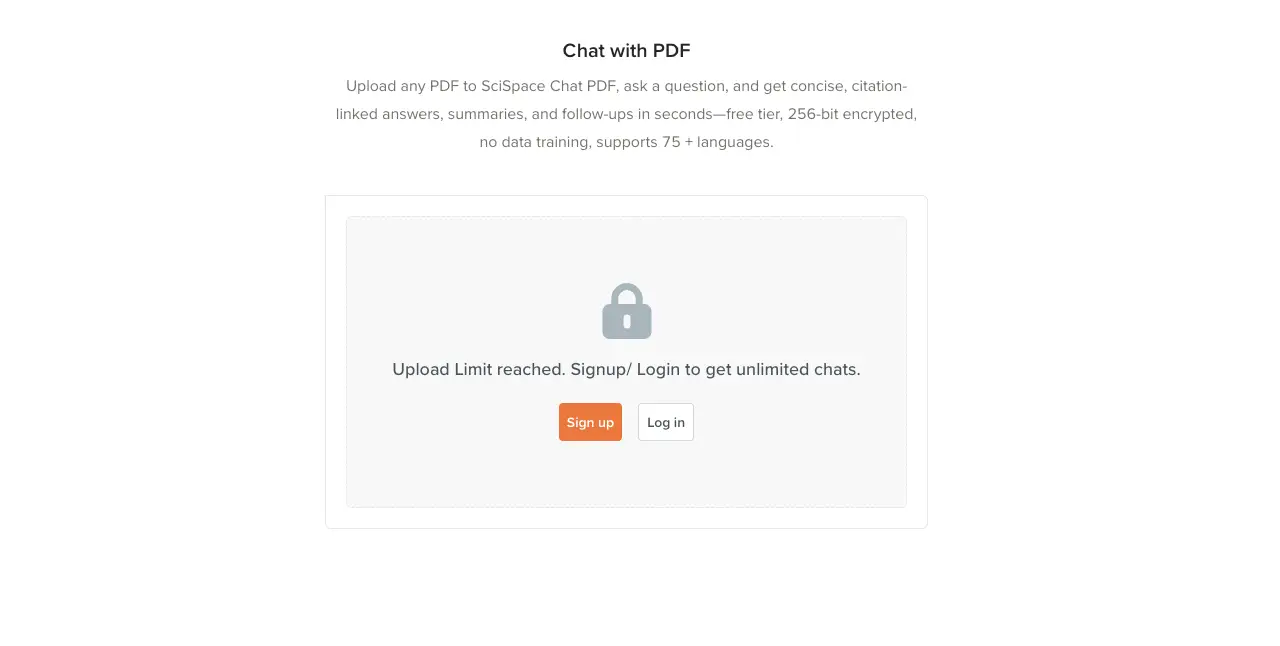
SciSpace is built for researchers: it parses academic PDFs, extracts citations, and lets you ask questions across papers. Strong for literature review workflows.
Best for: academic literature review and citation extraction. Free tier: limited daily; account required.
9. AskYourPDF — best for multi-file chat#
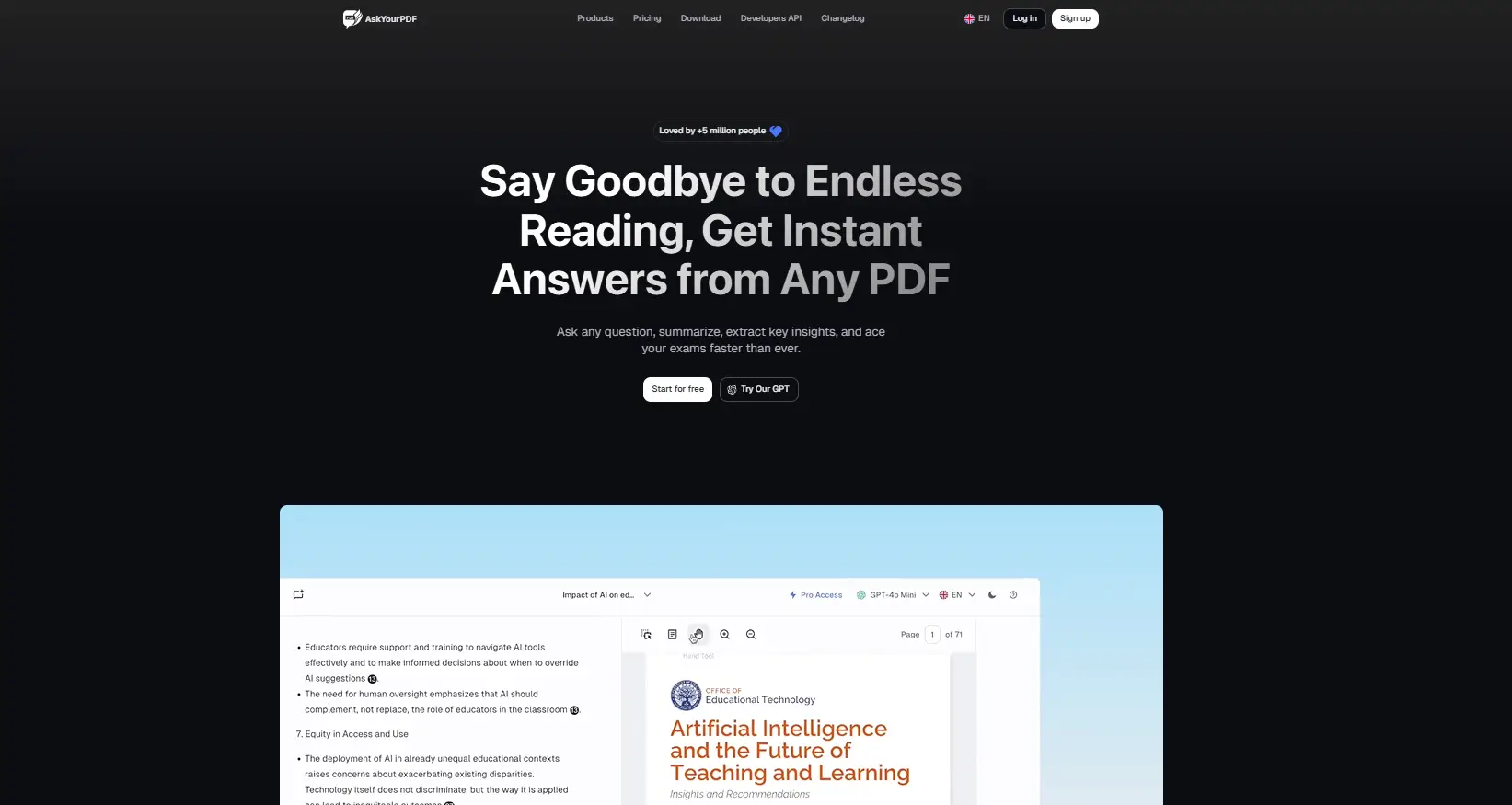
AskYourPDF lets you group documents into "knowledge bases" and ask questions across them, with a usable free tier. Good for organizing several related PDFs.
Best for: chatting across a set of related documents. Free tier: 1 conversation/day, 15 MB; account required.
10. Claude — best for very long documents#
Claude handles up to 200K-token context, so it can ingest and reason over a very long single PDF (a 200-page manual, a full contract bundle) better than most free tools. Citations are partial.
Best for: single, very long documents. Free tier: rate-limited; Anthropic account required.
Best free AI PDF tool by use case#
- Best for cited Q&A: Denser — answers with sources you can verify.
- Best for multi-document research: NotebookLM.
- Best offline / privacy: PDFgear.
- Best for a quick one-file chat: ChatPDF.
- Best for summarizing long PDFs: See our AI PDF summarizer guide.
- Best for just reading PDFs (non-AI): See our best PDF reader and best AI PDF reader rankings.
What to look for in a free AI PDF tool#
- Citations / source links — the single most important trust feature. Without it, an AI answer is a guess.
- Long-document handling — can it find answers in a 100+ page file, not just the first pages?
- OCR for scanned PDFs — many real-world PDFs are image-based scans.
- Free-tier limits — pages per file, questions per day, file count. Match limits to your real usage.
- Privacy — where does your document go, and is it used for training? For sensitive files, an offline tool like PDFgear or Mac Preview is safer.
Are free AI PDF tools actually useful in 2026?#
Yes — for personal and small-team workflows the free tiers handle most reading, summarizing, and Q&A. The gap vs. paid is usually in volume (messages/files), team features, and enterprise security. For heavy or sensitive use, a paid tier or a self-hosted option pays off.
Conclusion#
The best free AI PDF tool depends on your job: Denser for cited Q&A, NotebookLM for multi-source research, PDFgear for offline use, ChatPDF for quick one-file chat, and Claude for very long documents. Pick by whether you need verification (citations), breadth (many files), privacy (offline), or speed.
Try chatting with your PDF and getting cited answers. Start free with Denser — upload a document and ask away.
Chat With Your PDFs Instead of Scrolling Them#
A PDF reader shows you the document. Denser answers questions about it. Upload a contract, a manual, or a folder of research papers, then ask in plain language. Every answer highlights the exact passage it came from, so you can verify it in one click rather than trusting it.
Try it on your own file with the free Chat with PDF tool, see how it works, or start a 7-day trial for larger document sets and team access.
FAQs About Free AI PDF Tools#
What are the best free AI PDF tools in 2026?#
The best free AI PDF tools in 2026 are Denser (cited chat with any PDF), Google NotebookLM (multi-source research), PDFgear (free offline desktop app), ChatGPT (multi-document analysis), ChatPDF (quick one-file chat without signup), and Smallpdf (all-in-one PDF toolkit).
What is the best free PDF reader in 2026?#
For AI features, Denser and NotebookLM lead; for a traditional free reader, Adobe Acrobat Reader and PDFgear remain solid. See our best PDF reader guide.
What is the best AI for reading PDFs?#
The best AI for reading PDFs is one that answers from the document with citations. Denser is built for this; NotebookLM is best for multiple sources; Claude is best for very long single files. See our best AI PDF reader ranking.
Is there a free tool to chat with a PDF?#
Yes. Denser, ChatPDF, AskYourPDF, NotebookLM, and ChatGPT all let you chat with a PDF for free within their tier limits. See our chat with PDF and ChatPDF alternative comparisons.
Are free AI PDF tools safe?#
Most reputable tools encrypt uploads, but policies on training use and data retention vary. If your PDF is sensitive, check the privacy policy or choose an offline/on-device option like PDFgear or Mac Preview.