

5 Best AI Chatbots for Squarespace in 2026

If you use Squarespace to bring in leads or sales, slow replies can cost you business. Visitors have questions before they book, buy, or reach out. If they cannot get answers fast, many will leave.
The right AI chatbot can help you answer common questions, guide visitors to the right service or product, capture leads, and support customers without adding more work for your team.
This guide compares the best AI chatbot solutions for Squarespace in 2026. You'll see how each option handles features, pricing, setup, and day-to-day use, so you can choose the right fit for your website and sales process.
TL;DR#
These are the best AI chatbot solutions for Squarespace:
- Denser
- Chatbase
- CustomGPT
- Intercom
- Drift
Why Add an AI Chatbot to Your Squarespace Site#
A Squarespace website usually depends on clear design, strong copy, and simple navigation. Even so, visitors still have questions before they buy, book, or contact your team.
An AI chatbot gives them instant answers instead of making them hunt through your site or wait for a reply.
Add an AI chatbot for Squarespace to:
- Answer common questions around the clock
- Capture leads before visitors leave the page
- Reduce repetitive support messages
- Guide users to the right service, product, or resource
- Turn website content into live conversations
Squarespace AI can help with copy and page ideas, but it doesn't act as a live chatbot for your visitors. That's where a dedicated chatbot tool makes a real difference.
5 Best AI Chatbots for Squarespace Sites#
These five tools cover the main use cases for Squarespace websites, including support, lead capture, knowledge base answers, and sales conversations.
Since Squarespace doesn't offer a deep native chatbot marketplace, most businesses add one of the general AI chatbot solutions by pasting an embed code or a custom code block into the site.
The options below differ in how easy they are to integrate, which AI features they offer, and how well they support real business workflows.
Let's take a deep look at each option:
1. Denser#
Denser is an AI chatbot platform that turns your Squarespace site content into fast, source-cited answers for visitors who are ready to ask, book, or buy.
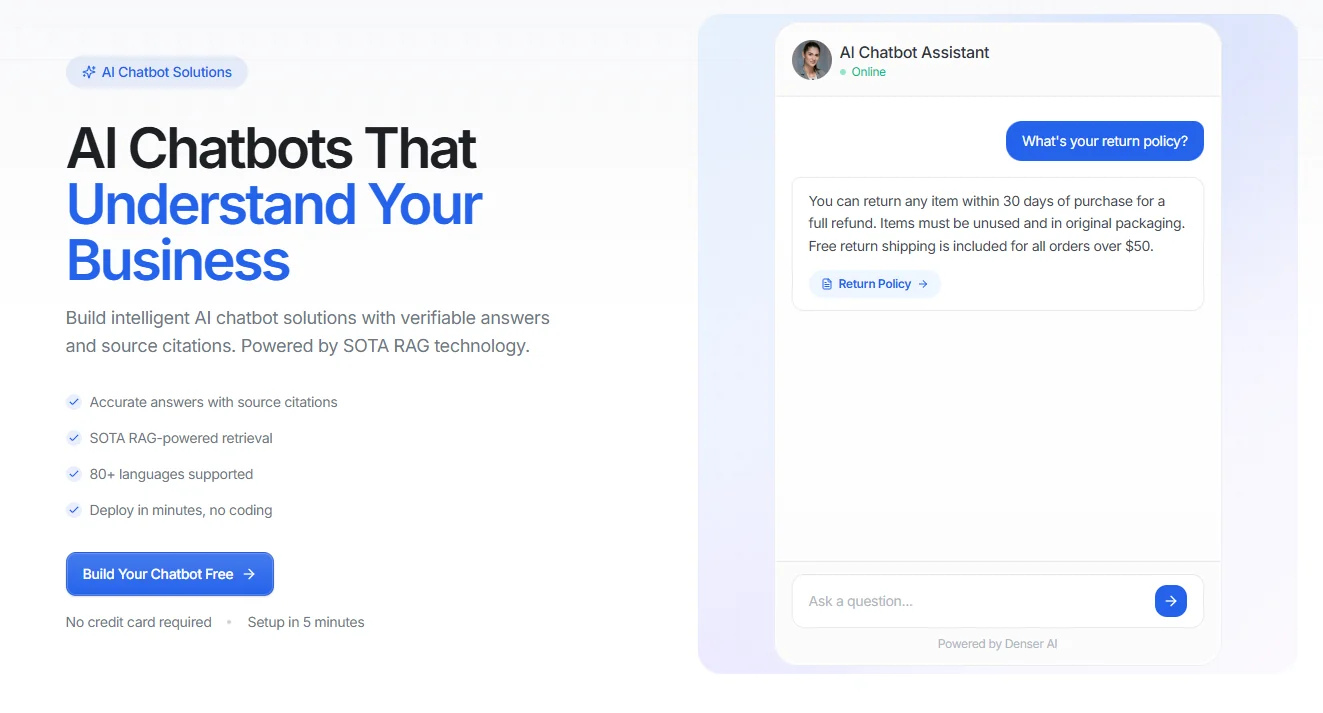
You can train it on your site pages, FAQs, PDFs, DOCX files, Google Drive docs, and databases, then add it to your site with a simple embed code. When someone asks about pricing, services, bookings, policies, or support, the chatbot responds from your content and shows the source behind the answer.
That makes it useful for service businesses, SaaS companies, consultants, and online stores that want faster replies without having to write the same answers all day.
Before launch, you can test responses in the dashboard, adjust prompts and suggested questions, and check how the bot handles common visitor intent.
After it goes live, analytics help you review conversations, spot gaps, and improve performance over time.
Denser also supports 80+ languages, which helps Squarespace sites serve a wider audience without adding more manual work.
Key Features#
- Trains on website URLs, PDFs, DOCX files, cloud storage, and databases
- Answers with source citations tied to your own content
- Uses RAG-based retrieval for more accurate responses
- Supports 80+ languages
- No-code setup with a simple website embed
- Includes analytics, logs, and conversation insights
- Works across support, lead capture, and knowledge workflows
- Connects with Slack, Zapier, Shopify, WordPress, and more
Pros#
- More accurate when the bot needs to answer from a real knowledge base
- Easy to customize without a developer-heavy setup
- Good fit for service sites, SaaS pages, and support content
- Free plan available with no credit card required
Pricing#
- Free plan
- Starter: $39/month
- Standard: $119/month
- Business: $399/month
- Enterprise: Contact sales
All plans have a 20% discount when paid annually.
Try Denser for free and reduce support costs with 24/7 answers from your Squarespace content!
2. Chatbase#
Chatbase is a solid pick for teams looking to quickly build a chatbot and embed it on a website with minimal setup.
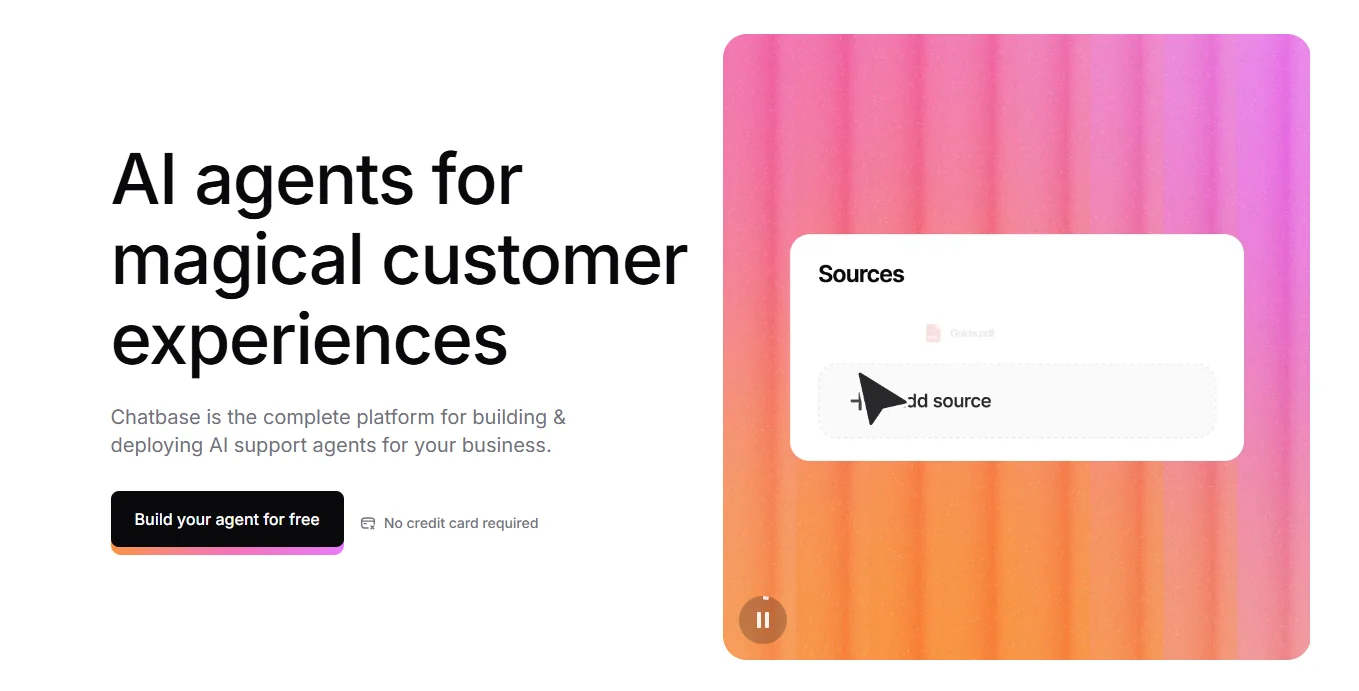
Image source: chatbase.co
It supports training from website URLs, files, and manual text, then lets you deploy the bot as a widget or iframe. For a Squarespace site, the setup is fairly direct once you have the script ready.
The platform is also flexible enough for teams that want a user-friendly interface, basic analytics, and a light no-code workflow. It's business data-focused, but easy to test and launch.
Key Features#
- Train on URLs, files, and manual content
- Widget and iframe embed options
- No-code setup and dashboard controls
- Chat history and analytics
- Integrations with tools like WordPress, Shopify, Slack, and Zapier
Pros#
- Easy to set up and deploy on a website
- Flexible training options for own content
- Free entry point for testing
- Ease of use and quick setup
Cons#
- Limited customization in some cases
- Pricing jumps quickly once usage grows
- Less focused on cited business answers
Pricing#
- Free plan
- Hobby: $40/month
- Standard: $150/month
- Pro: $500/month
- Enterprise: Custom pricing
3. CustomGPT#
CustomGPT is a more suitable fit for teams that prioritize training depth and controlled document ingestion.
It's built around private data, website search, and custom GPT behavior, which makes it useful for content-heavy sites with large document libraries.
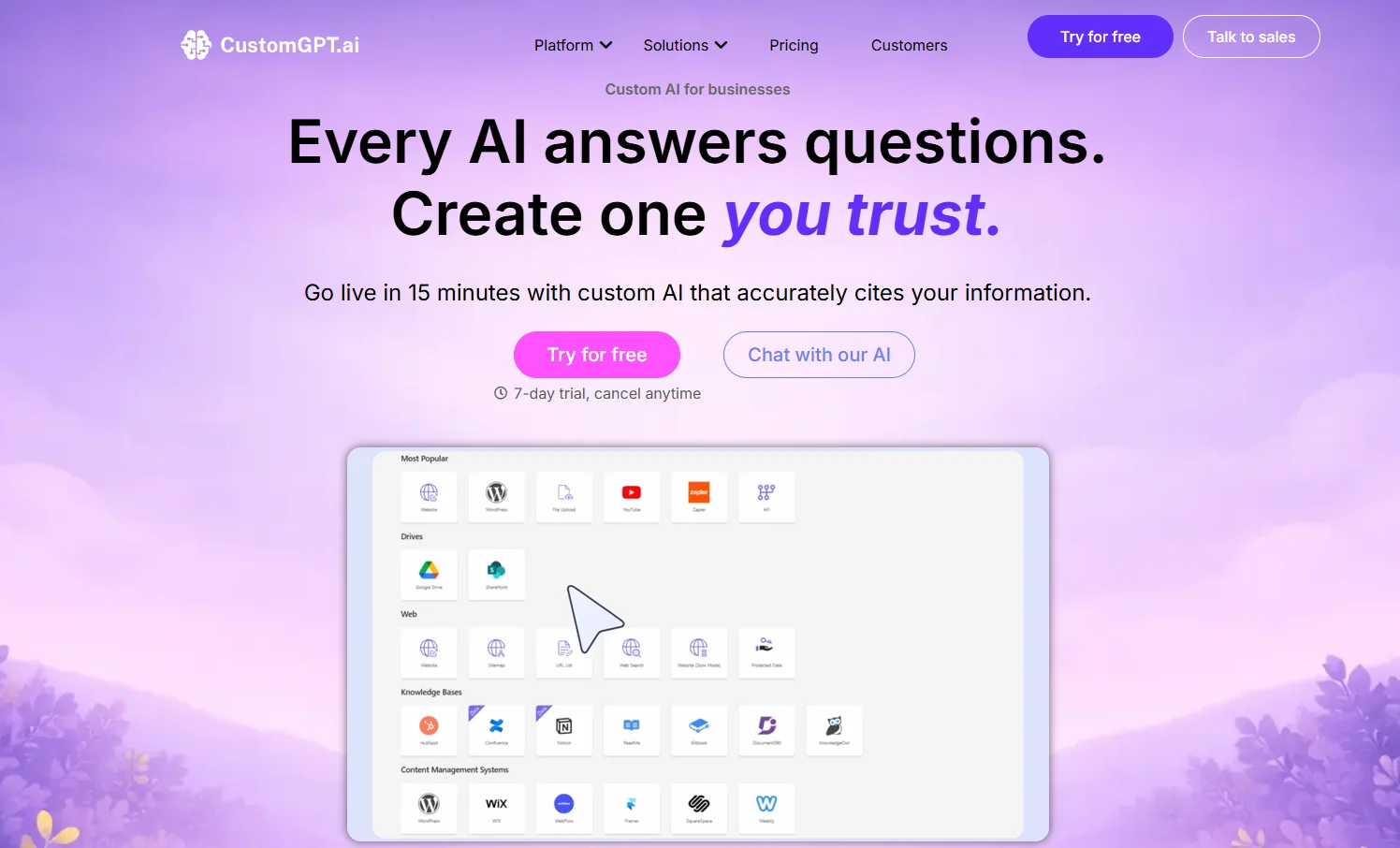
Image source: customgpt.ai
For Squarespace users, the main appeal is the ability to load many documents and create a bot around closed content.
The tradeoff is price. It starts higher than Denser or Chatbase, so it's harder to justify for a smaller site unless your knowledge base is already large.
Key Features#
- Trains on many source types and large document sets
- Supports website search and chatbot use cases
- No-code builder plus API access
- Auto-sync website content on higher plans
- Team access and higher document limits on paid tiers
Pros#
- Strong training depth for closed content
- Easy file upload workflow according to review feedback
- Better than lighter tools for large document sets
Cons#
- Higher starting price for small businesses
- Very limited public review volume compared with larger tools
- Performance and reliability vary depending on knowledge-base complexity
Pricing#
- Standard: $99/month
- Premium: $499/month
- Enterprise: Custom pricing
4. Intercom#
Intercom fits Squarespace sites that need more than a chat widget. It combines chat, inboxes, help center tools, automation, and Fin AI Agent in one platform. That makes it suitable for SaaS, support-heavy businesses, and teams that want AI plus a broader support stack.
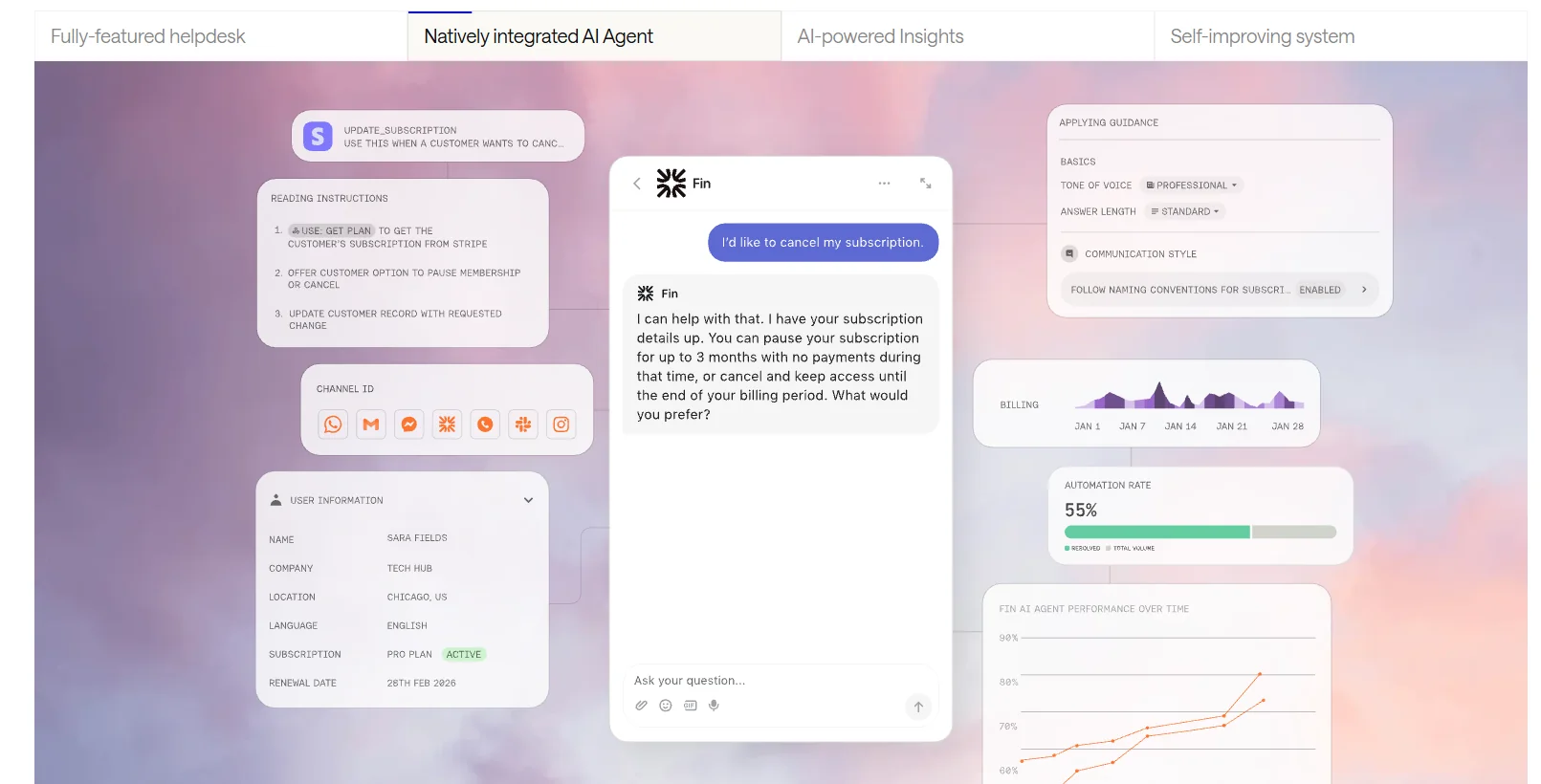
Image source: intercom.com
On a Squarespace website, Intercom works well when the chatbot is only one part of the support process. If you need live chat, agent handoff, help center flows, and shared inbox management, it's much stronger than a basic website bot.
Key Features#
- Fin AI Agent across chat and email
- Shared inbox and live chat
- Help center and workflow automation
- Multilingual help center support for higher plans
- Human handoff and usage-based AI actions
Pros#
- Strong mix of chatbot, support, and help center tools
- Good fit for growing support teams
- Ease of use and live chat workflows
Cons#
- Pricing gets more expensive as usage and seat counts grow
- The learning curve is steeper than that of lighter chatbot tools
- May feel too feature-heavy for a simple brochure website
Pricing#
- Essential: $39/seat/month
- Advanced: $99/seat/month
- Expert: $139/seat/month
- Fin AI Agent: $0.99 per resolution
- Copilot unlimited: $35/seat/month
5. Drift#
Drift is built more for B2B revenue teams than for general website support. It focuses on lead qualification, meeting booking, buyer routing, and live sales conversations. On a Squarespace site, it's more useful for pipeline generation than for broad knowledge-base support.
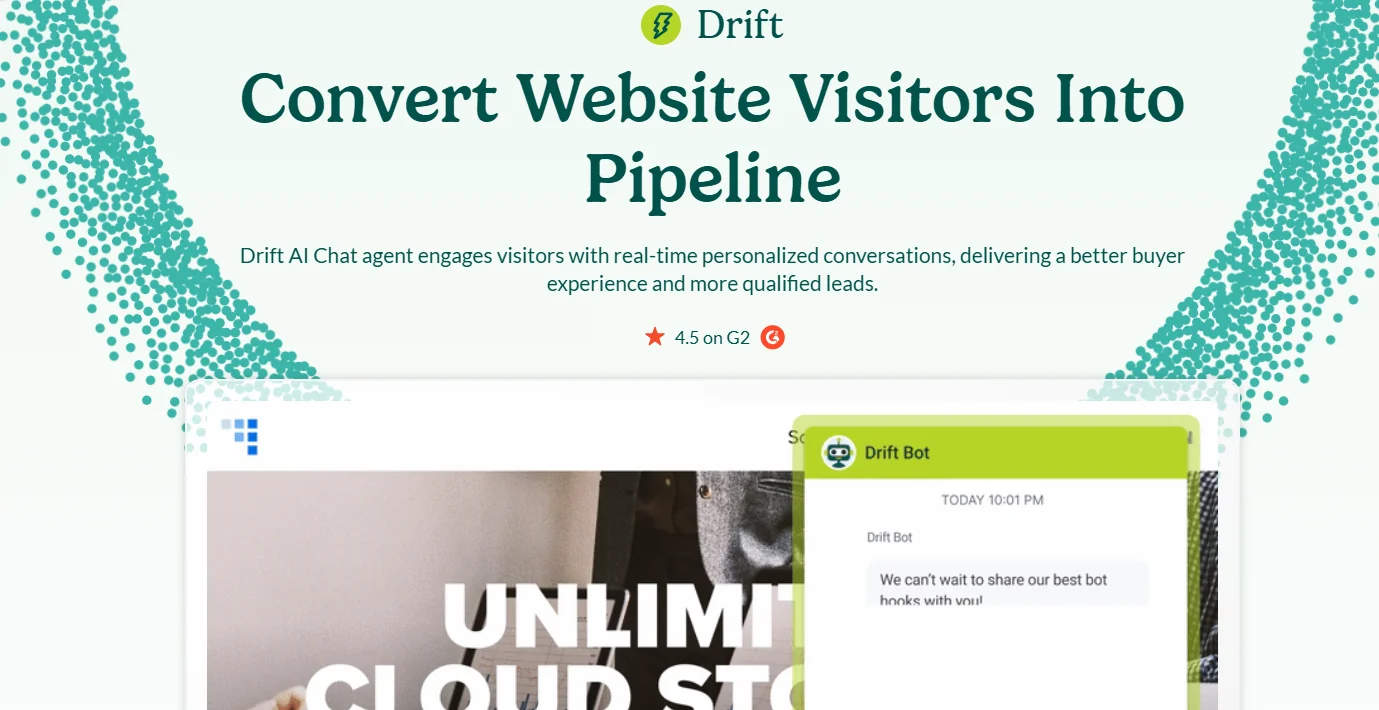
Image source: salesloft.com
If your site needs to identify visitors, qualify intent, and push sales conversations forward, Drift can do that well. If you mainly need support answers from website content, the fit is weaker.
Key Features#
- AI chat agent for website conversations
- Lead qualification and meeting booking
- Buyer routing and account context
- Reporting and engagement insights
- Live chat plus AI-assisted sales flows
Pros#
- Strong for B2B sales conversations and lead routing
- Useful intent and engagement visibility
- Ease of use and conversion workflows
Cons#
- Pricing is usually custom and high for smaller teams
- Support friction and cost concerns
- Limited flexibility for non-sales use cases like help-center or FAQ-style answers
Pricing#
- Premium: Around $2,500/month
- Final pricing: Custom pricing
- Most pricing is sales-led
How to Add an AI Chatbot to Your Squarespace Website#
Squarespace is a hosted website platform, so most chatbot tools don't install through a native plugin marketplace. You usually add a chatbot with an embed, HTML block, or code injection.
The setup is still simple when the platform gives you ready-to-paste custom scripts and a clear deployment path.
Step 1: Choose the Right Chatbot for Your Squarespace Site#
Start with the role the chatbot needs to play on your Squarespace site.
Denser is a practical option when you want the bot to answer using your own content instead of relying on generic replies.
You can train it on site pages, FAQs, files, and other content sources, then place it on a Squarespace page with a simple embed.
That's useful when your site needs more than a basic chat box.
- A service business may want the bot to answer questions about pricing and booking.
- A SaaS site may want to guide trial visitors.
- A support page may need better answers in the help content and in the uploaded files.
Step 2: Sign Up and Customize Your Denser Chatbot#
Create your Denser account, then add the content sources you want the bot to use. That can include your website, PDFs, DOCX files, Google Drive docs, or other business files.
Once the bot has your content, test sample questions in the dashboard and check whether the replies match the way you want the brand to sound.
Before launch, edit the welcome message, suggested questions, tone, and widget style. You can also adjust how the chatbot handles lead capture, follow-up prompts, and handoff rules.
Save each change as you go, then run a few real visitor questions before you move to the install step.
Step 3: Copy the Embed Code#
When the chatbot is ready, copy the code Denser gives you. Most Squarespace installs will use either a widget script or an iframe.
Widget script example:
<script
  type="text/javascript"
  id="denser-chat-widget"
  data-denser-chatbot-id="chatbotId"
  data-target="denser-chatbot-wrapper"
  src="https://denser.ai/widget.js"
></script>
Iframe example:
<iframe
  width="600"
  height="400"
  frameborder="0"
  src="https://denser.ai/u/chat/chatbotId?embed"
>
</iframe>
If you want to test the bot outside the site template first, Denser also supports API-based requests.
curl https://denser.ai/api/query -X POST -H "Content-Type: application/json" -d '{
  "chatbotId": "chatbotId",
  "question": "Can you summarize this doc?"
}'
Step 4: Add the Code to Squarespace#
Log in to Squarespace and open the page or site settings where you want the chatbot to appear.
- Site-wide widget: Open Settings, then Advanced, then Code Injection, and paste the code near the footer section so the bot appears across the site.
- Specific page: Open the page settings, go to Advanced, and enable page-level code injection if you want the bot to appear only on one Squarespace page.
- Inline placement: Use a code block if the chatbot tool supports that format and you want the bot inside page content.
After you paste the code, save the page, open the live version, and scroll through the layout on desktop and mobile. Check that the widget appears in the right place and doesn't break the template.
Squarespace supports custom code on some plans, but support for custom scripts is limited, so test the placement carefully.
Step 5: Review Chatbot Conversations and Keep Improving the Bot#
The first week after launch will show you what visitors actually ask. Review chatbot conversations, identify questions the bot missed, and update content sources when an answer feels thin or incomplete.
You may need to edit a service page, add a missing FAQ, upload a better file, or rewrite a help article so the bot has cleaner material to work with.
Keep an eye on where users drop off, which pages start the most chats, and which replies lead to contact form fills or bookings. A quick tutorial video for the team can also help if multiple people will manage the bot. Small updates usually do more than a full reset.
Keep the answers tight, save each improvement, and test again on the live Squarespace page.
How to Pick the Right AI Chatbot for a Squarespace Site#
Choose the bot based on the site's real role, not the longest feature list. Some tools are better for support. Others fit sales conversations, simple website tools, or large content libraries.
Use these checks:
- Can it train on your own content, not just generic AI?
- Is the setup intuitive for a non-developer?
- Does it support clean embed code or chatbot embed code for Squarespace?
- Can you customize the brand, messages, and widget style?
- Does the pricing still make sense as conversations grow?
Capture More Leads From Your Squarespace Site With Denser#
Denser turns your Squarespace site content into a chatbot that can answer visitor questions about services, pricing, bookings, and support in real time.
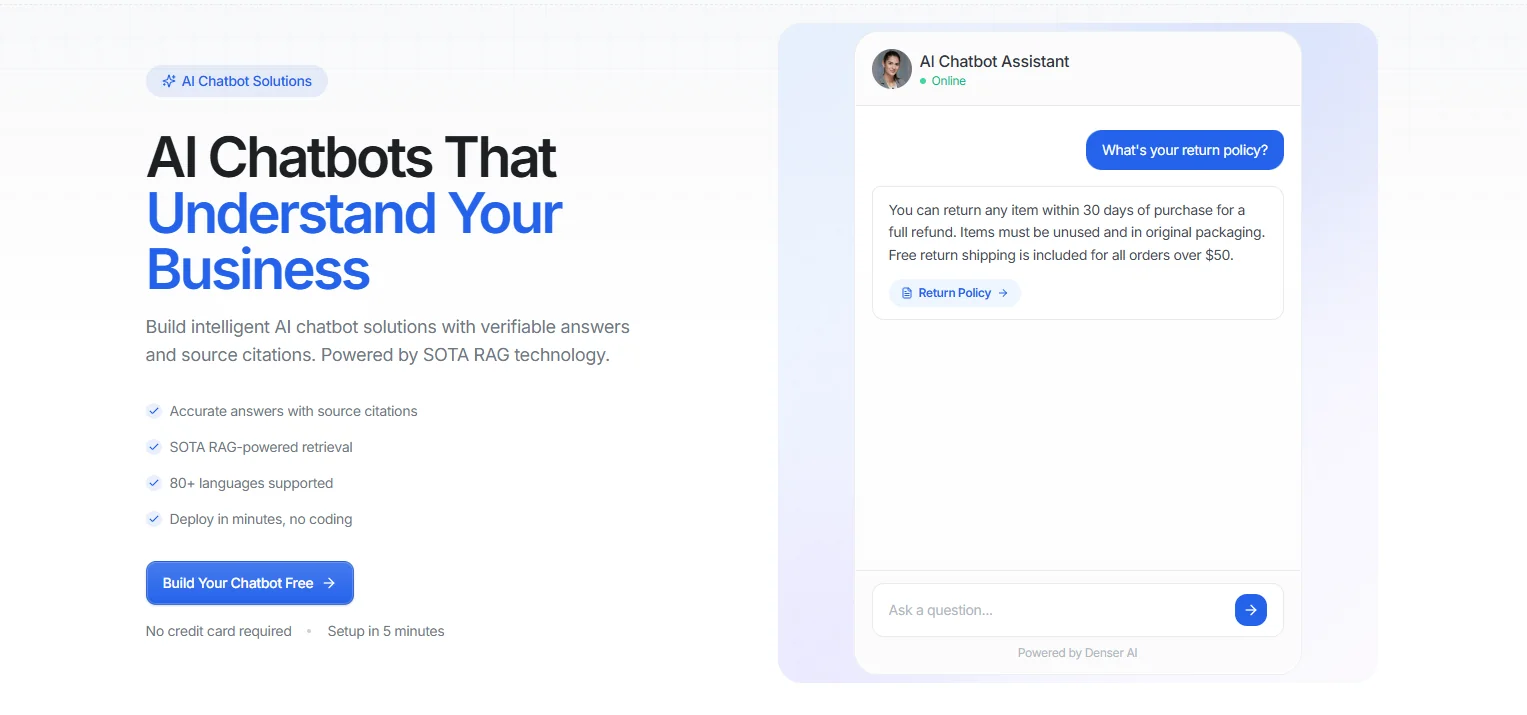
You can train it on site pages, uploaded files, FAQs, and other business content, then add it with a simple embed.
Visitors get faster answers, your team gets fewer repetitive questions, and more conversations can move toward a booking, purchase, or contact form submission.
Start for free and turn more Squarespace questions into instant, accurate answers!
FAQs About AI Chatbot Solutions for Squarespace#
What is the best AI chatbot for Squarespace?#
For most Squarespace sites, Denser is the strongest option when you want answers grounded in your own website content, files, and knowledge base. It's a better fit than a generic bot when accuracy and lead quality matter.
Can I customize the AI chatbot to match my Squarespace design?#
Yes. Most chatbot tools let you customize colors, welcome messages, and widget behavior. Denser also lets you adjust appearance and response behavior before you embed it.
Do I need coding skills to add an AI chatbot to Squarespace?#
Not usually. Most tools give you ready-made embed code, and Denser is designed for a no-code setup. You still need to paste the code into Squarespace, but you don't need developer-level coding skills.
Can the AI chatbot handle multiple languages on my Squarespace site?#
Yes, if the platform supports it. Denser supports 80+ languages, which is useful for sites serving customers in multiple markets.