

6 Best AI Chatbots for Small Businesses in 2026

Running a small business usually means answering questions, following up with leads, and handling support with a lean team. A basic chat widget will not do much to lighten that load.
But the right AI chatbot answers routine questions, reduces support volume, captures leads, and gives customers faster help without adding more work behind the scenes.
This guide compares the best AI chatbot solutions for small businesses in 2026, with a clear look at features, pricing plans, tradeoffs, and where each tool fits.
TL;DR#
- Denser
- ManyChat
- SleekFlow
- Zendesk AI
- Dialpad
- Intercom
What Are AI Chatbots for Small Businesses?#
AI chatbots for small businesses are software tools that hold human-like conversations with customers, leads, or employees and help them get answers fast.
Instead of relying on rigid scripts alone, modern AI-powered chatbots use natural language processing, machine learning, and generative AI to understand customer questions, answer common questions, and guide the next step in the conversation.
For a small business, that can mean faster customer support, fewer repetitive tasks, and more time for the team to focus on sales, service, or operations.
For example, one business may use conversational AI for support while using other AI tools for content creation, internal chat, or even video planning.
Some AI bots only handle chat on a website. Others work across multiple channels, connect to a knowledge base, search uploaded files, or act as AI agents that can route, escalate, or update workflows.
Why Small Businesses Need AI Chatbots#
A small business usually cannot afford long reply times, missed leads, or a growing support queue. Most teams still rely on small groups of employees to handle web chat, phone calls, and follow-up work, so every delay has a greater impact.
AI chatbots help smaller teams operate more efficiently by handling routine tasks around the clock. That includes order questions, booking requests, product details, refund questions, and follow-up questions that would otherwise end up in a single overloaded inbox.
The value shows up in a few places, and the overall experience improves when the agent can act on real knowledge instead of guessing:
- Faster answers for customers on your website or site chat
- Better lead handling without manual follow-up on every conversation
- Lower pressure on support when the chatbot resolves simple requests
- More consistent customer interactions across web, social, and voice channels
- Clearer insights into customer questions, trends, and gaps in your resources
The difference between a weak bot and a useful one comes down to the data layer, the setup process, and whether the tool can answer questions from real business knowledge.
The best small business AI systems can also surface trends, track response quality, and help the team see what customers actually ask every day.
6 Best AI Chatbots for Small Businesses (2026)#
Small businesses need AI chatbot solutions that save time, improve response speed, and help customers get answers without waiting for a person to respond to every request.
Some tools are better for website chat, some work best for social messaging, and others are built for support teams or voice workflows.
The options below cover the main small-business use cases. Each one has a different strength, so you can choose based on the way your team sells, supports, and communicates every day.
1. Denser#
Denser belongs at the top of this list when the chatbot needs to work from real company content, not broad model memory. It's built for small business teams that want one AI system for customer support, lead capture, internal knowledge access, and website chat.
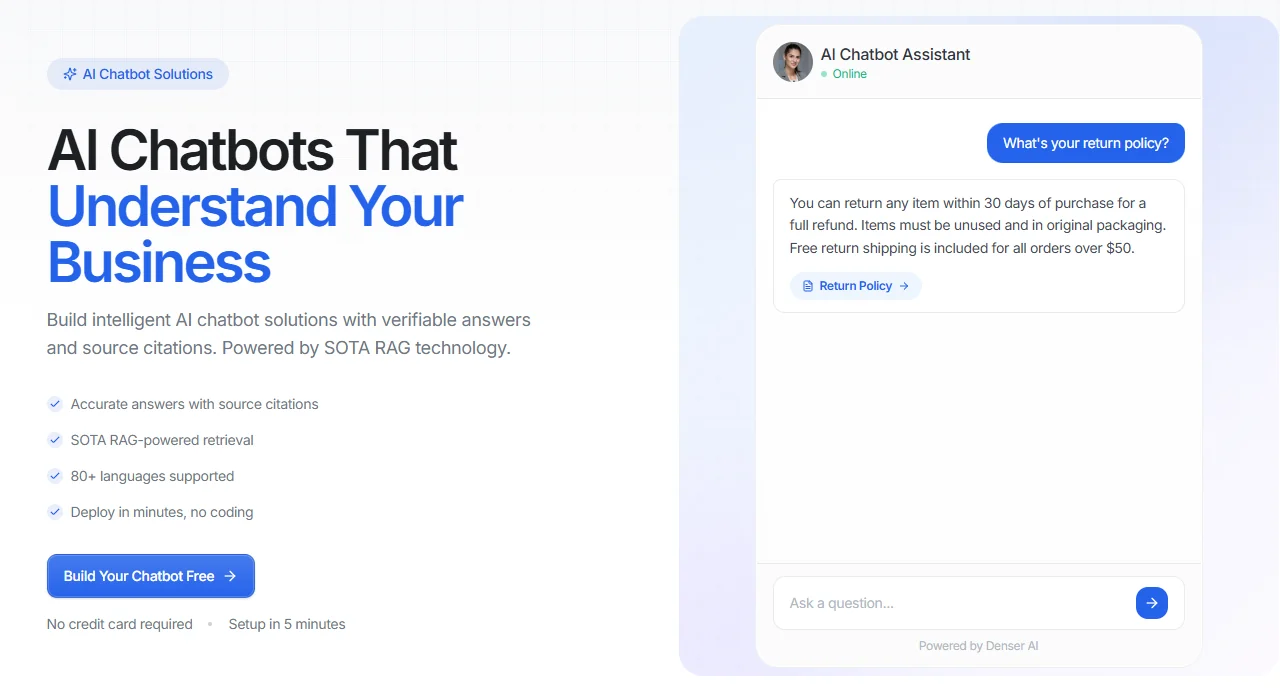
You can train it on your website, help guides, PDFs, uploaded files, Google Drive content, and databases, then deploy a chatbot that gives source-cited answers people can verify.
That makes Denser more practical than many small-business AI tools that only work as chat widgets or scripted assistants. It can answer product, policy, onboarding, and sales questions from the same knowledge layer.
It also supports 80+ languages, so you can upload content in any language and serve customers worldwide.
Small teams can create a chatbot without coding, test replies on the dashboard, and then deploy it to the website or other channels in under 10 minutes.
Key Features#
- Trains on websites, PDFs, DOCX, PPTX, Google Drive files, and databases
- Answers with source citations instead of unsupported text
- Supports 80+ languages and natural language questions
- Includes analytics and insights on conversation quality and customer satisfaction
- Connects with Slack, Zapier, Shopify, WordPress, and more
- Supports no-code setup, fast testing, and one-snippet deployment
Pros#
- Precise answers with 95% accuracy rates from business data and knowledge base content
- Fast setup for small teams without technical expertise
- Fits support, sales, and internal questions from one tool
- Free plan available with no credit card required
Pricing#
- Free plan available
- Starter: $39/month
- Standard: $119/month
- Business: $399/month
- Enterprise: Contact Sales
All plans come with a 20% discount when paid annually.
Try Denser for free and automate 67% of support inquiries with instant, accurate answers!
2. ManyChat#
ManyChat is a suitable fit for small businesses that rely on Instagram, Facebook Messenger, WhatsApp, and SMS to talk with customers. It's less about deep knowledge retrieval and more about social conversation flows, promotions, lead capture, and automated follow-ups.
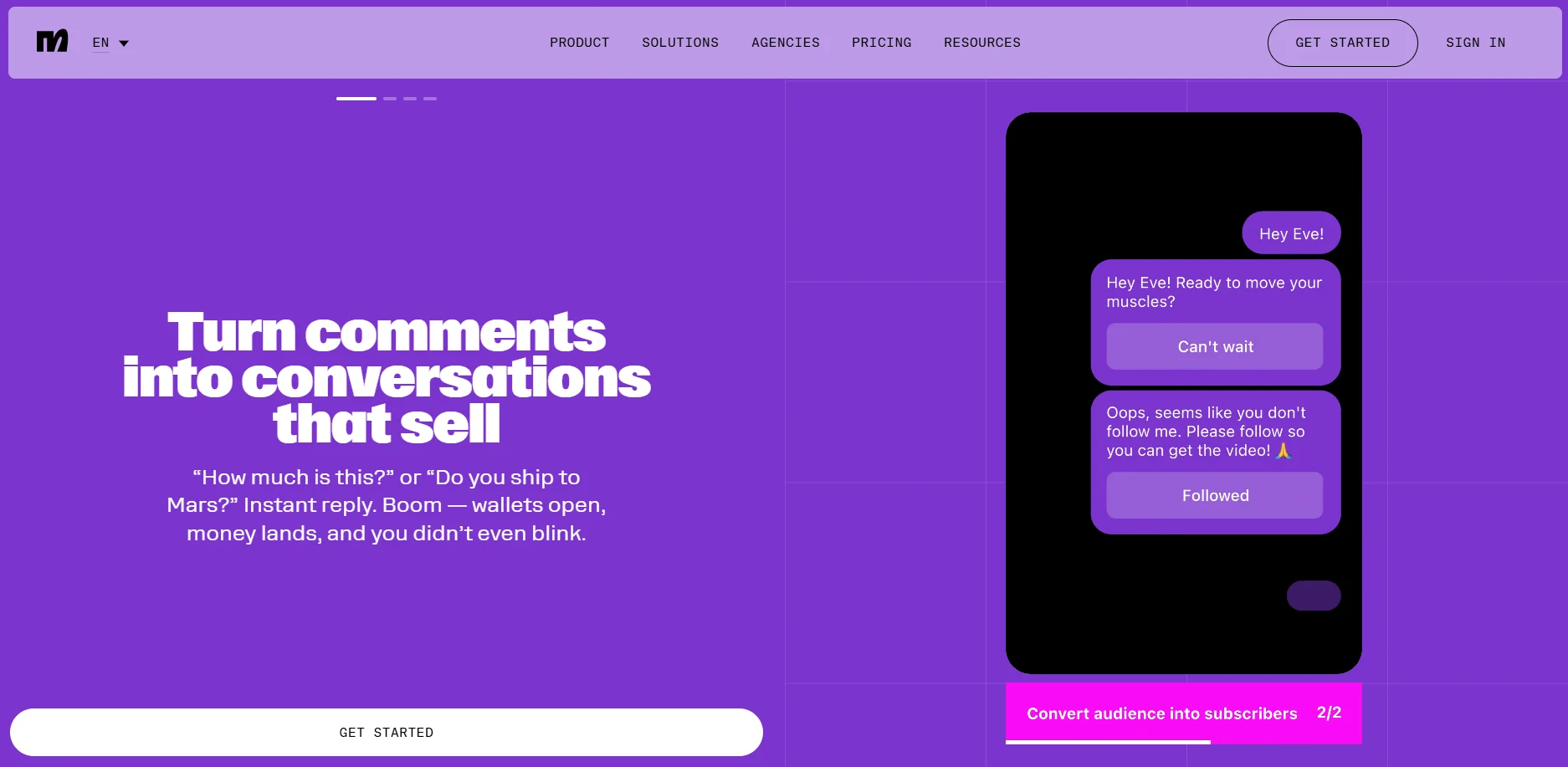
Image source: manychat.com
The platform is known for its intuitive drag-and-drop builder, templates, and multi-channel automations that help teams create flows with minimal setup.
It also adds AI features for smarter routing, more flexible replies, and natural language input capture. That helps the bot feel less rigid than a basic rule-based flow.
Key Features#
- Instagram, Facebook Messenger, WhatsApp, SMS, and email support
- AI Flow Builder, AI Step, and intention recognition
- Lead capture, drip follow-up, and campaign automation
- Templates for booking, promotions, and common messaging flows
- Analytics for engagement and conversion tracking
Pros#
- Easy to create social messaging flows without coding
- Useful for lead capture and campaign response automation
- Free tier covers up to 25 contacts
- Easy setup and day-to-day use
Cons#
- Advanced plans and inbox seats can get expensive as contact volume grows
- Limited features on lower tiers and friction in support
- Better for social messaging than a full-website knowledge-base chatbot
Pricing#
- Free: $0/month
- Essential: $17/month
- Pro: $39/month
- Business: $99/month
- Advanced: $199/month
3. SleekFlow#
SleekFlow is an AI customer experience platform built for businesses that want to manage revenue-driving customer conversations across WhatsApp, Instagram, Messenger, SMS, live chat, email, and other channels from one workspace.
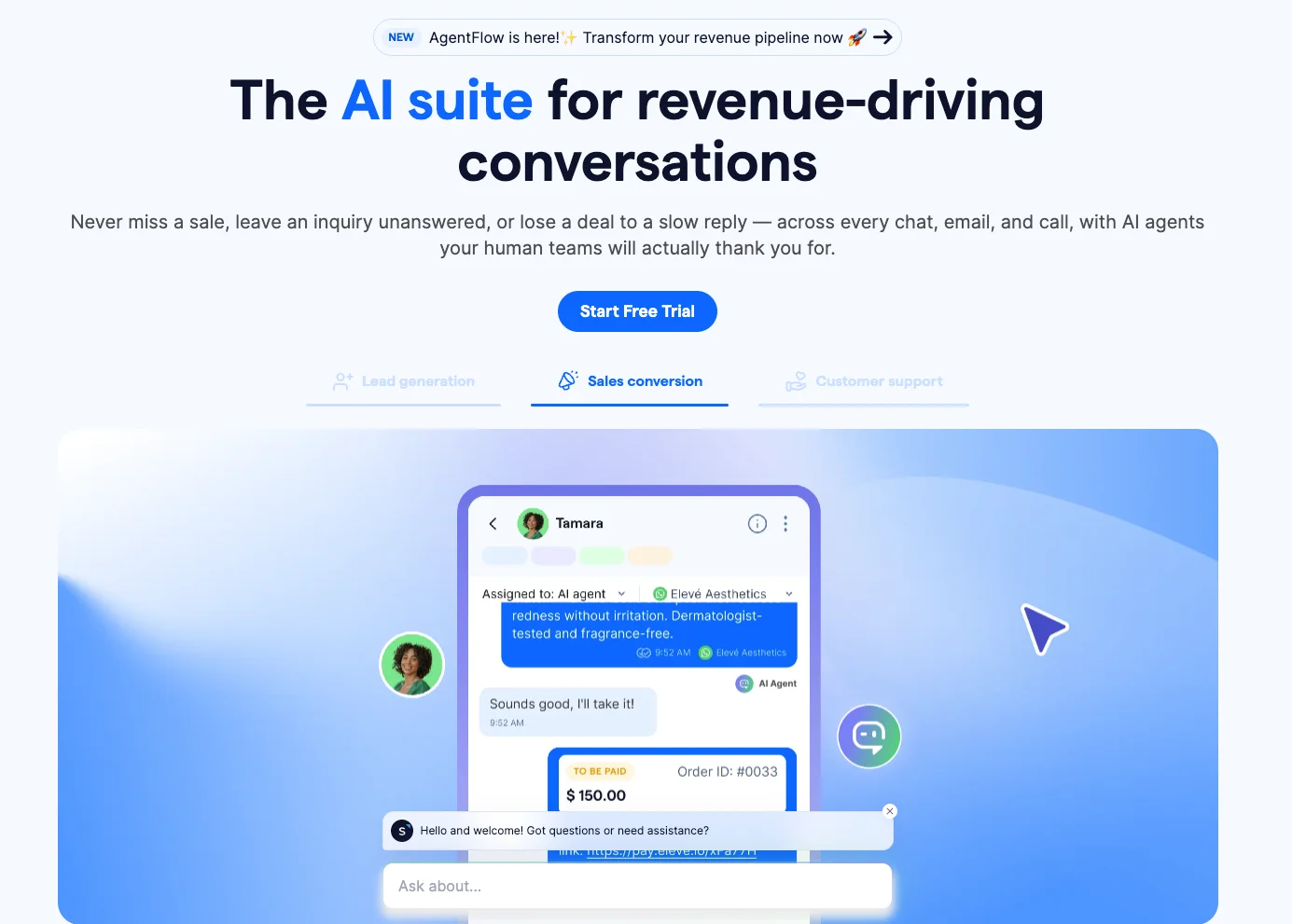
Image source: sleekflow.io
Its AgentFlow AI agents can handle inbound sales and support conversations, qualify leads, answer routine questions, book appointments, and route conversations to human teams when personal attention is needed. Because conversations and customer context stay connected, sales and support teams can pick up where the AI left off without making customers repeat themselves.
SleekFlow also connects with CRM and commerce platforms such as HubSpot, Zoho CRM, Salesforce, Shopify, Google Sheets, Zapier, and Make, helping teams automate follow-ups, lead routing, broadcasts, and other customer journey workflows.
Key Features#
- AI agents for lead qualification, sales, and customer support
- Omnichannel inbox for WhatsApp, Instagram, Messenger, live chat, SMS, email, and more
- AI-to-human handoff with customer context retained
- No-code Flow Builder for automated customer journeys
- Broadcast campaigns and audience segmentation
- CRM integrations with HubSpot, Zoho CRM, and Salesforce
- Shopify, Google Sheets, Zapier, Make, and API integrations
- Conversation, sales, and team performance analytics
Pros#
- Keeps customer conversations and context in one workspace
- Supports both AI automation and human-led conversations
- Strong fit for sales, marketing, and support teams using messaging channels
- Works across the customer lifecycle, from lead qualification to support and retention
- Trusted by more than 7,000 businesses
Pricing#
- Pro: $109/month when billed annually
- Premium: $279/month when billed annually
- Enterprise: Custom pricing
- 7-day Pro trial, with no credit card required
4. Zendesk AI#
Zendesk AI is a customer support platform for small businesses that lets you manage tickets, messaging, the help center, and AI automation in one system. It works best for teams that expect support volume to grow and don't want to replace their system again in a year.
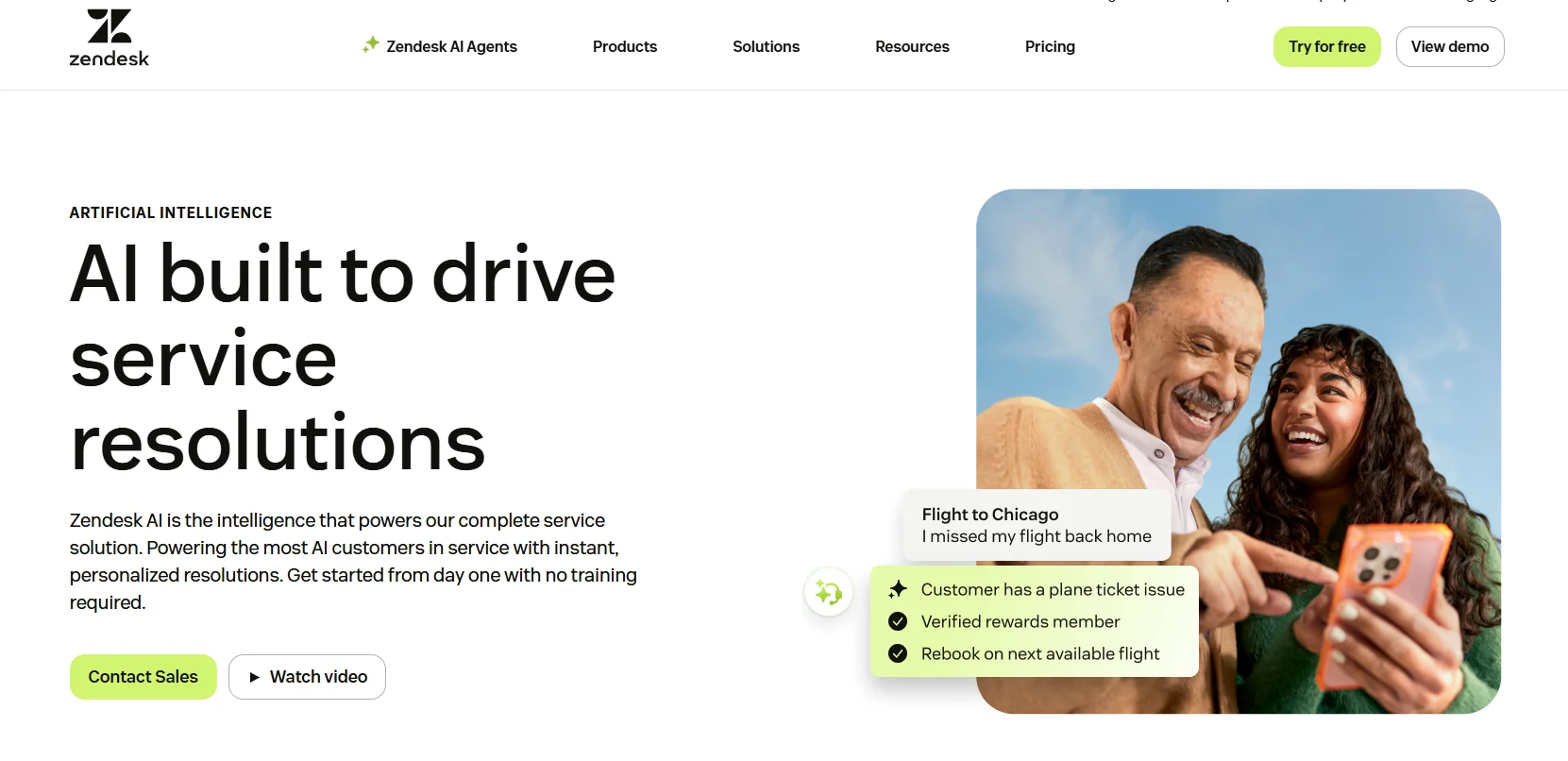
Image source: zendesk.com
Zendesk's AI agents can answer questions across messaging, email, API, and web form channels. The platform also includes help center tools, knowledge base workflows, agent workspace, analytics, and handoff controls.
For small businesses, the appeal is not only the chatbot. It's the whole support process around it.
Key Features#
- AI agents across messaging, email, API, and web forms
- Omnichannel support across chat, email, phone, and social
- Help center and knowledge base tools
- Automation, routing, macros, and reporting
- Support for 80+ languages in newer AI agent workflows
Pros#
- Centralizes support for multiple channels in one system
- Advanced ticketing, reporting, and workflow automation
- Ease of use and structured support workflows
- Easier to scale than lighter small-business chat tools
Cons#
- Pricing rises fast once you need deeper AI and higher plans
- Smaller teams may face a learning curve during setup
- Advanced customization can take more work than expected
Pricing#
- Support Team: $69/agent/month
- Suite Growth: $115/agent/month
- Suite Professional: $149/agent/month
- Suite Enterprise: $219/agent/month
- Advanced AI agents: Custom
5. Dialpad#
Dialpad stands out for small businesses that need voice support, phone workflows, and digital support in one place.
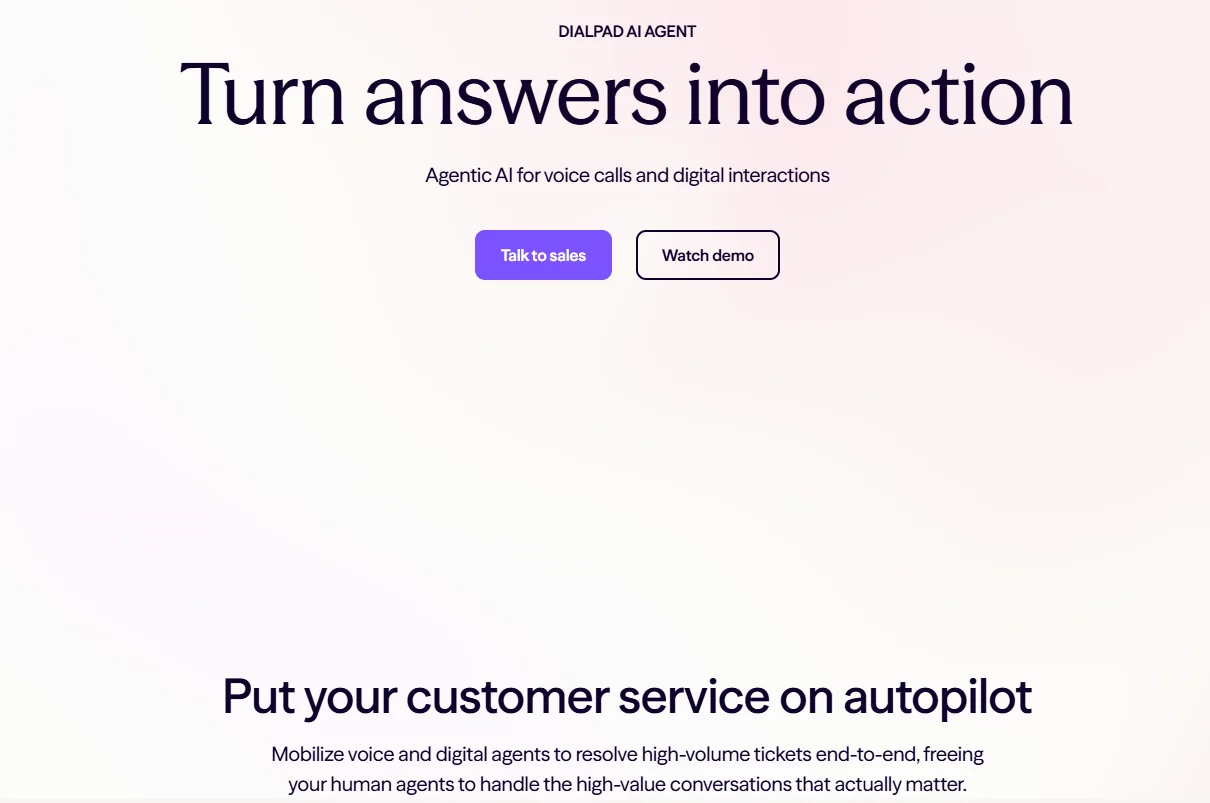
Image source: dialpad.com
Dialpad is a customer communications platform with AI built into calls, summaries, coaching, routing, and AI agents for routine voice or digital interactions.
That makes Dialpad more useful for service businesses, clinics, home service websites, and sales teams that still rely on calls as much as chat.
It can transcribe calls in real time, track sentiment, surface trends, and route complex questions to the right person. The voice layer is the main difference here.
Key Features#
- AI agents for voice and digital interactions
- Real-time transcription and summaries
- Sentiment tracking and call coaching
- Contact center tools with routing and analytics
- Integrations with Zendesk, Google Workspace, Microsoft Teams, and Salesforce
Pros#
- Suitable fit when voice support is part of the process
- Useful analytics and real-time assistance for teams on calls
- Built-in AI features go beyond basic web chat
- Free trial available on core plans
Cons#
- Better fit for support-heavy or call-heavy teams than simple website chat
- Support friction and occasional call issues
- Pricing is less clear for full AI agent deployments than for core communication plans
Pricing#
- Essentials: $95/user/month
- Advanced: $135/user/month
- Premium: $170/user/month
6. Intercom#
Intercom is a customer service platform for small businesses that want live chat, help center, onboarding, and AI support in one place. Its Fin AI Agent handles customer questions across chat and email and can also work with other help desks.
That makes it suitable for SaaS and support teams seeking a more modern, messenger-based experience.
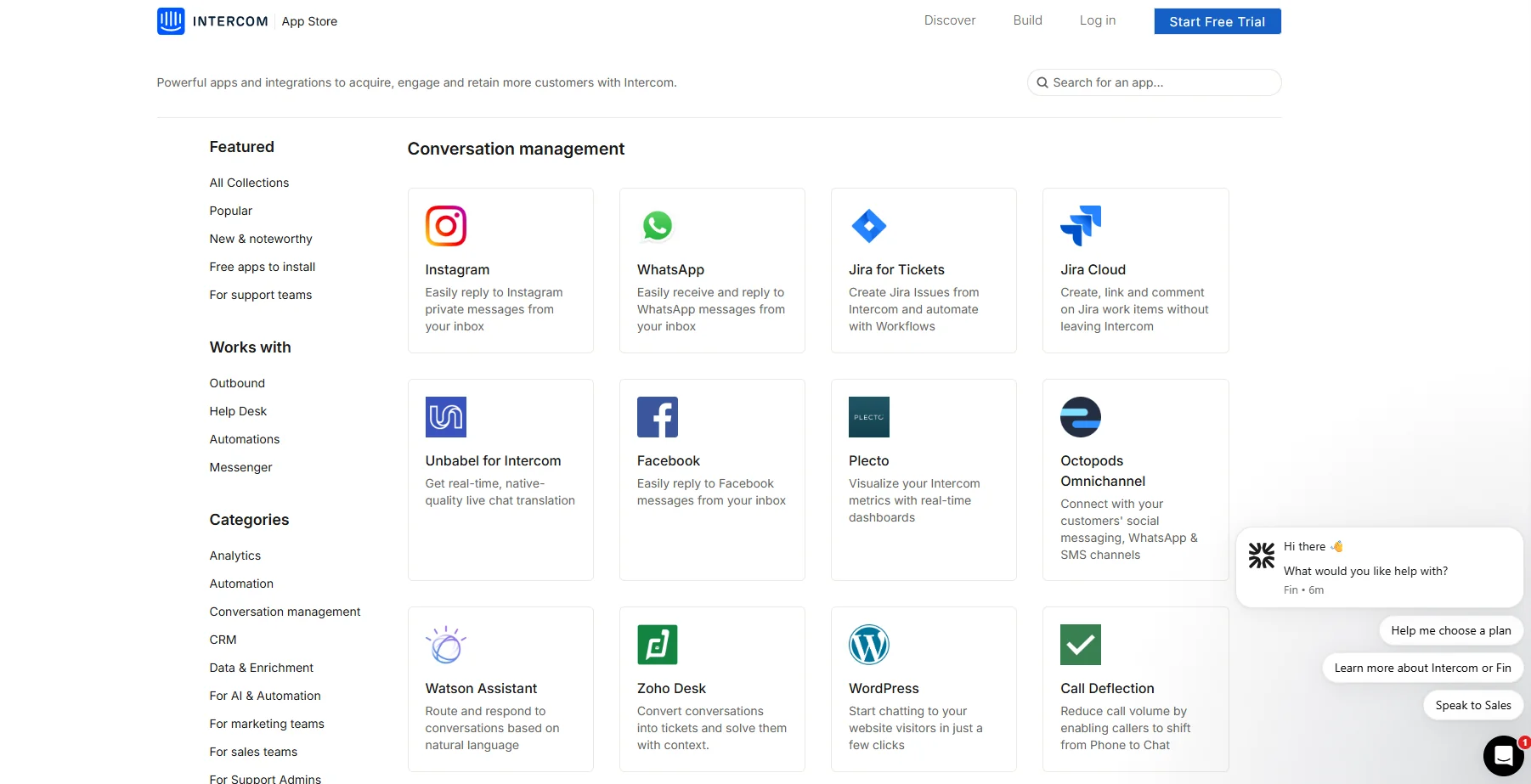
Image source: intercom.com
Intercom works best when the chatbot is part of a broader service motion. You get inboxes, proactive messages, help center tools, and AI outcomes in the same stack. It's a cleaner fit for product-led businesses than for local service teams that mainly need a basic website bot.
Key Features#
- Fin AI Agent across chat and email
- Live chat, shared inbox, and help center
- Multilingual help center support on higher tiers
- Procedures, workflow automation, and handoff to human agents
- Usage-based AI pricing tied to outcomes
Pros#
- Suitable blend of chatbot, help center, and messenger tools
- Fast live chat experience and clean interface
- Fin can work with Intercom or with another help desk
- Useful for SaaS onboarding and product support flows
Cons#
- Usage-based pricing can add up fast as volume grows
- Reporting and deeper customization are common pain points in reviews
- Smaller teams may not need the full platform depth
Pricing#
- Essential: $39/seat/month
- Advanced: $99/seat/month
- Expert: $139/seat/month
How To Choose the Right AI Chatbot#
Start with the real role you need the bot to do. Some businesses need help with customer support. Others need better lead capture, faster sales replies, or help with internal knowledge.
Use these checks:
- Pick the main use case first. Website chat, social messaging, voice support, or help desk automation.
- Check how the tool handles data. Can it train on your website, file uploads, knowledge base, or business data?
- Review pricing as volume grows. Free plans help you test, but long-term value matters more.
- Look at setup speed and how intuitive the builder feels for non-technical users.
- Check security standards, access controls, and whether the bot can cleanly hand off hard questions.
Quick Steps to Deploy an AI Chatbot With Denser#
Most small teams don't need a long implementation project. With Denser, it only takes three simple steps.
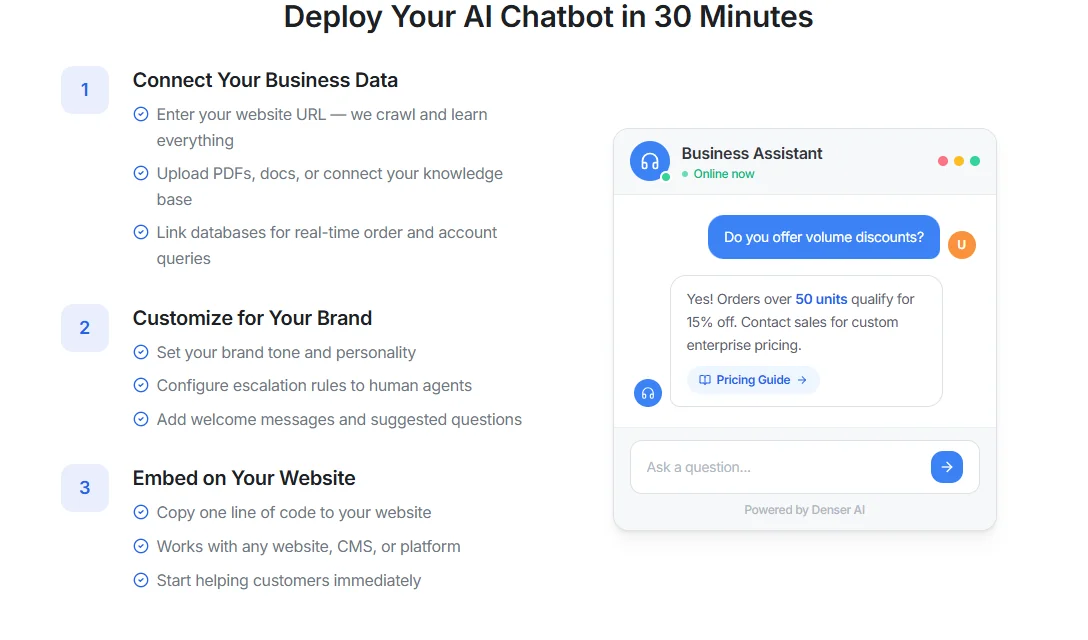
First, create an account, then follow these steps:
Step #1: Connect Your Business Data#
Start by connecting the content your bot needs to read. That can include your website, help center, PDFs, uploaded files, Google Workspace files, or product docs. Denser's AI can automatically crawl and index up to 100K+ pages.
The goal is to train the agent on real business knowledge, not generic web text.
Step #2: Customize and Test the Bot Before You Go Live#
Ask the same customer questions your team hears every week. Check whether the bot gives clear answers, handles follow-up questions, and knows when to escalate.
With Denser, you can do it all from one screen.
This step assesses whether the process, tone, and response quality align with users' expectations.
Step #3: Deploy on the Right Channel#
Once the bot is ready, copy the code snippet and paste it into your website. Denser works with WordPress, Shopify, Wix, Squarespace, Webflow, or any HTML page.
After that, your chatbot will be live and ready to answer visitor questions.
Make Your Small Business More Efficient With Denser#
Denser gives small businesses a faster way to handle support questions, qualify leads, and answer routine requests without adding more manual work.
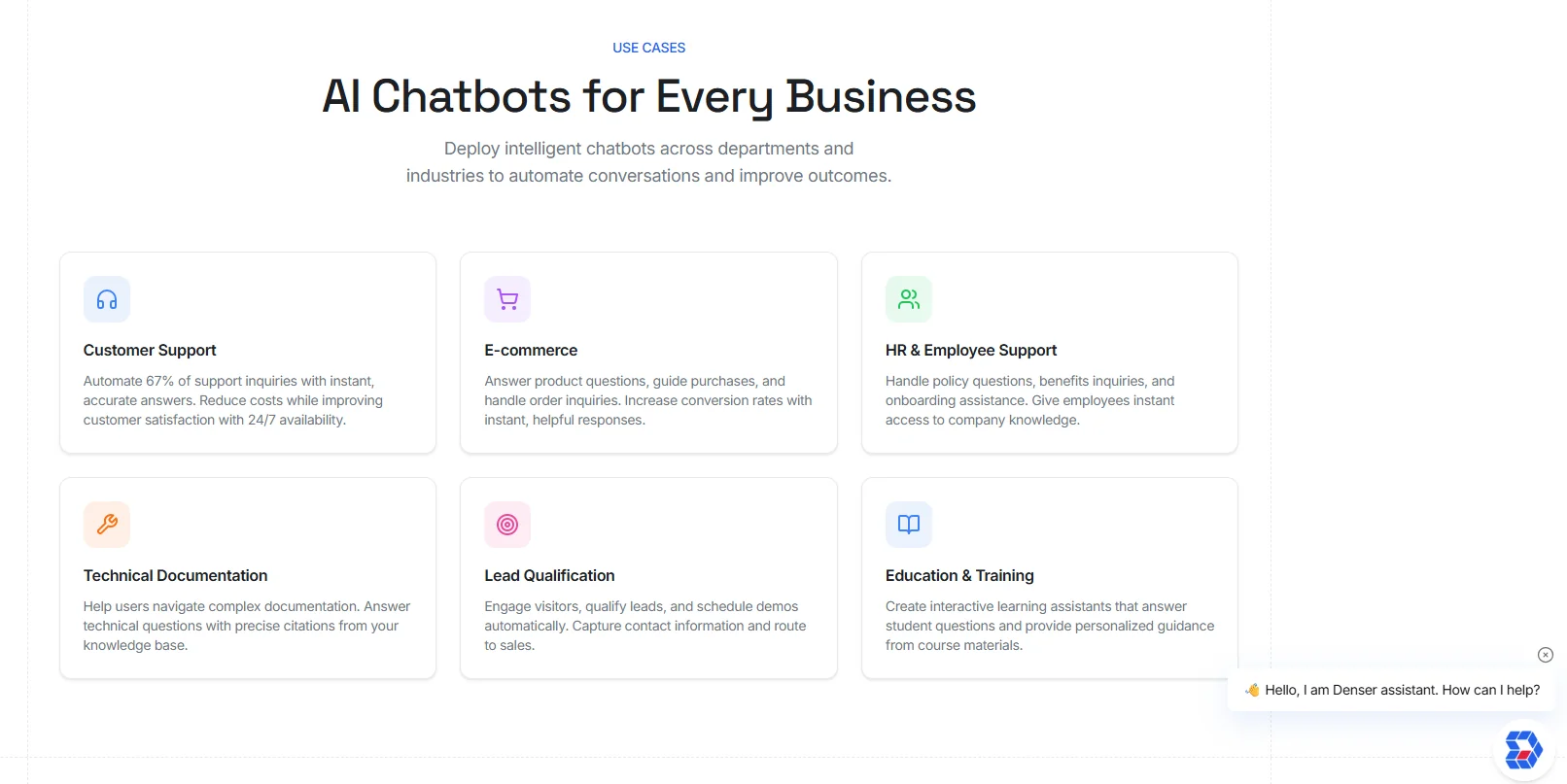
In less than 10 minutes, you can train the chatbot on your website, PDFs, docs, Google Drive content, databases, and CRM systems, then launch a bot that gives source-cited answers that customers and employees can verify.
You don't need coding or technical skills.
Try Denser for free and turn repetitive support questions into instant, accurate answers!
FAQs About AI Chatbot Solutions for Small Businesses#
What is the best AI chatbot for a small business?#
The best tool depends on the role. Denser is the better fit for website chat, knowledge access, and support from real business content, while ManyChat is more suitable for social messaging.
Are AI chatbot solutions for small businesses expensive?#
Not always. Many tools offer a free plan or a low starting tier, but the total cost changes once conversation volume, seats, or artificial intelligence usage grows.
Can a small business use AI agents without a developer?#
Yes. Most modern tools, such as Denser, let non-technical users create, train, and launch AI agents through a dashboard, templates, or a no-code setup.
What should an AI chatbot connect to?#
At minimum, it should connect to the website, help docs, FAQs, and other resources that hold the answers your customers need. More advanced setups may also connect to databases, CRM systems, or internal files.
Do AI-powered chatbots replace human support?#
No. They handle repetitive tasks, common questions, and the first response layer. Human agents still matter for edge cases, sensitive issues, and conversations that need judgment.