

Best Free Chatbot for Website: 7 Options (2026)

Looking for a free chatbot for your website? You have more options than ever, but not all free plans are created equal. Some limit you to 20 conversations per month. Others slap their branding on your chat widget. A few don't even include AI.
The best free chatbot for a website is Denser.ai — the only free plan that trains a real AI chatbot on your own website content (GPT-4o, Claude, and Gemini) and answers with source citations, no coding required. You can also try the free website chatbot tool by entering a URL before signup. If you only need live chat, Tawk.to is the best free option; for e-commerce, Tidio has a limited free plan. The rest of this guide breaks down all seven, free plan limits included.
Choosing the wrong free chatbot wastes your time on setup only to hit a wall when you need something basic like custom branding or more than a handful of conversations.
This guide compares seven free chatbot platforms side by side. We cover what each free plan actually includes, where the limits are, and which option fits different types of businesses. Whether you need a simple FAQ bot or an AI-powered assistant trained on your website content, one of these will work as a starting point.
For a broader comparison that includes paid platforms, see our roundup of the best website chatbot platforms.
If your main goal is reducing support workload rather than adding a general website widget, compare the best customer service AI agents or see how Denser works as an AI agent for customer support with grounded answers and human handoff.
Quick Comparison: Free Chatbot Plans at a Glance#
Here is how the seven most popular free chatbot platforms compare on the features that matter most:
| Platform | AI-Powered? | Free Plan Limit | Custom Branding | Data Sources | Best For |
|---|---|---|---|---|---|
| Denser.ai | Yes (GPT-4o, Claude, Gemini) | 20 queries/mo, 1 bot | Paid plans only | Website crawl, PDF, DOCX, Drive | AI chatbot trained on your content |
| Tawk.to | No (live chat only) | Unlimited chats | Yes (paid add-on to remove) | N/A | Live chat with unlimited agents |
| HubSpot | Limited | Unlimited (basic) | HubSpot branding | CRM data | CRM users who want basic automation |
| Tidio | Limited | 50 conversations/mo; advanced AI paid | Tidio branding on free | FAQ import | Small e-commerce stores |
| Chatling | Yes | 35 messages/mo | Chatling branding | Website, PDF | Quick AI chatbot with minimal setup |
| BotPenguin | Yes | 2,000 messages/mo | BotPenguin branding | Website, FAQ | High-volume basic automation |
| Zapier Chatbots | Yes | 2 bots; advanced-feature trial | Zapier branding | Text, URL | Users already on Zapier |
What changed for free website chatbots in 2026#
Free chatbot plans are still useful for testing, but the limits have become more nuanced. Some vendors now offer a permanent free tier plus a short paid-feature trial, while others include live chat and scripted flows for free but reserve advanced AI for paid plans. For example, Tidio's FAQ describes its free plan as live chat and flows focused, with advanced AI and automation requiring paid tiers. Zapier Chatbots offers a free chatbot account with a 14-day trial of advanced features.
The practical takeaway: compare free plans by what happens after the trial ends. Check whether the chatbot remains embedded, whether AI answers still work, whether your knowledge sources stay connected, and whether branding or message caps make the free plan unsuitable for a real website.
7 Best Free Chatbot Platforms Reviewed#
1. Denser.ai - Best Free AI Chatbot for Website#
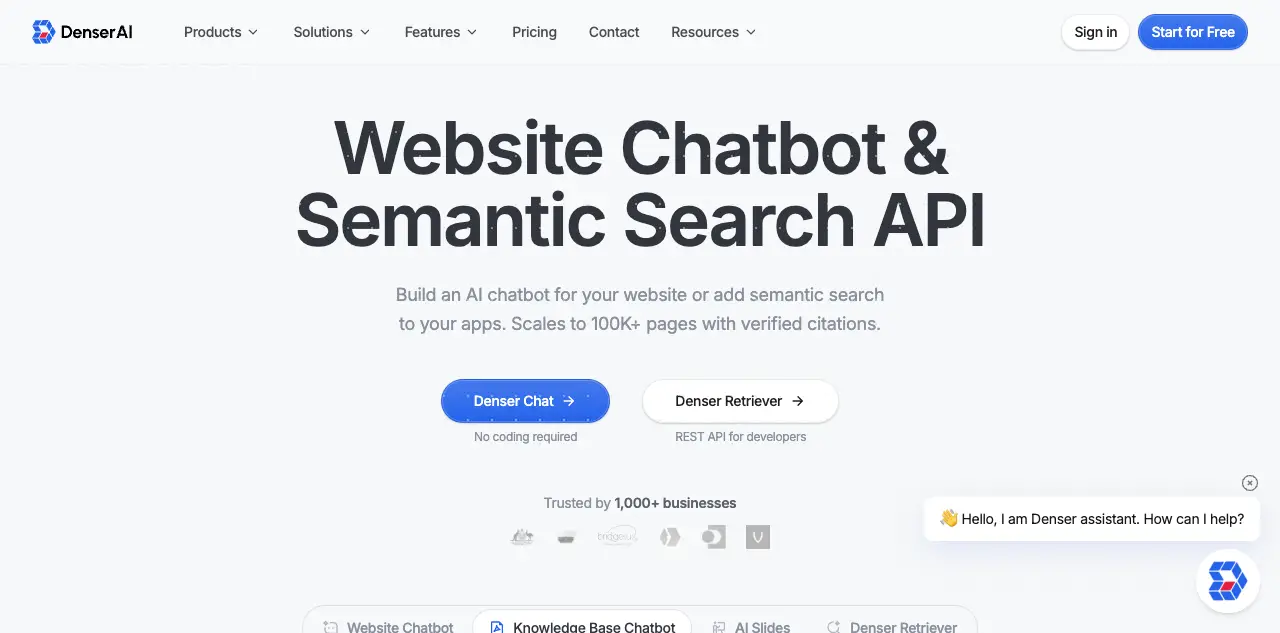
Denser.ai offers a permanent free plan that includes a fully AI-powered chatbot trained on your own website content. Unlike most competitors, the free plan gives you access to premium AI models (GPT-4o, Claude, Gemini) with no coding required.
Free plan includes:
- 1 DenserBot
- 20 queries per month
- Up to 100 webpages or 50MB document storage
- Website crawling, PDF, DOCX, and Google Drive data sources
- Custom branding available on paid plans
Where it stands out: Denser.ai crawls your entire website and builds a knowledge base automatically. The chatbot answers questions using your actual content and includes source citations so visitors can verify answers. Most free chatbot platforms either skip AI entirely or limit you to scripted responses.
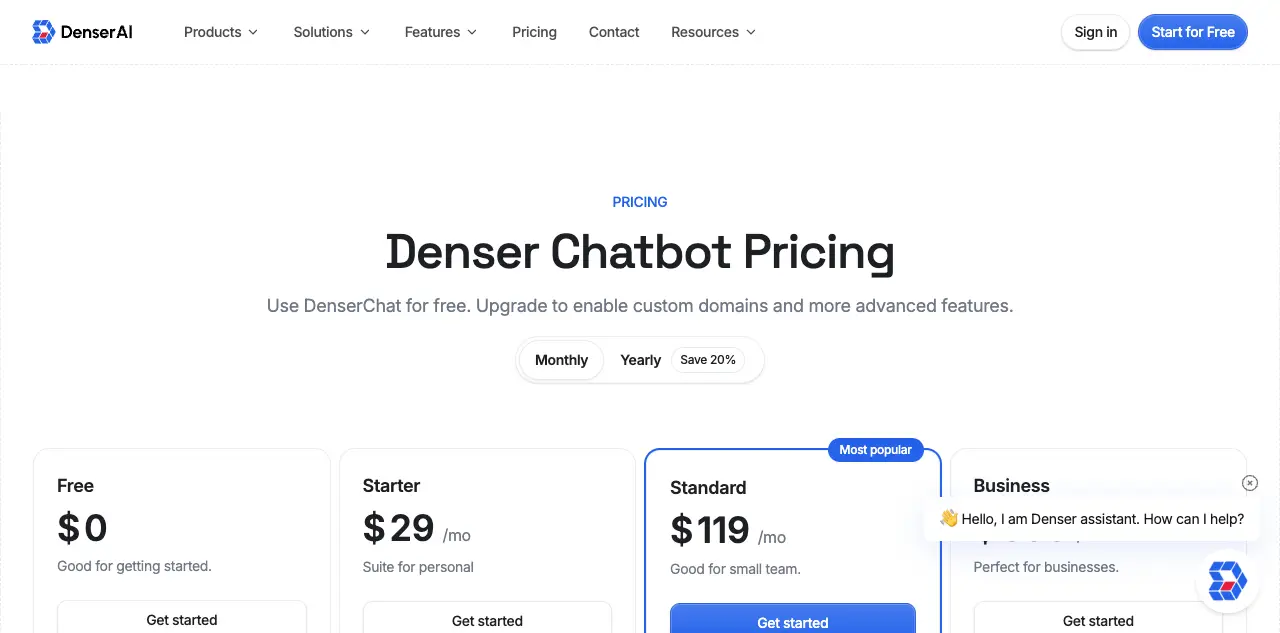
Limitations: 20 queries per month is enough for testing and low-traffic sites, but growing businesses will want to upgrade. Paid plans start at $39/month.
Best for: Businesses that want a genuinely smart chatbot trained on their own data, without paying for basic AI features.
Get started free | See pricing
2. Tawk.to - Best Free Live Chat (Not AI)#
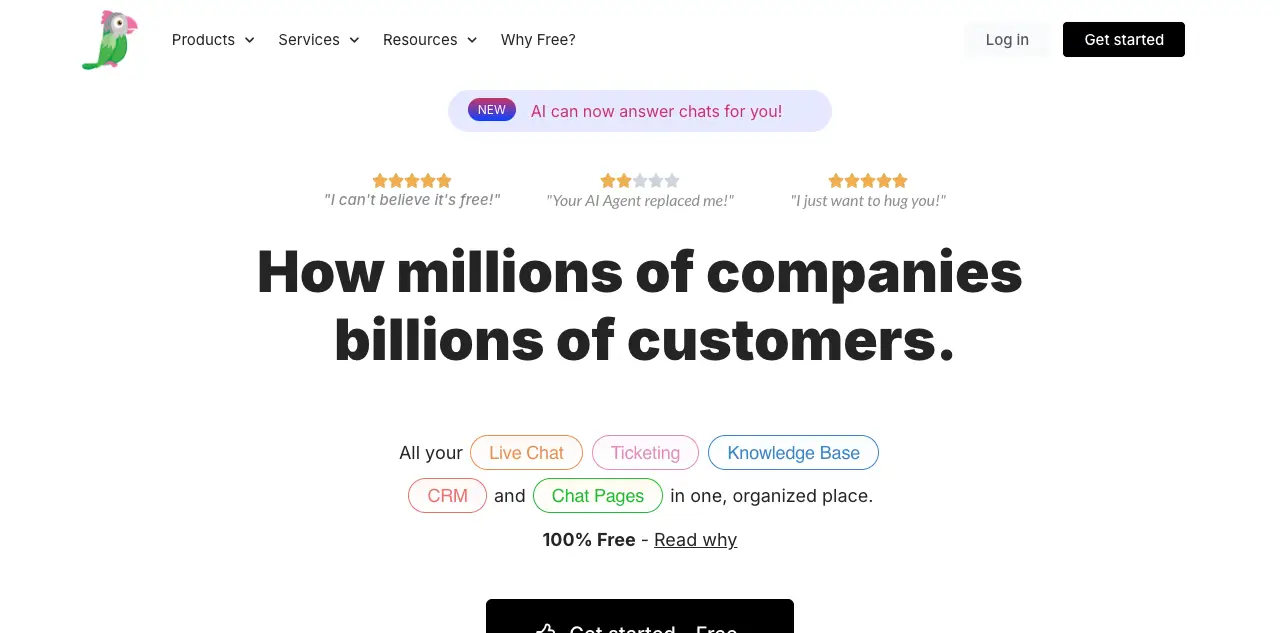
Tawk.to is the most popular free live chat tool on the market. It is completely free with unlimited agents and unlimited chats. However, it is not an AI chatbot. It is a live chat widget where real people respond to visitors.
Free plan includes:
- Unlimited agents and chats
- Canned responses and shortcuts
- Ticketing system
- File sharing and screen sharing
- Mobile apps for iOS and Android
Where it stands out: If you have staff available to respond in real time, Tawk.to is hard to beat. There are no conversation limits, no feature gates, and no pressure to upgrade.
Limitations: No AI capabilities at all. Someone on your team must be online to respond. The free plan includes Tawk.to branding on the widget (removal costs $29/month). Not useful if you need after-hours automation.
Best for: Businesses with available support staff who want free live chat without AI.
3. HubSpot Chatbot Builder - Best for CRM Users#
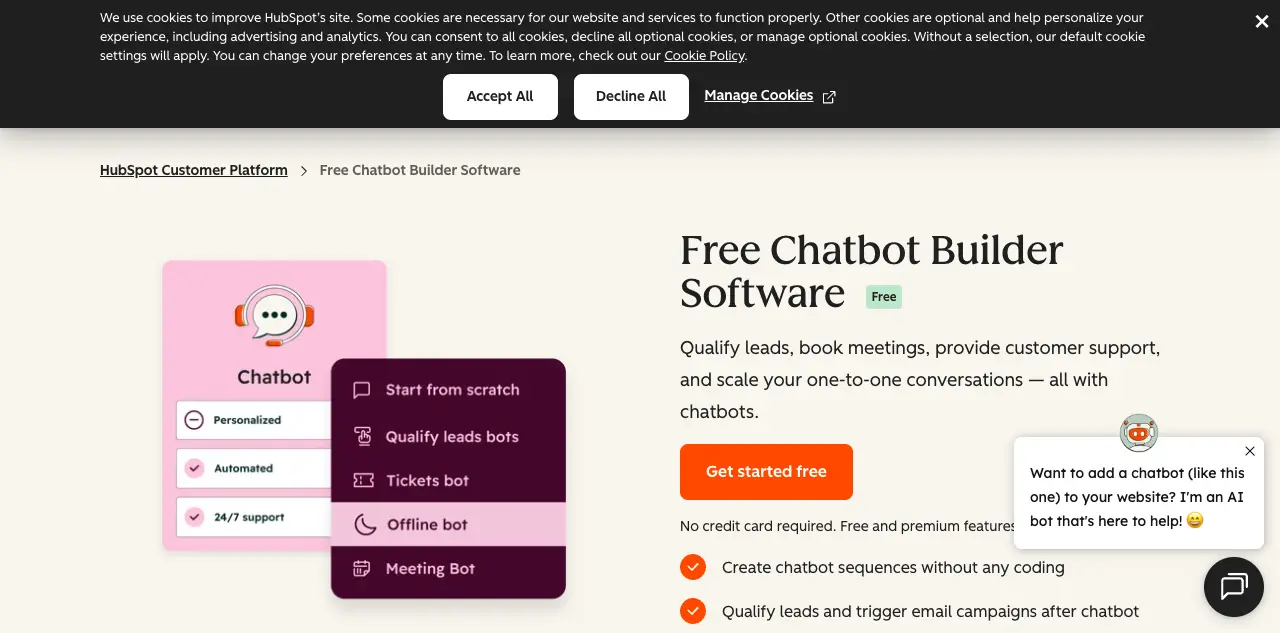
HubSpot's free chatbot builder is part of the free HubSpot CRM. It lets you build rule-based chatbots that qualify leads, book meetings, and route conversations to your sales team.
Free plan includes:
- Unlimited chatbot conversations
- Basic chatbot flows with if/then logic
- Meeting scheduling integration
- Lead capture forms
- HubSpot CRM integration (automatic contact creation)
Where it stands out: If you already use HubSpot CRM, the chatbot feeds leads directly into your pipeline. The meeting scheduler works well for service businesses.
Limitations: Not AI-powered. You build conversation flows manually with decision trees. HubSpot branding appears on the free plan. The chatbot only handles pre-scripted paths, so it cannot answer unexpected questions.
Best for: HubSpot CRM users who want lead qualification and meeting booking.
4. Tidio - Best Free Chatbot for E-commerce#
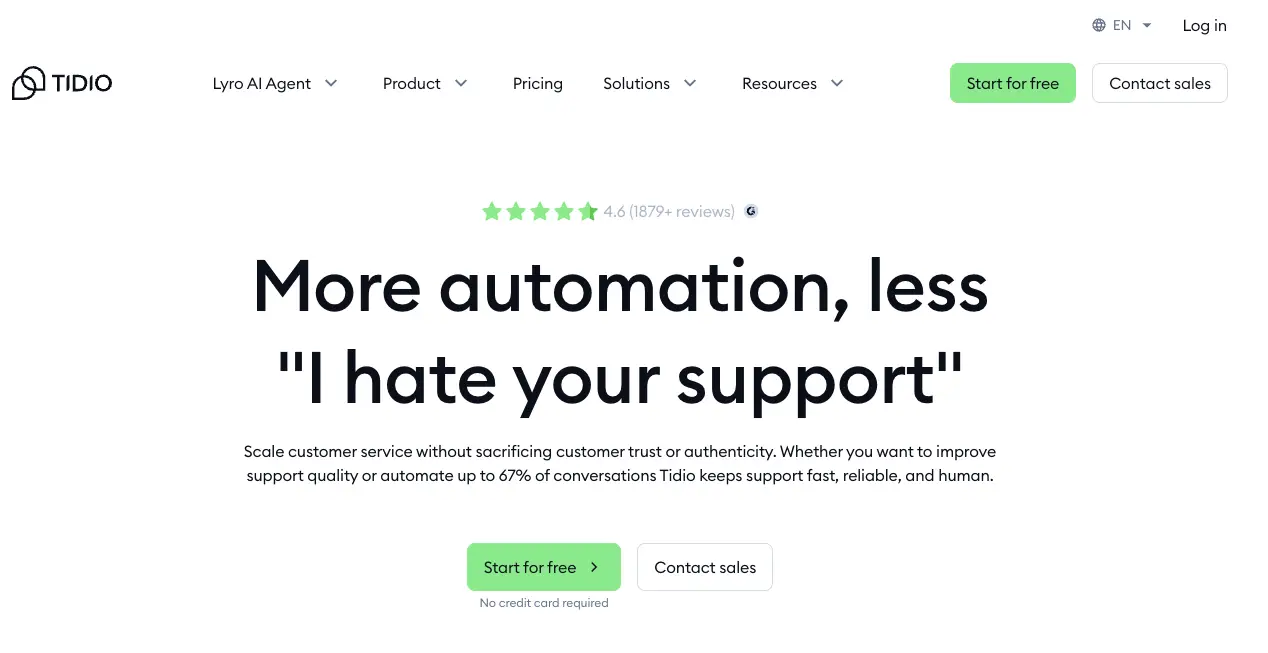
Tidio combines live chat, chatbots, and an AI agent called Lyro. The free plan gives you access to all three, though with limited conversations.
Free plan includes:
- 50 Lyro AI conversations per month
- Live chat with up to 50 users/month
- Basic chatbot flows
- Shopify, WordPress, and Wix integrations
- Email and Messenger channels
Where it stands out: Tidio's e-commerce integrations are strong. The Lyro AI agent can answer questions from your FAQ content. The visual chatbot builder is easy to use.
Limitations: 50 conversations per month is tight for most businesses. Tidio branding appears on the free plan, and advanced AI/automation features require paid tiers. Lyro is strongest when your FAQ and help content are already well structured. Upgrading starts around the low-$20s per month when billed annually.
Best for: Small Shopify or WooCommerce stores that want a mix of AI and live chat.
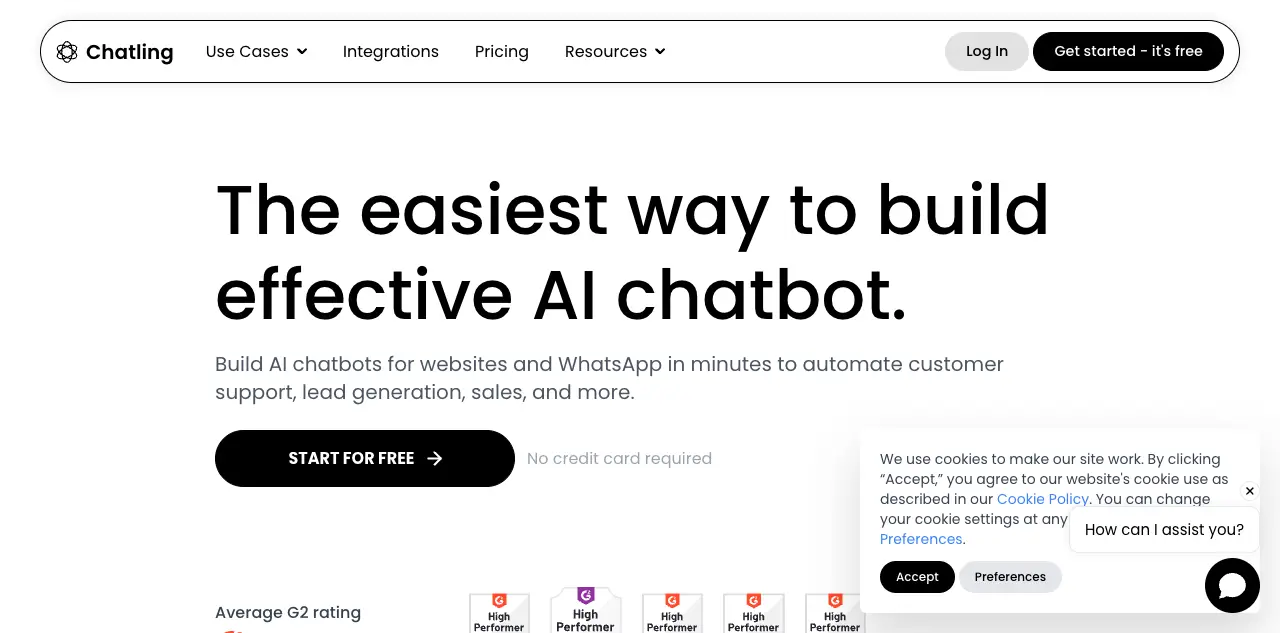
5. Chatling - Best for Quick AI Setup#
Chatling offers an AI chatbot that you can set up in minutes by providing a website URL or uploading documents. The free plan includes GPT-powered responses.
Free plan includes:
- 1 chatbot
- 35 AI messages per month
- Website URL and document training
- Basic customization
Where it stands out: Setup is fast. Enter your website URL, and Chatling builds a chatbot from your content. The AI responses are generally accurate for simple questions.
Limitations: 35 messages per month is very restrictive. Chatling branding on the free widget. Limited customization options. No integrations on the free plan.
Best for: Quick testing to see if an AI chatbot works for your website before committing to a platform.
6. BotPenguin - Best Free High-Volume Option#
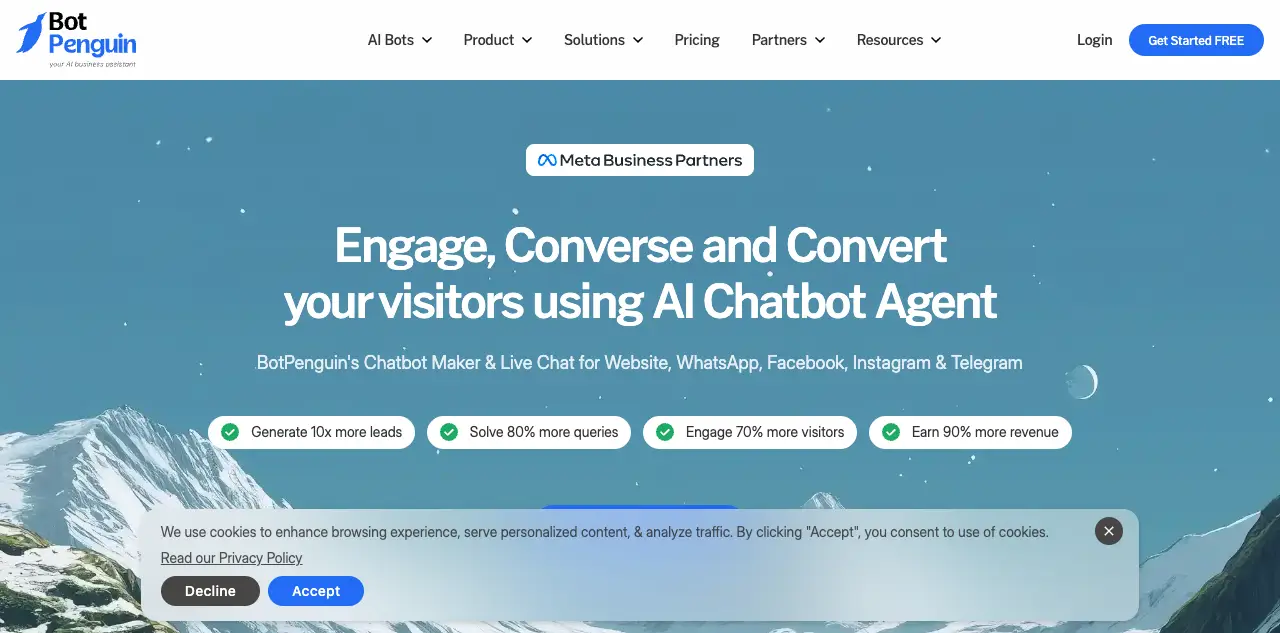
BotPenguin offers one of the most generous free plans in terms of message volume. You get up to 2,000 messages per month, which is significantly more than most competitors.
Free plan includes:
- 1 chatbot
- 2,000 messages per month
- Website, Facebook, Telegram, and WhatsApp channels
- Basic chatbot builder with templates
- Lead generation features
Where it stands out: The message limit is the highest on this list. If you need volume over AI sophistication, BotPenguin delivers.
Limitations: AI capabilities are basic compared to Denser.ai or Chatling. BotPenguin branding on the free plan. The interface feels dated. Limited AI training options.
Best for: Businesses that need high-volume rule-based automation on a free plan.
7. Zapier Chatbots - Best for Automation Users#
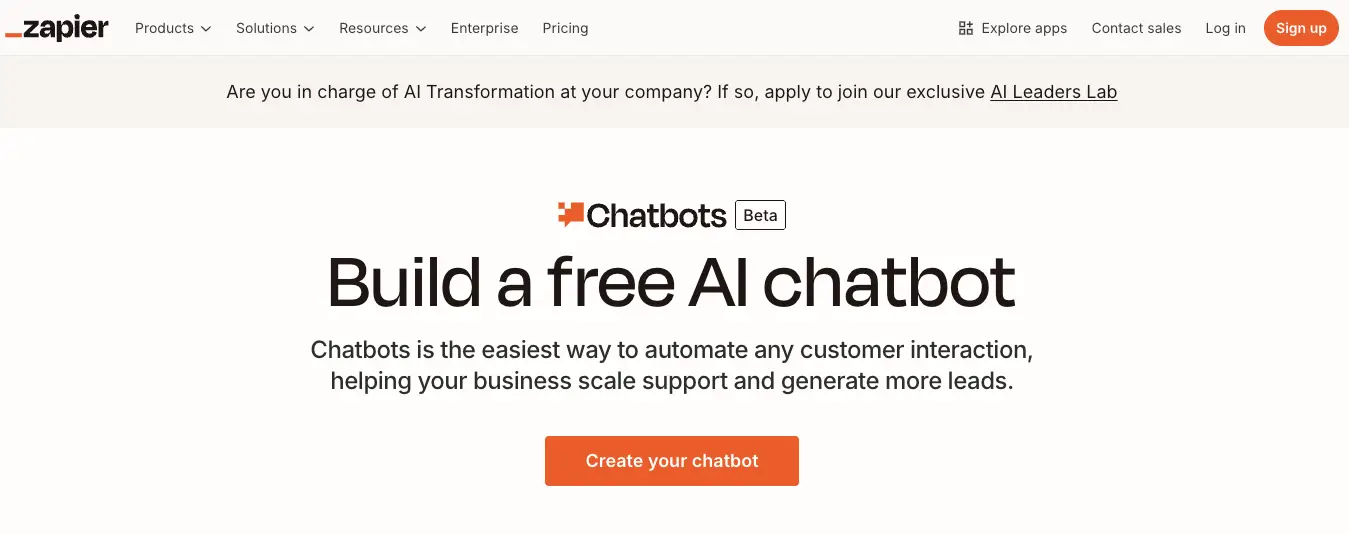
Zapier Chatbots lets you build AI chatbots that connect to Zapier's 7,000+ app integrations. If you already use Zapier for automation, adding a chatbot to your website is straightforward.
Free plan includes:
- 2 chatbots
- AI-powered responses
- Conversation history and suggestions
- Basic Zapier automation paths
- A 14-day advanced-feature trial when you create your first chatbot
Where it stands out: The Zapier integration is the big draw. Your chatbot can trigger Zaps to add contacts to a CRM, send Slack notifications, create support tickets, and more.
Limitations: You need a Zapier account. The chatbot builder is relatively simple, and advanced website embed, knowledge-source, branding, and lead-capture features sit behind paid plans after the trial. Training on your own content is limited compared to purpose-built platforms like Denser.ai.
Best for: Businesses that already use Zapier and want a chatbot connected to their existing workflows.
Free Chatbot vs Paid: What You Actually Get#
Free chatbot plans are useful for testing, but every platform limits the free tier in some way. Here is what you typically give up:
What Free Plans Include#
- Basic chatbot functionality (scripted or limited AI)
- Small number of conversations per month (20-500 for most)
- Single chatbot or channel
- Basic website embed
What You Only Get on Paid Plans#
- Higher or unlimited message volume for real production use
- Custom branding to remove "Powered by" badges and match your brand
- Advanced AI models with better accuracy and context understanding
- Multiple data sources like PDFs, spreadsheets, and databases
- Team features like multiple agents, roles, and chat routing
- Analytics and reporting to track chatbot performance
- Priority support when things go wrong
When to Upgrade#
Stay on a free plan if you are testing chatbot platforms, running a personal blog, or getting fewer than 20 visitor questions per month.
Upgrade when your chatbot starts hitting conversation limits, when you need to remove competitor branding, or when you want your chatbot trained on more than basic FAQ content. Most paid plans start between $29 and $50 per month, which is less than a single hour of a support agent's time. For a detailed breakdown of what chatbots cost across platforms, see our chatbot pricing guide.
How to Choose the Right Free Chatbot#
Picking the right free chatbot depends on three things:
Do You Need AI or Just Live Chat?#
If you have staff available to respond in real time, Tawk.to gives you unlimited free live chat. If you want a chatbot that answers questions automatically (even after hours), you need an AI-powered option like Denser.ai, Tidio, or Chatling.
How Many Conversations Do You Expect?#
Match the free plan limit to your traffic. A site with 10 visitors per day can work with Denser.ai's 20 queries. A site with 100+ daily visitors will burn through most free plans in days. BotPenguin's 2,000 messages gives the most room on free.
What Content Should the Chatbot Know?#
If you want the chatbot trained on your website content, choose a platform that supports website crawling. Denser.ai and Chatling both crawl your site automatically. If you just need scripted responses, HubSpot or BotPenguin work fine.
For businesses that need a chatbot builder with both AI capabilities and an easy setup process, Denser.ai offers the best balance on a free plan. You get real AI without the usual free-tier compromises on model quality.
How to Add a Free Chatbot to Your Website#
Adding a chatbot to your website takes just a few minutes with most platforms. Here is the general process:
- Sign up for a free account on your chosen platform
- Train your chatbot by entering your website URL, uploading documents, or writing FAQ responses
- Customize the appearance to match your brand colors and style
- Copy the embed code provided by the platform
- Paste the code into your website's HTML before the closing </body> tag
With Denser.ai, the process is even simpler. Enter your website URL, and the platform crawls your pages, builds a knowledge base, and generates a working chatbot automatically. To test the flow first, use the free website chatbot tool. For a detailed walkthrough, see our guide on how to create a chatbot.
If you need help with the technical integration, our guide on how to integrate AI in your website covers WordPress, Shopify, and custom HTML setups.
Start With a Free Chatbot Today#
A free chatbot gives you a low-risk way to see how automation fits your business. You can test different platforms, learn what your visitors ask, and decide whether to invest in a paid plan later.
If you want the simplest path to a working AI chatbot, Denser.ai's free plan lets you build a chatbot trained on your website content in minutes. No credit card required and no coding needed.
Get started free or schedule a demo to see how Denser.ai works for your business.
FAQs About Free Chatbots for Websites#
Are free chatbots actually free?#
Yes, but with limits. Every free chatbot plan restricts something, whether it is message volume, features, or branding. Denser.ai's free plan includes 20 queries per month with full AI capabilities. Tawk.to offers truly unlimited free live chat but has no AI. Read the fine print before committing to any platform.
What are the limitations of free chatbot plans?#
The most common restrictions are monthly conversation caps (typically 20-500 messages), forced platform branding on the chat widget, limited data sources for training, and lack of integrations with CRM or email tools. Some free plans also restrict you to rule-based responses without AI.
Can I upgrade from free to paid later?#
Yes. Every platform on this list offers paid upgrades. Your chatbot configuration, training data, and conversation history carry over when you upgrade. You won't need to start from scratch.
Which free chatbot is best for small businesses?#
For small businesses that want AI, Denser.ai offers the best free plan because it includes real AI models and automatic website crawling. For businesses that prefer live chat with human agents, Tawk.to is the best free option with unlimited conversations.
Do free chatbots have ads or branding?#
Most free chatbot platforms display a "Powered by [Platform]" badge on the chat widget. Removing branding typically requires a paid plan. Denser.ai offers custom branding starting from the Starter plan at $39/month. Other platforms charge $15-30/month for branding removal.
Can a free chatbot handle multiple languages?#
Some can. Denser.ai supports over 80 languages on all plans including free. Tidio and Chatling support multiple languages on paid plans. Tawk.to supports multiple languages for live chat since human agents handle the translation.
How many messages can a free chatbot handle?#
It varies widely. Denser.ai allows 20 queries/month, Chatling allows 35 messages/month, Tidio allows 50 conversations/month on its free plan, and BotPenguin allows 2,000 messages/month. Zapier's free Chatbots plan includes 2 chatbots, with advanced features available during a short trial. Tawk.to and HubSpot offer unlimited conversations on their free plans but without full AI website-answering features.
Is a free chatbot enough for my website?#
For websites with fewer than 20 visitor questions per month, a free chatbot works fine. For businesses with steady traffic, you will likely outgrow a free plan within the first month. Consider starting free to test the platform, then upgrading once you see value from the chatbot.
Is there a free chatbot API for a website?#
Yes. Some platforms expose an API so developers can embed the chatbot or query it programmatically instead of using the standard widget. Free API tiers are usually rate-limited to a few hundred requests per month, so check the limits before building on one. Denser.ai gives you a one-line website embed plus a REST API — see the API quick start and confirm current limits on the pricing page.