
8 Best ChatPDF Alternatives in 2026 (Tested and Compared)

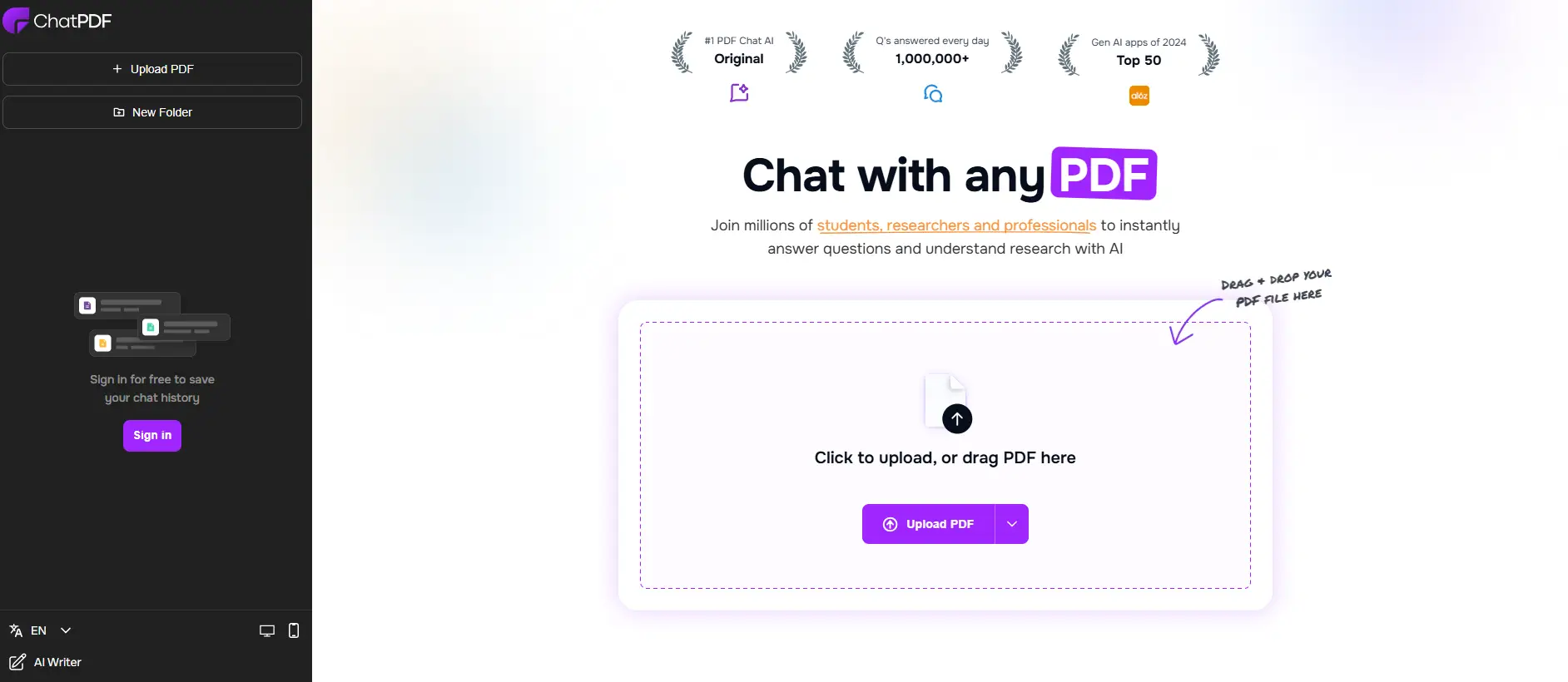
ChatPDF made it easy to ask questions about a PDF. Upload a file, type a question, get an answer. But after using it for a few weeks, you'll probably hit the same walls most users do: two free PDFs per day, a 120-page cap, and no way to compare across multiple documents.
If those limits sound familiar, you're looking for a ChatPDF alternative that gives you more room to work.
What are the best ChatPDF alternatives? The best ChatPDF alternatives in 2026 are Google NotebookLM (completely free, unlimited queries), Claude (best for long documents up to 500 pages), ChatGPT (multi-format file uploads with GPT-4o), PDF.ai (multi-document extraction), Denser (source-cited answers with visual highlights), Humata (team collaboration), Smallpdf (all-in-one PDF toolkit), and AskYourPDF (budget-friendly with browser extension).
We tested each of these tools on the same 85-page contract and a 40-page research paper to compare accuracy, speed, and feature depth. Here's what we found.
Why Switch from ChatPDF?#
ChatPDF works well for simple, one-off PDF questions. It's fast, requires no signup, and handles short documents without any hassle. But users typically outgrow it for a few reasons:
Document limits hit quickly. The free tier allows 2 PDFs per day with a 120-page cap per file and 10 MB size limit. If you're reviewing multiple contracts or research papers in a single session, you'll run out before lunch.
No multi-document analysis. ChatPDF handles one PDF at a time. You can't ask "how does the pricing in Document A compare to Document B?" because there's no cross-document search. Tools designed for chat with PDF workflows handle this much better.
Basic citation quality. ChatPDF gives text-based answers but doesn't highlight the exact passage in the original PDF. When you need to verify an answer against the source, you're still scrolling through pages manually.
No team features. There are no shared workspaces, no permission controls, and no way to collaborate on document analysis with colleagues. If you need a proper document review tool, you'll need to look elsewhere.
Limited to PDF only. ChatPDF doesn't accept Word documents, PowerPoints, or web content. If your workflow involves mixed file types, you need a more flexible tool.
When ChatPDF Is Still a Good Choice#
To be fair, ChatPDF remains a solid option if you occasionally need to ask a few questions about a short PDF without creating an account. The no-signup experience is genuinely useful for quick lookups.
8 Best ChatPDF Alternatives Compared#
Here's how the top ChatPDF alternatives compare at a glance:
| Tool | Best For | Free Tier | Paid From | File Size Limit |
|---|---|---|---|---|
| Google NotebookLM | Unlimited free use | Completely free | N/A | 500K words/source |
| Claude | Long documents | Rate-limited | $20/mo | ~500 pages |
| ChatGPT | Multi-format uploads | Rate-limited (GPT-4o) | $20/mo | 512 MB |
| PDF.ai | Multi-document extraction | 1 PDF, 100 questions/mo | $20/mo | Standard |
| Denser | Source-cited Q&A | 20 queries/mo | Starter plan | Standard |
| Humata | Team collaboration | 60 pages, 10 answers/mo | $9.99/mo | Unlimited uploads |
| Smallpdf | All-in-one PDF toolkit | Limited daily AI uses | $12/mo | Standard |
| AskYourPDF | Browser-based chat | Generous free tier | ~$5/mo | Standard |
For a deeper comparison of free tiers specifically, see our free PDF chat tools guide.
1. Google NotebookLM - Best Completely Free ChatPDF Alternative#
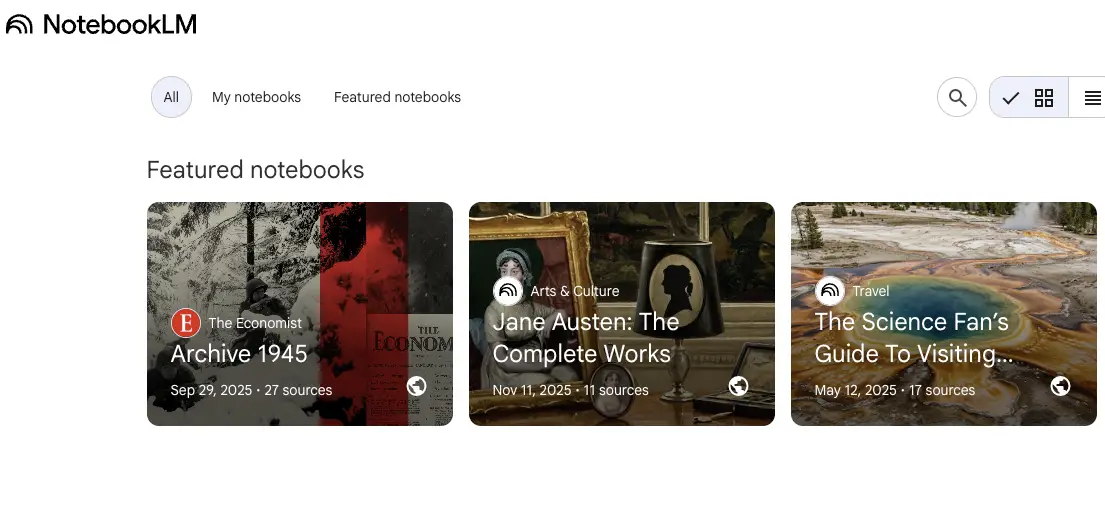
Google NotebookLM is the most generous ChatPDF alternative because it's completely free with no daily caps, no query limits, and no paid tier.
What makes it different from ChatPDF:
- Unlimited queries and uploads. No daily restrictions at all, compared to ChatPDF's 2 PDFs/day
- Multi-source notebooks. Upload up to 50 sources per notebook, including PDFs, Google Docs, websites, and YouTube videos
- Inline citations. Every answer includes numbered source references you can click to jump to the exact passage
- Audio overviews. Converts your documents into podcast-style audio summaries (unique to NotebookLM)
- No paid tier. Everything is free, funded by Google
Limitations:
- Requires a Google account
- Maximum 500,000 words per source
- No offline access
- Limited export options
- Can't process scanned PDFs without OCR
Best for: Students, researchers, and anyone who needs unlimited PDF chat without spending anything. If ChatPDF's daily limits are your main frustration, NotebookLM removes that problem entirely.
2. Claude - Best for Long Document Analysis#
Claude by Anthropic handles documents that would overwhelm ChatPDF. Its 200K token context window can process PDFs up to roughly 500 pages in a single conversation.
What makes it different from ChatPDF:
- Massive context window. Process documents 4x longer than ChatPDF's 120-page limit
- Superior reasoning. Claude excels at analyzing complex arguments, identifying contradictions, and summarizing nuanced content
- Multi-file uploads. Upload several documents and ask cross-document questions
- Beyond PDF. Handles images, code files, and plain text alongside PDFs
- Projects feature. Organize related documents into persistent projects for ongoing analysis
Limitations:
- Free tier has rate limits during peak hours
- No visual citation highlighting in the PDF itself
- Requires signup
- Not specifically designed for PDF workflows (it's a general AI assistant)
Best for: Legal professionals reviewing long contracts, researchers analyzing lengthy papers, and anyone who regularly works with documents exceeding 100 pages. Claude's analytical depth is unmatched for complex document reasoning.
3. ChatGPT - Best for Multi-Format Document Chat#
ChatGPT isn't a dedicated PDF tool, but its file upload capabilities make it a practical ChatPDF alternative for users who already rely on it for other tasks.
What makes it different from ChatPDF:
- Multi-format uploads. Handles PDFs, Word docs, Excel spreadsheets, PowerPoints, images, and code files in one conversation
- Data analysis. Can run Python code on your documents, including generating charts from PDF data
- GPT-4o on free tier. Access to the latest model without paying, though with rate limits
- Memory across sessions. ChatGPT can remember your preferences and past interactions
- Huge ecosystem. Custom GPTs, plugins, and API access for power users
Limitations:
- Rate-limited on free tier (switches to GPT-4o-mini when limits hit)
- Less accurate citations than purpose-built PDF tools
- No inline PDF highlighting
- Answers can drift from source material more than specialized tools
- File size limit of 512 MB (generous, but large scanned PDFs can hit it)
Best for: Users who already use ChatGPT daily and want PDF chat within their existing workflow. Also strong for mixed file type analysis where you need to compare PDFs with spreadsheets or presentations.
4. PDF.ai - Best for Multi-Document Extraction#
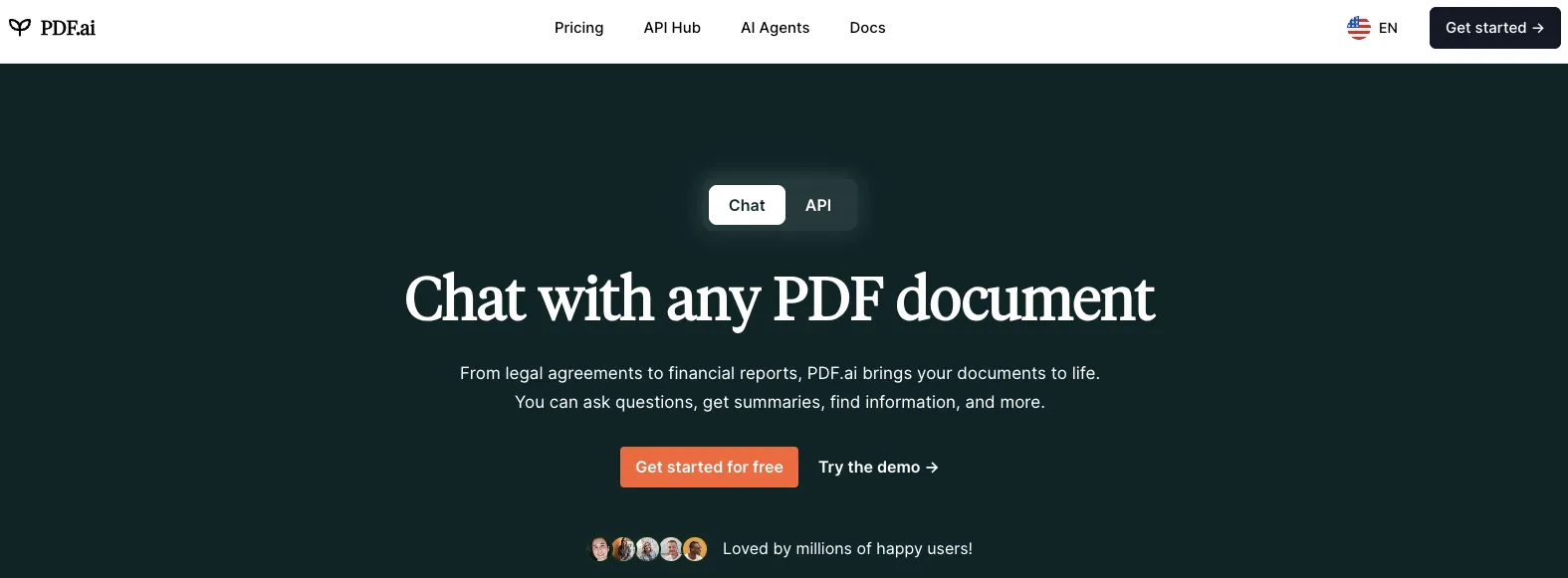
PDF.ai is built specifically for PDF conversations and structured data extraction, making it a natural upgrade from ChatPDF.
What makes it different from ChatPDF:
- Multi-PDF conversations. Chat across multiple documents simultaneously
- Structured data extraction. Parse tables, forms, and structured data from PDFs into usable formats
- Knowledge base. Organize PDFs with tags, folders, and persistent conversations
- Embeddable widget. Add a PDF chatbot to your website for user manuals or documentation
- Developer API. Build custom PDF chat workflows programmatically
Limitations:
- Free tier limited to 1 PDF and 100 questions per month
- Paid plans start at $20/user/month (billed yearly)
- Scale constraints: better for hundreds, not thousands of documents
- No AI agents or workflow integrations
- Basic analytics
Best for: Professionals who need to extract structured data from PDFs regularly, including financial analysts parsing reports, HR teams processing applications, and anyone managing a moderate-sized document library.
5. Denser - Best for Source-Cited Business Chat#
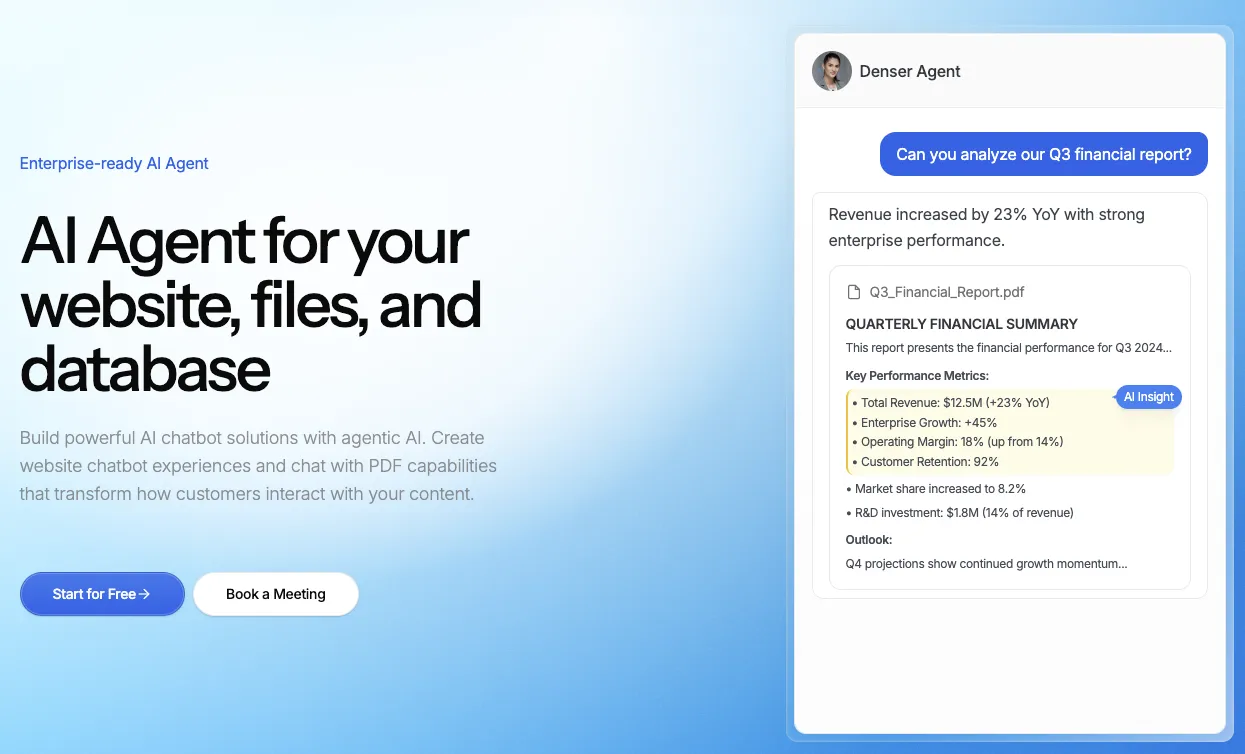
Denser focuses on accuracy and verifiability. Every answer includes visual highlights pointing to the exact source passage in the original PDF, something ChatPDF's text-only responses don't offer.
What makes it different from ChatPDF:
- Visual PDF citations. Answers highlight the exact passage in the original document, so you can verify without scrolling
- RAG-optimized retrieval. Uses retrieval-augmented generation combined with semantic search for grounded answers
- Scale beyond single PDFs. Build knowledge bases from hundreds of documents plus website content
- Multi-channel deployment. Embed your document chatbot on websites, Slack, or Shopify
- No-code setup. Upload documents and start chatting without technical configuration
Limitations:
- Free tier limited to 20 queries per month
- Visual citation feature requires the Pro plan for full functionality
- Smaller user community compared to ChatGPT or Claude
- Primarily designed for business use cases
Best for: Business teams that need verified, citation-backed answers from their documents. Particularly strong for customer support teams building knowledge base chatbots from product documentation.
6. Humata - Best for Team Collaboration#
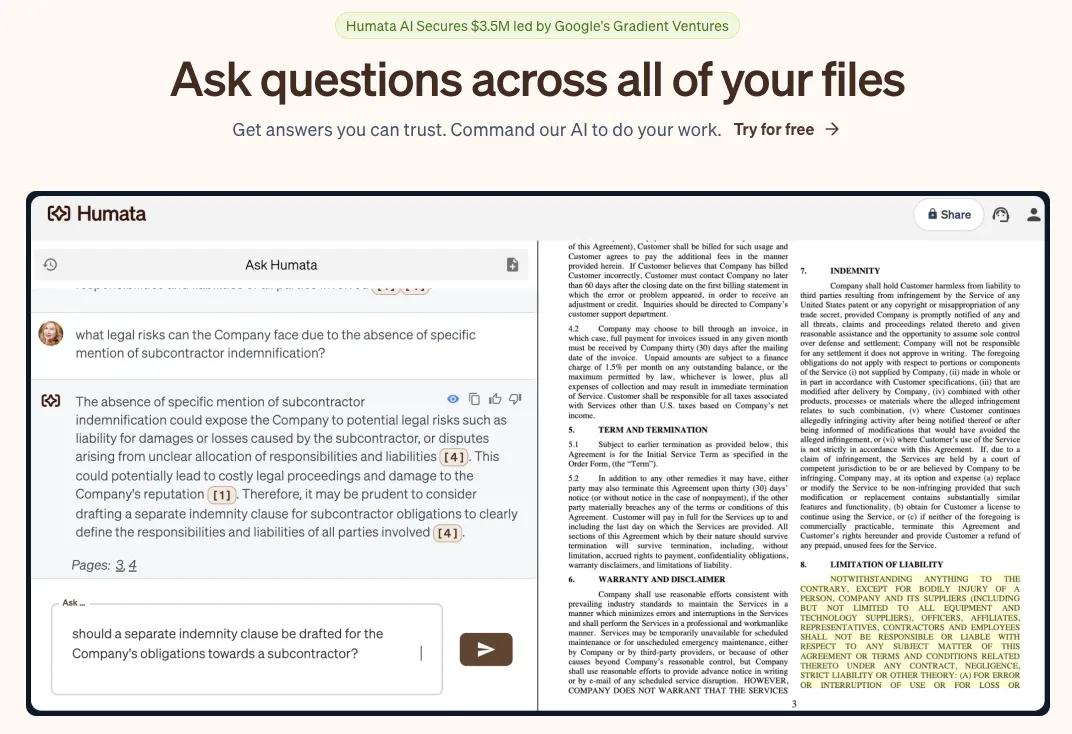
Humata is purpose-built for collaborative document analysis. While ChatPDF is designed for individual use, Humata lets teams share documents, annotations, and AI conversations.
What makes it different from ChatPDF:
- Team workspaces. Share documents with role-based access controls and department-level permissions
- Unlimited file uploads. No cap on the number of documents you can upload (page limits apply)
- Citation highlighting. Every answer links back to the specific document section
- Embeddable chatbot. Add document Q&A to your website
- Enterprise security. 256-bit encryption, SSO via Okta/Google/Microsoft
Limitations:
- Free tier is very restricted: 60 pages, 10 answers per month
- Expert plan ($9.99/mo) charges $0.02 per additional page beyond 500
- Team plan ($49/user/mo) may be expensive for small teams
- No offline processing
- Limited file format support beyond PDF
Best for: Teams in legal, compliance, and research who need to collaborate on document review with proper access controls and audit trails. If you work with legal documents, Humata's security controls are the strongest option.
7. Smallpdf - Best All-in-One PDF Toolkit#
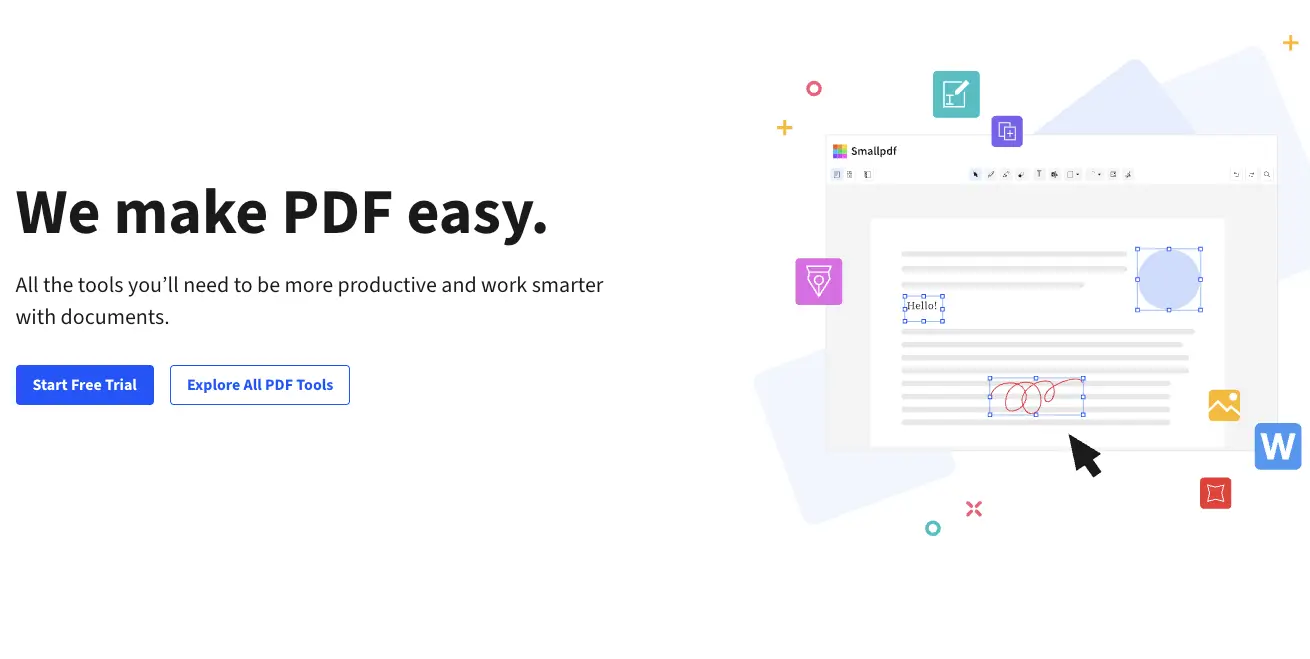
Smallpdf combines AI chat with 30+ traditional PDF tools (compress, convert, merge, sign, edit). If you need more than just chat, it handles the entire PDF workflow.
What makes it different from ChatPDF:
- 30+ PDF tools. Compress, convert, merge, split, sign, edit, and protect PDFs alongside AI chat
- AI-powered summarization. Get document summaries and ask follow-up questions
- eSign integration. Legally binding electronic signatures built in
- Wide format support. Convert between PDF, Word, Excel, PowerPoint, and image formats
- No signup for basic tools. Many PDF tools work without creating an account
Limitations:
- AI chat is limited on the free tier (daily usage caps)
- Pro plan at $12/month adds unlimited AI and all tools
- Less conversational depth than dedicated AI chat tools
- AI responses can be less detailed than Claude or ChatGPT
- Not ideal for very long documents
Best for: Users who need PDF editing, conversion, and signing alongside occasional AI chat. If ChatPDF's limitation is that it only does chat, Smallpdf fills the gap with a complete toolkit. See our comparison of AI PDF summarizer tools for more summarization options.
8. AskYourPDF - Best Budget ChatPDF Alternative#
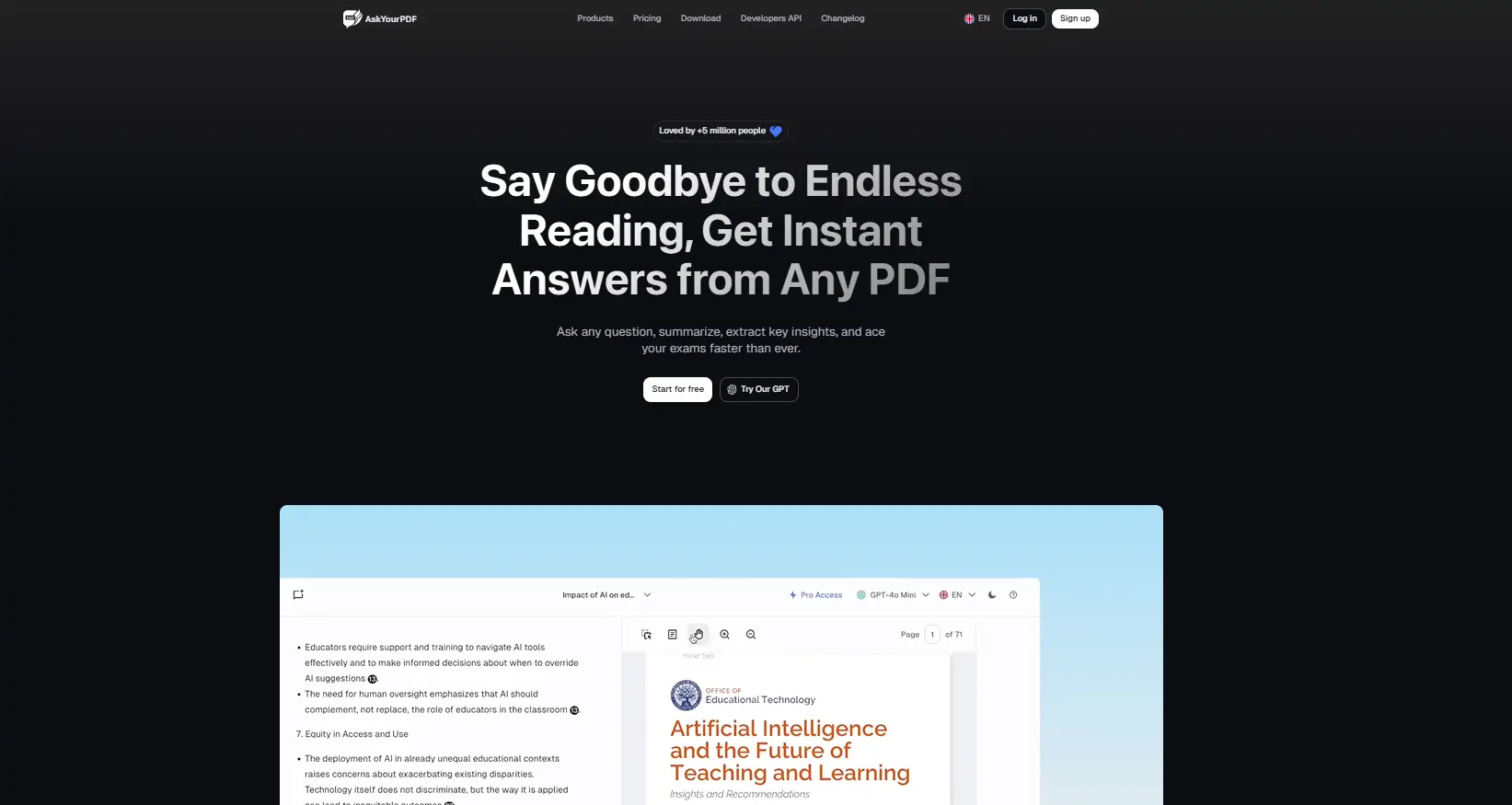
AskYourPDF offers a generous free tier and a Chrome extension that lets you chat with PDFs directly in your browser without switching tabs.
What makes it different from ChatPDF:
- Chrome extension. Chat with any PDF open in your browser without uploading it to a separate site
- Generous free tier. More free queries than most alternatives
- Multiple file chat. Upload and cross-reference several PDFs
- ChatGPT plugin. Use AskYourPDF directly inside ChatGPT
- Affordable paid plans. Pro starts around $5/month
Limitations:
- Less sophisticated RAG than Denser or Claude
- Individual use only, no team features
- Accuracy varies with complex or technical documents
- Basic interface compared to PDF.ai or Humata
- Limited export options
Best for: Students and casual users who want a free or very affordable ChatPDF alternative with browser integration. The Chrome extension is uniquely convenient for anyone who works with PDFs in-browser.
Feature Comparison: ChatPDF vs Alternatives#
Here's how ChatPDF stacks up against the top pdf ai chat alternatives on features that matter:
| Feature | ChatPDF | NotebookLM | Claude | ChatGPT | PDF.ai | Denser | Humata | Smallpdf | AskYourPDF |
|---|---|---|---|---|---|---|---|---|---|
| Free tier | Yes | Yes (full) | Yes | Yes | Yes | Yes | Yes | Yes | Yes |
| Multi-PDF chat | No | Yes (50) | Yes | Yes | Yes | Yes | Yes | No | Yes |
| Page limit (free) | 120 | 500K words | ~500 | 512 MB | 1 PDF | 20 queries | 60 pages | Limited | Generous |
| Visual citations | No | Inline | No | No | No | Yes | Yes | No | No |
| Offline mode | No | No | No | No | No | No | No | No | No |
| Team features | No | Shared notebooks | No | Teams plan | Paid | Yes | Yes | No | No |
| Beyond PDF | No | Yes | Yes | Yes | No | Yes | No | Yes | No |
| API access | Paid | No | Yes | Yes | Yes | Yes | No | No | Limited |
| No signup needed | Yes | No | No | No | No | No | No | Partial | No |
No single tool wins every category. ChatPDF's advantage is its no-signup simplicity. NotebookLM wins on value (completely free). Claude wins on document length. And Denser wins on citation accuracy. The best pdf chat tool for you depends on which tradeoffs matter most.
How to Choose the Right ChatPDF Alternative#
The best pdf ai alternative depends on what's pushing you away from ChatPDF:
"I hit the daily limit too often" Go with Google NotebookLM. It's completely free with no daily caps. Zero restrictions on queries or uploads.
"My documents are too long" Go with Claude. It handles documents up to ~500 pages, compared to ChatPDF's 120-page limit. Best analytical reasoning of any AI for complex document review.
"I need to compare multiple documents" Go with ChatGPT or PDF.ai. Both support multi-document conversations. ChatGPT is more versatile with mixed file formats. PDF.ai is better for structured data extraction.
"I need verified, cited answers" Go with Denser. Visual PDF citations let you click through to the exact source passage. Strongest option for business documents where accuracy matters. You can also explore other AI document reader tools for comparison.
"My team needs to collaborate on documents" Go with Humata. Role-based access, shared workspaces, and enterprise security make it the only real team option.
"I need PDF editing alongside chat" Go with Smallpdf. The 30+ PDF tools (compress, convert, merge, sign) make it a complete toolkit, not just a chat tool.
"I want something cheap and simple" Go with AskYourPDF. The Chrome extension and generous free tier make it the lowest-friction upgrade from ChatPDF.
Free Tier Comparison: What You Actually Get#
Since many users are looking for a free pdf ai tool or ChatPDF alternative specifically to avoid paying, here's exactly what each free tier includes:
| Tool | Free Documents | Free Questions | File Size Limit | Signup Required |
|---|---|---|---|---|
| ChatPDF | 2/day | 50/day | 10 MB | No |
| NotebookLM | 50/notebook | Unlimited | 500K words | Yes (Google) |
| Claude | Unlimited | Rate-limited | ~500 pages | Yes |
| ChatGPT | Unlimited | Rate-limited | 512 MB | Yes |
| PDF.ai | 1 total | 100/month | Standard | Yes |
| Denser | Standard | 20/month | Standard | Yes |
| Humata | 60 pages | 10/month | Unlimited uploads | Yes |
| Smallpdf | Limited | Limited/day | Standard | No |
| AskYourPDF | Multiple | Generous | Standard | Yes |
For a detailed breakdown of free tiers including feature comparisons, see our full free AI PDF tools guide. You can also chat with PDF documents using any of these tools to test which best fits your workflow.
Privacy and Security Considerations#
If you're uploading sensitive documents, here's how these ChatPDF alternatives handle privacy:
Processes locally / highest privacy:
- PDFgear (desktop-only, no cloud upload needed)
Cloud with strong security controls:
- Humata: 256-bit encryption, SOC 2 readiness, SSO, role-based access
- Denser: Enterprise security options, data protection controls
Cloud with standard security:
- Google NotebookLM: Google's infrastructure, but data may be used for training
- Claude: Anthropic's usage policies, data not used for training on paid plans
- ChatGPT: OpenAI's data policies, opt-out available for data training
- PDF.ai, Smallpdf, AskYourPDF: Standard cloud security
For sensitive legal or medical documents, check each tool's data retention and processing policies before uploading. For enterprise document needs, consider tools with chat with PDF features that include compliance certifications.
FAQs About ChatPDF Alternatives#
Is there a completely free ChatPDF alternative?#
Yes. Google NotebookLM is completely free with no paid tier, no daily limits, and no query caps. It's the most generous free option available. AskYourPDF and Smallpdf also offer usable free tiers with some restrictions.
Which ChatPDF alternative is best for long documents?#
Claude handles the longest documents, processing up to ~500 pages in a single conversation. That's more than 4x ChatPDF's 120-page limit. For research papers and legal contracts, Claude's analytical depth is also the strongest. Check our best AI PDF reader guide for more options.
Can I use a ChatPDF alternative without signing up?#
ChatPDF's no-signup experience is unique among PDF chat tools. Most alternatives require at least an email. Smallpdf's basic PDF tools work without signup, but AI features require an account. If avoiding signup is your priority, ChatPDF itself may still be the best option for quick, one-off use.
Which ChatPDF alternative gives the most accurate answers?#
Denser provides the most verifiable answers with visual PDF citations that highlight the exact source passage. Claude provides the deepest analytical reasoning for complex questions. For general accuracy, Google NotebookLM's inline citations also perform well. The accuracy gap between tools is smaller than the feature gap.
Are ChatPDF alternatives safe for confidential documents?#
It depends on the tool. Humata offers enterprise-grade security with 256-bit encryption and SSO. For maximum privacy, PDFgear processes files locally on your desktop without uploading to the cloud. Most cloud-based tools use standard encryption but check data retention policies before uploading sensitive files. For PDF AI analysis of confidential documents, choose tools with SOC 2 compliance.
Find the Right ChatPDF Alternative#
ChatPDF's simplicity is still a strength for quick, casual use. But if you need more documents, longer files, team collaboration, or verified citations, the tools on this list handle those gaps.
Start with Google NotebookLM if you want free and unlimited. Try Claude if your documents are long and complex. And explore Denser if source-cited accuracy matters most for your work.
Try Denser's PDF chat free to see visual citations in action, or browse our best AI PDF reader comparison for more specialized options.