

12 Best Knowledge Base Tools for 2026 by Use Case

Company knowledge becomes hard to use when it's spread across docs, Slack threads, support tickets, PDFs, onboarding files, and help articles.
In an APQC survey of 982 full-time knowledge workers, employees spend 2.8 hours each week looking for or requesting the information they need, highlighting how quickly scattered knowledge can turn into lost time.
The right knowledge base tool gives your team a single reliable place to create, organize, update, and search for answers, so you don't have to ask the same questions again.
In this article, we'll compare 12 knowledge base software platforms based on their use cases, features, pricing models, and fit.
TL;DR#
These are the best knowledge base tools worth comparing in 2026.
- Denser — Best for AI-powered answers
- Confluence — Best for Atlassian-centric teams
- Notion — Best for flexible team wikis
- Document360 — Best for product documentation
- Slite — Best for internal docs
- Guru — Best for workflow knowledge
- Bloomfire — Best for enterprise search
- Zendesk Knowledge — Best for customer support
- Stonly — Best for interactive guides
- Helpjuice — Best for branded help centers
- Monday service — Best for service workflows
- Knowmax — Best for contact centers
What Are Knowledge Base Tools?#
Knowledge base tools are software platforms that help you collect, organize, search, and share company knowledge or customer-facing help content.
They give your team a single place to manage knowledge, publish support articles, and keep up-to-date information easy to find.
A knowledge base can support internal documentation, employee onboarding, technical documentation, customer support, self-service support, and product education.
The right knowledge base software depends on who needs the answers, how often the content changes, and whether users need articles, AI search, access control, or workflow automation.
Core Features to Look For in a Knowledge Base Tool#
The right features depend on whether you need internal knowledge for employees, customer support content, or a public help center.
Look for these knowledge base features before you choose a platform:
- AI search: Users should find answers without exact keywords.
- Content organization: Categories, tags, folders, and permissions should create a logical structure.
- Internal and external support: The same system should support employee knowledge and customer-facing content when needed.
- Integrations: Your knowledge base should connect with popular business tools your team already uses.
- Analytics: Reports should show missing content, low-performing articles, and unanswered searches.
- Source control: AI-powered answers should link back to accurate information when trust matters.
- Scalable pricing: The plan should fit small teams now and support enterprise use later.
12 Best Knowledge Base Tools for 2026#
A knowledge base tool should match the work your content needs to support.
- Internal teams need fast access to company knowledge
- Support teams need searchable help content
- Documentation teams need publishing control
- Enterprise teams need governance, permissions, and advanced search
Use the comparison table below as a quick filter before you review the full breakdown. It gives you the main use case, knowledge base type, and pricing signal for each tool, so you can quickly narrow the list before looking at features, pros, cons, and workflow fit.
| Tool | Best For | Best Use Case | Pricing Signal |
|---|---|---|---|
| Denser | AI-powered answers | Internal knowledge search and cited answers | Free plan, paid plans from $39/month |
| Confluence | Atlassian teams | Engineering docs and project knowledge | Free plan, paid per user |
| Notion | Flexible team wikis | Team wiki, docs, and personal projects | Free plan, paid per user |
| Document360 | Product documentation | Public docs, API docs, and help centers | Custom pricing |
| Slite | Internal docs | Team knowledge and AI search | Paid plans from $10/month |
| Guru | Workflow knowledge | Verified knowledge inside work tools | Custom pricing |
| Bloomfire | Enterprise search | Enterprise knowledge management | Custom pricing |
| Zendesk Knowledge | Customer support | Help center and support articles | Paid plan from $25/month |
| Stonly | Interactive guides | Step-by-step support flows | Custom pricing |
| Helpjuice | Branded help centers | Custom help center and self-service | Paid plans from $249/month |
| Monday service | Service workflows | Ticketing, task management, and service delivery | Paid plans from $34/month |
| Knowmax | Contact centers | Agent guidance and decision trees | Custom pricing |
The sections below show you how each tool works in practice, where it fits best, and what to check before you add it to your shortlist.
1. Denser — Best for AI-Powered Answers#
Denser is an AI-powered knowledge base solution that turns SOPs, manuals, PDFs, employee handbooks, training materials, and support docs into an AI chatbot.
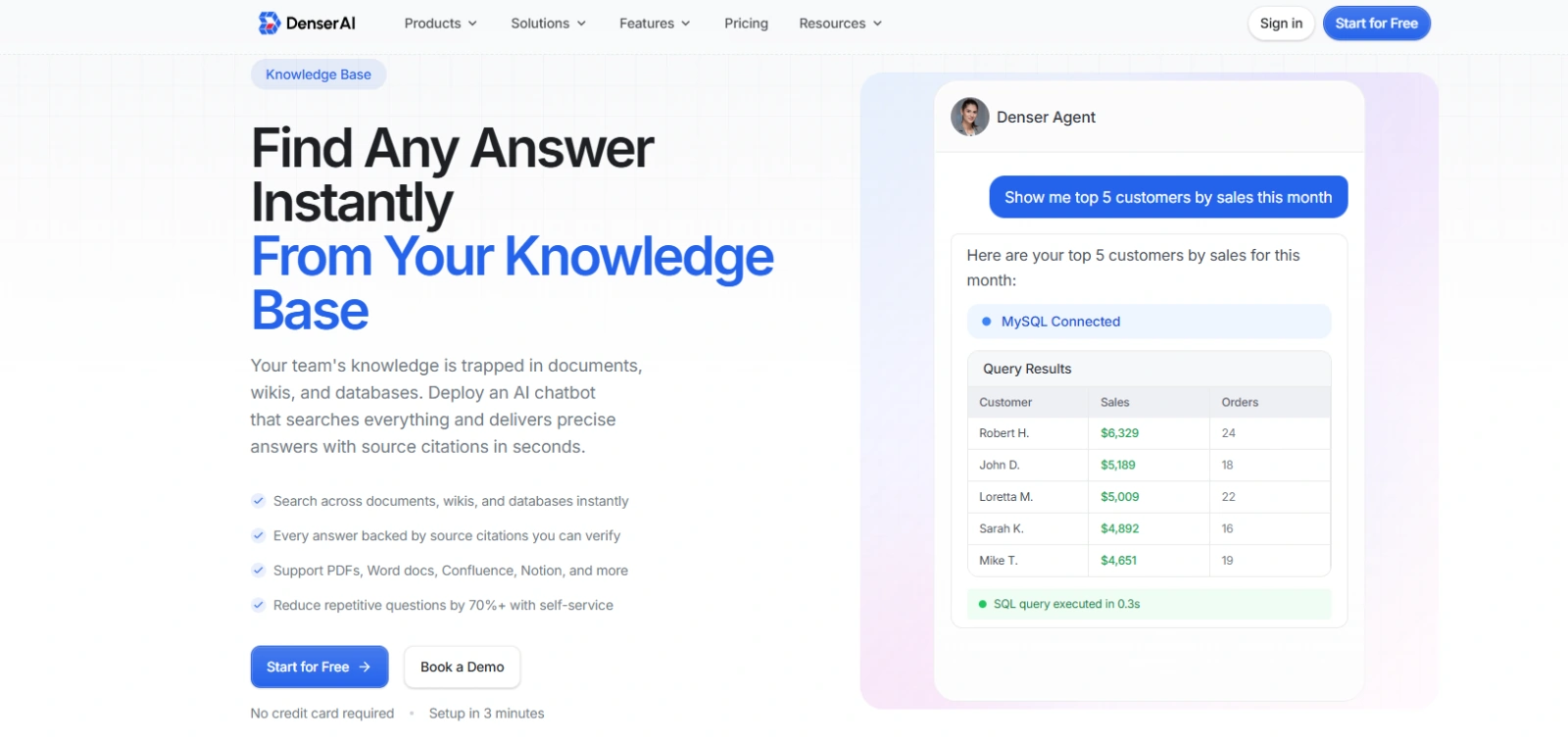
Your team can upload PDFs, Word docs, spreadsheets, SOPs, employee handbooks, product manuals, onboarding guides, and support content, then search through everything using a single chatbot instead of opening separate folders, tools, or shared drives.
Denser also handles more than static document search.
You can connect knowledge sources, configure access controls for sensitive content, add suggested questions for common topics, and embed the chatbot on a website, intranet, or internal app.
Content can also sync when your documents are updated, helping your knowledge base stay useful as SOPs, policies, and support docs change.
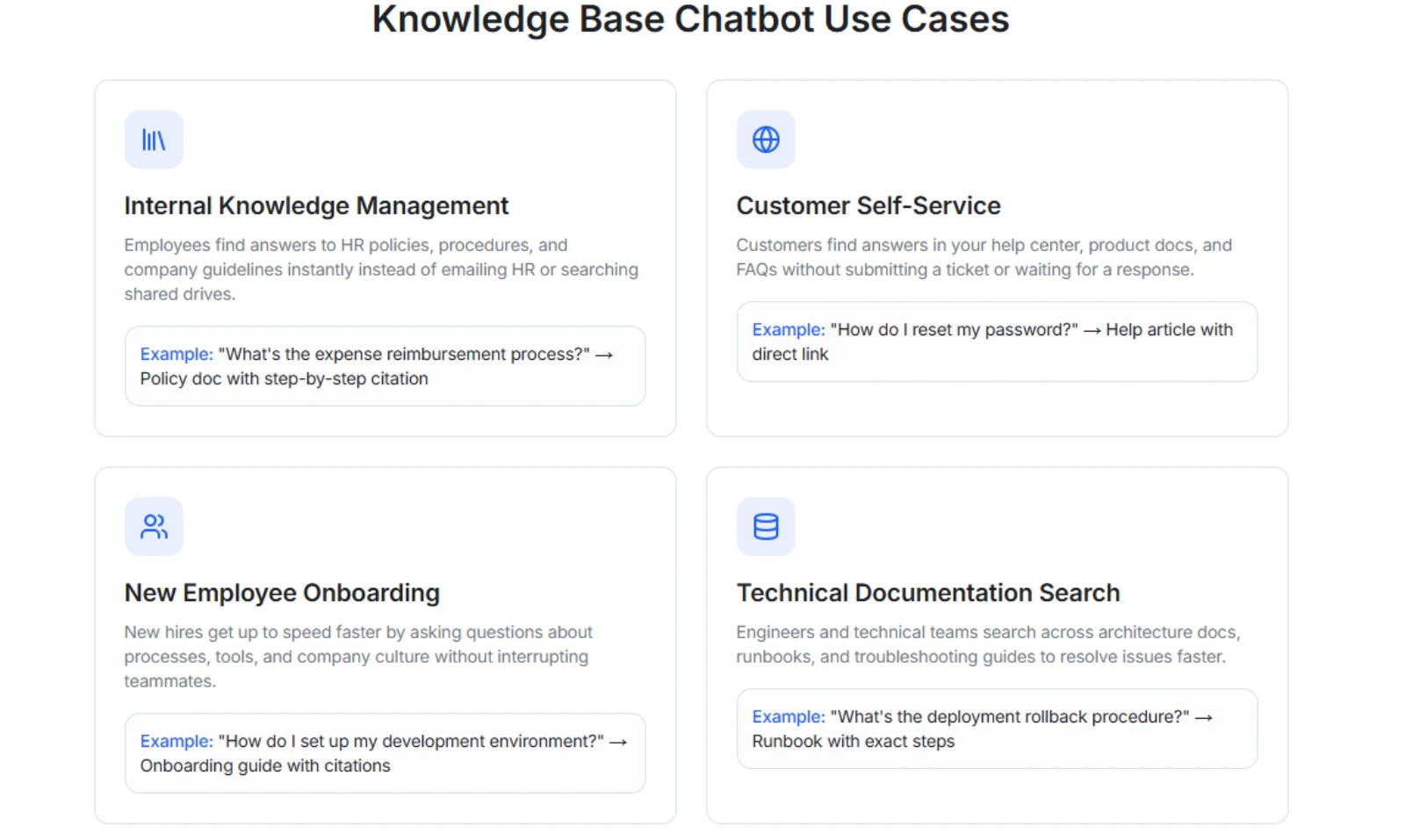
It works well for internal knowledge management, employee onboarding, customer self-service, and technical documentation search. When the chatbot cannot find a relevant answer, it can avoid guessing and route the issue to the right team, which also helps you spot gaps in the knowledge base.
Denser is SOC 2 Type II certified, encrypts data at rest and in transit, supports access controls, and does not use your knowledge base content to train external AI models.
Best Use Cases#
Use Denser when you need fast, verifiable answers from your team's existing knowledge base.
- Internal knowledge search from SOPs, manuals, policies, and handbooks
- Employee onboarding with answers from training docs and setup guides
- Customer self-service from FAQs, help centers, and product documentation
- Technical documentation search from runbooks, architecture docs, and troubleshooting guides
Key Features#
- Source-cited answers from your own knowledge base
- Support for PDFs, Word docs, spreadsheets, websites, wikis, and databases
- Semantic AI search that understands plain-English questions
- Access controls for sensitive internal content
- Website, intranet, and internal app deployment
Pros#
- Cited answers make internal knowledge easier to verify
- Existing files can become searchable without manual reformatting
- Useful for both employee FAQs and customer support workflows
Pricing#
- Free: 1 DenserBot, 20 queries, and a maximum of 100 webpages or 50 MB doc storage
- Starter: $39/month, with 2 DenserBots, 1,500 queries, and a maximum of 100 webpages or 50 MB doc storage
- Standard: $119/month, with 4 DenserBots, 7,500 queries, and a maximum of 2,000 webpages or 1 GB doc storage
- Business: $399/month, with 8 DenserBots, 15,000 queries, and a maximum of 10,000 webpages or 5 GB doc storage
- Enterprise: Contact sales
Start for free with Denser and build a searchable knowledge base from the files you already have!
2. Confluence — Best for Atlassian-Centric Teams#
Confluence is a documentation tool and team workspace used for project knowledge, engineering notes, decision logs, and internal documentation.
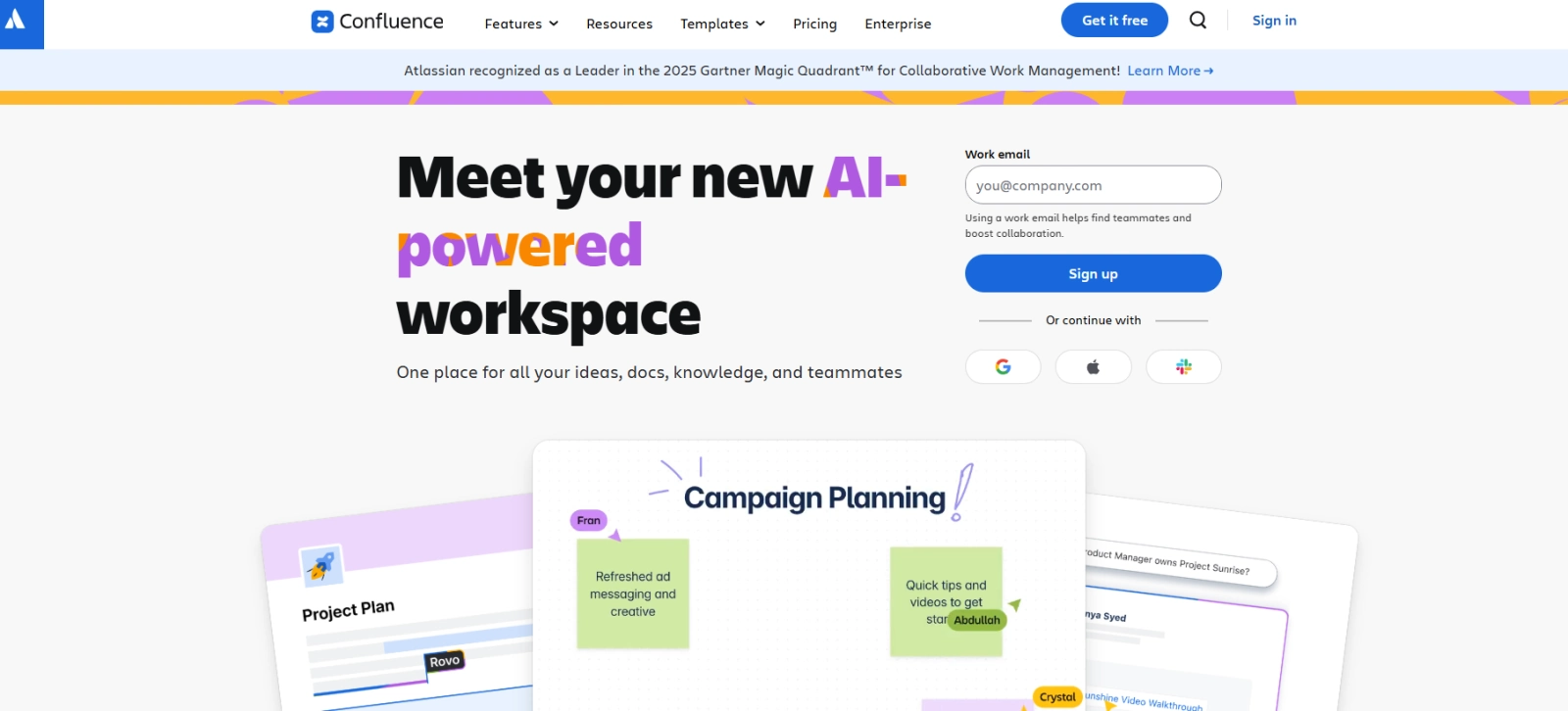
Image Source: atlassian.com
It works best when your team already uses Jira because pages, tasks, product decisions, and engineering work can stay connected inside the same Atlassian system.
You can organize content into spaces and pages, manage permissions, and collaborate with comments and mentions. Larger teams need clear structure and ownership because search and permissions can get harder to manage as the workspace grows.
Best Use Cases#
Use Confluence when documentation needs to stay close to Atlassian project work.
- Engineering documentation and technical runbooks
- Product requirements and release notes
- Internal team wikis for project-heavy teams
Key Features#
- Spaces and nested pages for structured documentation
- Jira links for connecting docs to tickets and product work
- Page history, inline comments, and permissions
Pros#
- Jira integration keeps docs close to engineering work
- Page hierarchy helps technical teams structure large doc libraries
- Version history supports review-heavy documentation workflows
Cons#
- Large spaces can become hard to search without strict ownership
- The interface can feel cluttered when pages, macros, and apps grow
Pricing#
- Free: $0/month for up to 10 users
- Standard: $5.42/user/month
- Premium: $10.44/user/month
- Enterprise: Custom pricing
3. Notion — Best for Flexible Team Wikis#
Notion is a flexible workspace for docs, wikis, databases, projects, and lightweight knowledge management.
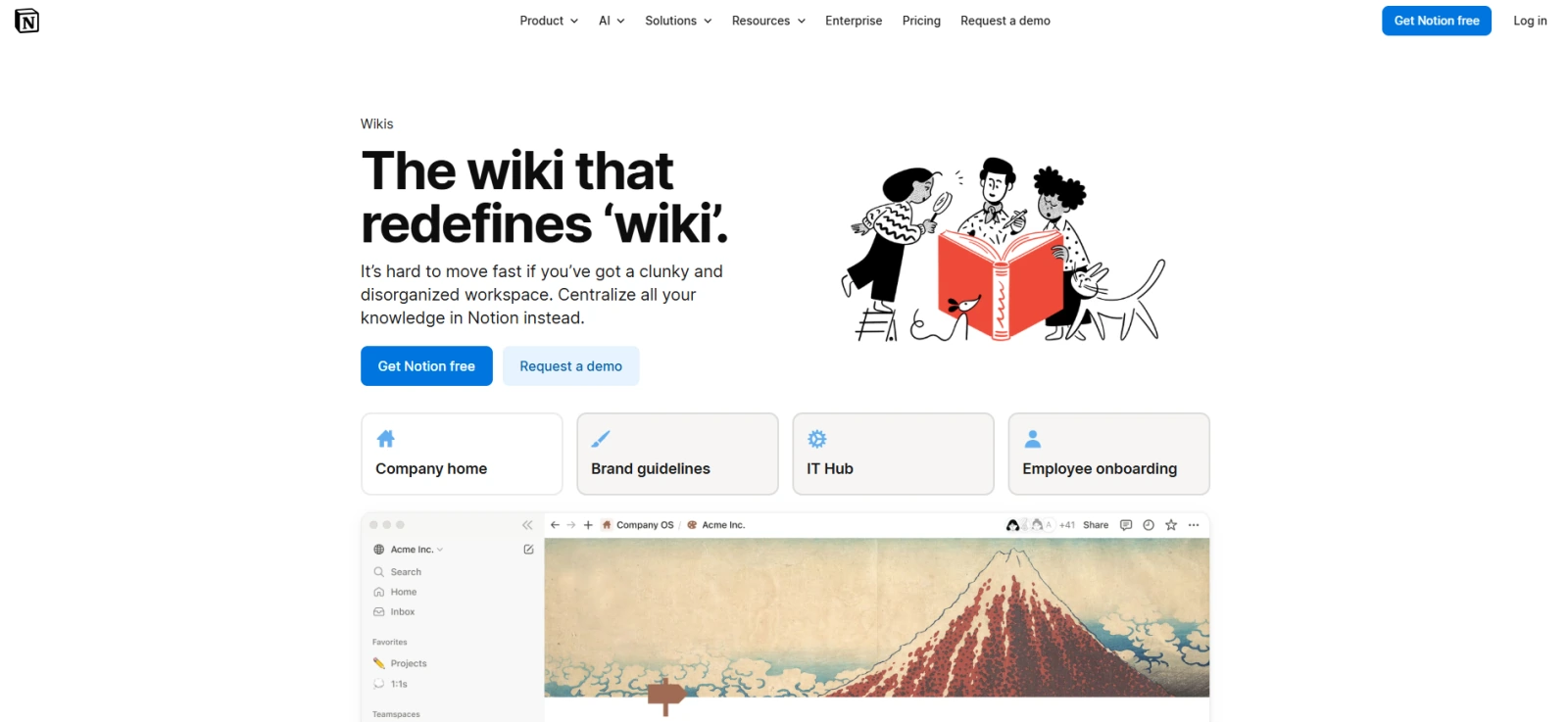
Image Source: notion.com
You can build a company wiki, onboarding hub, content calendar, product roadmap, meeting note library, or internal documentation system using modular pages and databases.
It works best when you want a customizable team wiki rather than a rigid help center. Notion also supports verified pages, granular database permissions, SAML single sign-on (SSO) on the Business plan, and enterprise search for connected apps on higher plans.
Best Use Cases#
Use Notion when you want flexible knowledge pages tied to lightweight project work.
- Team wiki for growing startups
- Internal documentation with databases and templates
- Project notes, meeting notes, and personal project
Key Features#
- Pages, blocks, databases, templates, and public sites
- Verified pages for trusted internal documentation
- Slack, GitHub, Jira, and connected-app search on higher plans
Pros#
- Custom databases help you filter docs by owner, team, status, or topic
- Templates make it faster to build repeatable documentation systems
- Verified pages help users spot trusted, up-to-date knowledge
Cons#
- A flexible structure can become messy without workspace rules
- Large workspaces can make navigation harder for new users
Pricing#
- Free: $0/month
- Plus: $12/user/month
- Business: $24/user/month
- Enterprise: Custom pricing
4. Document360 — Best for Product Documentation#
Document360 is knowledge base software built for product documentation, API docs, user manuals, public help centers, and internal documentation.
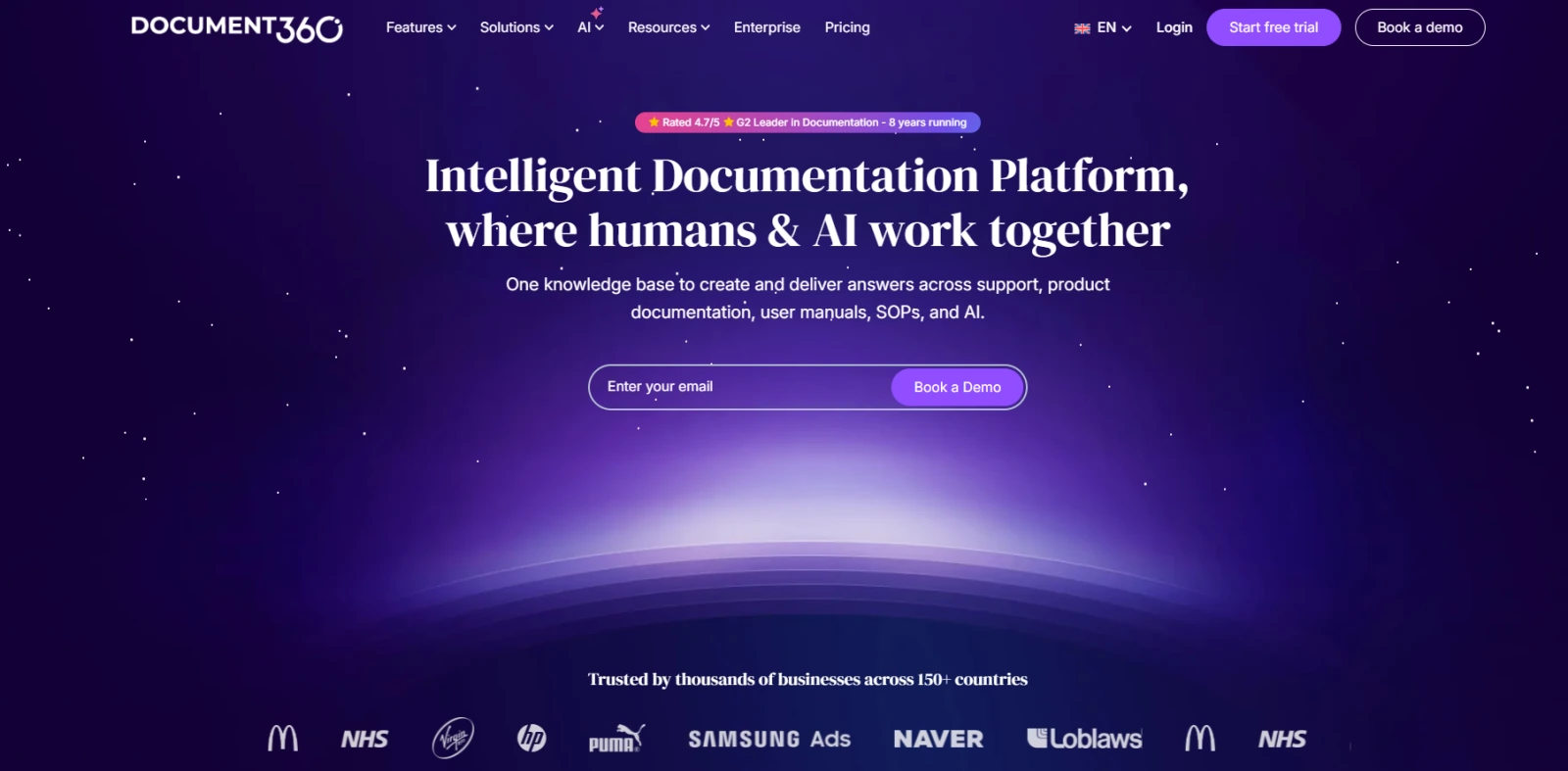
Image Source: document360.com
It gives documentation teams article management, category control, version history, feedback tools, custom workflows, and AI features for writing, FAQ creation, glossary generation, and AI search.
This is a solid fit when documentation quality, publishing control, localization, and product help matter more than a loose team wiki. It can support internal and external knowledge base projects, embedded help centers, support ticket deflection, and multilingual content.
Best Use Cases#
Use Document360 when product education and documentation quality matter most.
- Public product documentation and user guides
- API documentation and developer resources
- Internal SOPs and private knowledge bases
Key Features#
- Public and private knowledge base options
- Version history, review workflows, and article feedback
- AI search, AI writing, FAQ creation, and glossary support
- Imports from Word and PDF files
Pros#
- Documentation workflows support review, approval, and publishing control
- Private and public workspaces help manage internal and customer docs
- Feedback tools show where articles need clearer answers
Cons#
- Pricing is not transparent on the public page
- Setting up takes more planning than a lightweight wiki
Pricing#
Document360 doesn't disclose its pricing publicly.
5. Slite — Best for Internal Docs#
Slite is a team knowledge base built for internal docs, company updates, onboarding material, and AI search.
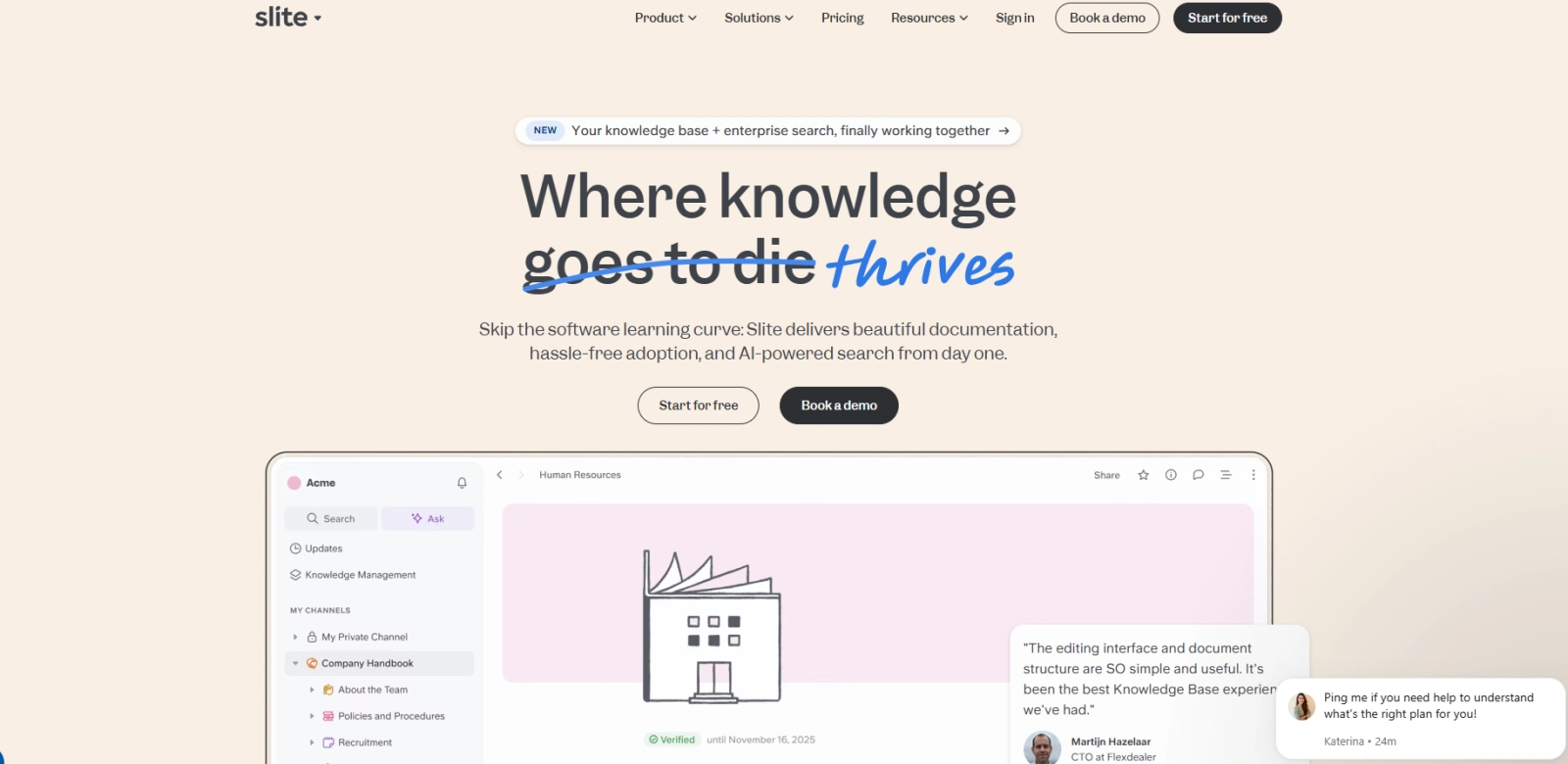
Image Source: slite.com
It gives you a focused documentation workspace with Ask, document verification, a knowledge management panel, workspace analytics, and integrations.
The product is useful when you want a cleaner internal docs system without having to build a complex wiki from scratch. The Knowledge Suite adds enterprise search for scattered team knowledge, starting at 10 users.
Best Use Cases#
Use Slite when your internal docs need a cleaner structure and easier search.
- Team handbook and internal knowledge base
- Onboarding guides and recurring internal updates
- Department docs for HR, operations, and product teams
Key Features#
- AI Search and answers through Ask
- Document verification system
- Knowledge management panel
- Doc and workspace analytics
Pros#
- Ask helps users find answers from internal docs
- Verification supports up-to-date content
- Analytics show how your workspace content performs
Cons#
- Enterprise search starts on the Knowledge Suite plan
- Public docs and advanced governance need higher-tier plans
Pricing#
- Standard: $10/user/month
- Knowledge Suite: $25/user/month
- Enterprise: Custom pricing
6. Guru — Best for Workflow Knowledge#
Guru is an AI-powered knowledge management system built to bring verified answers into the tools your team already uses.
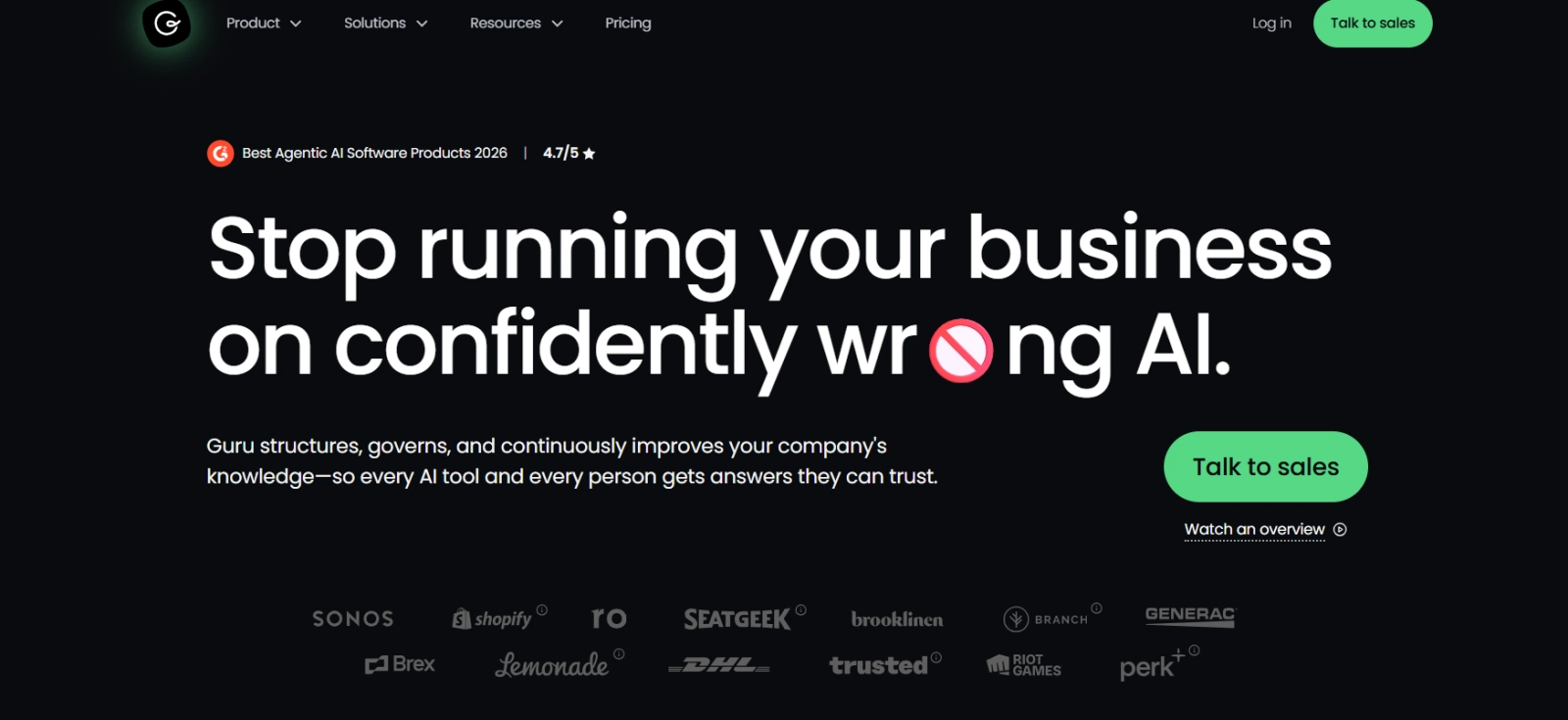
Image Source: getguru.com
It connects with Slack, Microsoft Teams, Salesforce, Zendesk, Confluence, SharePoint, and more than 100 enterprise tools, while keeping answers governed with permissions, citations, and audit trails.
Guru works best for sales, support, and operations teams that need knowledge inside daily workflows. Instead of sending people to a separate wiki every time, it gives them a governed knowledge layer they can search from the tools they already use.
Best Use Cases#
Use Guru when team knowledge needs to appear inside daily work tools.
- Sales enablement and objection handling
- Support agent knowledge in Slack or help desk tools
- Verified internal process documentation
Key Features#
- AI search, chat, and automation
- 100+ integrations with enterprise tools
- Citations, audit trails, and permission-aware answers
- Verification workflows for content owners
Pros#
- Integrations reduce the time spent switching between tools
- Verification workflows help keep answers current
- Permission-aware search protects restricted information
Cons#
- Setup requires clear ownership for cards and verification
- Pricing is flexible but not fully transparent on the public page
Pricing#
Guru doesn't disclose its pricing publicly.
7. Bloomfire — Best for Enterprise Search#
Bloomfire is an enterprise knowledge base platform for company-wide knowledge management, enterprise search, content sharing, and knowledge health.
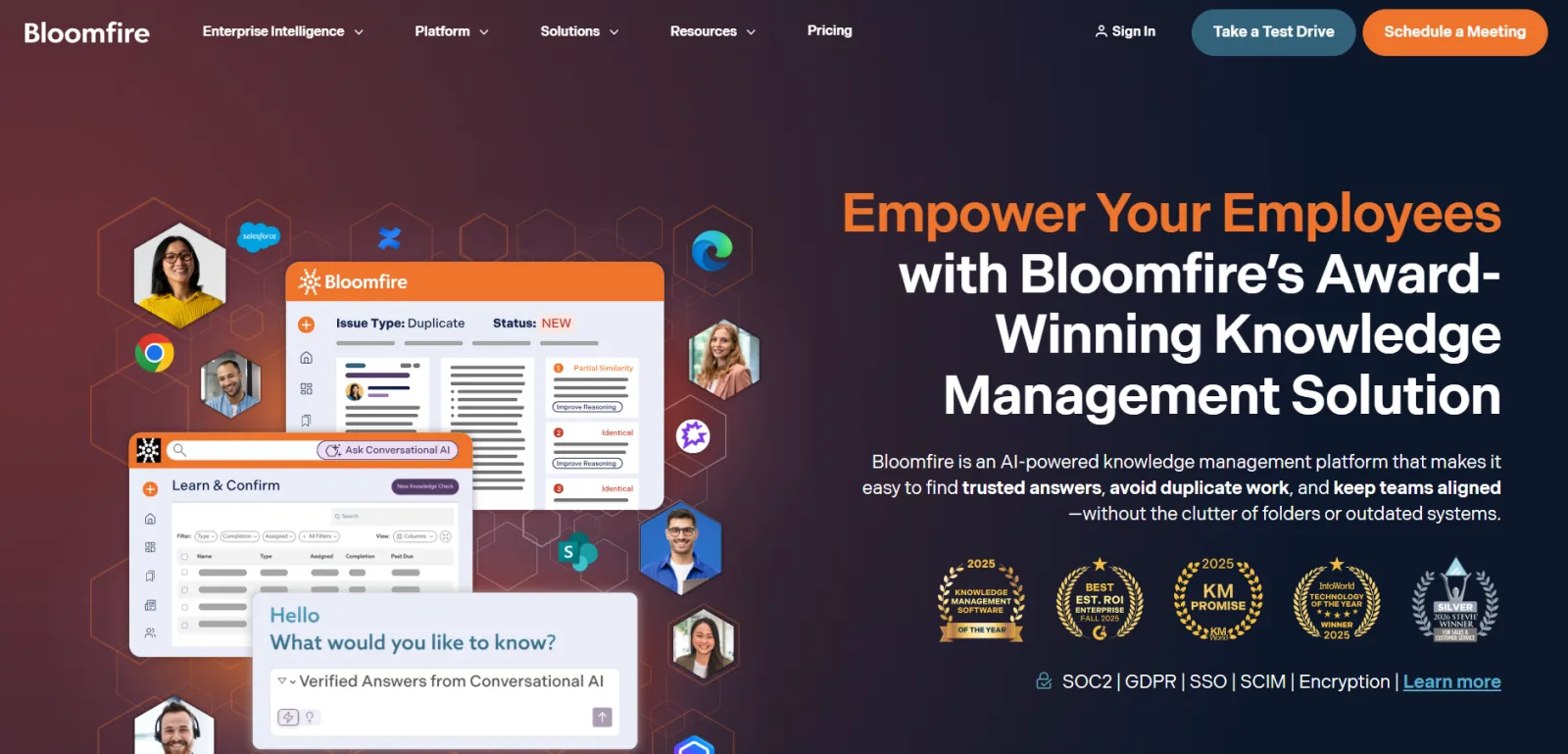
Image Source: bloomfire.com
It supports AI-powered search, generative AI-assisted authoring, enterprise search integrations, customizable layouts, reporting, moderation, and role-based access.
The platform fits larger organizations that need powerful search capabilities, access control, and adoption support rather than a simple documentation tool. It can also support multiple communities, departments, and company-wide knowledge programs with implementation services.
Best Use Cases#
Use Bloomfire when enterprise knowledge needs governance, search, and adoption support.
- Enterprise knowledge management programs
- Department knowledge hubs
- Company-wide search with access control
Key Features#
- AI-powered search and discovery
- Generative AI-assisted authoring
- Multiple communities for departments or teams
- Role-based permissions, SSO, and SCIM
Pros#
- Enterprise search helps users find relevant information at scale
- Role-based access supports complex permission needs
- Implementation services support larger knowledge programs
Cons#
- Pricing is quote-based and can include migration fees
- It's heavier than most small-team documentation tools
Pricing#
Bloomfire doesn't disclose its pricing publicly.
8. Zendesk Knowledge — Best for Customer Support#
Zendesk Knowledge is the knowledge base and help center layer inside Zendesk's customer support platform.
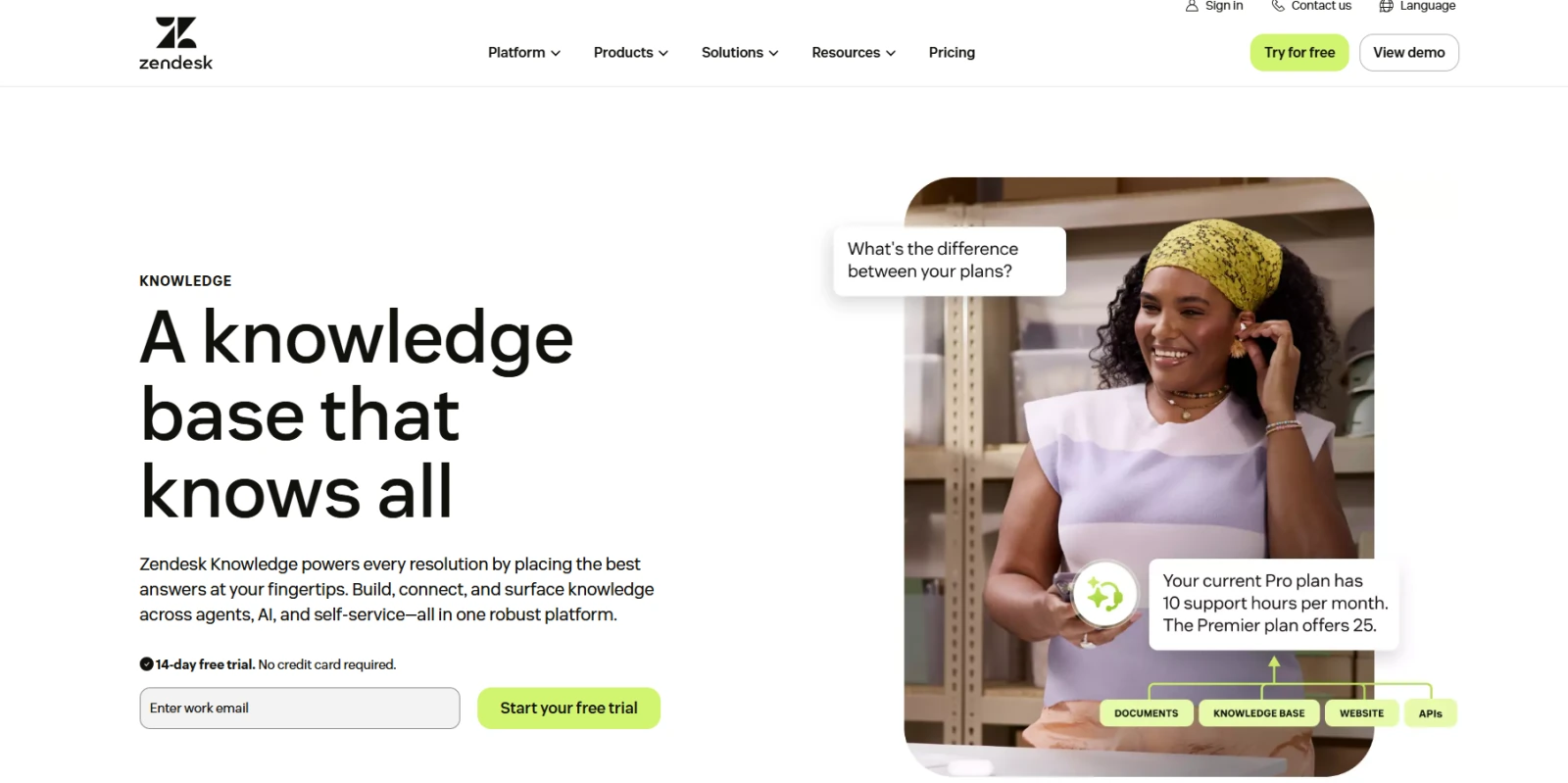
Image Source: zendesk.com
It helps you create support articles, organize content into categories and sections, and connect knowledge content to ticketing, messaging, AI agents, and support operations.
This is a practical option when your knowledge base needs to help customers find answers and assist them before they submit support requests. It becomes more useful when you already use Zendesk for tickets, customer support, reporting, and AI agents.
Best Use Cases#
Use Zendesk Knowledge when knowledge content needs to support live service operations.
- Customer-facing help centers
- Ticket deflection and self-service support
- Internal support articles for agents
Key Features#
- Help center categories and sections
- Knowledge management inside Zendesk Suite
- AI agents that use help center content
- Community forums on higher suite tiers
Pros#
- Help center content connects directly to tickets and agent workflows
- Suite plans include support, chat, messaging, and help center tools
- AI agents can answer customer questions from support content
Cons#
- AI and workforce add-ons raise total cost
- Admin setup gets more complex as support channels expand
Pricing#
Zendesk offers two pricing models, depending on whether you need it for customer or employee service.
Customer service plans are:
- Support Team: $25/agent/month
- Suite Team: $69/agent/month
- Suite Professional: $149/agent/month
- Suite Enterprise: $219/agent/month
As for employee service pricing plans, these include:
- Suite Team: $39/agent/month
- Suite Growth: $79/agent/month
- Suite Professional: $149/agent/month
- Suite Enterprise: Custom pricing
9. Stonly — Best for Interactive Guides#
Stonly is a knowledge base platform built around interactive, step-by-step guides, product tours, widgets, and guided troubleshooting.
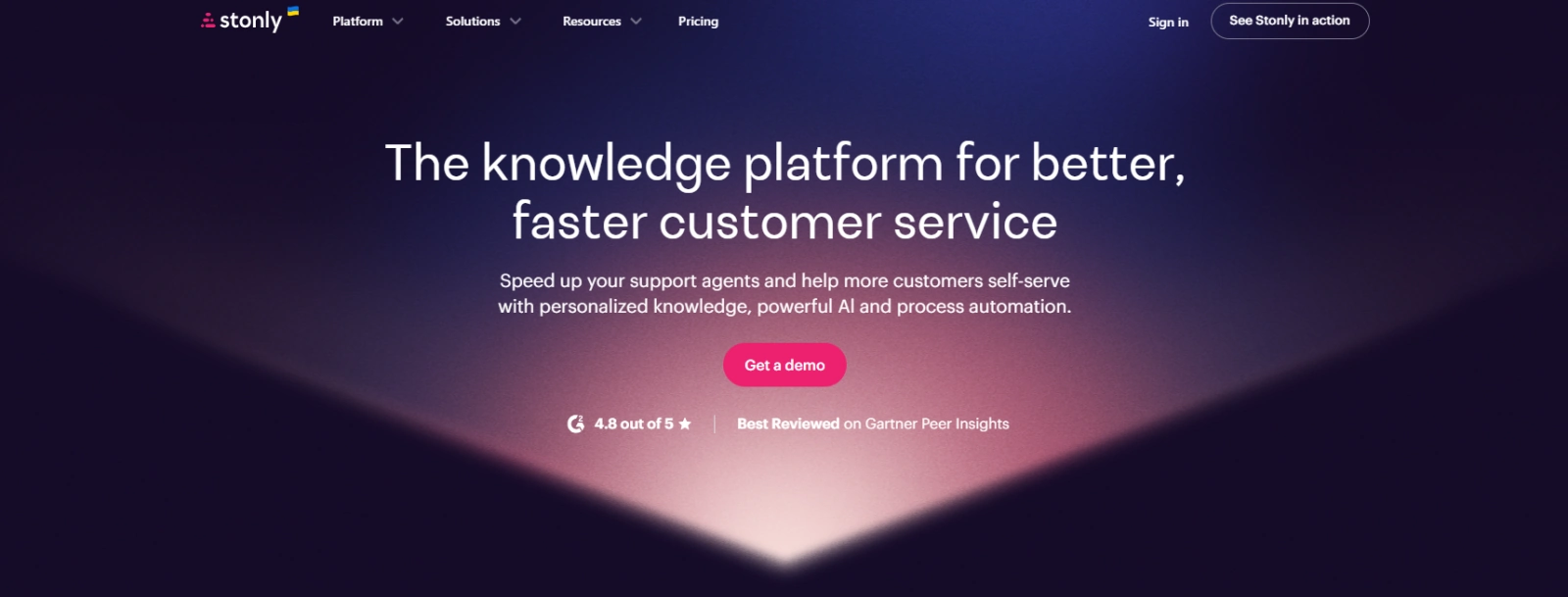
Image Source: stonly.com
It's useful when customers need help making decisions or completing tasks, not only reading static articles.
You can place guides inside a help center, app, chat widget, or web page, then let users choose paths based on their answers. That makes Stonly a practical fit for onboarding flows, troubleshooting, product education, and contextual support.
Best Use Cases#
Use Stonly when users need guided steps instead of article-only support.
- Interactive troubleshooting flows
- In-app onboarding and product tours
- Agent decision trees for support teams
Key Features#
- Interactive guides, tours, checklists, and decision trees
- Knowledge base and widget placement
- Targeting, variables, triggers, and guide analytics
- Help desk integrations on enterprise plans
Pros#
- Step-by-step guides reduce long static support articles
- Widget placement brings help into the product experience
- Guide analytics show where users drop off
Cons#
- Pricing is not transparent
- Interactive guides can take more time to design and maintain than standard help articles
Pricing#
Stonly doesn't disclose its pricing publicly.
10. Helpjuice — Best for Branded Help Centers#
Helpjuice is dedicated knowledge base software for internal and external help centers with custom themes, AI search, analytics, access control, and branded self-service content.
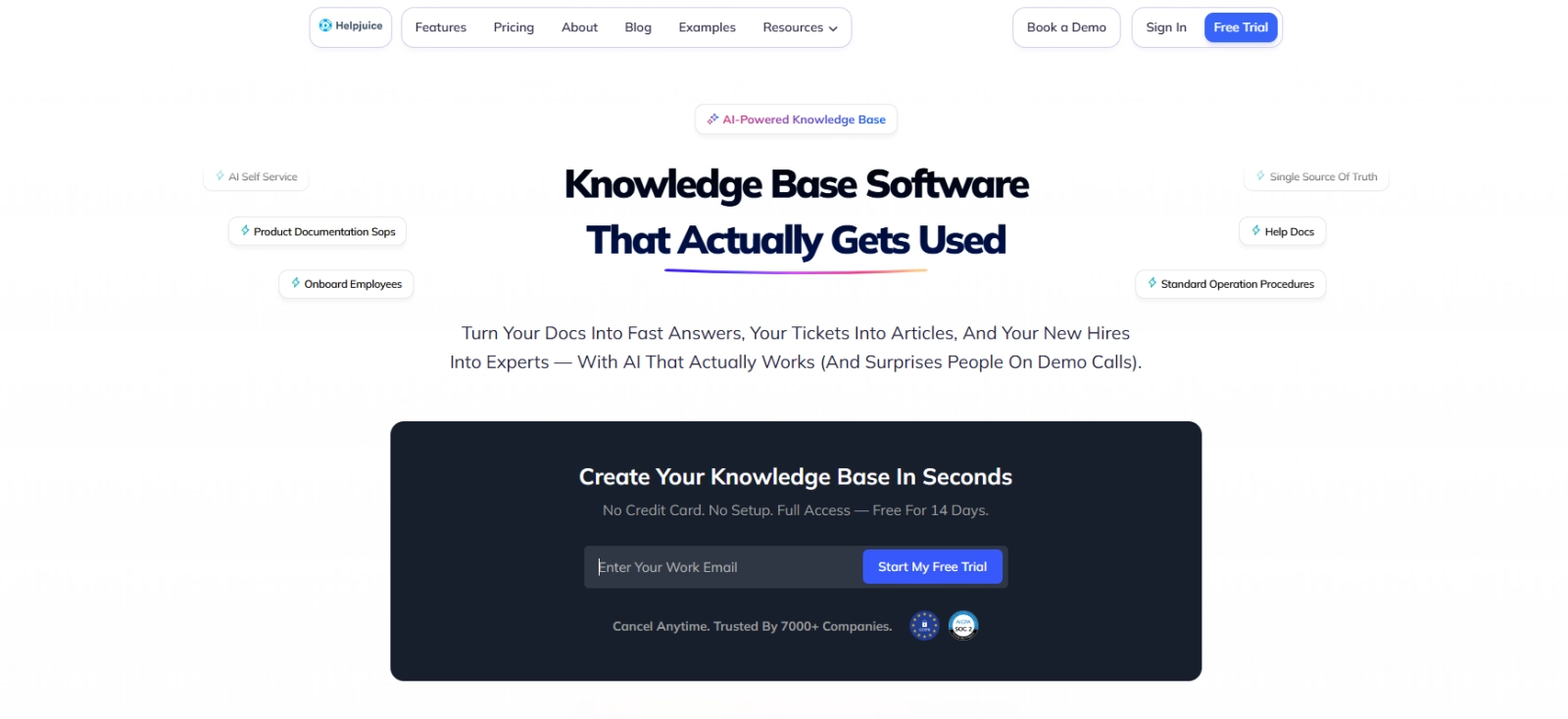
Image Source: helpjuice.com
It's designed for businesses that want a polished customer-facing knowledge base rather than a general-purpose wiki.
The platform includes AI content tools, AI search, Swifty chatbot, PDF and image search, analytics, customizable themes, multilingual support, step-by-step tutorials, and user access control. It's useful when your help center needs to match your product design and support self-service at scale.
Best Use Cases#
Use Helpjuice when your help center needs brand control and self-service depth.
- Branded customer help centers
- Self-service support portals
- Internal and external knowledge base management
Key Features#
- Customizable themes and branded help center design
- AI Search, AI Chatbot, and Ask AI
- Advanced analytics and article performance tracking
- Multi-language support and user access control
Pros#
- Theme customization helps your help center match your product
- Search and analytics help you improve self-service content
- Support is responsive during setup and customization
Cons#
- Entry pricing is higher than that of lightweight wiki tools
- Deeper reporting filters may require exports
Pricing#
- Knowledge Base: $249/month
- AI-Knowledge Base: $449/month
- Unlimited AI-Knowledge Base: $799/month
11. Monday service — Best for Service Workflows#
Monday service is an AI-powered service management platform for tickets, workflows, service operations, and task management.
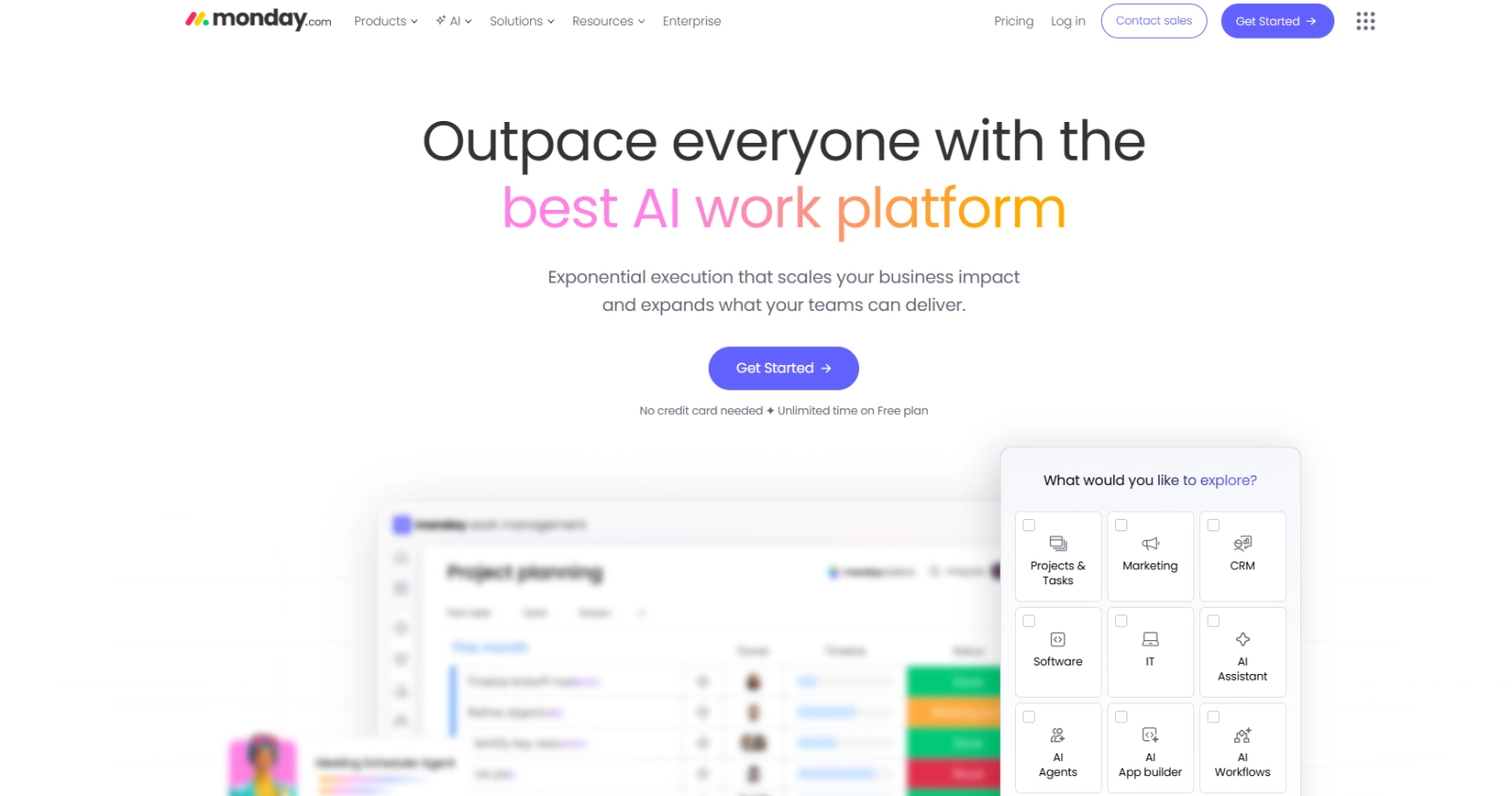
Image Source: monday.com
It handles unlimited tickets and workflows, email and form intake, AI credits, AI Sidekick, dashboards, portals, and AI ticket triage, depending on the plan.
This is not a purely documentation tool, but it belongs on a knowledge base list when your support knowledge needs to be integrated into service delivery.
It works well for IT, HR, operations, facilities, legal, finance, and customer support teams that need ticket visibility plus knowledge-backed service processes.
Best Use Cases#
Use Monday service when knowledge, tickets, and service work need to stay connected.
- IT and HR service request management
- Ticket triage and service routing
- Operations workflows with dashboards and automations
Key Features#
- Unlimited tickets and workflows
- AI Sidekick and AI ticket triage
- Customer portal access on Pro and Enterprise
- Service dashboards and workflow automation
Pros#
- Automations reduce repetitive ticket updates
- Dashboards show ticket ownership, status, and service load
- AI reply suggestions can save time on routine tickets
Cons#
- Workflows need ongoing structure as more teams use the system
- AI suggestions still need human review for complex requests
Pricing#
- Standard: $34/user/month
- Pro: $52/user/month
- Enterprise: Custom pricing
12. Knowmax — Best for Contact Centers#
Knowmax is an AI-powered, CX-first knowledge management platform built for contact centers and support operations.
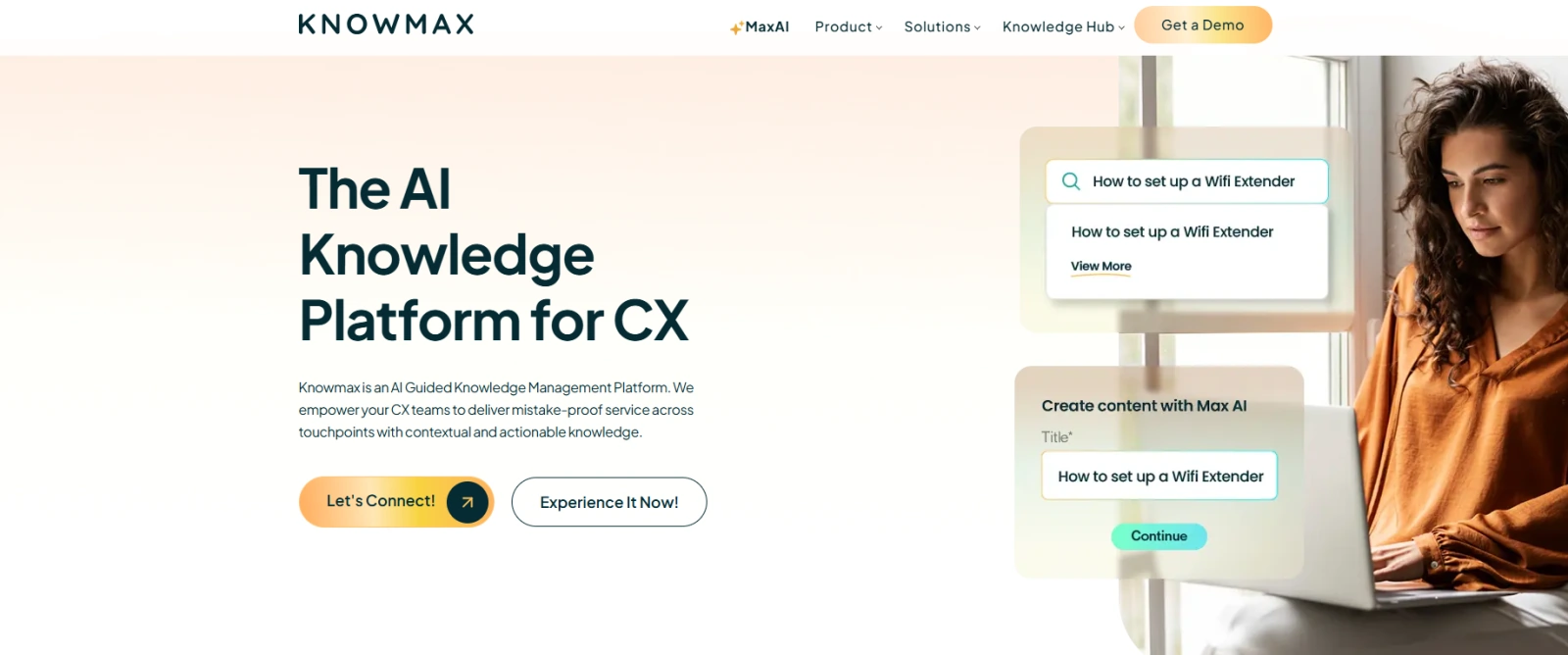
Image Source: knowmax.ai
It combines knowledge base management, interactive decision trees, visual how-to guides, analytics, CRM, and helpdesk integrations, and self-service support for agents and customers.
This makes it a practical fit for contact centers where support agents need guidance during live interactions. It's suitable when you need to consistently answer customer questions, reduce training time, and make sure agents have the same approved knowledge for complex workflows.
Best Use Cases#
Use Knowmax when support agents need guided knowledge during live customer conversations.
- Contact center knowledge management
- Agent decision trees and guided troubleshooting
- Visual how-to guides for complex support workflows
Key Features#
- Interactive decision trees
- Visual how-to guides
- Full-text search and categorization
- CRM and helpdesk integrations
Pros#
- Decision trees help agents follow approved resolution paths
- Visual guides make complex troubleshooting easier to explain
- Analytics help managers find content gaps and usage patterns
Cons#
- It's more specialized than a general internal wiki
- Larger deployments may need setup, training, and integration work
Pricing#
Knowmax doesn't disclose its pricing publicly.
How to Choose the Right Knowledge Base Software for You#
Choose the tool based on the work your knowledge base needs to support. The best knowledge base software for internal search is different from a customer help center, a product documentation hub, or an enterprise knowledge management system.
Start with these key factors:
- Internal knowledge: Prioritize AI search, access control, source citations, and easy access to SOPs, manuals, employee handbooks, and company data
- Customer support: Look for self-service support, help desk integrations, analytics, and answers based on existing support tickets
- Product documentation: Choose version history, publishing workflows, feedback tools, multiple languages, and a logical article structure
- Enterprise knowledge management: Check governance, advanced search, permissions, security, and reporting for the full knowledge management process
Search functionality should be more than a basic keyword box. Robust search functionality, natural language processing, and source-linked answers help your team find relevant information faster, especially when institutional knowledge is spread through multiple tools.
For customer-facing content, focus on knowledge-base functionality that empowers customers to resolve common issues on their own.
Helpful resources, clear categories, user feedback, and up-to-date support articles can improve the customer experience and reduce the time teams spend answering repeat questions.
If the tool also supports project management, team collaboration, and responsive support, it becomes easier to keep knowledge sharing active and connect content quality to better customer outcomes.
Build an AI-Powered Knowledge Base With Denser#
Denser helps you turn scattered company knowledge into an AI-powered knowledge base your team can search in plain English.
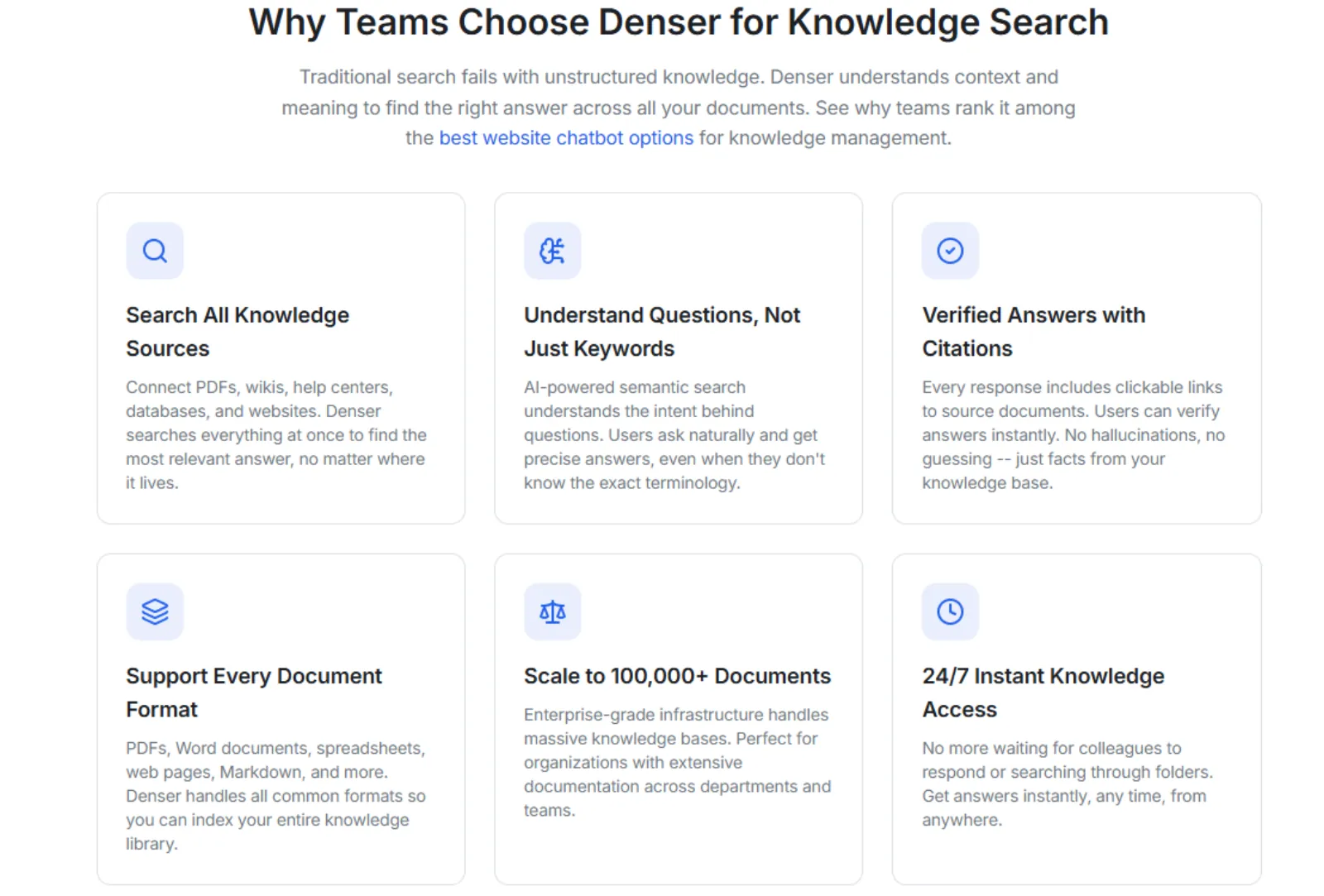
You can upload SOPs, manuals, employee handbooks, PDFs, policy docs, and training materials without manual reformatting, then get cited answers from the exact source.
That makes your internal knowledge base easier to use in daily work.
New hires can ask onboarding questions, operations teams can find company processes, HR can answer policy questions, and customer support teams can pull answers from product manuals and support docs without escalating every request.
With Denser, you upload your documents, ask questions in plain English, and get answers with citations that your team can verify before acting on them.
Start for free with Denser and build an AI knowledge base without reformatting your documents!
FAQs About Knowledge Base Tools#
What is the best knowledge base tool?#
The best knowledge base tool depends on your use case, but Denser is the best fit when you want AI-powered answers from internal knowledge with source citations. It works well for SOPs, manuals, employee handbooks, PDFs, training materials, and support docs that are already documented but hard to search.
What is the difference between internal and external knowledge base tools?#
An internal knowledge base helps employees find company knowledge, policies, SOPs, onboarding material, and internal documentation. An external knowledge base helps customers find answers through help articles, FAQs, product docs, and self-service support.
How do knowledge base tools improve customer satisfaction?#
Knowledge base tools improve customer satisfaction by helping customers find answers faster and helping support agents respond with accurate information. When content is organized, searchable, and up to date, customers get fewer delays, and support teams handle fewer repeat questions.