Also from DenserSharper AI
Sharper AI
NewThe AI office assistant built on your knowledge. Research, draft, and build slides and spreadsheets from your own sources.
A sister product from the team behind Denser Chat.
KB Health
KB Health audits your documents before users ask. It finds conflicting facts, scores each issue by confidence, and links both cited passages so your team can fix the source of truth.
Included in every plan. No setup required.
KB Health
Quality audit for chatbot answers
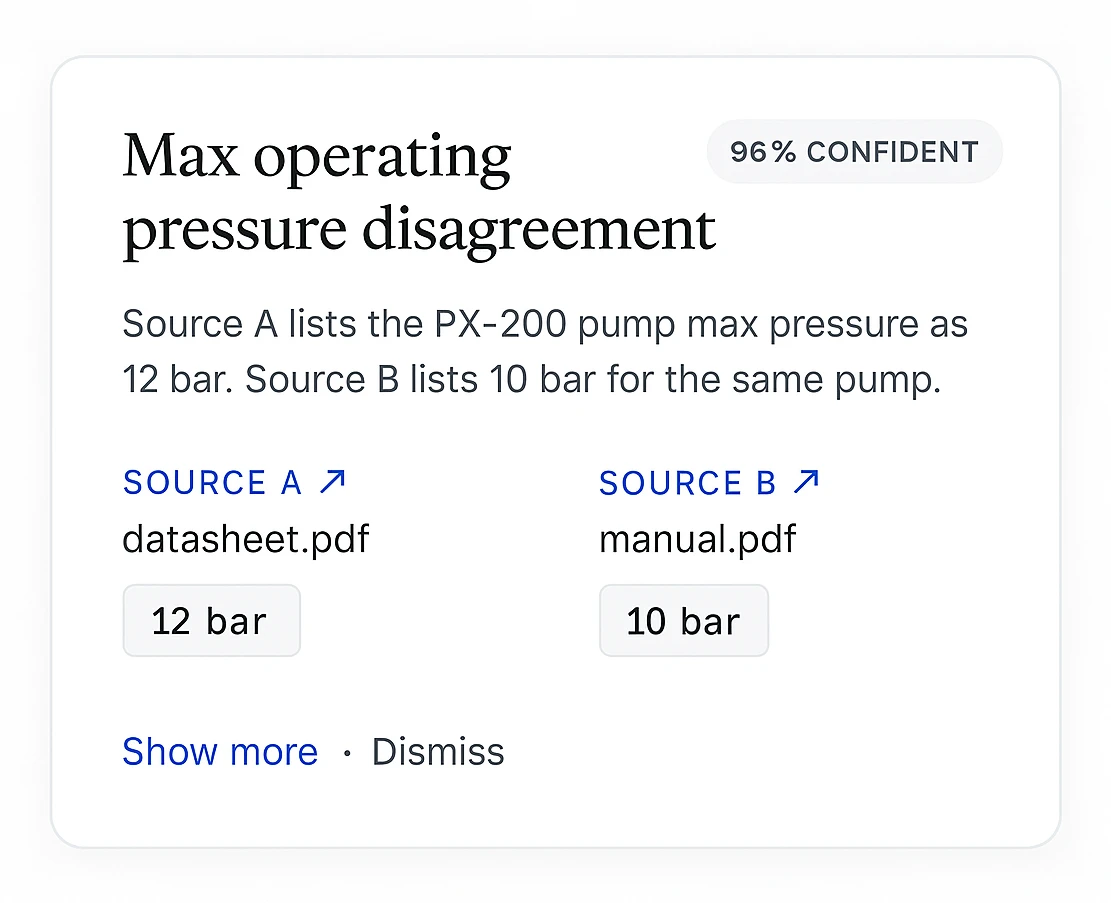
Source A lists the M8 flange-bolt torque as 25 Nm, while Source B lists 18 Nm for the same fastener.
install-guide.pdf
M8 · 25 Nm
maintenance-manual.pdf
M8 · 18 Nm
Fix source conflict before the chatbot answers from either document.
Customer proof
2k+
active teams
24/7
support coverage
50%
fewer tickets
 City of San José
 Onondaga County
 EOS Australia
 Portfoliobox
 Upsiide
 Valk WeldingCity of San JoséOnondaga CountyEOS AustraliaPortfolioboxUpsiideValk Welding
Source-grounded retrieval, citations, contradiction checks, lead capture, analytics, and deployment controls in one product system.
Every response links to the exact source passage, so your team and your customers can verify it in one click.
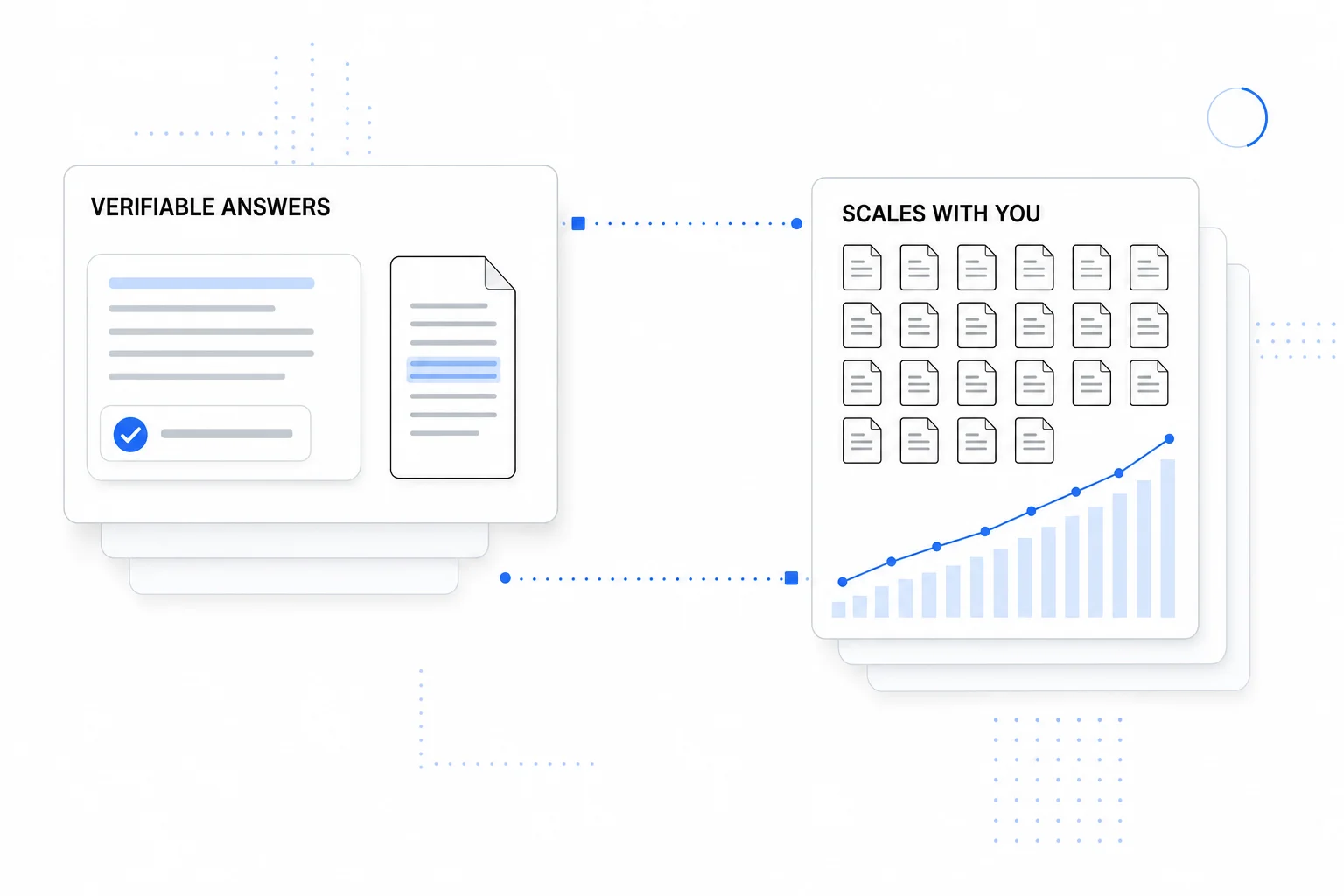
Surface conflicting facts before your users do.
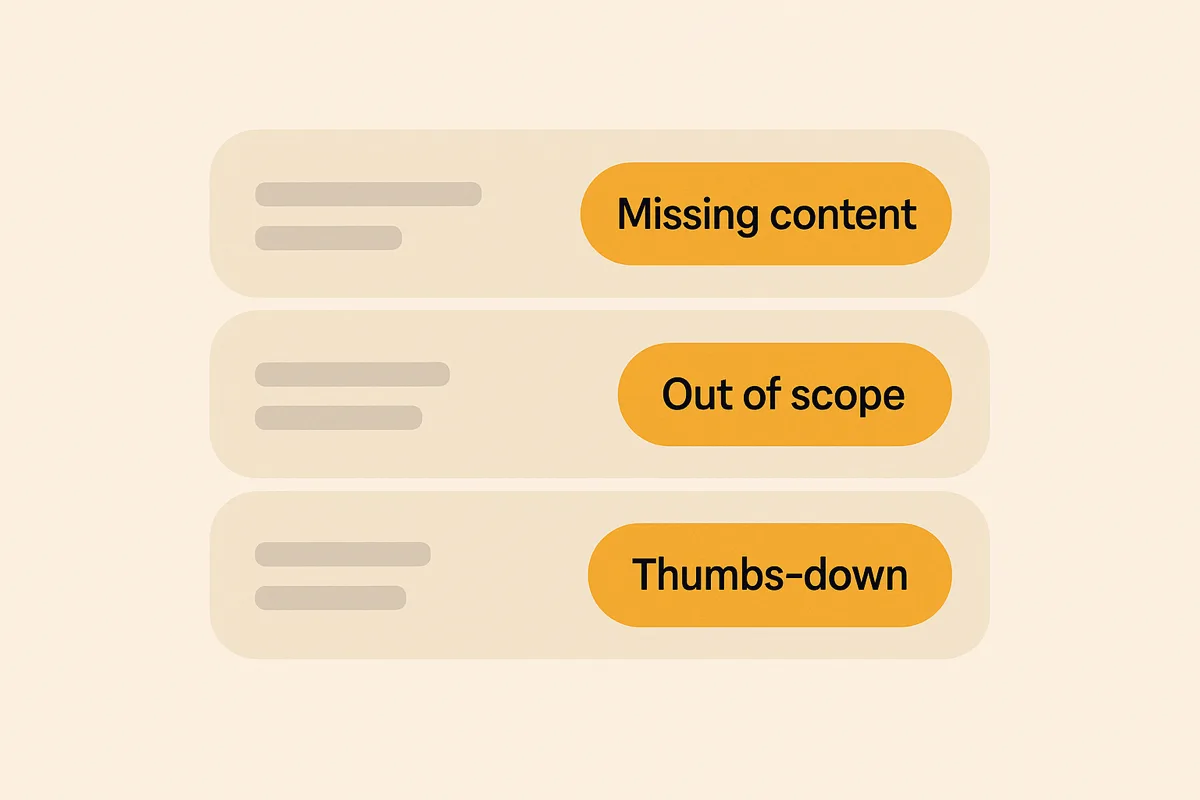
Every question your bot missed, grouped by topic.
Script, iFrame, React, or REST deploy.
Calendly, forms, Zendesk, and actions.
Lead forms and CRM-ready exports.
Queries, latency, satisfaction, topics.
Contradiction detection
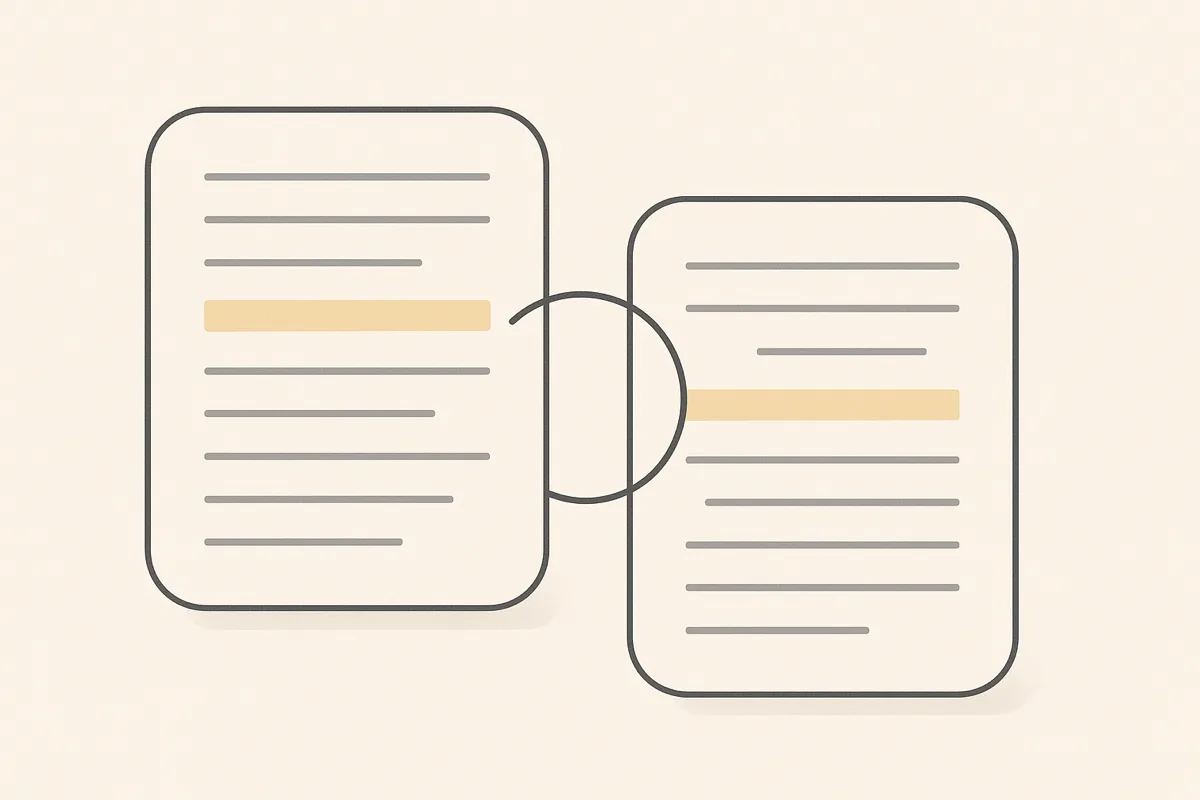
KB Health pairwise-compares passages across your documents and surfaces the conflicts, each with an LLM confidence score and links to both cited sources, so you can fix the source of truth in one place.
Two halves of one audit
Quality breaks in one of two places: the sources, or the answer. Denser audits both.
KB Health
Are our sources still trustworthy?
You are here
Denser cut our research time from about 50 minutes to just a few, a huge boost to our team's productivity.
Questions
Two things. First, it generates a topic map and prose summary of every document in your knowledge base, so you can see what your KB covers at a glance. Second, it pairwise compares passages across documents and flags conflicting facts, whether pricing, dates, policies, or specs, anything that contradicts another source.
An LLM reads passages from across your knowledge base, identifies overlapping topics, and judges whether two passages disagree on the same fact. Each finding ships with a confidence score (0 to 100%), the two cited passages, and a one-line description of the conflict.
Higher means the LLM is more sure the two passages disagree on the same claim. Treat 90%+ findings as real conflicts to fix, 70 to 89% as worth a look, and under 70% as leads that often turn out to be edge cases. You can dismiss any finding with one click.
No. KB Health runs offline as a separate analysis job, so it never sits in the chat request path. Run it on demand, on a schedule, or whenever you upload new documents.
KB Health audits the content you have; Answer Quality audits the answers you gave. KB Health reads your documents and finds facts that contradict each other before anyone asks. Answer Quality grades every answer your chatbot actually gave and flags the questions your content never covered. Teams usually run both: KB Health cleans the source of truth, Answer Quality tells you what is still missing from it.
Yes. KB Health works on any Denser knowledge base, whether PDFs, websites, Google Drive, or plain text. There is no separate ingestion step, just click Run from the chatbot dashboard.
Yes. KB Health is part of every Denser plan, including Free. Larger knowledge bases consume more analysis time, but there is no separate license to buy.
Point Denser at your website, docs, and PDFs. It answers in minutes, every reply cited to its exact source.
No code. Free to start. Cancel anytime.