
10 Best Free AI PDF Tools in 2026 (Tested and Compared)

You need to review a 90-page contract before tomorrow. Paid AI PDF tools could handle it, but you're not ready to commit $20/month for a tool you might use twice. The good news: several free AI PDF tools can summarize, chat with, and analyze documents without charging you a cent.
What are the best free AI PDF tools? The best free AI PDF tools in 2026 are ChatPDF (2 free PDFs/day without signup), Google NotebookLM (completely free with unlimited queries), PDFgear (free offline desktop app), ChatGPT (GPT-4o with file uploads), Denser (source-cited answers), and Smallpdf (30+ PDF tools). Each handles different PDF tasks: summarization, Q&A chat, document analysis, and editing.
But "free" means different things for different tools. Some give you unlimited access with no strings attached. Others cap you at two documents per day or strip out key features. We tested 10 free AI PDF tools to find out exactly what you get without paying. For a broader look at all PDF chat options including paid tiers, see our complete chat with PDF guide.
What Can Free AI PDF Tools Do?#
Free AI PDF tools let you interact with documents using natural language instead of scrolling through pages manually. The core capabilities include:
- Summarization: Condense a 100-page report into key takeaways in seconds
- Q&A chat: Ask specific questions and get answers with page references
- Free AI document analysis: Extract data points, compare sections, and identify key clauses
- Translation: Read documents in languages you don't speak
- Mind maps: Convert document structure into visual diagrams
These tools use retrieval-augmented generation (RAG) to process your PDFs. The AI breaks your document into searchable chunks, uses semantic search to find relevant passages, and generates accurate answers grounded in the actual content.
Whether you need a pdf ai free tool for quick summaries or deep document analysis, the quality gap between free and paid tiers is smaller than you'd expect. Most free tiers use the same AI models as paid plans. The restrictions are usually on volume (queries per day, number of documents) rather than on accuracy.
10 Best Free AI PDF Tools Compared#
Quick Comparison: Free AI PDF Tools in 2026
| Tool | Best For | Free Limit | File Size Limit | Signup Required |
|---|---|---|---|---|
| ChatPDF | Quick summaries | 2 PDFs/day | 10 MB | No |
| Google NotebookLM | Unlimited free use | 50 sources/notebook | 500K words/source | Yes (Google) |
| PDFgear | Offline desktop use | Unlimited | No limit | No |
| ChatGPT | Multi-document analysis | Rate-limited | 512 MB | Yes |
| Denser | Source-cited Q&A | 20 queries/mo | Standard | Yes |
| Smallpdf | All-in-one PDF toolkit | Limited daily uses | Standard | No |
| NoteGPT | Mind map summaries | Limited daily | Standard | No |
| SciSpace | Academic research | Limited daily | Standard | Yes |
| AskYourPDF | Multi-file chat | 1 convo/day, 15 MB | 15 MB | Yes |
| Claude | Long documents (200K) | Rate-limited | 30 MB | Yes |
1. ChatPDF - Best for Quick Summaries Without Signup#
ChatPDF is the fastest way to get a free PDF summary. No account needed. Upload a file and start asking questions immediately. The side-by-side layout shows your document next to the chat window.
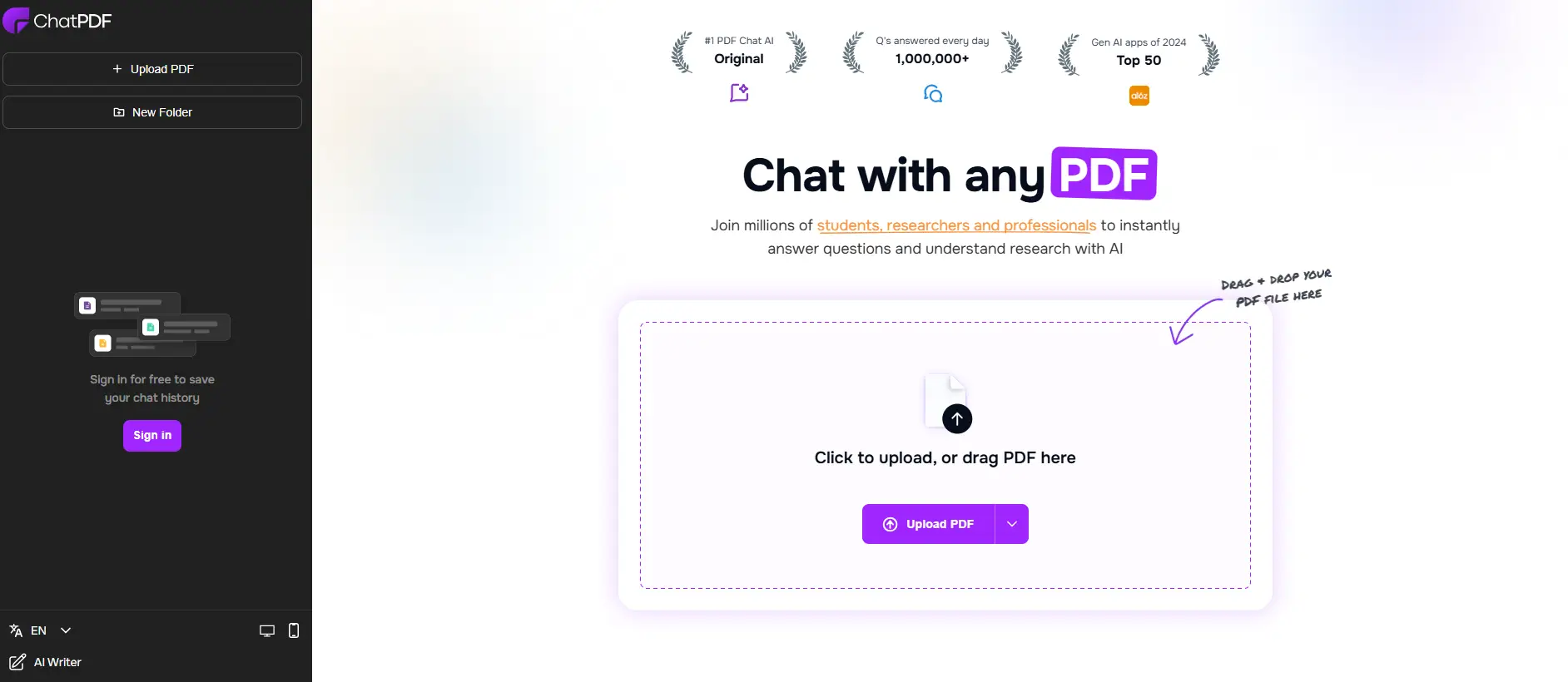
Free tier includes:
- 2 PDFs per day
- 120 pages per PDF
- 10 MB file size limit
- 3 questions per PDF
- No signup required
Why it's worth trying free: Zero friction. If you need to chat pdf free without creating an account, ChatPDF gets you answers in under 30 seconds with no email verification, nothing. For a deeper look at options beyond ChatPDF, see our ChatPDF alternatives guide.
Limitations: 2 PDFs and 3 questions per day is restrictive for regular use. The 10 MB file size cap excludes larger documents.
2. Google NotebookLM - Best Completely Free AI PDF Tool#
Google NotebookLM is the most generous free AI PDF tool available. There's no paid tier, no usage caps on queries, and no file limits beyond a per-source word count. You can upload up to 50 sources per notebook and ask unlimited questions.
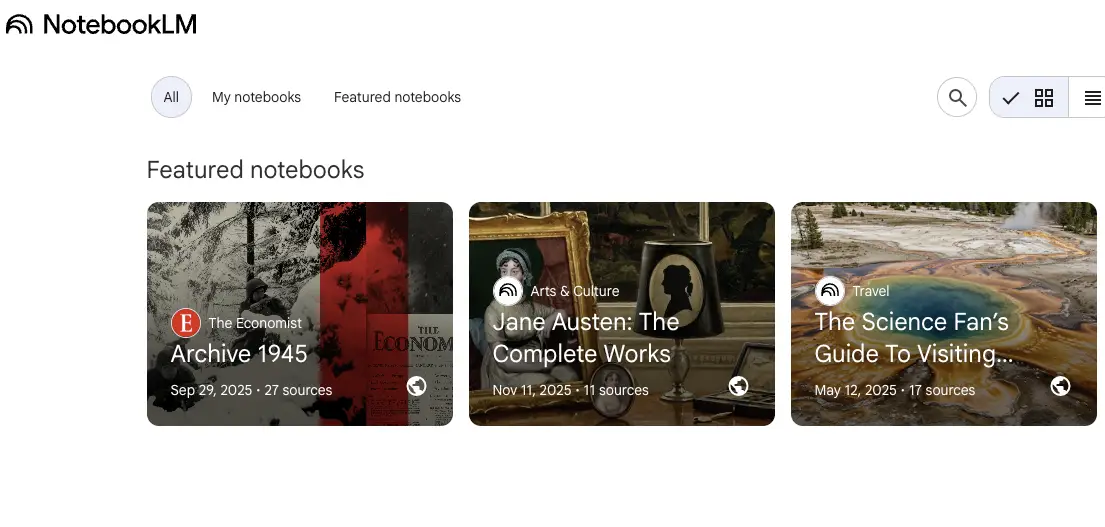
Free tier includes:
- Unlimited queries
- Up to 50 sources per notebook (PDFs, docs, URLs, text)
- 500,000 words per source
- Audio overview feature (AI-generated podcast-style summary)
- Source-grounded answers with citations
Why it's worth trying free: If your main concern is cost, NotebookLM is the clear winner. Google offers it completely free with no usage limits. The audio overview feature generates a podcast-style conversation about your documents, which is useful for absorbing content during a commute.
Limitations: Requires a Google account. No API access. Cannot be deployed as a chatbot on your website. The interface is designed for personal research, not team collaboration or customer-facing use.
3. PDFgear - Best Free Offline AI PDF Reader#
PDFgear is a completely free desktop application with built-in AI that works offline. Unlike browser-based tools, your documents never leave your computer. The AI assistant handles summarization, Q&A, and translation without an internet connection.
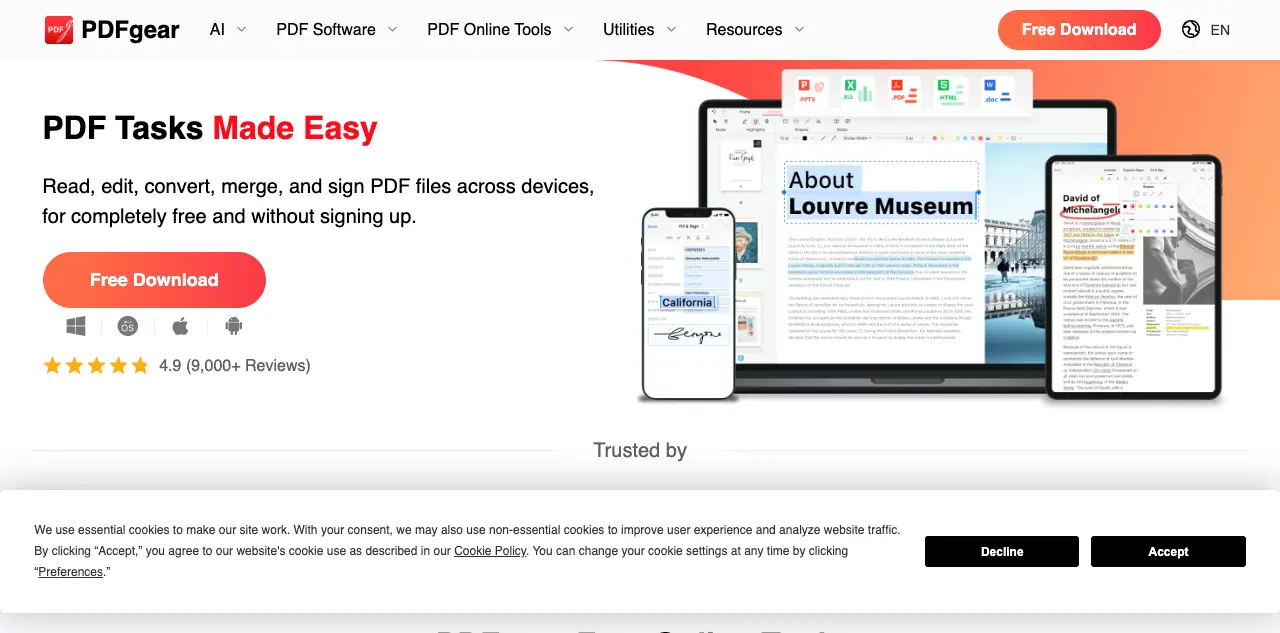
Free tier includes:
- Unlimited PDFs (no daily caps)
- No file size limits
- Offline AI processing (no internet required)
- PDF editing, annotation, and conversion
- OCR for scanned documents
Why it's worth trying free: Privacy. If you need an ai pdf reader free of cloud uploads, PDFgear is the answer. If you work with sensitive documents (legal contracts, medical records, financial statements), it processes everything locally. No data upload, no cloud storage, no third-party access. It's also the only tool on this list that works without internet.
Limitations: The offline AI is less capable than cloud-based models like GPT-4o. Summarization and Q&A accuracy are noticeably lower on complex documents. No multi-document analysis.
4. ChatGPT - Best Free AI for Multi-Document PDF Analysis#
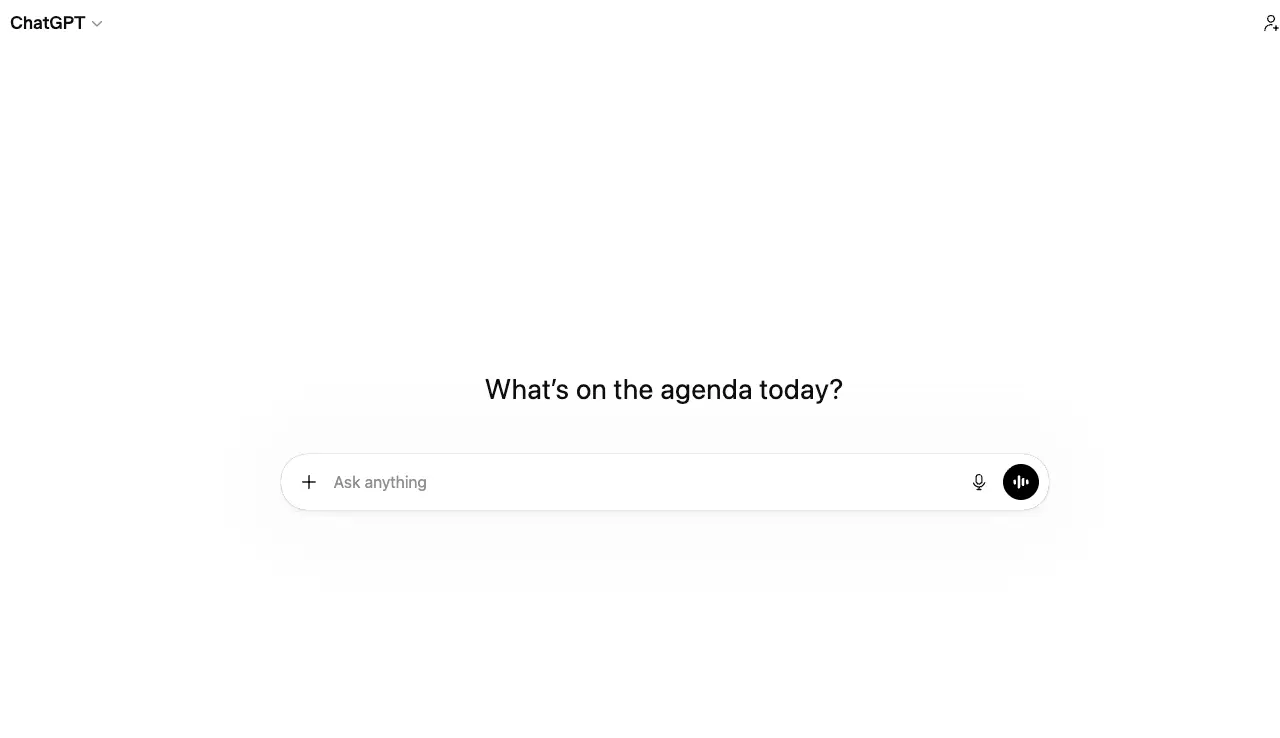
ChatGPT's free tier now includes GPT-4o access with file upload support. You can upload multiple PDFs in a single conversation and ask questions across all of them. For complex analysis that requires comparing documents, it's the most powerful free option.
Free tier includes:
- GPT-4o access (rate-limited)
- Multiple file uploads per conversation
- 128K context window
- 512 MB file size limit
- Code interpreter for data extraction
Why it's worth trying free: Raw analytical power. ChatGPT can compare two contracts side by side, extract data from financial reports into tables, or synthesize findings across multiple research papers. No specialized PDF tool matches its general reasoning ability.
Limitations: Rate limits on GPT-4o mean you'll get throttled to GPT-4o-mini during peak usage. No source citations or page references. Answers aren't grounded in specific document passages the way some specialized tools ground theirs.
5. Denser - Best Free AI PDF Chat with Source Citations#
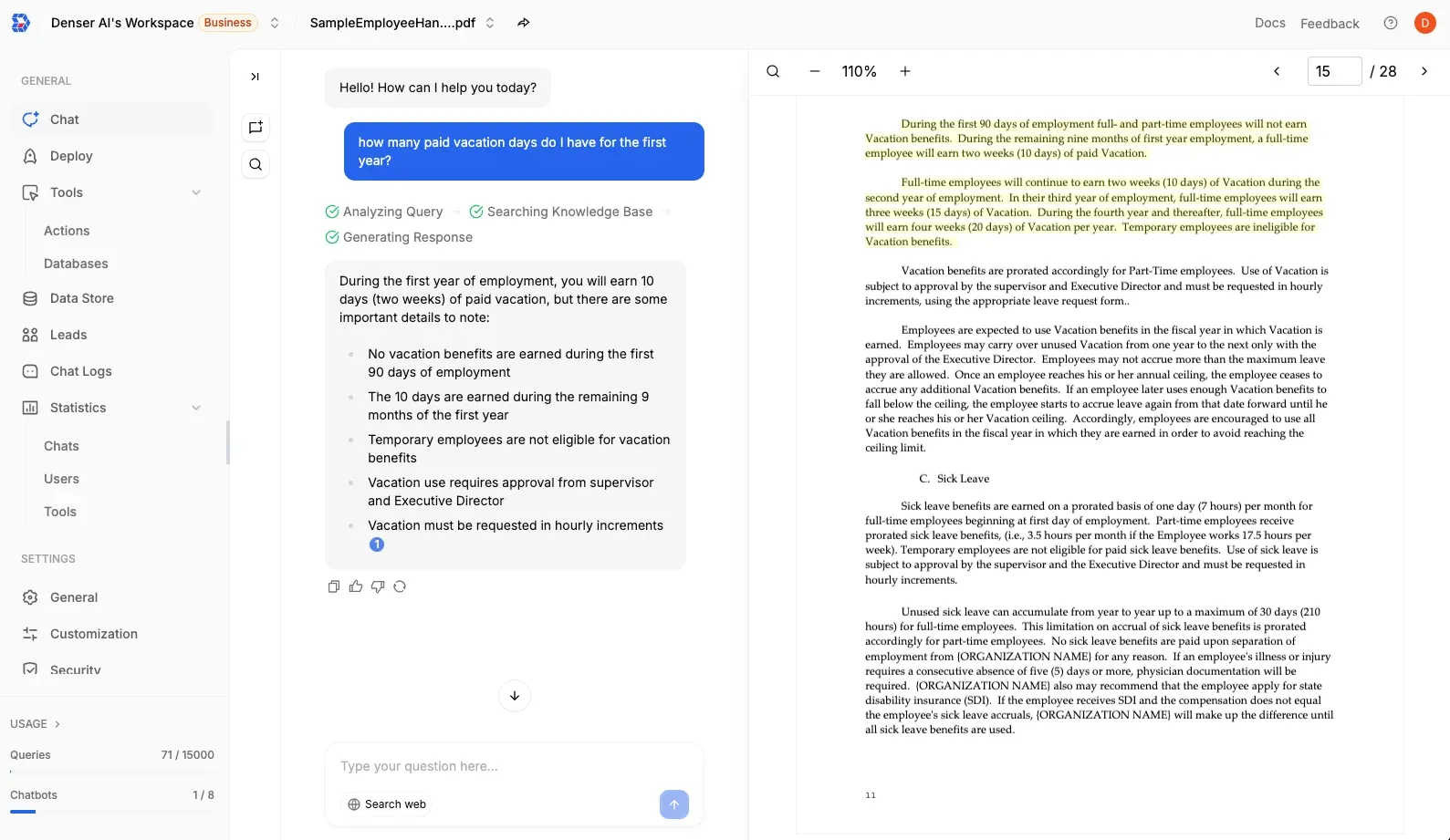
Denser lets you upload PDFs and chat with them using natural language. Its free tier includes visual source citations that highlight the exact passage in the original document, a feature most free tools lack.
Free tier includes:
- 1 chatbot (knowledge base)
- 20 queries per month
- PDF, Word, Excel, and PowerPoint support
- Visual source citations on every answer
- 80+ language support
Why it's worth trying free: Source citations matter when reviewing contracts or compliance documents where you need to verify every answer against the original. The free tier covers enough to test on a few important documents.
Limitations: 20 queries per month is tight for heavy users. Paid plans start at $29/month. See pricing or try it free.
6. Smallpdf - Best Free All-in-One PDF Toolkit#
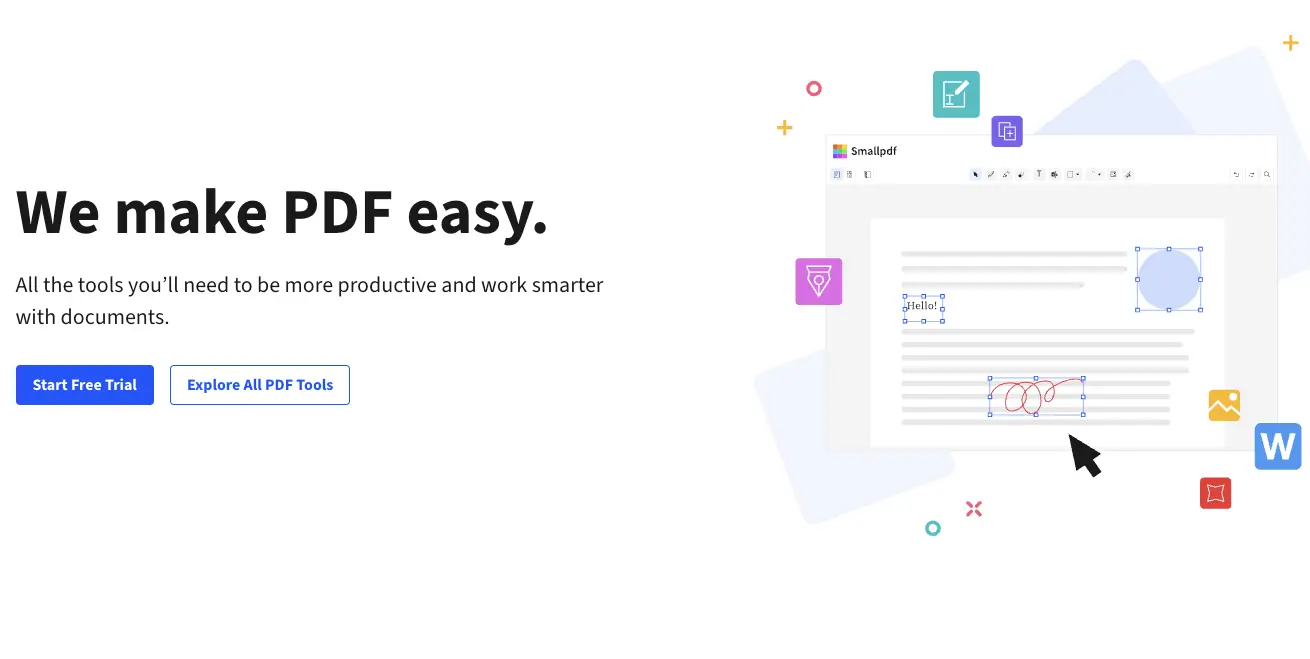
Smallpdf is primarily a PDF utility suite (compress, convert, merge, sign) with AI summarization and chat added on top. The free tier gives you limited daily access to all 30+ tools, including the AI assistant.
Free tier includes:
- Limited daily uses of AI summarizer and chat
- Access to 30+ PDF tools (compress, convert, merge, sign, edit)
- No signup required for basic tools
- OCR for scanned documents
Why it's worth trying free: Smallpdf is the most versatile pdf summarizer free tool on this list. Compress a file, convert it to Word, merge two documents, and then summarize them, all in one platform. No other free tool covers this range.
Limitations: The AI features have tighter free limits than the editing tools. Heavy users will hit daily caps quickly. Pro costs $15/month.
7. NoteGPT - Best Free AI Mind Map Summaries#
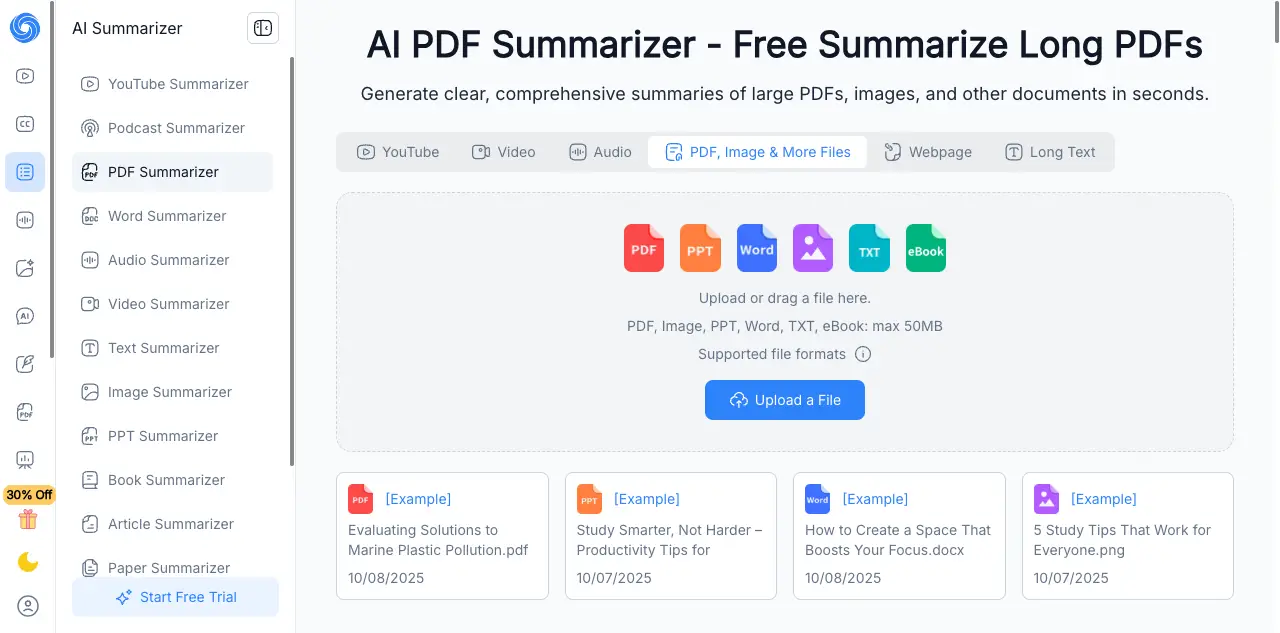
NoteGPT converts PDF summaries into visual mind maps. Instead of reading a text summary, you see a structured diagram showing how sections and concepts connect. Useful for studying, brainstorming, and presentations.
Free tier includes:
- Limited daily uses
- Mind map generation from PDFs
- PDF summarization and Q&A
- YouTube video summarization
- No login required for basic use
Why it's worth trying free: Mind maps. No other free PDF tool generates visual summaries. If you're a visual learner or need to present document insights to a team, the mind map output saves the step of manually creating diagrams.
Limitations: Mind maps can oversimplify complex documents. The AI accuracy is lower on heavily formatted PDFs. No source citations.
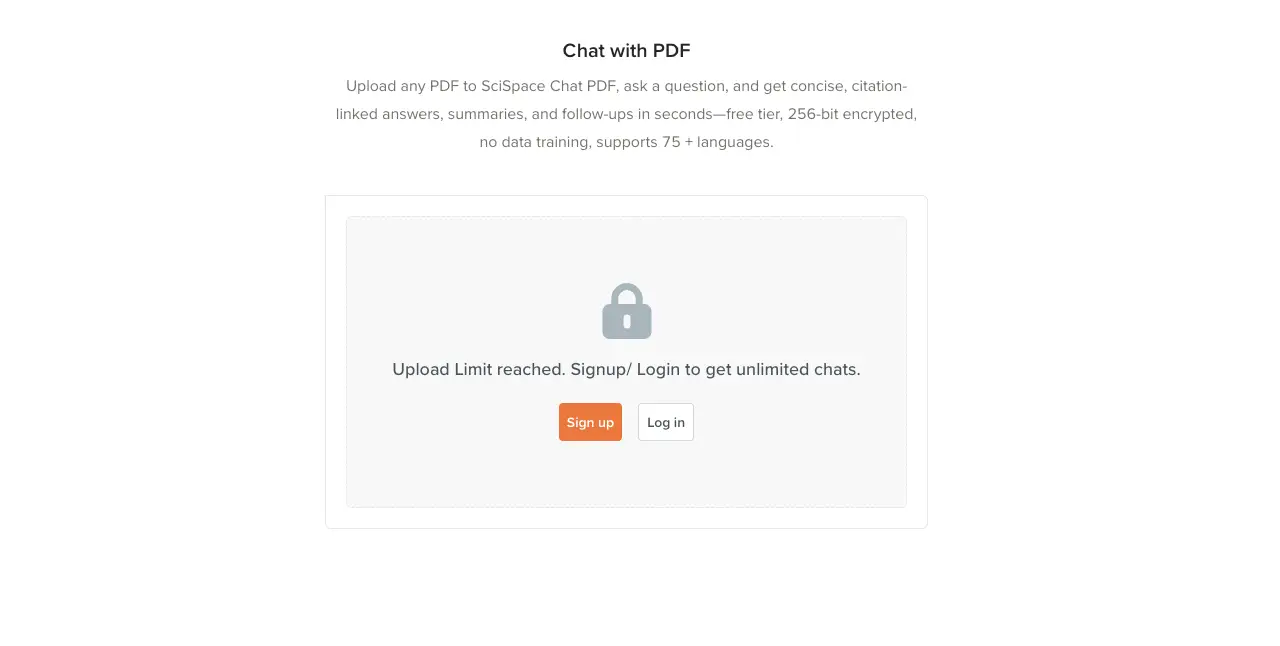
8. SciSpace - Best Free AI PDF Tool for Academic Research#
SciSpace is built for academic and scientific papers. Connected to 280 million+ papers, it summarizes research documents, explains technical jargon in simpler terms, and provides citation-backed answers.
Free tier includes:
- Limited daily usage
- Search across 280M+ academic papers
- Citation-backed summaries
- Jargon explanation feature
- Literature review tools
Why it's worth trying free: If you're a student or researcher, SciSpace understands academic paper structure (abstract, methodology, results, discussion) better than general AI tools. The jargon explainer is genuinely useful for reading papers outside your specialty. For more on academic PDF tools, see our PDF AI analysis guide.
Limitations: Focused almost exclusively on academic content. Not suitable for business documents, contracts, or general PDFs. Limited file format support.
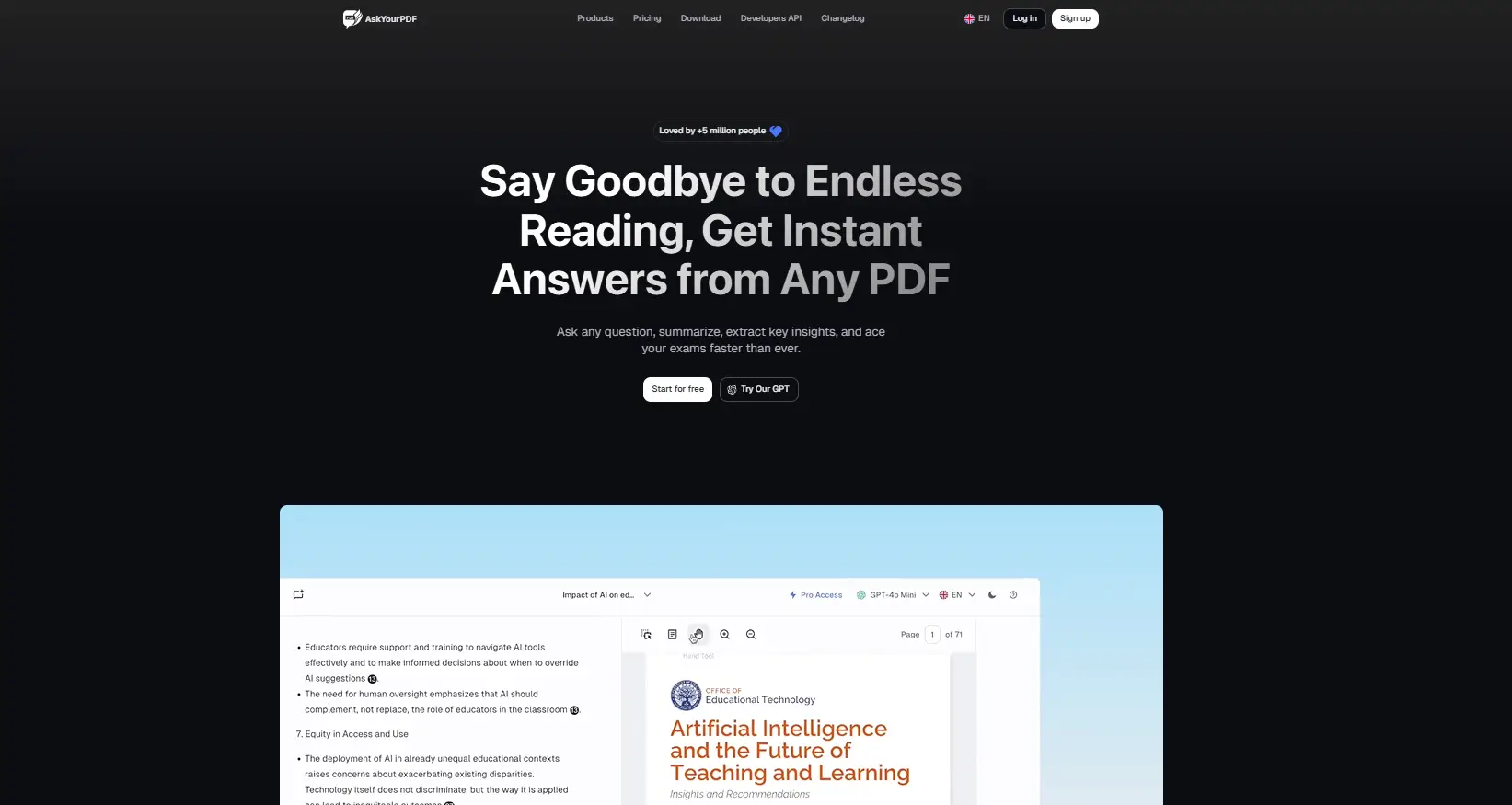
9. AskYourPDF - Best Free Multi-File PDF Chat#
AskYourPDF lets you upload multiple PDFs and chat across them in a single session. The free tier is limited but covers the core multi-file chat feature that most free tools restrict to paid plans.
Free tier includes:
- 1 conversation per day
- Multi-file support
- 15 MB file size limit
- Chrome extension available
- API access (limited)
Why it's worth trying free: Multi-file chat on a free tier is rare. If you need to compare information across two or three documents (like comparing vendor proposals), AskYourPDF handles it without requiring a paid plan.
Limitations: One conversation per day is extremely restrictive. The 15 MB file limit excludes larger documents. Paid plans start at $14.99/month.
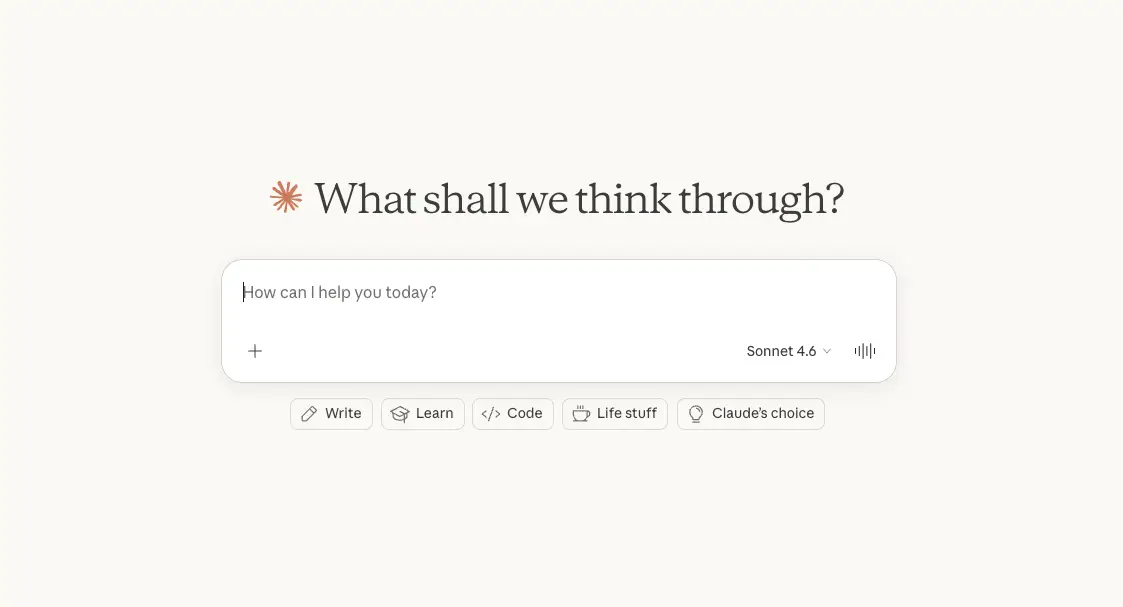
10. Claude - Best Free AI for Long PDF Documents#
Claude's free tier offers a 200K context window, the largest of any free AI tool. For very long documents (200+ pages), Claude can process the entire document at once rather than chunking it, which means better understanding of how different sections relate to each other.
Free tier includes:
- 200K context window (roughly 500 pages)
- File upload support (up to 30 MB)
- Rate-limited access
- Strong reasoning on complex documents
Why it's worth trying free: Document length. If you have a 300-page technical manual or a lengthy legal filing, Claude is one of the few free tools that can process it without splitting it into chunks. The full-document context means more accurate answers about how different sections connect.
Limitations: Rate limits are tighter than ChatGPT's free tier. No specialized PDF features (OCR, visual citations, mind maps). Like ChatGPT, answers aren't grounded with specific page references.
Free Tier Comparison: What You Actually Get#
The table below shows the exact free tier limits so you can pick the right tool without surprises.
| Feature | ChatPDF | NotebookLM | PDFgear | ChatGPT | Denser | Smallpdf | NoteGPT | SciSpace | AskYourPDF | Claude |
|---|---|---|---|---|---|---|---|---|---|---|
| Daily/Monthly Limit | 2/day | Unlimited | Unlimited | Rate-limited | 20/mo | Limited/day | Limited/day | Limited/day | 1/day | Rate-limited |
| Max File Size | 10 MB | 500K words | No limit | 512 MB | Standard | Standard | Standard | Standard | 15 MB | 30 MB |
| Source Citations | Text ref | Yes | No | No | Visual | No | No | Citation-backed | No | No |
| Multi-Document | No | 50 sources | No | Yes | Yes | No | No | Yes | Yes | No |
| Offline/Desktop | No | No | Yes | No | No | No | No | No | No | No |
| OCR (Scanned PDFs) | Basic | No | Yes | No | Built-in | Yes | No | No | No | No |
| Signup Required | No | Yes | No | Yes | Yes | No | No | Yes | Yes | Yes |
| Mind Maps | No | Audio | No | No | No | No | Yes | No | No | No |
Most generous free tiers: NotebookLM (unlimited everything) and PDFgear (unlimited, offline). Most restrictive: AskYourPDF (1 conversation/day) and ChatPDF (2 PDFs/day, 3 questions each).
Free vs. Paid: When Should You Upgrade?#
Free AI PDF tools work well for occasional use. Here's when a paid plan becomes worth it:
Stick with free if you:
- Review fewer than 5 documents per week
- Mostly need quick summaries or one-off answers
- Work alone (no team collaboration needed)
- Documents are under 50 pages and text-based
Upgrade to paid if you:
- Process documents daily as part of your workflow
- Need to chat across multiple documents simultaneously
- Require source citations for compliance or legal review
- Want to deploy a document chatbot on your website or share with a team
- Handle scanned documents or non-PDF formats regularly
For detailed comparisons of paid features, see our AI PDF summarizer comparison and best AI PDF reader guide.
Privacy and Security on Free Tiers#
When you upload a PDF to a free AI tool, your document is processed on external servers. Here's what to consider:
Offline processing (most private): PDFgear processes documents locally. Your files never leave your device.
Cloud with data protection: Google NotebookLM and Denser don't use your documents to train their AI models. Both offer data encryption at rest and in transit.
Standard cloud processing: ChatPDF, Smallpdf, NoteGPT, and most other tools process documents on their servers. Check each tool's privacy policy before uploading sensitive content.
General AI platforms: ChatGPT and Claude process your documents on their servers. OpenAI and Anthropic state that free tier data may be used for model improvement unless you opt out.
For sensitive documents like contracts, medical records, or financial data, use PDFgear (offline) or NotebookLM (Google infrastructure). For general documents, any tool on this list is suitable.
Best Free AI PDF Tool by Use Case#
For Students and Researchers#
Best pick: Google NotebookLM for unlimited free analysis, or SciSpace for academic paper search across 280M+ papers. Both provide citation-backed answers. For more academic options, see our guide to analyzing PDFs with AI.
For Business Professionals#
Best pick: ChatGPT for complex cross-document analysis, or Denser for source-cited answers you can verify before sharing with stakeholders. You can also chat with your data for deeper analysis beyond PDFs.
For Legal Document Review#
Best pick: Claude (200K context handles long contracts) or Denser (source citations help verify clauses). For dedicated legal workflows, explore legal chatbot solutions.
FAQs About Free AI PDF Tools#
Is there a completely free AI PDF reader?#
Yes. If you need an ai pdf reader free of charge, Google NotebookLM and PDFgear are both completely free with no paid tier. NotebookLM offers unlimited cloud-based AI analysis, while PDFgear provides unlimited offline PDF reading with built-in AI. Most other tools offer freemium models with limited daily use. For more options, see our AI document reader guide.
Can I chat with PDF for free without limits?#
Google NotebookLM is the only tool that lets you chat with pdf free unlimited, with no daily caps or query limits. PDFgear also has no usage limits, but its offline AI is less capable than cloud-based alternatives. All other free tools impose daily or monthly limits on queries, file uploads, or both.
Are free AI PDF tools safe for sensitive documents?#
It depends on the tool. PDFgear processes documents offline on your device, making it the safest option for sensitive files. Google NotebookLM and Denser don't use your documents for model training. For highly confidential documents, avoid tools that process data on shared cloud servers without clear privacy policies. When possible, review each tool's data handling policy before uploading.
What's the best free AI tool to summarize long PDFs?#
For the best free ai pdf summarizer under 120 pages, ChatPDF provides fast summaries without requiring signup. For documents over 200 pages, Claude's 200K context window handles long files without chunking. Google NotebookLM falls in between with strong summarization and no usage limits.
Can free AI PDF tools handle scanned documents?#
Some can. PDFgear, Smallpdf, and Denser include built-in OCR that converts scanned documents into searchable text. ChatPDF offers basic OCR support. Most other free tools require native text PDFs for accurate results. For best results with scanned documents, use a tool with dedicated OCR support.
Start Using Free AI PDF Tools Today#
The right free AI PDF tool depends on what you need. For unlimited free use, Google NotebookLM and PDFgear can't be beat. For quick one-off summaries, ChatPDF gets you answers in seconds without an account. For source-cited answers you can verify, Denser includes visual citations even on its free tier.
Pick the tool that matches your use case and start chatting with your PDFs for free.