
What Is a Knowledge Base? Types, Benefits, & How It Works

When answers are hard to find, teams lose time, and customers wait longer for help.
In Microsoft's Work Trend Index, 62% of employees said they spend too much time searching for information during the workday.
A knowledge base helps both teams and customers find accurate, up-to-date information in one place, whether they need internal documentation, self-service help, or a knowledge base chatbot that pulls answers from approved content.
In this guide, you'll learn what a knowledge base is, how it works, which types exist, and how to build one.
TL;DR#
- A knowledge base offers structured content for one intended audience or for several groups at once.
- The main types of knowledge bases are internal, external, and hybrid.
- A well-organized knowledge base enables easy access, better customer satisfaction, improved employee onboarding, and business continuity.
- Advanced knowledge base management depends on clear structure, up-to-date content, search functionality, and user feedback.
- If you want to build RAG knowledge base workflows, start with clean source content, strong permissions, and software that supports search, retrieval, and AI-powered answers.
What Is a Knowledge Base?#
A knowledge base is a centralized digital library where people can find answers, access helpful resources, and retrieve relevant information without digging through scattered files or inboxes.
A knowledge base usually includes:
- How-to guides
- Troubleshooting guides
- Company policies
- Internal documentation
- Knowledge base content written for a specific audience
A knowledge base system is part of broader knowledge management. It helps capture institutional knowledge, organize valuable information, and make relevant answers easier to find.
Some knowledge bases support customers through customer self-service. Others support employees with internal knowledge, training materials, and standard answers.
How Does a Knowledge Base Work?#
A knowledge base collects content, organizes it, and makes it searchable for multiple users. Most systems follow this flow:
Capture knowledge -> Structure it -> Publish it -> Improve it over time
The content can come from customer interactions, support tickets, internal documentation, training resources, and user input from teams in the business.
A typical workflow looks like this:
- Gather critical information from experts, support logs, and company documents
- Sort it into categories, tags, and relevant links
- Publish knowledge articles for the right intended audience
- Use search functionality so users can find answers quickly
- Review usage data and user feedback for continuous improvement
Modern knowledge base tools can also use artificial intelligence, natural language processing, and AI-powered search to surface relevant answers faster.
In advanced systems, an AI-powered knowledge base can suggest content, spot knowledge gaps, and support a knowledge base chatbot that responds from approved sources instead of guessing.
Why Is a Knowledge Base Important?#
A knowledge base is important because people expect quick answers and consistent support. Customers want self-service options, and employees want instant access to accurate information.
When neither group can find what they need, response times rise, support costs grow, and customer expectations go unmet.
A centralized knowledge base gives support teams, internal teams, and customers one reliable source of relevant information. It reduces repeat questions, keeps up-to-date information in one place, and protects institutional knowledge when employees change roles or leave the company.
It also helps businesses use their existing content more effectively. The same knowledge can support customer support, employee onboarding, and internal decision-making at the same time.
Types of Knowledge Bases#
The main types of knowledge bases are internal, external, and hybrid. Each one supports a different user group, but all three aim to make knowledge easier to find and easier to trust.
Internal Knowledge Base#
An internal knowledge base is built for employees. It often includes internal documentation, company policies, training materials, process notes, and product details that teams need every day.
It's especially useful for employee onboarding, fast internal support, and preserving institutional knowledge across departments.
An internal knowledge base works best when employees can get easy access to critical information without asking the same questions again and again.
It can increase employee productivity, reduce delays, and keep accurate information available as the company grows.
External Knowledge Base#
External knowledge bases are built for customers, partners, or the public. They often include how-to guides, troubleshooting tips, policy pages, and FAQs.
Their main role is customer self-service.
When external knowledge bases are well-structured, they help customers find answers, reduce ticket load for support teams, and improve customer satisfaction with quick and consistent answers.
They also improve customer experience by providing people instant access to accurate guidance without waiting for a live agent.
Hybrid Knowledge Base#
A hybrid knowledge base combines both internal and external content. Some articles stay private for employees. Others are published for customers.
This model works well for businesses that want one knowledge hub for both internal knowledge management and customer-facing support.
A hybrid knowledge base can also support stronger content reuse. The same product knowledge, accurate answers, and approved process details can inform internal teams and external help articles, while permission rules control who sees what.
That makes hybrid knowledge base setups useful for companies that want shared content operations without exposing sensitive information.
Benefits of a Knowledge Base#
The benefits of a knowledge base show up across support, operations, and training.
Faster Self-Service and Lower Support Load#
A knowledge base helps people solve common issues on their own. That lowers incoming ticket volume and gives customer support more time for requests that need human judgment.
For many businesses, customer self-service is one of the clearest knowledge base benefits because it cuts support costs while still helping users get relevant answers quickly.
Better Onboarding and Internal Productivity#
Internal teams benefit too. When employees can access training materials, process pages, and internal documentation in one place, onboarding gets smoother and daily work gets faster.
New hires don't need to wait for a manager to answer every question, and experienced staff don't lose time hunting for old files or repeating instructions.
More Consistent and Accurate Answers#
A centralized knowledge base helps everyone work from the same source of truth. That matters when businesses need accurate information, consistent answers, and up-to-date content across teams.
It also reduces the chance that one employee shares outdated guidance while another shares something different.
Advanced Learning and Continuous Improvement#
Knowledge bases also support continuous improvement. Search data, customer insights, user feedback, and failed queries can show where content is weak or missing.
Teams can use those signals to improve articles, fill knowledge gaps, and keep the system more useful over time.
Difference Between a Database and a Knowledge Base#
A database and a knowledge base both store information, but they serve different jobs.
A database is built to store and retrieve structured data, such as records, transactions, or customer account details.
A knowledge base is built to explain, guide, and share understanding through articles, instructions, context, and relationships between ideas.
A simple comparison looks like this:
| Main Purpose | Best For | |
|---|---|---|
| Database | Store structured data | Records, transactions, customer data |
| Knowledge Base | Share understanding and guidance | How-to guides, policies, troubleshooting, self-service |
A database helps you look up facts. A knowledge base helps you use those facts to solve problems, explain complex concepts, and give relevant answers.
Many businesses use both, especially when an AI-powered knowledge base needs to pull context from a database and combine it with human-written content.
How To Create a Knowledge Base in 8 Steps#
Knowledge base creation works best when you treat it like a product, not a file dump. The goal is to publish accurate guidance that meets user needs, stays up to date, and gives people instant access to the right answer.
Here's a step-by-step workflow you can use:
Step 1: Define the Audience and the Problem#
Start with the intended audience. Decide whether the knowledge base is for customers, employees, or both. The answer shapes the structure, language, permissions, and article types you need to create.
Knowledge base creation often fails when teams skip this step and try to serve everyone with the same content.
Ask practical questions first:
- What questions appear most often?
- Which user needs are urgent?
- Which content supports customer self-service?
- Which pages should stay private as internal documentation?
This is also the right point for light market research:
- Search logs
- Support tickets
- Chat transcripts
- User feedback
Those sources reveal what people actually ask, which terms they use, and where customer expectations are not being met.
Step 2: Audit Existing Content and Find the Gaps#
Before writing anything new, review what already exists. Many businesses already have helpful resources in docs, training slides, email templates, or old help pages.
During the audit, look for:
- Outdated pages
- Duplicate articles
- Missing answers for common issues
- Weak or confusing instructions
- Content that no longer reflects current policies or products
This step helps you identify knowledge gaps before launch. It also shows which content can become a knowledge base article right away and which pieces need rewriting.
Step 3: Choose the Right Type and Structure#
Once you know the audience and the content, choose the right model. Different businesses will need different types of knowledge bases: internal, external, or both.
Either way, you should build an easily scannable structure:
- Clear categories and subcategories
- Simple article titles
- Tags for search and filtering
- Consistent page templates
- Separate paths for internal and public content when needed
A well-organized knowledge base should feel predictable. Users should know where to click, where to search, and what to expect from each article.
Step 4: Pick the Right Platform#
This is one of the most important steps because the software you choose will affect how content gets found, updated, and governed.
Look for knowledge base platforms that support your content volume, permission needs, and team workflow.
At a minimum, look for:
- Strong search functionality
- Editing tools and version history
- Analytics and user feedback collection
- Permission controls for internal content
- Support for multiple users and content ownership
Advanced features may include artificial intelligence, natural language processing, article suggestions, and AI-powered search.
If you plan to build RAG knowledge base experiences later, also look for connectors, retrieval quality, and support for source-grounded answers. The right tool should support content creation today and smarter retrieval tomorrow.
Denser lets you turn documents into a knowledge base in 5 minutes. Try it today!
Step 5: Write Clear, Searchable Content#
Now create the core content. Each knowledge article should answer one clear need. Keep the language simple, break down complex concepts, and make sure each page gives accurate guidance without extra filler.
The first article set usually includes:
- FAQs
- How-to guides
- Troubleshooting guides
- Company policies
- Onboarding pages
- Training materials
Step 6: Add Search, Links, and AI Support#
A knowledge base becomes useful when people can reach the right page fast. Search should work well, navigation should stay clear, and related pages should connect through relevant links. If the search fails, even accurate content feels invisible.
Strengthen retrieval with a few basics:
- Add tags and metadata
- Use plain language in titles
- Link related articles together
- Surface popular content on landing pages
- Review failed searches often
Many teams now add a knowledge base chatbot to improve search, summarize content, and surface relevant answers faster. A knowledge base chatbot can also use approved content to answer common questions in one-on-one conversations.
Try Denser for free and scale your knowledge base with instant, cited answers!
Step 7: Launch, Train, and Collect Feedback#
A launch should not stop at publishing. You should regularly update your knowledge base, including updates to documents, policies, and a review of all content available. The key is to always ensure accuracy and relevancy.
You should also collect feedback from your customers or employees and then use it to make any adjustments needed.
Make Your Documents Useful With Denser#
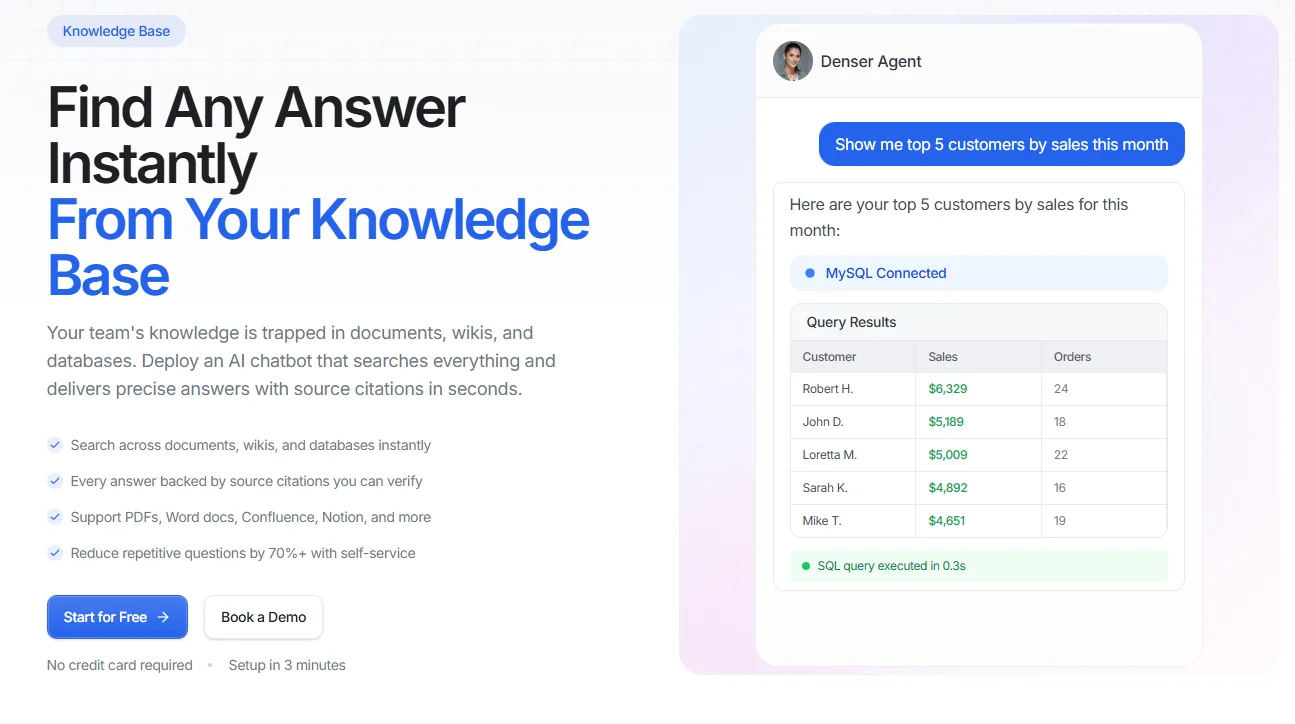
If your team already has docs, help pages, or internal articles, Denser helps you turn that content into a knowledge base chatbot in just minutes.
You can upload SOPs, handbooks, training materials, and policy docs, as it works with PDF and Word documents.
Every answer links to the source document and page.
Add Denser to help:
- Operation teams that search SOPs
- HR teams that need employee handbooks and policy search
- New hires who need help with training and onboarding
- Franchise operations that need instant access to the operations manual
- Quality and compliance teams that need a quick search for ISO documentation, quality management systems, and compliance procedures
- Customer support teams that need fast answers in product manuals and support docs
Try Denser for free and let AI help you save hours every month!
FAQs About Knowledge Base#
How do I build my own knowledge base?#
Start by choosing the audience, collecting the right content, and organizing it into clear categories. Then publish the articles in a searchable system and keep them updated over time.
What's another word for knowledge base?#
Other common terms include knowledge hub, knowledge repository, help center, or documentation center. The best term depends on whether the content is internal, external, or product-focused.
What are the different types of a knowledge base?#
The different types include internal and external knowledge bases. Some businesses use hybrid knowledge bases, which are a combination of both.