

SaaS Knowledge Base for Product Documentation: 6 Tools Compared (2026)

Your product documentation keeps growing — user manuals, API references, changelogs, how-to guides — but your customers still cannot find the answers they need, so they open a support ticket instead.
The right SaaS knowledge base tool turns those scattered docs into a searchable, even conversational, self-service experience that takes pressure off your support team.
This guide compares 6 tools built for the product documentation use case.
Quick Overview#
| Tool | Best For | AI Search | Doc Sources | Source Citations | Starting Price |
|---|---|---|---|---|---|
| Denser AI | Turning docs into AI Q&A | ✅ Semantic | Website, PDF, docs | ✅ | $39/mo |
| Document360 | Structured technical docs | ✅ Eddy AI | Built-in editor | ❌ | $199/mo |
| GitBook | Developer docs + Git workflow | ✅ Basic | Markdown, Git | ❌ | $8/user/mo |
| Confluence | Team knowledge collaboration | ✅ Atlassian AI | Built-in editor | ❌ | $6.05/user/mo |
| Helpjuice | Customer-facing help centers | ✅ Smart search | Built-in editor | ❌ | $120/mo |
| ReadMe | Interactive API documentation | ❌ | OpenAPI/Swagger | ❌ | $99/mo |
What Makes a Good Knowledge Base for Product Docs?#
Not every knowledge base tool suits the product documentation use case. Here is what to focus on when evaluating:
AI search capability. When a user searches "how to authenticate with API v3," does the tool understand the intent and return a relevant answer, or does it only match exact keywords? Semantic search directly determines whether users find answers or give up and file a ticket.
Multi-source document support. Your documentation likely lives across websites, PDFs, and Markdown files. Can the tool pull content from multiple sources, or does it require you to re-enter everything manually?
Source citations. For technical documentation and API references, users need to know which page or document version an answer comes from. Cited answers build significantly more trust than uncited AI responses.
Deployment and maintenance cost. The advantage of a SaaS knowledge base is fast setup and automatic updates. If a tool takes weeks to deploy or requires heavy manual maintenance, it defeats the purpose.
Version control and multi-base support. If your product has multiple versions or product lines, does the tool support managing them independently?
1. Denser AI — Turn Your Product Docs into an AI Q&A Interface#
Best for: SaaS teams that want users to ask questions in natural language and get cited answers directly from documentation.
Most knowledge base tools help you publish and organize documentation. Users still have to browse categories and search through articles.
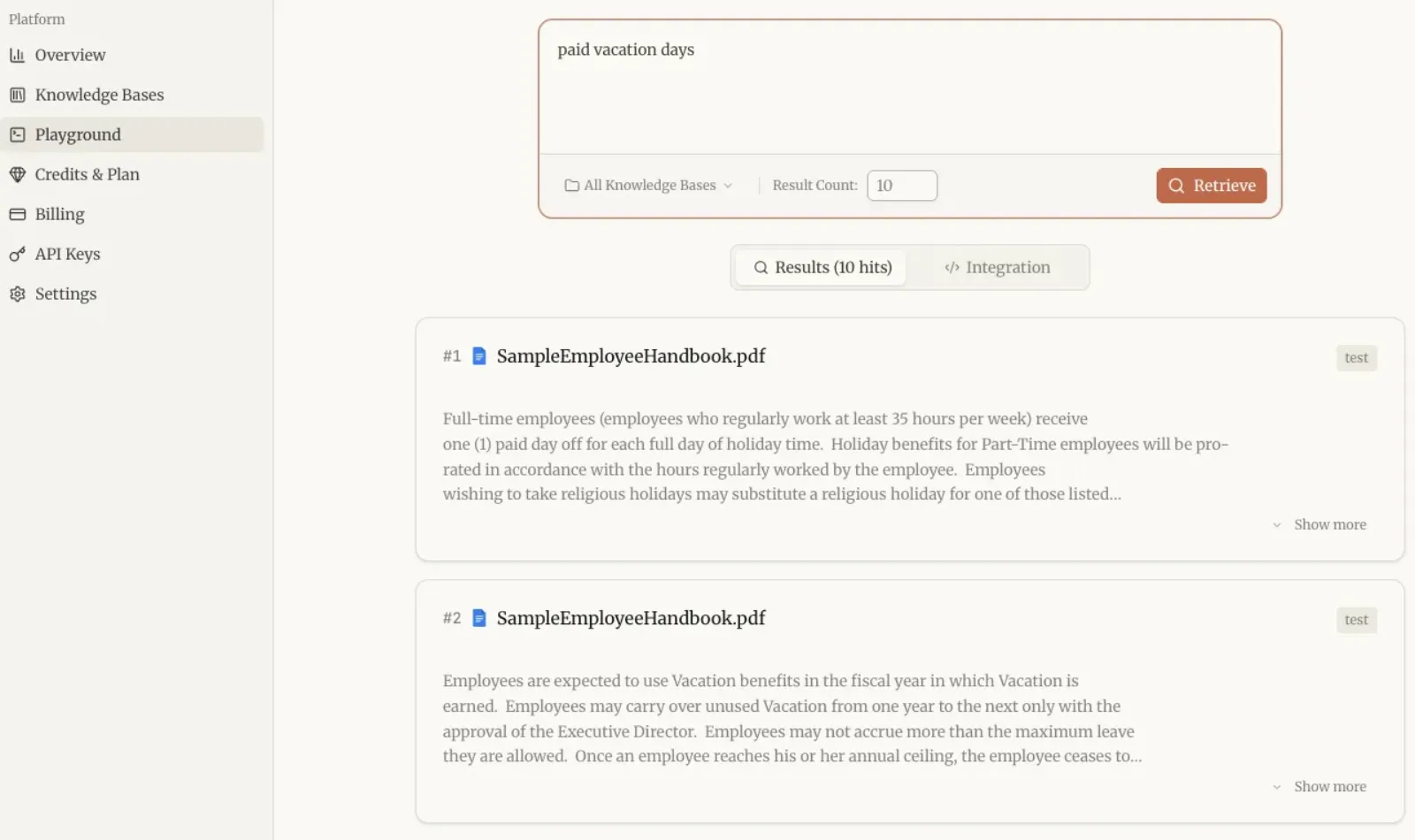
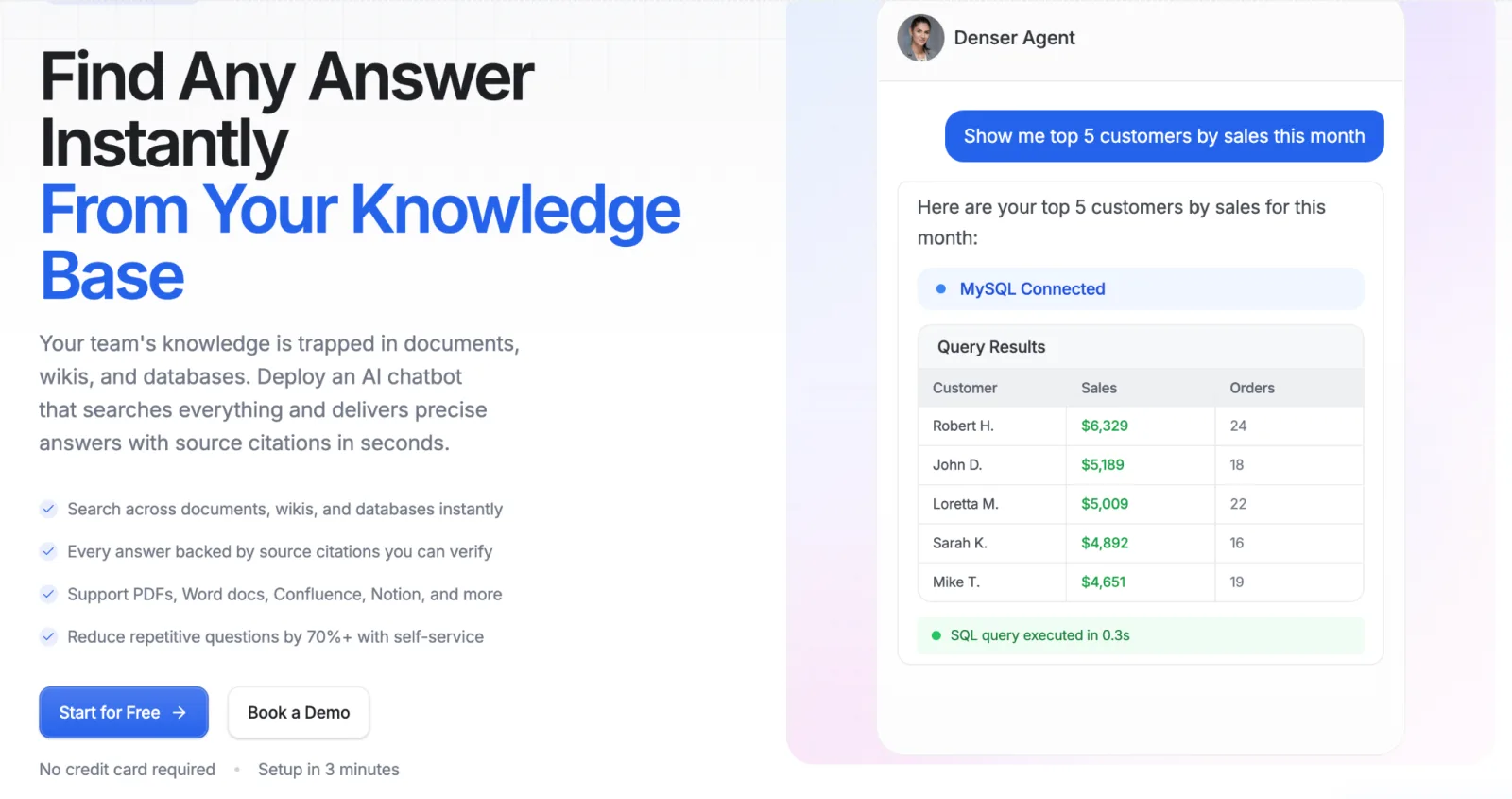
Denser AI takes a different approach — it adds an AI Q&A layer on top of your existing docs. Users ask a question, and the AI retrieves the answer from your documentation with a source citation attached.
Traditional Knowledge Base vs Denser AI#
| Traditional Knowledge Base | Denser AI | |
|---|---|---|
| User experience | Browse categories → search keywords → read articles | Ask a question → get answer + source link |
| Search method | Keyword matching | Semantic understanding |
| Data sources | Articles created inside the tool | Your website, PDFs, and docs |
| Source citations | Usually none | ✅ Every response cites its source |
| Maintenance | Manually update articles | Auto-syncs connected sources |
How It Works in Practice#
A SaaS company connects its product documentation, API reference, and changelog to Denser AI.
When a user asks "how do I set up webhook notifications," the chatbot extracts the relevant steps from the API documentation and returns them with a link to the original page.
The user does not need to browse through the docs site — they just ask. For a step-by-step guide on connecting your documents, see our guide on creating a chatbot from your documents.
Pros:
- Semantic search + AI Q&A — users do not need exact keywords
- Multi-source integration: website, PDF, docs — no need to re-enter documentation
- Source citations make technical answers verifiable
- Fast deployment — typically live within minutes
Cons:
- Does not provide a traditional article editor or category management
- Better suited as an "AI access layer" on top of docs than as a documentation authoring tool
Pricing: Free plan available for testing. Paid plans start at $39/month.
2. Document360 — Professional Pick for Structured Technical Docs#
Best for: Mid-to-large SaaS teams with dedicated technical writers who need granular version control and category management.
Document360 is purpose-built for knowledge base management — not a module bolted onto a helpdesk or CRM, but a tool designed from the ground up for documentation.
Its category management, article versioning, SEO controls, and reading experience are among the best in the category.
Pros:
- Excellent documentation structure (categories, tags, version control)
- Eddy AI provides semantic search and article drafting assistance
- Supports separate public and private knowledge bases
- Custom branding and domain
Cons:
- Expensive — Professional plan starts at $199/month
- No AI conversational Q&A — search results are still article lists
- No integration with external document sources (PDFs, websites)
Pricing: From $199/month.
Verdict: If you have a dedicated team maintaining large volumes of structured documentation, Document360 offers the most professional editing and management experience.
But if you want users to ask natural language questions and get direct answers, its AI capabilities are more limited than Denser AI.
3. GitBook — Lightweight Choice for Developer Docs#
Best for: Technical teams that need docs synced with code repositories in a developer-native workflow.
GitBook integrates deeply with Git repositories. Documentation can be written in Markdown and managed through Git workflows, meaning docs get the same version control and pull request review process as code.
Pros:
- Deep GitHub/GitLab integration
- Markdown writing + Git workflow
- Clean, developer-friendly interface
- Budget-friendly pricing for small teams
Cons:
- AI search capabilities are basic
- Not suited for non-technical contributors
- No AI Q&A or source citations
Pricing: From $8/user/month.
Verdict: If your documentation is primarily developer-facing, written in Markdown, and needs Git version control, GitBook is the most natural fit.
But it lacks AI Q&A capabilities — for that layer, you can pair it with Denser AI's knowledge base chatbot.
4. Confluence — Team Knowledge Collaboration in the Atlassian Ecosystem#
Best for: Teams already using Jira that need an internal documentation platform tightly integrated with project management.
Confluence is Atlassian's collaborative documentation platform, deeply connected to Jira.
Its core strength is team collaboration — real-time editing, inline comments, granular permissions — rather than customer-facing self-service documentation.
Pros:
- Deep Jira integration
- Real-time collaborative editing with rich templates
- Fine-grained permission controls
- Atlassian AI assists with search and content generation
Cons:
- Better suited for internal docs — customer-facing experience is underwhelming
- Complex interface with a learning curve for non-technical users
- AI features require additional payment
Pricing: From $6.05/user/month.
Verdict: If your team is already in the Atlassian ecosystem, Confluence is a natural choice for internal documentation.
But as a customer-facing product documentation knowledge base, the experience falls short of dedicated tools.
For a broader comparison of AI knowledge management approaches, see our dedicated guide.
5. Helpjuice — Customer-Facing Help Center#
Best for: Teams that need a standalone, brandable help center with strong search analytics.
Helpjuice focuses on building customer-facing help centers with powerful search, custom branding, and multi-language support.
Its analytics show which articles get the most views, what users search for, and — crucially — which searches return no results, helping you identify content gaps.
Pros:
- Powerful search with deep content analytics
- Custom branding and multi-language support
- Easy-to-use editor
Cons:
- Expensive — starts at $120/month
- No AI conversational Q&A
- No external document source integration
Pricing: From $120/month.
Verdict: If you need a standalone help center with strong search analytics, Helpjuice is a mature choice.
But its core model is "help users search articles" rather than "let AI answer users' questions."
For the AI-powered approach, see how Denser AI's SaaS knowledge base compares.
6. ReadMe — Purpose-Built for API Documentation#
Best for: Developer platforms that need to publish interactive API documentation.
ReadMe is built specifically for the API documentation use case.
It auto-generates docs from OpenAPI/Swagger specs, includes an interactive API explorer where users can test API calls directly in the browser, and provides usage analytics.
Pros:
- Auto-generates docs from OpenAPI specs
- Interactive API explorer
- API usage analytics
- Excellent developer experience
Cons:
- Only covers the API documentation use case
- No general knowledge base features
- No AI search or Q&A capabilities
Pricing: From $99/month.
Verdict: If your core need is API documentation, ReadMe is the most specialized option.
But it does not cover user manuals, how-to guides, or other product documentation types.
Which Tool Is Right for Your Product Docs?#
| Your Scenario | Recommendation |
|---|---|
| Users should ask questions and get cited answers from docs | Denser AI |
| Dedicated writing team managing complex structured docs | Document360 |
| Developer docs with Git workflow | GitBook |
| Already in Atlassian ecosystem, need internal doc collaboration | Confluence |
| Need a standalone customer help center | Helpjuice |
| Only need API documentation | ReadMe |
| Want to add an AI Q&A layer on top of your existing docs | Denser AI (works alongside any of the above) |
That last row is worth highlighting: Denser AI does not require you to replace your existing documentation tool.
It can connect to your existing docs site — whether it is Document360, GitBook, or Confluence — and add an AI Q&A layer on top.
Get More Value from Your Product Docs#
Good product documentation is not just about writing and publishing — it needs to help users find answers fast.
If your users are still digging through doc categories or giving up and filing support tickets, it is time to add an AI Q&A entry point to your docs.
Denser AI connects to your existing documentation and websites, letting users ask questions in natural language and get answers with source citations.
Start with the free plan — no credit card required. Explore all solutions to see how it fits your use case.
FAQ About SaaS Knowledge Bases for Product Documentation#
Q1. What is the difference between AI knowledge base search and traditional keyword search?
Traditional search matches exact keywords. AI tools like Denser AI use semantic understanding, so users can ask natural language questions like "how do I reset API credentials" and get relevant answers even if the exact phrase doesn't appear in the docs.
Q2. I already have Document360 / GitBook / Confluence. Do I still need Denser AI?
Denser AI doesn't replace those tools — it adds an AI Q&A layer on top. You keep your current tool for content management while Denser AI gives users a conversational way to find information.
Q3. Can AI knowledge base search give wrong answers?
Denser AI uses RAG technology — it retrieves content from your documents first, then generates answers based on that content. Every answer includes a source citation users can verify. If no relevant information exists, the system says so rather than guessing. For more details, see our AI knowledge base guide.
Q4. What is the difference between product documentation and a customer help center?
Product documentation (API references, user manuals) helps users complete specific tasks. A help center helps users resolve problems or understand policies. Denser AI supports both — it connects to your docs and help center content for unified AI Q&A.
Q5. Which tool is best for a small SaaS team on a budget?
GitBook ($8/user/month) for documentation authoring, plus Denser AI (from $39/month) for AI search and Q&A. The two work well together — GitBook handles publishing, Denser AI handles the user-facing Q&A experience.