

Chat With PDF API: 5 Best APIs to Use in 2026

Extracting text from a PDF file is not enough when users want to ask questions, compare PDF documents, and verify answers against the source page.
A parser can pull text, tables, or images, but production document analysis usually needs more: retrieval, conversation handling, citations, or relevant responses tied to the document's content.
A chat with PDF API gives developers a way to upload documents, index their content, and return natural-language answers through code.
This guide explains how the workflow works, which features matter most, where teams use it, and highlights five APIs to consider if you want to chat with PDFs for research papers, legal documents, financial reports, manuals, or company docs.
TL;DR#
- A chat with PDF API combines parsing, retrieval, answer generation, and source references, so users can ask questions instead of only extracting text from a PDF.
- Citations, page references, and OCR become important fast when the API is used for legal contracts, financial reports, research papers, or support docs.
- Denser is the strongest fit for developers who want cited PDF answers and a smoother path into multi-document retrieval, semantic search, and larger document collections.
- Adobe PDF Services and PDF.ai cover broader document-processing workflows, with more emphasis on extraction, OCR, parsing, and document handling than ready-made PDF chat.
- ChatPDF and AskYourPDF are closer to direct PDF chat APIs, with upload, conversation, and citation options exposed through API endpoints.
What Is a Chat With PDF API?#
A chat with PDF API is an API that lets developers upload or connect a PDF, index its content, and answer questions about it in natural language.
The user sends a request, the system finds the most relevant information inside the file, and the API returns answers instead of raw extracted text.
That is different from a standard PDF parser API or PDF generator API.
A parser usually extracts text, tables, and images, or the structure, into JSON, while a generator creates or edits files in a chosen format.
A document chat API adds retrieval, conversation state, and often citations or page links, which gives developers a way to answer questions, explore sources, and return traceable outputs instead of a flat data dump.
5 APIs to Consider for PDF Chat and Document FAQs#
The right API depends on what you need to build.
Some teams need a faster way to turn uploaded PDFs into natural-language answers with citations, and some need more control over extraction, parsing, and document workflows before the chat layer is added.
This list covers five options worth considering for developer teams working on PDF chat, document FAQs, and larger retrieval use cases.
1. Denser#
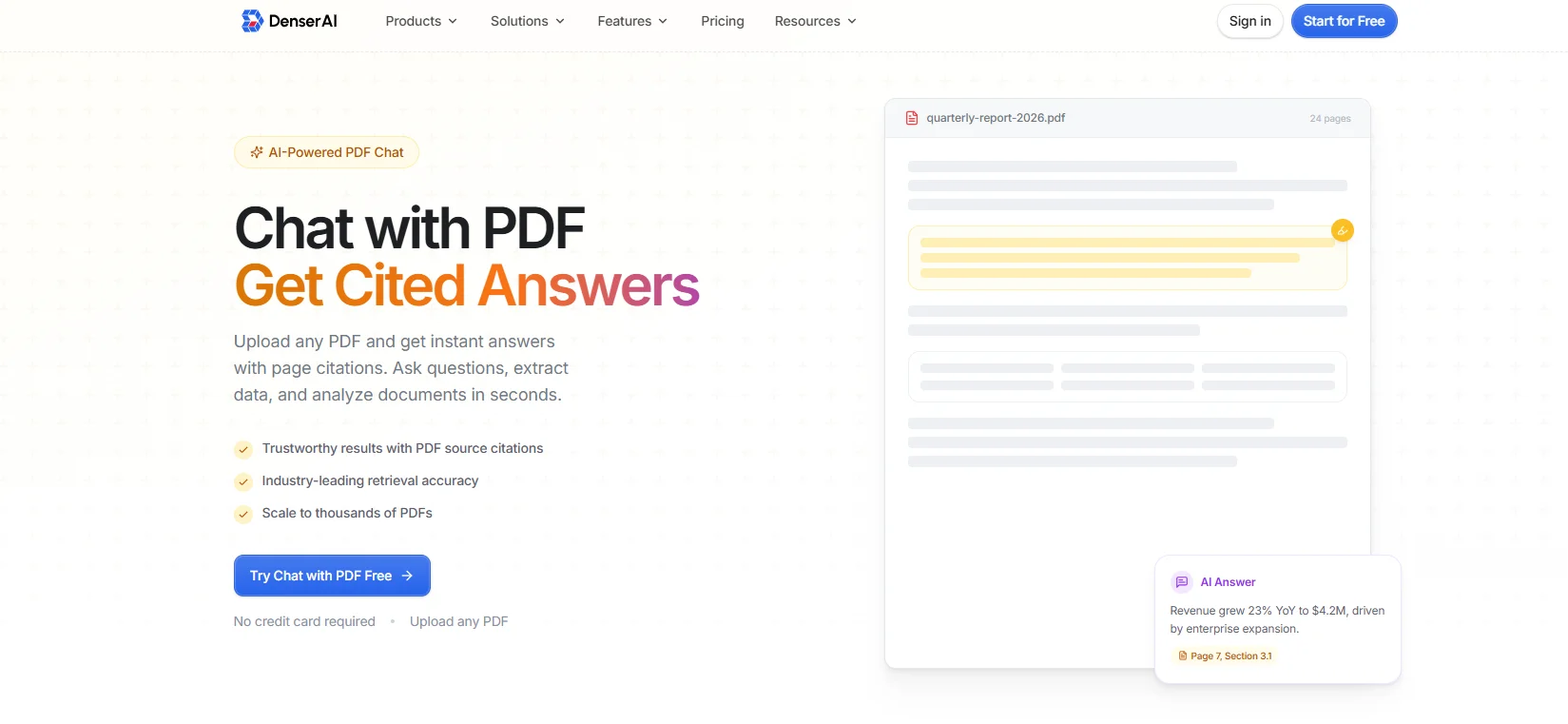
Denser gives developers a faster way to build chat with PDF workflows that return cited answers instead of plain extracted text.
Teams can upload a PDF, connect to Google Drive, or work across a larger document collection, then ask natural-language questions and get answers with exact page citations and direct links back to the source passage.
That makes it useful for research papers, legal contracts, financial reports, manuals, and other PDFs where users need to verify what the system returned instead of trusting a summary with no reference.
The implementation path is also built for more than a single-file demo.
Denser supports PDF, DOCX, and PPTX uploads, multi-document analysis, context-aware answers across pages and sections, 80+ languages, and a chat API for custom apps.
In the API, developers can send a question with optional conversation context, prompt settings, model choice, and citation control, and receive an answer along with supporting passages.
That gives teams a cleaner path from one uploaded file to production document FAQs, comparison workflows, and broader retrieval use cases, without later swapping systems.
API Strengths#
- Returns answers with exact page citations and linked source passages.
- Supports multi-document analysis, so users can compare PDFs and query across a larger collection.
- Accepts optional context, prompt, model, and citation fields in the chat API response flow.
Best For#
Denser is the right fit for developers who want to build cited-document FAQs quickly, then scale to larger document collections, production search workflows, and apps that need traceable answers rather than plain extraction.
Start for free and query one PDF or thousands with cited, traceable answers!
2. Adobe PDF Services#
Adobe PDF Services is a broader PDF API suite for extraction, OCR, conversion, and document-structure work.
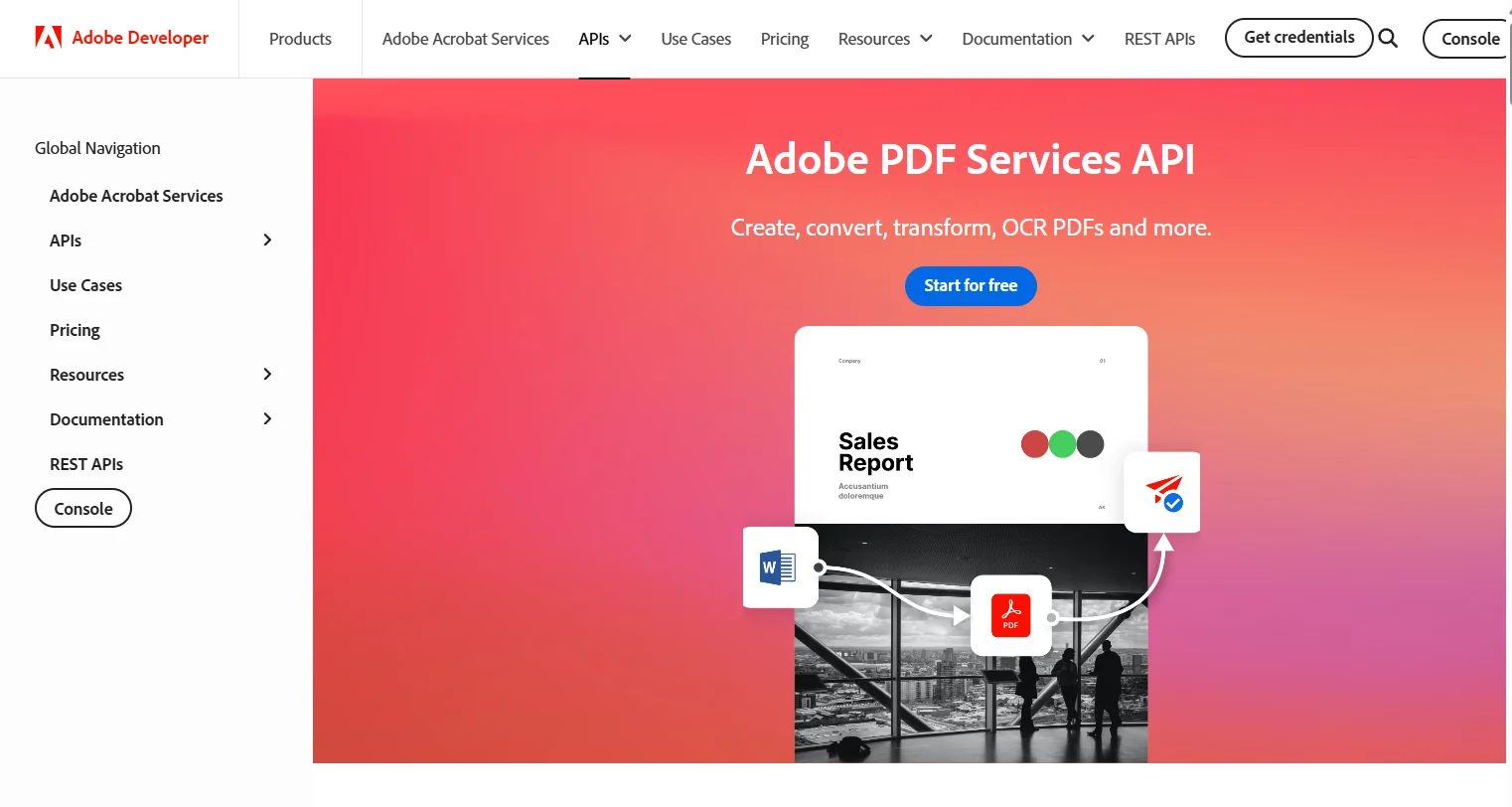
Image Source: developer.adobe.com
Developers can extract text, tables, images, and layout from native or scanned PDFs into structured JSON, and use OCR to convert image-based pages into searchable text.
That makes Adobe useful when the core job is document preprocessing, structured extraction, or PDF content handling before a custom chat layer is built on top of it.
API Strengths#
- Extracts text, tables, images, and document structure into JSON.
- Supports OCR for scanned PDFs.
- Includes a free tier of 500 document transactions per month.
Best For#
Adobe PDF Services suits teams that need higher-quality extraction, OCR, and structured PDF processing before they build their own chat, retrieval, or downstream document-analysis layer.
Limitations#
- It does not provide an end-to-end chat with PDF API out of the box.
- Developers still need to build retrieval, conversation handling, and answer generation separately.
- Citation handling is not presented as a built-in PDF chat workflow on the official API pages.
3. PDF.ai#
PDF.ai is a broader document-processing API with a dedicated ask endpoint layered on top of parsing and extraction.
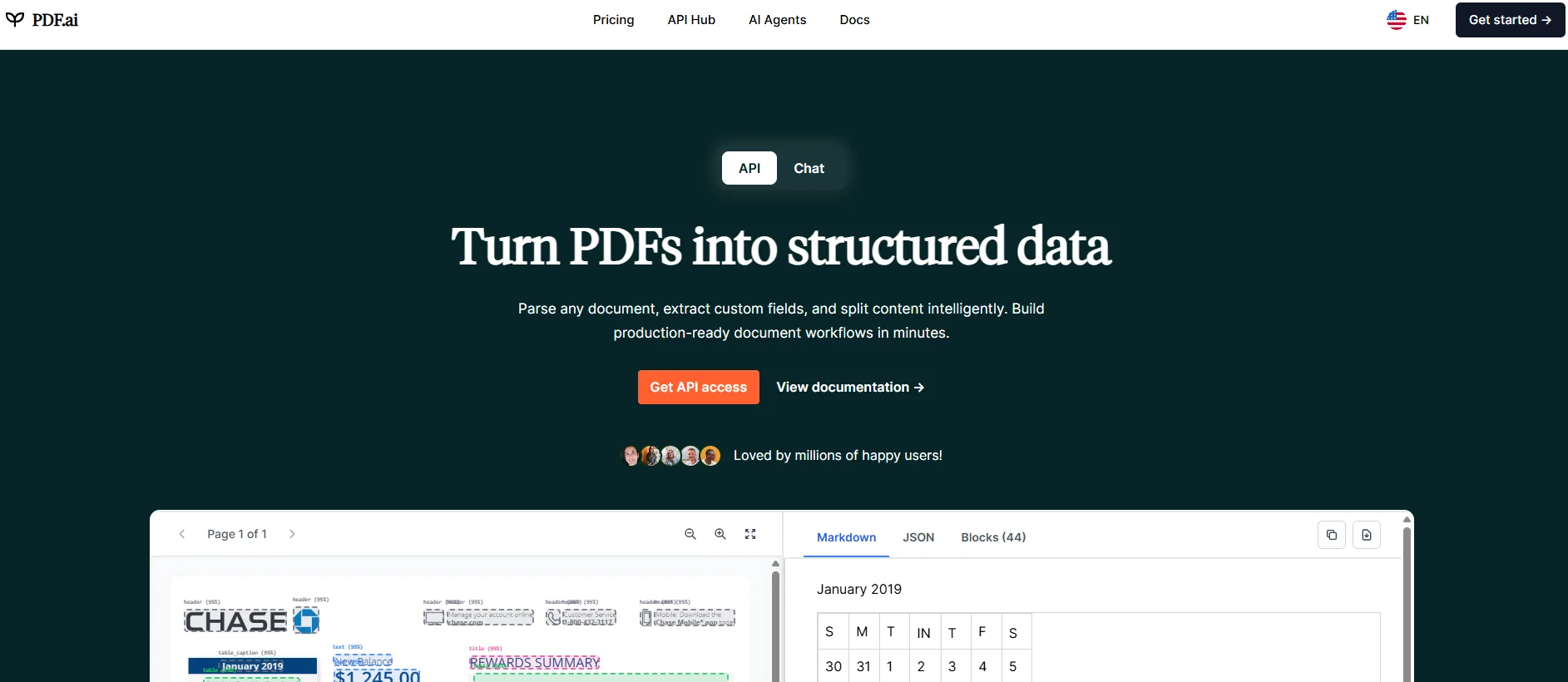
Image Source: pdf.ai
The current API includes parse, extract, split, and ask, providing a single surface for OCR-aware parsing, structured extraction, section splitting, and PDF chat.
The API also supports parsed document IDs, cached parse results, and multi-document asking. That gives teams a more structured implementation path when they want to move from a single uploaded file to repeated queries, field extraction, or larger-document workflows, without incurring the parse cost each time.
API Strengths#
- The v2 API includes parse, extract, split, and ask endpoints in one product.
- The parse endpoint supports OCR, markdown, or JSON output, table formatting, and image extraction.
- The ask endpoint can query multiple previously parsed documents at once.
Best For#
PDF.ai fits teams that want a broader document-processing API beyond chat and need a single product for parsing, extraction, section splitting, and document Q&A.
Limitations#
- Documents need to be parsed first before the ask endpoint can query them.
- The chat layer sits on top of the broader processing workflow, so implementation involves more moving parts than a chat-first API.
- Commercial API usage is tied to credits and plan limits rather than a simple chat-only pricing model.
4. ChatPDF#
ChatPDF is one of the most direct APIs in this category. The backend API lets developers add a PDF by file upload, receive a sourceId, send chat messages to that source, keep a short conversation history, turn on referenceSources, stream the response, and delete files later by source ID.
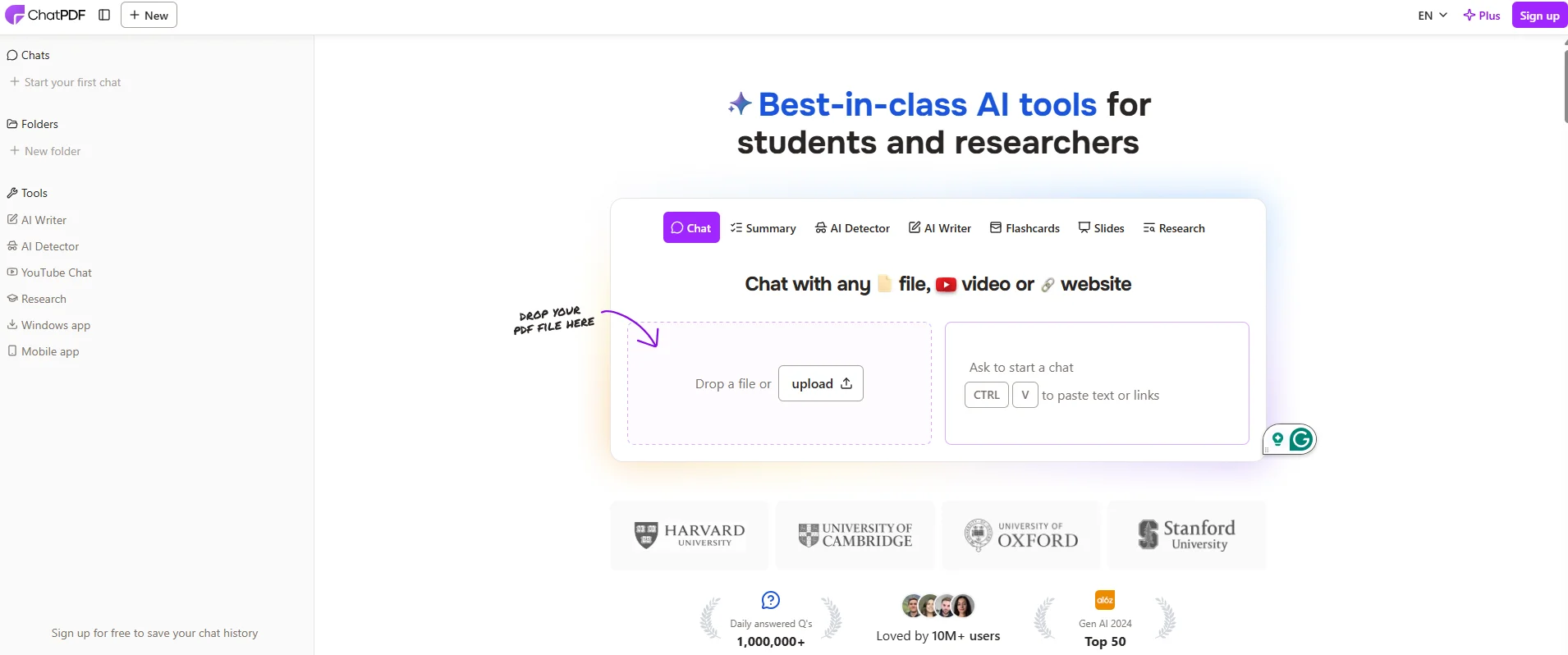
Image Source: chatpdf.com
That's a simple shape for developers who want a focused document chat API instead of a broader document-processing platform.
API Strengths#
- Uploads a PDF through a dedicated API endpoint and returns a source ID for later chat calls.
- Supports page references through referenceSources: true.
- Supports stream: true for word-by-word responses and includes a delete endpoint for lifecycle cleanup.
Best For#
ChatPDF fits developers who want a focused PDF chat API for a lightweight app, a prototype, or a smaller document Q&A flow where setup speed matters more than a broader retrieval stack.
Limitations#
- The upload flow centers on one document at a time.
- The API only considers up to six messages of chat history in a request.
- The official docs do not clearly surface monthly API pricing.
5. AskYourPDF#
AskYourPDF provides developers with a document chat API that supports uploading files or URLs, multiple document formats, follow-up chat, optional source citation, language selection, and multi-document chat.
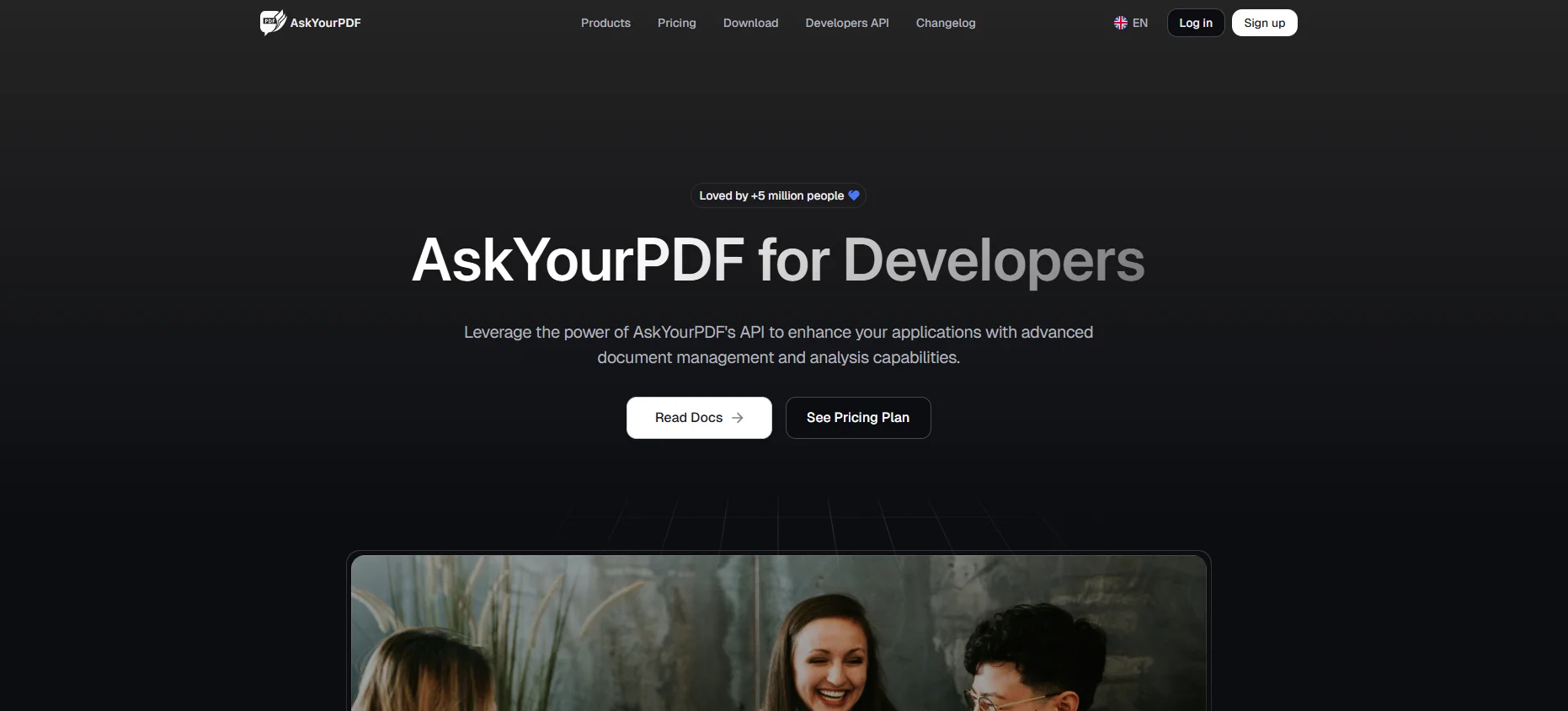
Image Source: askyourpdf.com
The docs also show controls for language, detailed answers, and streaming, which gives teams a wider document Q&A surface than a single-document chat endpoint.
API Strengths#
- Supports file upload, URL-based upload, and several file types, including .pdf, .txt, .ppt, and .pptx.
- Supports follow-up chat, optional streaming, and multi-document chat.
- It lets developers turn on source citations with cite_source.
Best For#
AskYourPDF fits developers who want document chat features with more built-in knobs, including language, answer length, source citation, and multi-document conversation from one API surface.
Limitations#
- Source citation is optional rather than the default.
- The product still reads more app-first than infrastructure-first in parts of the public documentation and pricing copy.
- Higher-volume API usage moves into dedicated API plans and enterprise pricing.
How a Chat With PDF API Works#
A production PDF chat flow usually has five steps.
The details vary by vendor, but the system logic follows a similar pattern: ingest, parse, retrieve, answer, and reference the source.
Many of the same patterns also show up across modern chat with PDF tools.
Upload Documents or Connect the PDF#
That can mean a direct file upload, a URL-based upload, a Google Drive connection, or a larger knowledge-base ingestion flow that pulls in multiple documents at once.
Some APIs only let you upload a PDF one file at a time, while others handle a collection that grows from one file to thousands of PDF documents.
In API terms, this often starts with a POST request over HTTPS, with a request body that includes the file, a URL, or metadata about the document.
A clean-start upload flow should return an ID that developers can use in subsequent calls, and it should make it easy to upload PDFs or other documents or delete a file when the data should no longer remain in the system.
Parse and Index the Content#
Once the file lands, the API has to read it. That usually means text extraction, OCR for scanned pages, chunking long passages into smaller units, and indexing those chunks so the system can search the document fast later.
Scanned PDFs require more than plain parsing because the system must read text from page images before it can answer questions about the content.
This is also the stage where structure quality matters. APIs that understand headings, paragraphs, tables, and reading order do a better job of supporting developers who need to analyze legal contracts, research papers, or financial reports without losing the context that makes the document useful.
Retrieve the Most Relevant Passages#
Retrieval is the step that finds the right pieces of the document before the model writes an answer.
In plain English, the API searches the indexed content, picks the passages that look most relevant to the user's message, and sends those passages into the answer stage instead of asking the model to guess from general knowledge.
This step is the difference between vague answers and relevant information. It also shapes speed, answer quality, and the ability to search across a folder, a document collection, or a larger knowledge base when a single PDF is not enough.
Generate Contextual Answers to Answer Questions#
After retrieval, the model generates an answer from the passages it has retrieved. That answer can also use conversation context, which is why many APIs accept a messages array, prior message history, or optional context fields in the JSON request body.
That context layer matters for follow-up questions. A user might ask one question about a contract term, then a second about the same clause, and the API needs enough conversation state to keep the exchange useful rather than starting from scratch every time.
Some APIs also let developers stream the response, which improves the feel of the chat UI in a live app.
Return Citations or Source Links#
A traceable response with page citations, inline references, or source links gives the user a way to verify the answer instead of trusting a black-box output.
That matters most when teams need to extract information from legal documents, manuals, contracts, or regulated sources.
A system that returns a vague answer or a null-style dead end without reference data is much harder to trust than one that points back to the exact passage used in the response.
Key Features to Look For in a Chat With PDF API#
Developers should test a small set of features before building around any PDF chat API. The right list depends on the app, but these are the ones that most often affect implementation speed and long-term flexibility.
- Citations and page links: The API should return answers with a page reference, source passages, or inline citations. That is what makes answers usable for legal documents, research papers, and customer-facing tools.
- OCR support: Scanned PDFs require OCR for the system to answer questions well. If scanned files are part of the workflow, OCR support is not optional.
- Conversation handling: A solid API should support follow-up questions, context arrays, or message history. Some also stream tokens for a faster chat experience.
- Multi-document scope: Some teams only need a single document. Others need a collection, folder, or larger knowledge base that can compare documents and return answers from multiple sources.
- Lifecycle controls: Look for clean upload, access, and delete endpoints, as well as a stable response format that returns useful metadata to developers. A small example response is often enough to see whether the API is practical to implement.
Common Use Cases: From Research Papers to Document Analysis#
Here are a few use cases you can chat with PDF APIs:
- Research assistants: Students and professionals use PDF chat to explore research papers, summarize long sources, and ask follow-up questions across multiple docs.
- Legal and compliance review: Teams use it to analyze legal contracts, legal documents, and policy files while keeping a traceable reference back to the source page.
- Financial document FAQs: Finance and operations teams use it for financial reports, board packs, and internal reporting, where the quality of answers and citations matters.
- Technical and support workflows: Companies use it to search for manuals, onboarding docs, SOPs, and uploaded support files without first building a full custom document system.
- Customer-facing document apps: Product teams create chat experiences on top of PDF, docx, txt, or website sources so users can interact with content through one API instead of manual navigation.
Build Production PDF Chat Workflows With Denser#
A production PDF workflow needs more than text extraction and a chat box. Developers usually need exact page citations, linked source passages, multi-document analysis, and an API they can plug into real apps without having to rebuild the retrieval layer later.
Denser gives your team that path from the start.
You can upload PDFs, DOCX, and PPTX files, connect to Google Drive, query across one document or thousands, and return answers with exact page citations that users can verify.
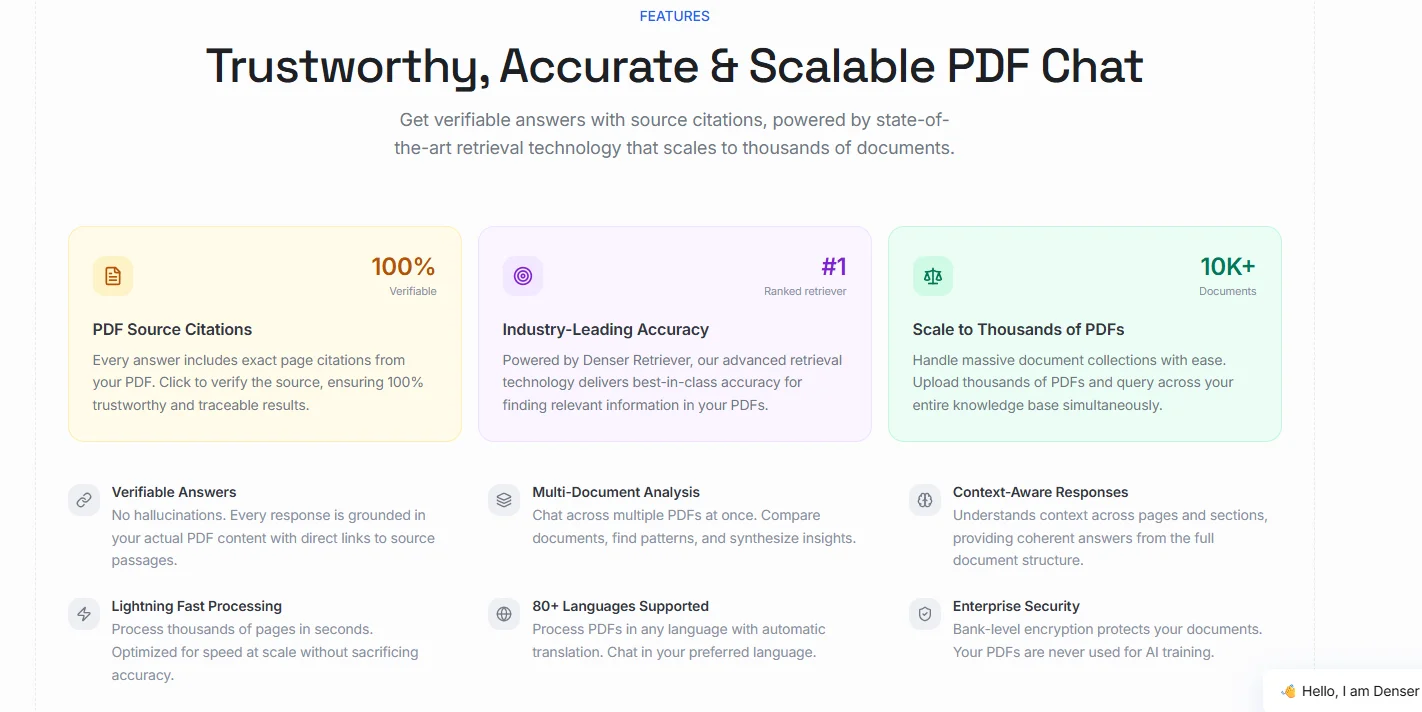
The same system also supports context-aware responses, multi-document comparison, and programmatic chat for custom apps, internal tools, or customer-facing document search.
That gives you a faster route from prototype to production. Instead of stitching together parsing, retrieval, answer generation, and citation handling from separate tools, you can start with PDF FAQs and keep room for larger semantic search and document retrieval workflows as your collection grows.
Try Denser for free and ship PDF chat with exact citations your users can verify!
Chat With Your PDFs Instead of Scrolling Them#
A PDF reader shows you the document. Denser answers questions about it. Upload a contract, a manual, or a folder of research papers, then ask in plain language. Every answer highlights the exact passage it came from, so you can verify it in one click rather than trusting it.
Try it on your own file with the free Chat with PDF tool, see how it works, or start a 7-day trial for larger document sets and team access.
FAQs About Chat With PDF API#
How is a chat with the PDF API different from a PDF parser API?#
A chat with PDF API adds retrieval, answer generation, and often citations on top of parsing. A parser usually extracts text or structure into JSON, while a chat API helps users ask questions and get answers tied back to the source.
Can a chat with the PDF API return citations?#
Yes. Better tools can return page citations, source links, or referenced passages so the answer is traceable.
Do I need OCR support for scanned PDFs?#
Yes, if the PDF documents are image-based or scanned. OCR is what turns those pages into searchable text that the API can retrieve and answer from.