

How to Choose the Best AI Chatbot for Customer Support

Search "best AI chatbot for customer support" and you'll get a long list of tools — but very few guides that help you answer the question that matters: does this one fit my situation?
This isn't another ranked vendor list. It's a buyer's guide: eight core capabilities, five common scenarios, and a scorecard you can use to evaluate tools. For a current product shortlist, see our comparison of the best customer service AI agents.
Why Basic Live Chat No Longer Cuts It#
Many teams start from the same place: we already have live chat (Intercom, Zendesk Chat, etc.) — so why do we need an AI chatbot?
The honest answer is that basic live chat is fundamentally a synchronous human channel. It doesn't solve these problems:
| Problem | Live chat reality | What an AI chatbot can do |
|---|---|---|
| After-hours queries | Users wait until the next business day | Instant automated responses, any time |
| Repetitive questions consuming agent time | Based on the team's specific circumstances | AI handles repeats; agents focus on complex cases |
| Inconsistent answer quality | Response quality varies by individual agent | Chatbot draws from a unified knowledge base for consistent responses |
| Capacity limits during peak periods | Requires temporary staffing | Chatbot scales without proportional staffing increases |
| Proactive lead engagement | Passive — waits for users to reach out | Chatbot proactively engages, guides purchases, captures leads |
The real value of an AI chatbot is building an automated triage layer into your support operation — letting agents focus on cases that genuinely need a human.
8 Core Capabilities Every Support Chatbot Needs#
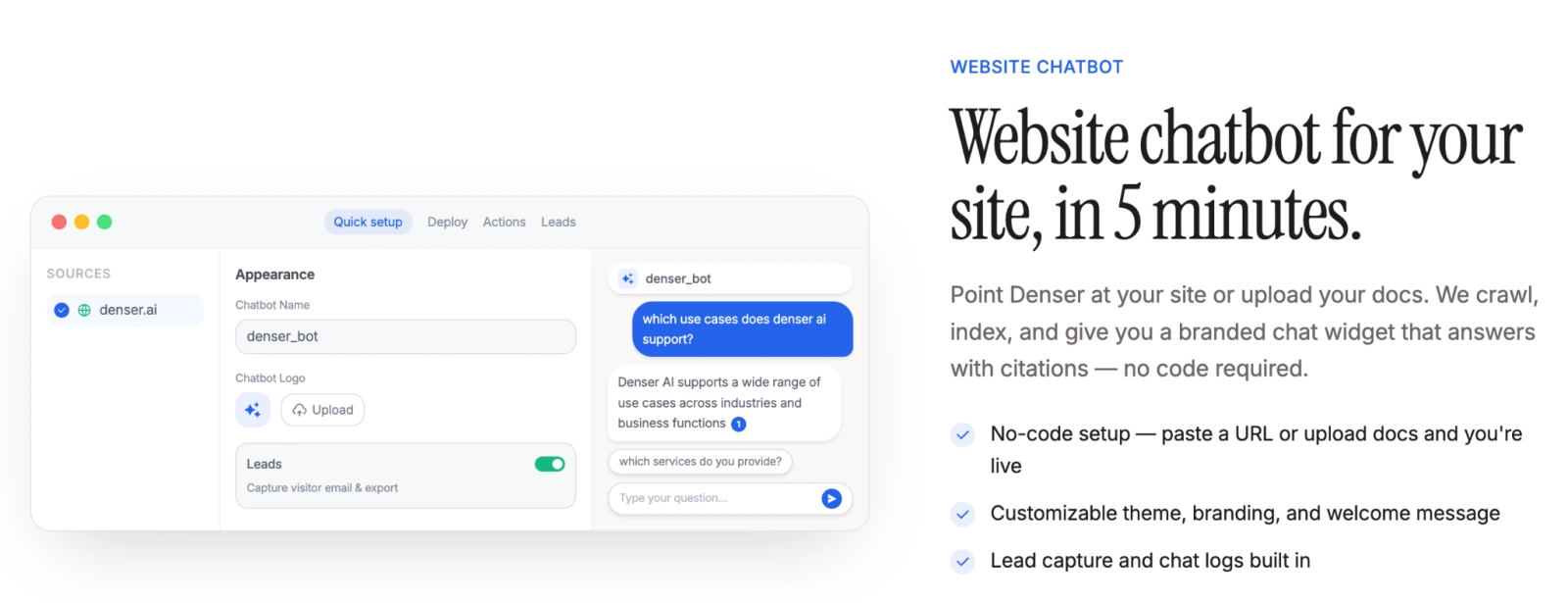
Not every "conversational AI" tool is actually built for enterprise customer support. Here are the eight capabilities that separate tools that work from tools that just talk.
Capability 1: Accurate Answers from Your Own Knowledge Base#
This is the foundation everything else rests on.
The chatbot must answer from your company's content — help center, product documentation, website pages, PDF manuals — not guess at answers using general internet knowledge.
A chatbot built on RAG (Retrieval-Augmented Generation) architecture grounds every response in a retrieved document, significantly reducing hallucination.
Platforms that support multi-source ingestion give you broader coverage from day one.
Capability 2: Source Citations#
When a chatbot appends "This information comes from [page name], paragraph [X]" to a response, users can click through and verify — and trust increases significantly.
Source citations are also a practical knowledge base quality tool: when an incorrect answer surfaces, you can immediately trace it back to which document passage caused the problem.
Capability 3: Smooth Human Handoff#
A good handoff should detect when a user is showing frustration or when query complexity has exceeded what the chatbot can handle, pass the full conversation history to the agent, and prevent the user from having to re-explain their issue.
A chatbot without smooth escalation creates its worst user experience at exactly the moment the user needs it most.
Capability 4: Multi-Channel Deployment#
A chatbot that connects your website, help center, mobile app, and in-app chat through a single knowledge base delivers a consistent user experience across every touchpoint — without requiring you to maintain a separate knowledge base for each channel.
Capability 5: CRM / Helpdesk Integration#
Once integrated with your existing tools (Zendesk, HubSpot, Salesforce), the chatbot can push new leads into your CRM, sync unresolved conversations to your helpdesk, and surface conversation history to human agents.
This is what turns a chatbot from a standalone widget into an actual part of your business workflow.
Capability 6: Conversation Analytics#
A platform should ship with dashboards covering ticket deflection rate, CSAT, common fallback query types, and conversation volume trends.
Without data, you can't iterate on your knowledge base or measure ROI.
Capability 7: Access Controls and Security#
Customer conversations contain sensitive information; internal knowledge bases contain proprietary data.
Separating what external customers can access from what internal employees can access, defending against prompt injection attacks, and maintaining full conversation logs for auditing — these aren't optional.
Capability 8: Knowledge Base Training and Ongoing Updates#
The platform needs to support scheduled re-crawling and multi-format imports so the chatbot is always drawing on the current version of your content.
| Capability | What it means | Why it matters |
|---|---|---|
| Knowledge base Q&A | Answers from your website/PDFs/help center — not a generic model | The root of accuracy |
| Source citations | Every response tagged with source document; users can verify | Builds trust, reduces disputes |
| Human handoff | Multi-condition escalation triggers; full history passed to agent | Keeps the user experience intact |
| Multi-channel deployment | Website, app, and help center on one knowledge base | Consistent UX, lower maintenance cost |
| CRM/helpdesk integration | Connects to existing tools; outcomes written back to business systems | Makes the chatbot part of the workflow |
| Conversation analytics | Metrics dashboard, user feedback, fallback analysis | Data foundation for continuous improvement |
| Access controls & security | Content permission isolation, conversation log auditing | Protects data and customer privacy |
| Knowledge base update cycle | Scheduled re-crawling, incremental sync, multi-format support | Keeps knowledge current, avoids stale answers |
5 Customer Support Scenarios and What They Need#
Different businesses weight chatbot capabilities very differently. Here's a breakdown of five common scenarios to help you identify your own priorities.
Scenario 1: FAQ Automation (The Broadest Use Case)#
Connecting your help center directly to the chatbot's knowledge base — with no manual Q&A authoring needed — is the most immediately measurable ROI entry point.
Core capabilities needed: knowledge base training, multi-format import, scheduled automatic updates.
Best fit: any SaaS, e-commerce, or service business with an existing help center or product documentation.
Scenario 2: Pre-Sales Consultation and Lead Capture#
Prospective customers typically have a lot of questions before committing to a purchase — but they don't want to wait for a human rep.
A chatbot that walks them through product benefits, addresses objections, and collects contact details converts traffic that would otherwise bounce into qualified leads. Denser AI's lead generation chatbot is built specifically for this scenario.
Core capabilities needed: lead capture forms, proactive messaging, product knowledge base Q&A, CRM integration.
Best fit: B2B SaaS, high-ticket e-commerce, local services, education businesses.
Scenario 3: Order Management and Post-Purchase Support#
Order status lookups, return and exchange requests, and shipment tracking are the highest-volume scenarios in e-commerce support.
With order system integration, the chatbot can query real-time order data based on user identity and handle straightforward refund requests within policy.
Core capabilities needed: API integration (order systems), user identity recognition, policy document training, human handoff (complex refunds).
Best fit: e-commerce platforms, logistics providers, retail brands.
Scenario 4: Technical Support and Product Documentation Q&A#
Technical product users regularly need to search API docs, debug error codes, and find step-by-step guidance.
Connecting technical documentation, SDK references, and changelogs to a chatbot lets users ask questions in plain language — this is the canonical application of a document-based knowledge base chatbot.
Core capabilities needed: large-scale technical doc ingestion, code block rendering, source citations, precise semantic search.
Best fit: developer tools, API products, SaaS platforms.
Scenario 5: Internal Employee Knowledge Base#
When employees need to look up internal policies, HR guidelines, or process documentation, a dedicated internal knowledge base chatbot is far more efficient than keyword search.
Denser AI's internal knowledge base solution supports ingestion from company wikis, intranets, and Confluence — giving employees instant answers, while permission controls keep internal content separate from customer-facing channels.
Core capabilities needed: permission isolation, private knowledge base training, intranet document integration, no-code deployment.
Best fit: organizations of 500+ people, multi-department teams, businesses with large internal document libraries.
| Scenario | Top 3 capabilities | Where ROI comes from |
|---|---|---|
| FAQ automation | Knowledge base training, auto-updates, fast response | Ticket deflection — direct labor cost savings |
| Pre-sales & lead capture | Lead capture, proactive messaging, CRM integration | New lead volume, wider sales funnel |
| Order & post-purchase support | API integration, identity recognition, human handoff | Fewer repeat-query tickets, higher CSAT |
| Technical support | Doc ingestion, semantic search, source citations | Faster technical support response times |
| Internal knowledge base | Permission isolation, private training, no-code | Faster new-hire onboarding, better information retrieval |
AI Customer Support Chatbot Evaluation Scorecard#
Score every finalist against the same questions and the same sample conversations. A polished demo is not comparable evidence.
| Test area | What to test | Strong evidence |
|---|---|---|
| Answer accuracy | Common, ambiguous, and undocumented questions | Correct answer, relevant citation, or a clear refusal |
| Retrieval quality | Rephrased questions, error codes, and conflicting sources | The right passage is retrieved consistently |
| Human handoff | Explicit requests for a person, frustration, repeated failure | Full transcript, reason for transfer, and clear ownership |
| Actions | One safe lookup and one bounded workflow | Correct authorization, confirmation, and audit trail |
| Channel coverage | Website, help center, inbox, app, or phone as required | One knowledge source produces consistent answers everywhere |
| Administration | Content updates, testing, permissions, and analytics | A support operator can maintain it without engineering work |
| Cost | Expected conversations, resolutions, seats, and add-ons | A monthly estimate based on your real volume |
Use a test set of at least 30 recent conversations. Include routine questions, typos, follow-ups, missing information, sensitive requests, and issues that must reach a person. Record correctness, citation quality, escalation behavior, latency, and estimated cost for every tool.
If the chatbot will own customer-service outcomes rather than only answer FAQs, evaluate the broader AI support agent workflow as well: ticket creation, live takeover, action controls, and knowledge-gap reporting.
How Denser AI Maps to These Capabilities#
If your core need is website customer support, knowledge base Q&A, and sales lead conversion, Denser AI has a product architecture designed specifically for those scenarios:
- Knowledge base training: automated website crawling, PDF/Word/Markdown import, scheduled re-crawling, multi-source unified search
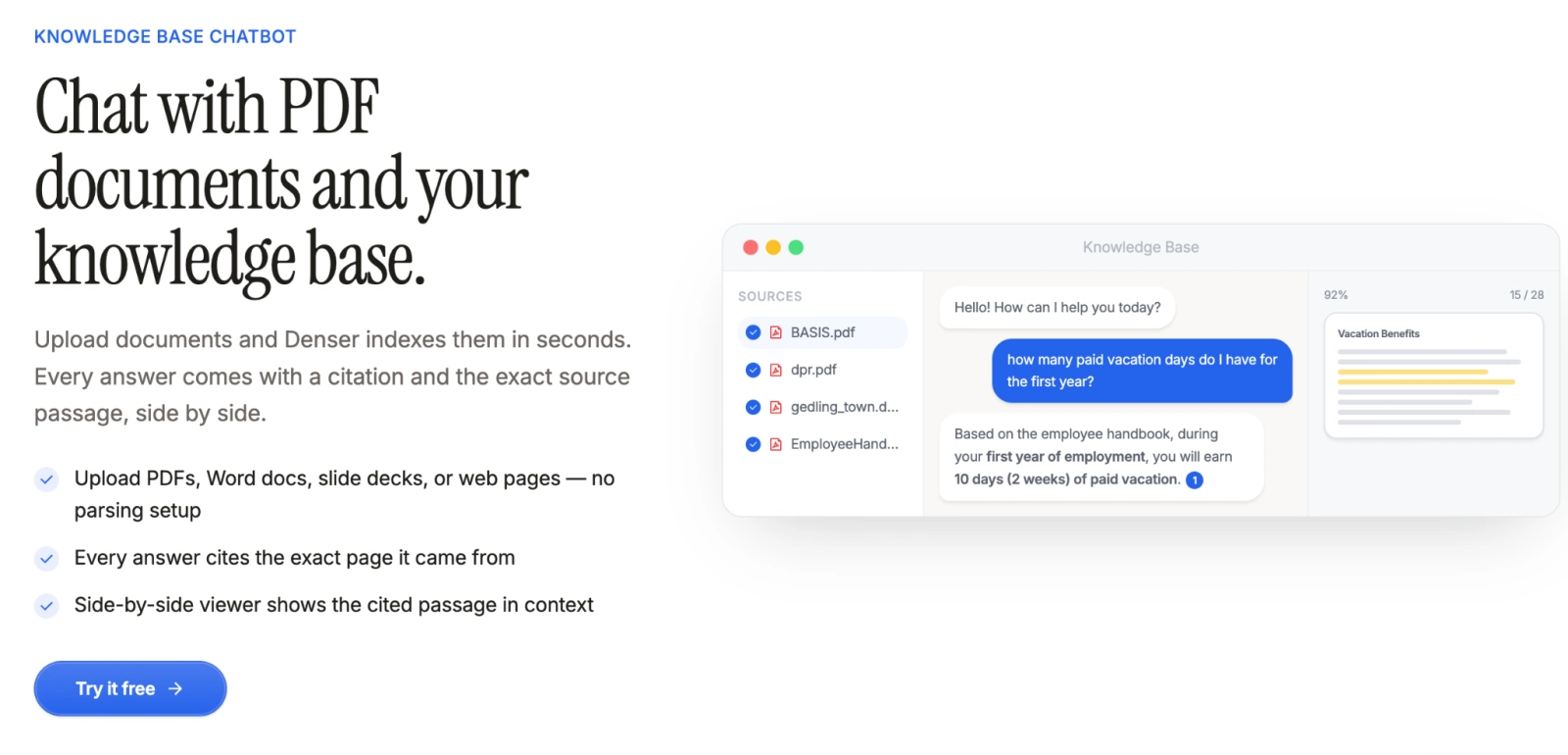
- Accuracy and source citations: the RAG architecture-powered Denser Retriever automatically tags every response with its source document and passage, which users can click to verify
- Fast deployment: from content import to a live chatbot without engineering involvement
Conclusion#
Choosing a customer service AI chatbot isn't about the longest feature list. It's about finding a tool that answers from your data, earns user trust, integrates with your workflow, and generates quantifiable value over time.
The 8 capabilities and 5 scenarios above give you a structured framework — match them against your own context to see where the real fit is.
Denser AI packages knowledge base training, RAG retrieval, source citations, lead capture, and conversation analytics into a single platform built for website support and knowledge base Q&A.
FAQ About Best AI Chatbot for Customer Support#
How do I tell whether a chatbot will actually work for my support team?#
Test with your real ticket data — run your top 30-day questions through each tool and check for accurate, source-traceable answers. Don't rely on vendor demos.
Can an AI chatbot coexist with our existing live chat tool?#
Yes, and it's the recommended setup. The chatbot handles repetitive queries; configured triggers escalate complex issues to a human agent seamlessly.
Is it worth deploying a chatbot for a small support team of 3–5 people?#
Small teams often see stronger ROI — every ticket saved is a larger share of limited capacity, and 24/7 coverage directly fills the after-hours gap.
How much knowledge base content is enough to start?#
Start by covering your top 20 most frequent questions. Use fallback rate analysis to close gaps over time.
Is Denser AI usable by non-technical teams?#
Paste a URL or upload documents — Denser AI handles the rest. Embedding the widget is copy-paste, built for marketing, customer service, and operations teams to run directly.