

Internal Search Engine Setup: A Practical Guide for Modern Teams (2026)

Whether it's a visitor looking for a product on your website or an employee hunting for a document in your company knowledge base, the experience comes down to the same thing --- how well your internal search works.
When it's done right, you barely notice it's there. When it isn't, the symptoms show up everywhere: lost customers, growing support tickets, frustrated employees.
It's a cost that's easy to underestimate. Visitors who use search on a website convert at rates 338% higher than those who don't, and employees spend an average of 1.8 hours every day looking for information --- close to 10 hours a week.
Whether you're running an e-commerce store, a SaaS product, or a hundred-person company, search deserves more attention than it usually gets.
This guide covers what modern internal search actually is, what business problems it solves, and how to choose the right platform.

What Is an Internal Search Engine?#
Internal search is the search capability that lives inside your own boundary --- the product search bar on your e-commerce site, the feature finder inside your SaaS product, the Q&A layer in your customer support knowledge base, and the cross-system document retrieval inside your company.
What sets it apart from external search engines like Google is control: you decide what gets indexed, how results are ranked, and how they're presented. But that control only matters when the search itself is intelligent enough to use it.
Traditional keyword search doesn't understand synonyms.
A search for "vacation policy" misses documents that use "PTO," and a search for "waterproof boots" misses products listed as "rain boots."
AI-powered semantic search matches meaning instead of strings --- it's the most meaningful shift internal search has seen in the past decade.
How Internal Search Drives Business Outcomes#
Technical progress only matters when it translates into business outcomes. The value of internal search shows up differently across scenarios, and each is worth looking at on its own terms.
E-commerce: Turning Search Traffic Into Orders#
Customers who use search come with clear purchase intent --- they've already started typing, and the only thing standing between them and a transaction is whether your search returns the right product.
When someone searches "size 10 waterproof hiking boots" and your search immediately surfaces the right item, you've completed a sale that might otherwise have walked.
Semantic search also handles the natural variation in how customers phrase the same need, connecting queries like "waterproof boots" and "rain hiking shoes" to the same product set.
SaaS: Helping Users Find Their Own Answers#
The more features a SaaS product has, the easier it is for users to get lost inside it. When a user can't find a setting, two things tend to happen: they give up, or they file a support ticket. The first hurts retention; the second drives up cost.
Embedding intelligent search inside the product lets users locate features and make sense of help documentation on their own --- and the ticket volume drops at the source.
Customer Support: Freeing Your Team From the Lookup Tax#
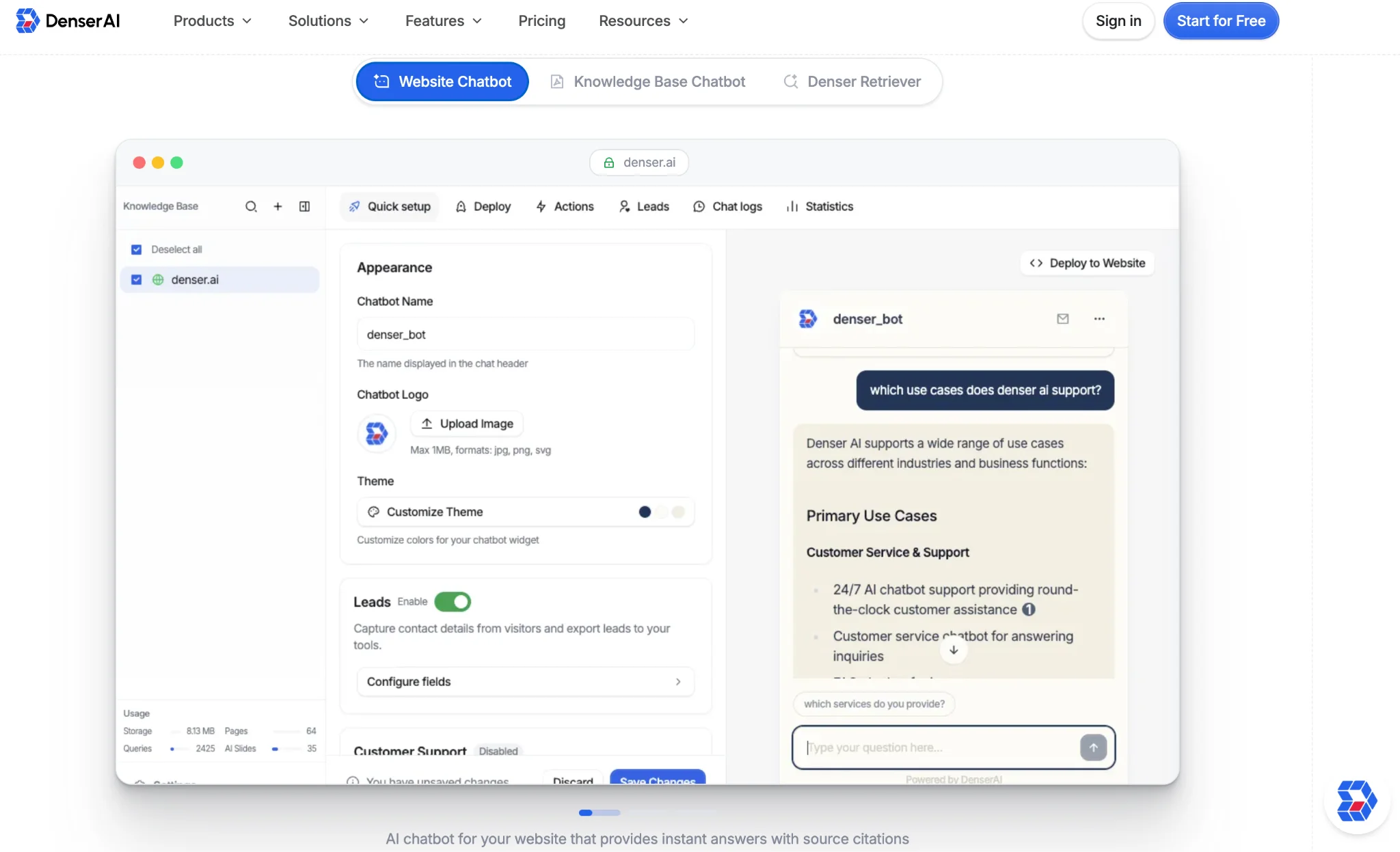
The biggest hidden time sink for support teams is information lookup. A customer asks a specific question, and the agent has to dig through product docs, past tickets, and SOPs to put together an answer.
Unifying that content into a knowledge base that supports natural-language queries cuts response times directly. Source citations on results matter especially here --- agents can verify where an answer is coming from before sending it to the customer.
Internal Knowledge: Unified Retrieval Across Tools#
Engineering docs live in Confluence, SOPs in SharePoint, HR policies in Notion, customer records in Zendesk.
Every time an employee needs a document, they first have to guess which system it might be in.
That guess-the-system tax is where McKinsey's 1.8-hour-a-day number actually comes from. A search layer that retrieves across multiple sources in a single query eliminates that step entirely.
What Modern Internal Search Looks Like#
The capabilities that kept showing up across the four scenarios above come down to three core principles --- and these are what separate modern AI-powered search from traditional keyword search.
Understanding Intent, Not Just Matching Strings#
An employee searching "vacation days" should find documents about "PTO"; a customer searching "return policy" should land on "B2B refund terms."
You shouldn't need to guess what wording the original author used --- the system should understand meaning on its own.
Multi-Source Integration#
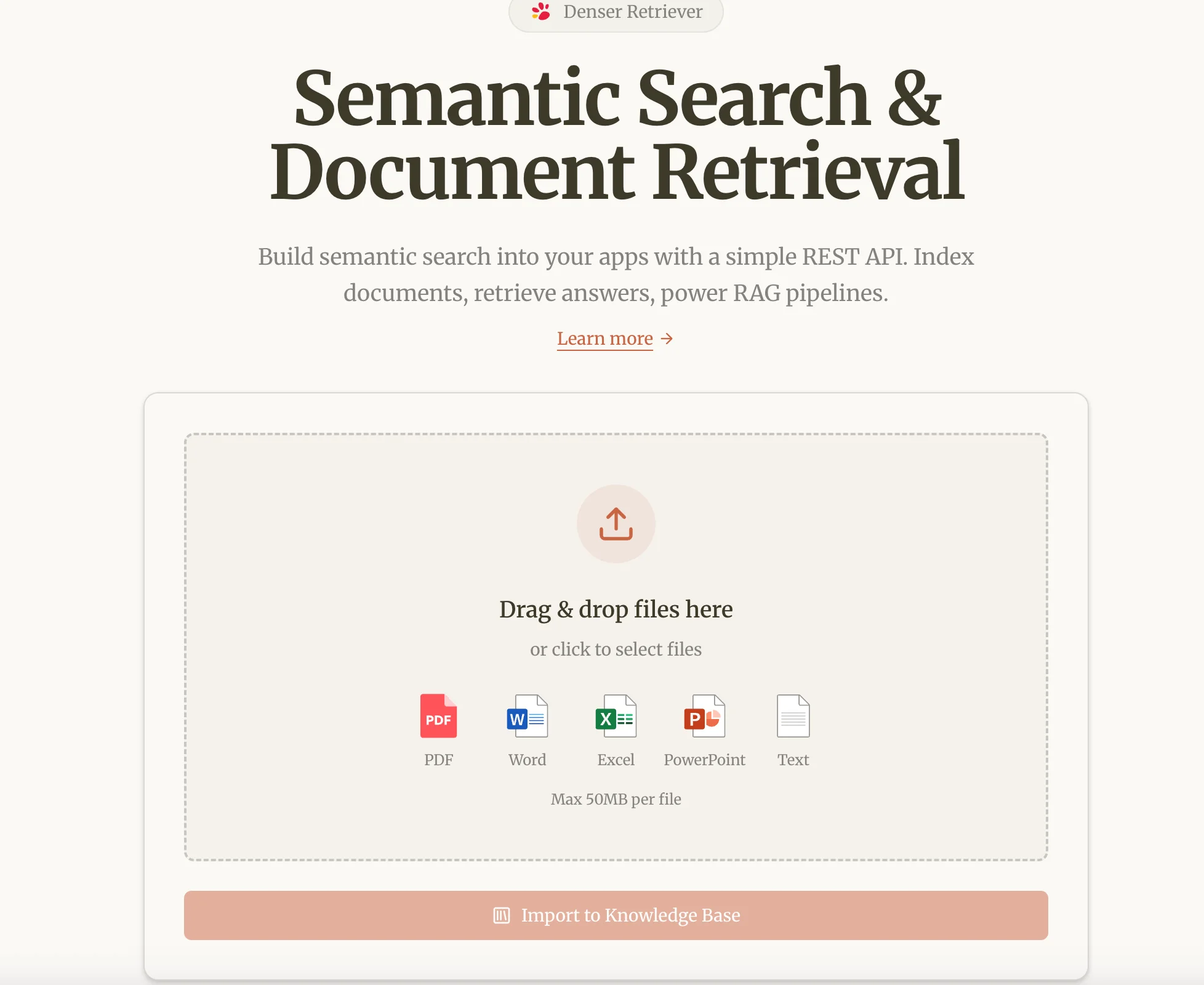
A single query should be able to pull results across multiple content types --- web pages, PDFs, Word documents, presentations, database records --- and return them ranked together.
Search confined to a single system can never solve the "I'm not sure which system this lives in" problem.
Source Citations#
Every result should show which document the information came from. In customer-facing answers, this is the foundation of trust; in internal compliance scenarios, it's the start of an audit trail.
Anywhere your answers will be sent to customers or reviewed by legal, citations aren't optional.
Denser AI is built around these three principles. The same underlying capability powers e-commerce product search, in-product SaaS search, customer support AI, and internal knowledge retrieval --- without requiring a separate tool for each scenario.
How to Choose the Right Platform#
When evaluating options, there are a few dimensions that matter more than "how powerful does it look."
Start With the Type of Search You Actually Need#
Product search on a website, customer support AI, and internal knowledge retrieval each demand a different mix of capabilities. Algolia leans toward website search, Glean leans toward large-enterprise intranet, Coveo targets enterprise scale --- most tools are strong in one scenario.
If your needs span more than one, a platform with extensible underlying capability is more efficient than stitching tools together.
Be Honest About Deployment Time and Ongoing Cost#
Building your own search infrastructure (Elasticsearch plus a vector database plus reranking) almost never pencils out for small or mid-sized teams --- the long-term maintenance cost quietly eats whatever efficiency gain it produced.
Out-of-the-box semantic search platforms get you live in minutes, which is why most teams in the 30-to-500-person range go straight to lightweight options.
Pricing Model Determines Whether You Can Try Before You Commit#
Enterprise solutions usually involve annual contracts and sales cycles measured in months.
If you want to validate before deciding, look for usage-based pricing and self-serve signup --- a path that lets you start without going through procurement.
Cross-Scenario Coverage#
When a single platform can drive e-commerce product search, in-product SaaS search, customer support AI, and internal knowledge retrieval, you don't have to buy a different tool for each scenario, maintain separate indexes, or train separate teams.
This is the direction Denser AI has taken from the start --- we built it so that teams with needs across multiple scenarios don't have to solve them by piecing together a stack.
Closing Thoughts#
Internal search is no longer just a search box. It's an underlying capability that shapes conversion, retention, support efficiency, and organizational productivity all at once.
The fastest way to see whether it fits your scenario is to upload a few of your own documents and run it --- visit denser.ai to get started.
FAQ About Internal Search Engine Setup#
Q1: How long does it take to set up internal search?
Most setups take minutes to a day. The real time goes into deciding which content sources to connect first, not the technical work. Denser AI keeps deployment minimal so your team focuses on content, not infrastructure.
Q2: Can one platform handle both website search and internal knowledge retrieval?
Most tools only do one well --- website search tools struggle with internal docs, and vice versa. Denser AI covers both with the same underlying capability, so you don't need separate tools for product search and your company knowledge base.
Q3: Does AI search work if our documents aren't well organized?
Yes. Semantic search matches meaning rather than relying on tags or folder structure, so it works with messy real-world content. Denser AI handles PDFs, Word, presentations, and spreadsheets without prior cleanup.
Q4: How does internal search handle permissions?
Access is controlled at the source level --- you connect only what each user group should see. Denser AI supports separate knowledge bases per team, so role-based access stays aligned with your existing document permissions.
Q5: Can internal search power a customer-facing chatbot?
The same retrieval layer that handles internal search can answer customer questions on your website. Denser AI uses one content setup to power both --- no duplicated work between internal and external use cases.
Q6: Are AI search results accurate and trustworthy?
Accuracy depends on the underlying content and how the system handles ambiguity. Denser AI returns source citations with every result, so users can verify where an answer came from --- essential for customer-facing answers and internal compliance.