
8 Best Enterprise AI Chatbot Solutions for 2026

At the enterprise level, a chatbot must operate across large knowledge bases, connect with internal systems, support complex routing, protect customer data, and maintain context as conversations move between automated and human teams.
Enterprise buyers are looking for AI chatbot solutions that can support scale, governance, and consistent service across a much larger operation.
In this article, we'll break down the best enterprise AI chatbot solutions for 2026, including where each platform fits, what it does well, how pricing works, and which tradeoffs matter most before rollout.
TL;DR#
- Denser
- Microsoft Azure AI Services
- Salesforce Einstein
- IBM Watsonx
- Google Cloud Vertex AI
- Oracle AI
- SAP Business AI
- Wonderchat
What Sets Enterprise AI Chatbots Apart?#
An enterprise chatbot solution is built for business use, not simple uses. It needs to work across large knowledge bases, internal systems, customer records, and multiple support channels while keeping answers accurate, secure, and consistent.
That usually includes natural language processing, machine learning, workflow automation, integrations, and governance features that support real business operations.
At this level, AI offers more than quick FAQ replies. It helps teams automate routine work, support customers more quickly, and connect conversations to the systems that power the service experience.
Enterprise teams need role-based permissions, audit logs, security controls, multilingual support, and robust analytics that show what is working and where the chatbot fails. They also need clear rules for escalating complex issues to human teams without losing context.
That matters when the goal isn't only faster replies, but consistent customer experiences throughout regions, departments, and channels.
8 Best Enterprise AI Chatbot Solutions#
The tools below were picked for enterprise fit, integration depth, deployment flexibility, pricing clarity, and overall AI capabilities.
Some enterprise chatbots focus on workflows like support, knowledge retrieval, and agent assistance. Others sit within broader AI solutions built to connect chat, automation, and business systems into a single platform.
The best option depends on what your enterprise team needs the chatbot to do. Let's take a deep look at each one.
1. Denser#
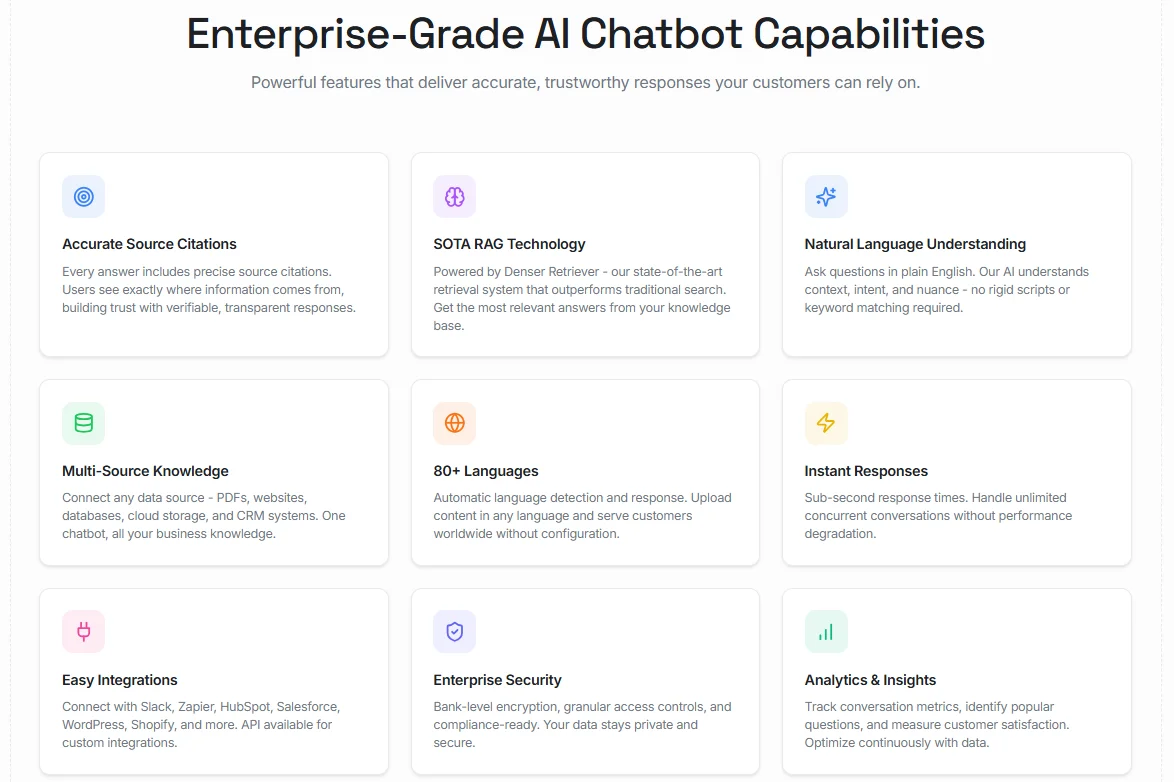
Denser is an AI chatbot and agent platform that lets you build an AI chatbot for your website or add semantic search to your apps, based on your own content.
For enterprise teams, that matters when support answers depend on product docs, help centers, uploaded files, CRM records, internal SOPs, and database content.
Denser lets teams upload websites, PDFs, DOCX, PPTX, Google Drive, databases, and CRM systems, then get answers with source citations attached.
That provides support teams with a clearer self-service layer, gives internal teams faster access to the same knowledge, and keeps answers grounded in the material the business already uses.
Deployment is also simpler than what many enterprise teams expect from this category. The setup starts with connecting data sources, testing responses in the dashboard, and deploying through a widget, API, or integration. It takes less than 10 minutes.
Enterprise teams can review cited answers before launch, adjust prompts and suggested questions, and track conversation quality after going live.
Denser Key Features#
- Trains on websites, PDFs, DOCX, PPTX, Google Drive, databases, and CRM systems
- Returns source-cited answers grounded in your own knowledge bases and business data
- Supports 80+ languages with natural language understanding and conversational AI flows
- Deploys via a chat widget, Slack, Zapier, Shopify, WordPress, and APIs
- Tracks conversations, audit logs, customer satisfaction, and real-time analytics
Pros#
- Returns accurate answers from website content and documents, with source citations that users can verify.
- Feels easy to use day to day, with a smooth setup and a user-friendly interface.
- Works well for website chat and search with faster answers and better customer interactions.
- Can be deployed in minutes.
- Gets positive marks for customer support and overall usability, reducing rollout friction for lean teams and large deployments alike.
Pricing#
- Free plan available
- Starter: $29/month
- Standard: $119/month
- Business: $399/month
- Enterprise: Contact Sales
All plans have a 20% discount when paid annually.
Start for free and serve your customers or empower your team!
2. Microsoft Azure AI Services#
Microsoft's enterprise chatbot stack fits best when the business already runs on Azure, Microsoft 365, Teams, and the wider Microsoft security and identity layer.
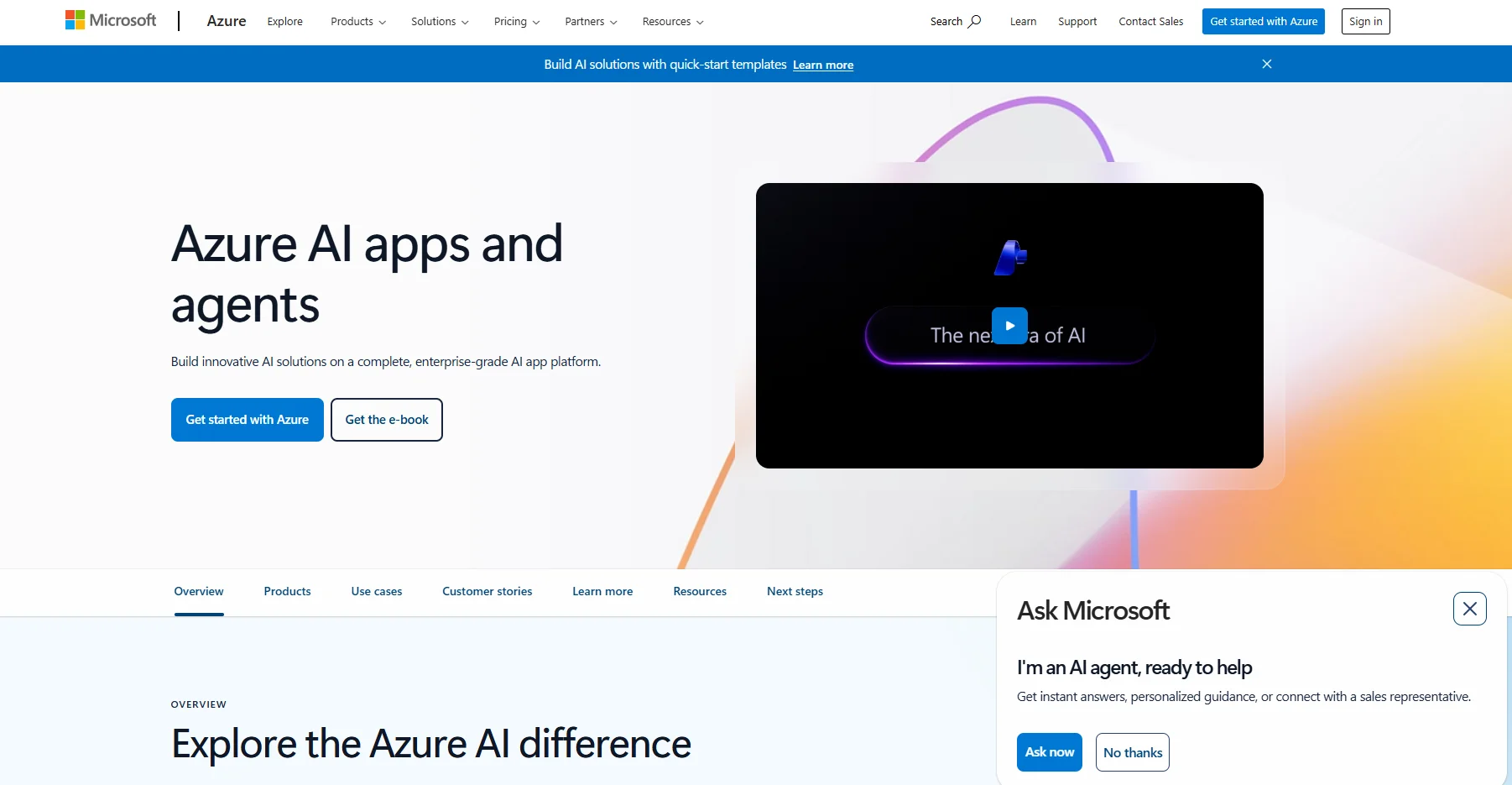
Image Source: azure.microsoft.com
Azure AI Bot Service handles multichannel bot deployment, Copilot Studio gives teams a low-code way to build and publish agents, and Microsoft Foundry adds model access, agent development, and governance on top.
For enterprise teams, that makes Microsoft a practical option when the chatbot needs to connect with internal systems, support broader automation, and stay inside the same cloud and compliance environment.
The main appeal here is depth across the Microsoft stack. Teams can build customer-facing or internal agents in Copilot Studio, extend them with Azure Bot Service across websites, Teams, mobile apps, and some telephony scenarios, then manage models and agents through Foundry and Azure.
Microsoft Azure Key Features#
- Supports Azure AI Bot Service for multichannel bot deployment
- Uses Copilot Studio for low-code agent building and external channel publishing
- Includes Microsoft Foundry for model access, agent development, and governance
- Connects with Teams, websites, apps, and other supported channels
- Keeps security, compliance, and management inside Azure and Microsoft's broader enterprise stack
Pros#
- Integrates deeply with Microsoft tools, including Teams, Power Platform, Azure DevOps, Entra ID, and Microsoft 365.
- Makes low-code bot building and setup more accessible than many enterprise-heavy developer tools.
- Handles automation, integrations, and enterprise governance in one ecosystem.
Cons#
- Pricing becomes harder to predict as usage, credits, premium channels, and add-on services accumulate.
- Advanced use cases come with a steeper learning curve than simpler chatbot platforms.
- Customization can feel limited for teams that want more control outside Microsoft's preferred workflow.
Pricing#
- Standard channels: Free, Unlimited messages
- Premium channels: 10,000 messages/month, $0.50 per 1,000 messages
3. Salesforce Einstein#
Salesforce's enterprise chatbot story now sits within Service Cloud and Agentforce, rather than as a standalone Einstein bot pitch. For enterprise teams already using Salesforce for customer data, service workflows, and sales operations, that matters.
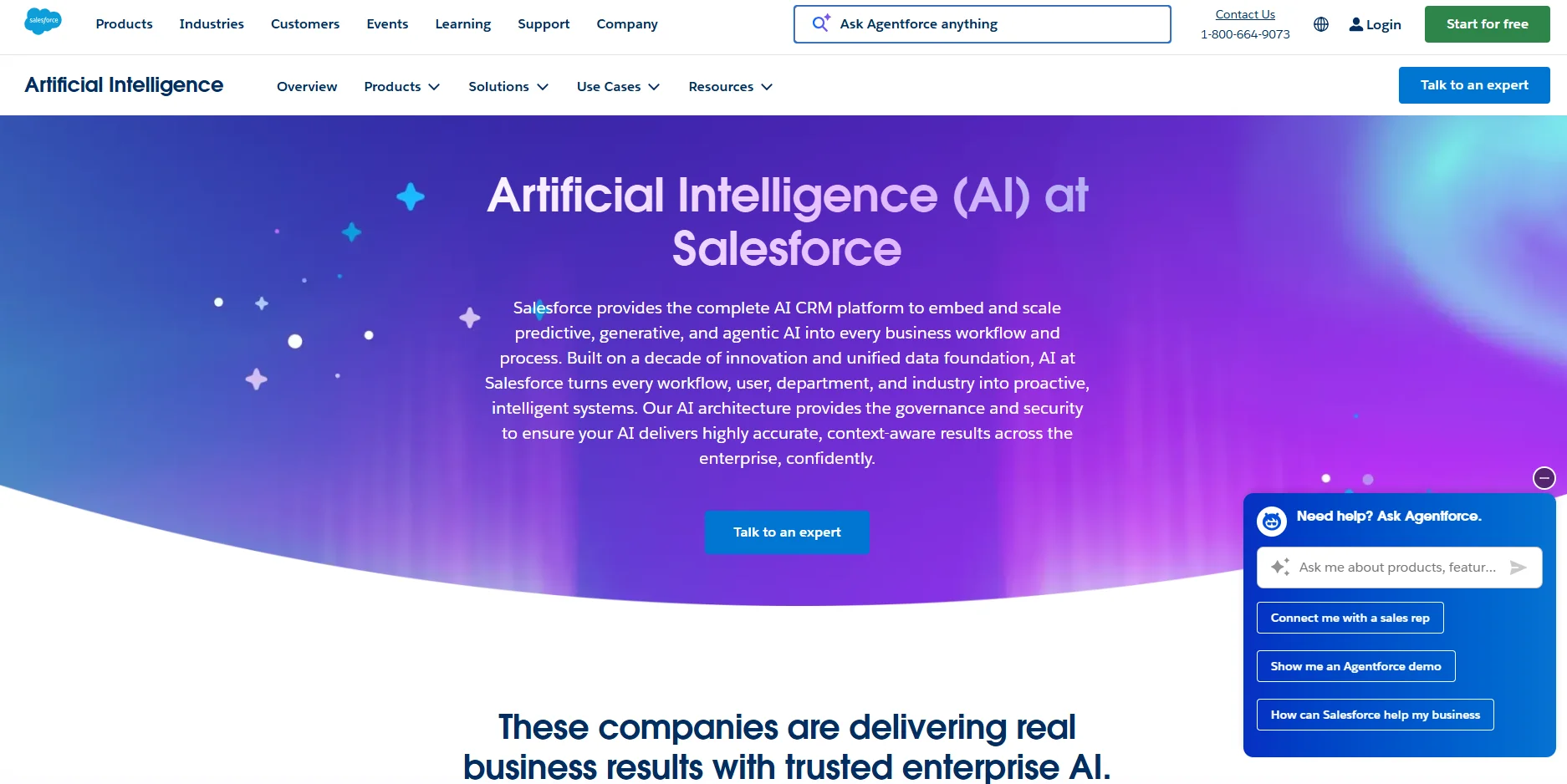
Image Source: salesforce.com
The chatbot can draw on CRM context, knowledge articles, workflow automation, and AI-powered workflows without leaving the same environment.
The platform can connect customer interactions, knowledge retrieval, agent assist, digital channels, and voice into a single service stack.
Salesforce Einstein Key Features#
- Agentforce for Service with generative replies, summaries, answers, and knowledge creation
- Service Cloud with live chat, self-service, digital channels, and knowledge support
- Agentforce pricing models are based on conversations, flex credits, or user licenses
- Deep integration with Salesforce CRM, customer data, and backend systems
- Contact center add-ons for messaging, voice, and phone support
Pros#
- Connects support, CRM data, automation, and case management in one system, which works well for large service operations.
- Supports deep customization for teams that need tailored workflows, routing, and service processes.
- Handles omnichannel support well, with case visibility across email, chat, phone, and social channels.
Cons#
- Costs can rise quickly once you add licenses, advanced features, and customizations.
- Setup and ongoing administration come with a steep learning curve, especially for teams without dedicated Salesforce admins.
- Reporting, configuration, and more advanced workflows can take time to build and maintain.
Pricing#
- Enterprise: $175/user/month
- Unlimited: $350/user/month
- Agentforce 1 Service: $550/user/month
- Agentforce for Service: Available as an add-on on Enterprise and Unlimited plans
4. IBM Watsonx#
IBM Watsonx fits enterprises that care about hybrid deployment, governed AI, and more control over how conversational AI connects to enterprise data.
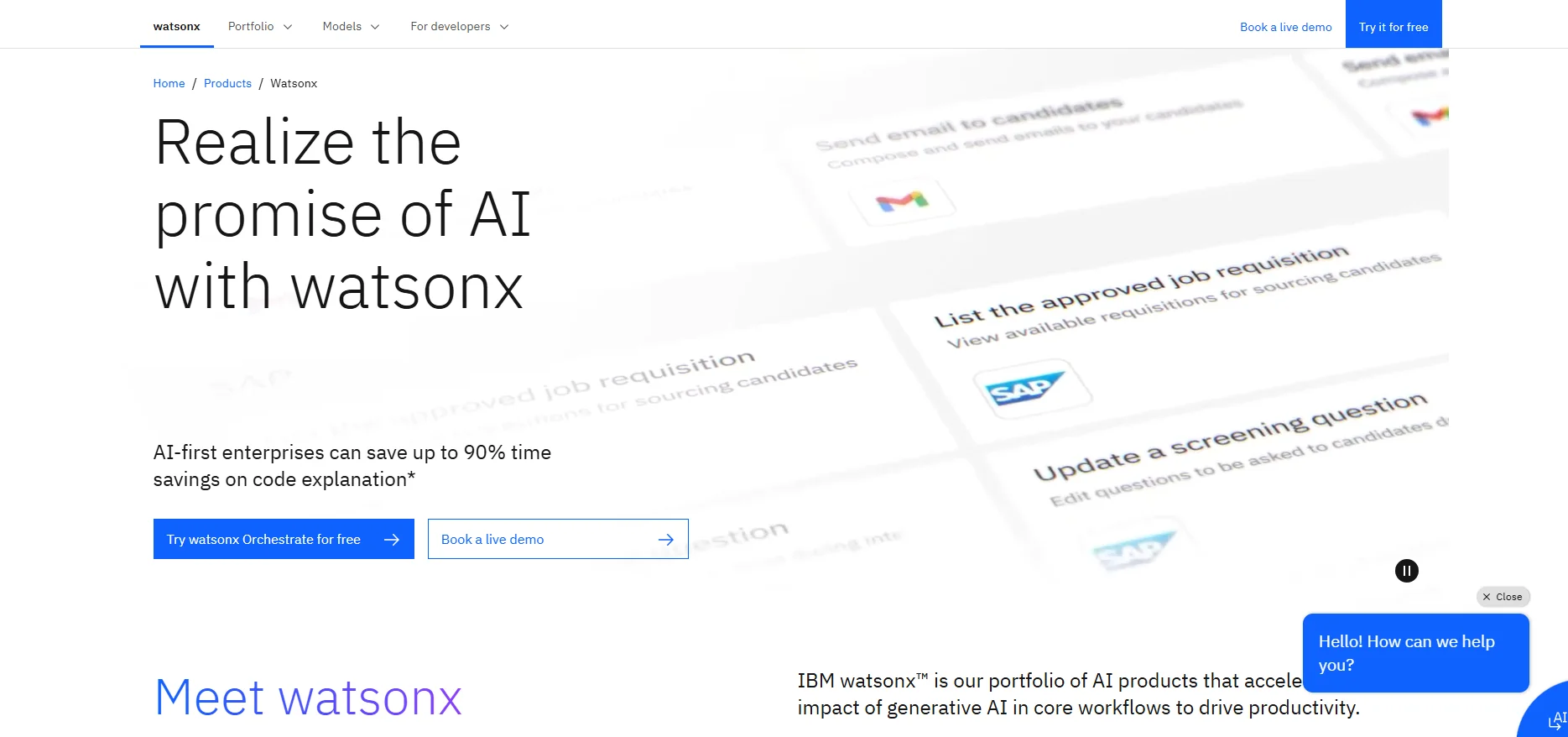
Image Source: ibm.com
For chatbot use, IBM's Watsonx Assistant adds the front-end layer, while Watsonx.ai, Watsonx.data, and governance tools support model choice, data grounding, and enterprise controls.
That's why IBM still appeals to regulated industries, healthcare AI programs, and organizations with stricter data security rules.
IBM's main advantage is deployment flexibility. Watsonx Assistant can run as SaaS or on premises, while the broader Watsonx stack supports hybrid and multi-cloud setups.
IBM Watsonx Key Features#
- Uses WatsonX Assistant for virtual agents, web chat, and omnichannel deployment
- Includes watsonx.ai for model access, RAG support, Agent Lab, and generative AI development
- Supports conversational search grounded in enterprise content and search integrations
- Supports hybrid and multi-cloud deployment across the broader WatsonX stack
- Includes governance, security, and compliance controls for enterprise rollout
Pros#
- Gives teams more control over deployment, governance, and enterprise AI management.
- Supports model variety, integrations, and enterprise-ready AI development in one stack.
- Makes it easier to build virtual agents that connect to business systems and existing support resources.
Cons#
- Comes with a steeper learning curve than lighter chatbot tools.
- Navigation, workflows, and setup can feel clunky for some teams.
- Pricing is harder to forecast because assistant, model, hosting, and data layers are billed separately.
Pricing#
- watsonx.ai: Free playground available
- watsonx.ai Essentials (pay-as-you-go): Starts at $0/month plus usage
- watsonx.ai Standard (pay-as-you-go): Starts at $1,110/month
5. Google Cloud Vertex AI#
Google Cloud Vertex AI suits enterprises that want to build and manage custom AI agents on Google Cloud rather than buy a more narrowly focused support chatbot.
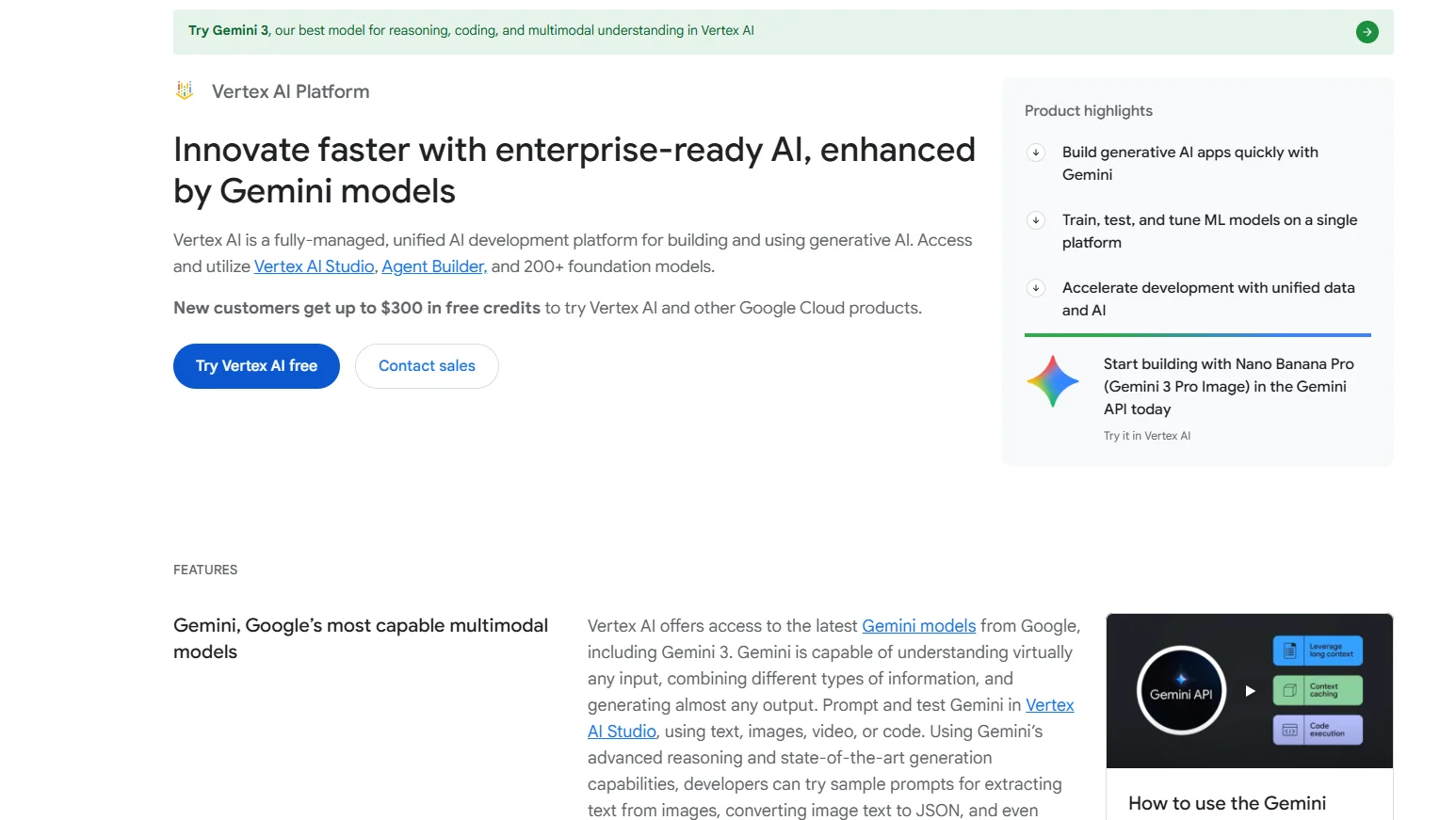
Image Source: cloud.google.com
Vertex AI Agent Builder gives teams tools for agent development and multi-agent workflows, while Vertex AI Search handles grounded search, website search, and generative answers.
For enterprise teams, that creates a flexible setup for customer support, internal search, workflow automation, and data analysis tied to enterprise content and systems.
It also gives teams access to Gemini and other AI models, which matters when the chatbot needs more control over model choice, grounding, and deployment.
Google Cloud Vertex AI Key Features#
- Uses Vertex AI Agent Builder for enterprise AI agents and multi-agent workflows
- Uses Vertex AI Search for grounded search, generative answers, and website search
- Ground responses in enterprise data or Google Search for more reliable retrieval
- Supports VPC Service Controls and other enterprise security controls for sensitive workloads
- Gives access to Gemini and other advanced AI models through Vertex AI
Pros#
- Brings model development, deployment, and monitoring into one platform
- Integrates well with Google Cloud services like BigQuery and Cloud Storage
- Offers a wide range of model options and features for custom enterprise workflows
Cons#
- Pricing gets harder to predict as usage grows across search, agents, and model calls
- Setup, permissions, and configuration can feel complex for smaller or less technical teams
Pricing#
- Vertex AI Search: Free trial includes 10,000 queries/month
- Search Standard Edition: $1.50 per 1,000 queries
- Search Enterprise Edition: $4.00 per 1,000 queries
- Advanced Generative Answers: +$4.00 per 1,000 user input queries
- Vertex AI Agent Engine runtime: Free tier available, then usage-based
6. Oracle AI#
Oracle's chatbot offering centers on Oracle Digital Assistant and the wider Oracle AI stack. It fits enterprises that already run on Oracle applications, Oracle Cloud Infrastructure, or Oracle databases and want chatbot workflows tightly integrated with business systems.
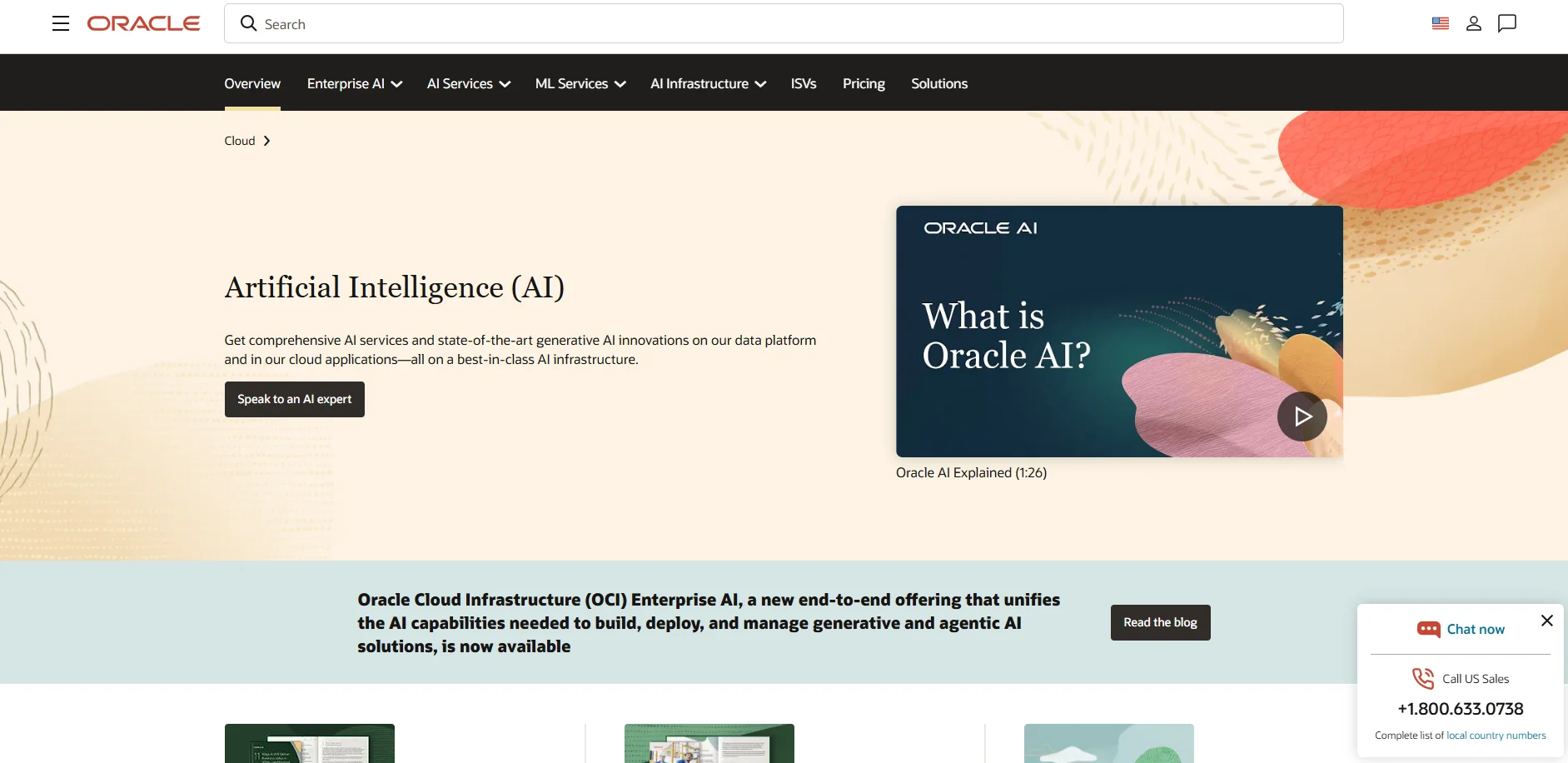
Image Source: oracle.com
Oracle Digital Assistant supports text, chat, and voice interfaces, while OCI AI services add model access, data grounding, and other generative AI tools on top of that.
For enterprise teams, that makes Oracle more relevant when the chatbot needs native integration with backend systems instead of acting as a standalone web chat layer.
Oracle AI Key Features#
- Uses Oracle Digital Assistant for text, chat, and voice interfaces
- Connects chatbot workflows to Oracle applications, databases, and OCI AI services for deeper enterprise automation
- Supports built-in analytics and performance monitoring for usage patterns, conversational bottlenecks, and other valuable insights
- Includes prebuilt chatbot skills for Oracle Cloud ERP, HCM, SCM, and CX applications
- Supports multichannel deployment, multilingual experiences, and bot-to-agent handoff with full context
Pros#
- Connects well with Oracle apps, databases, and enterprise workflows when the business already runs inside the Oracle stack.
- Supports both voice and chat use cases from the same assistant layer.
- Delivers built-in analytics, automation, and business process coverage that fit larger enterprise operations.
Cons#
- Setup takes more technical work than a lighter chatbot product, especially for teams new to Oracle tooling.
- Documentation and configuration can feel harder to work through during rollout.
- Pricing is harder to forecast because usage, AI services, and Oracle service layers are priced separately.
Pricing#
- Oracle AI: Free 30-day trial with $300 in credits available.
- Oracle Digital Assistant Cloud Service: $0.0232 per request with a minimum of 250 requests per hour.
- Oracle SaaS subscription pricing: starting from $3.00 per employee with a minimum of 1,000 employees.
7. SAP Business AI#
SAP Business AI fits enterprises that already run core operations in SAP and want AI tightly integrated with those systems.
Joule gives teams a conversational chat interface across SAP and non-SAP tools, while Joule Agents support complex workflows across finance, HR, procurement, and other business functions.
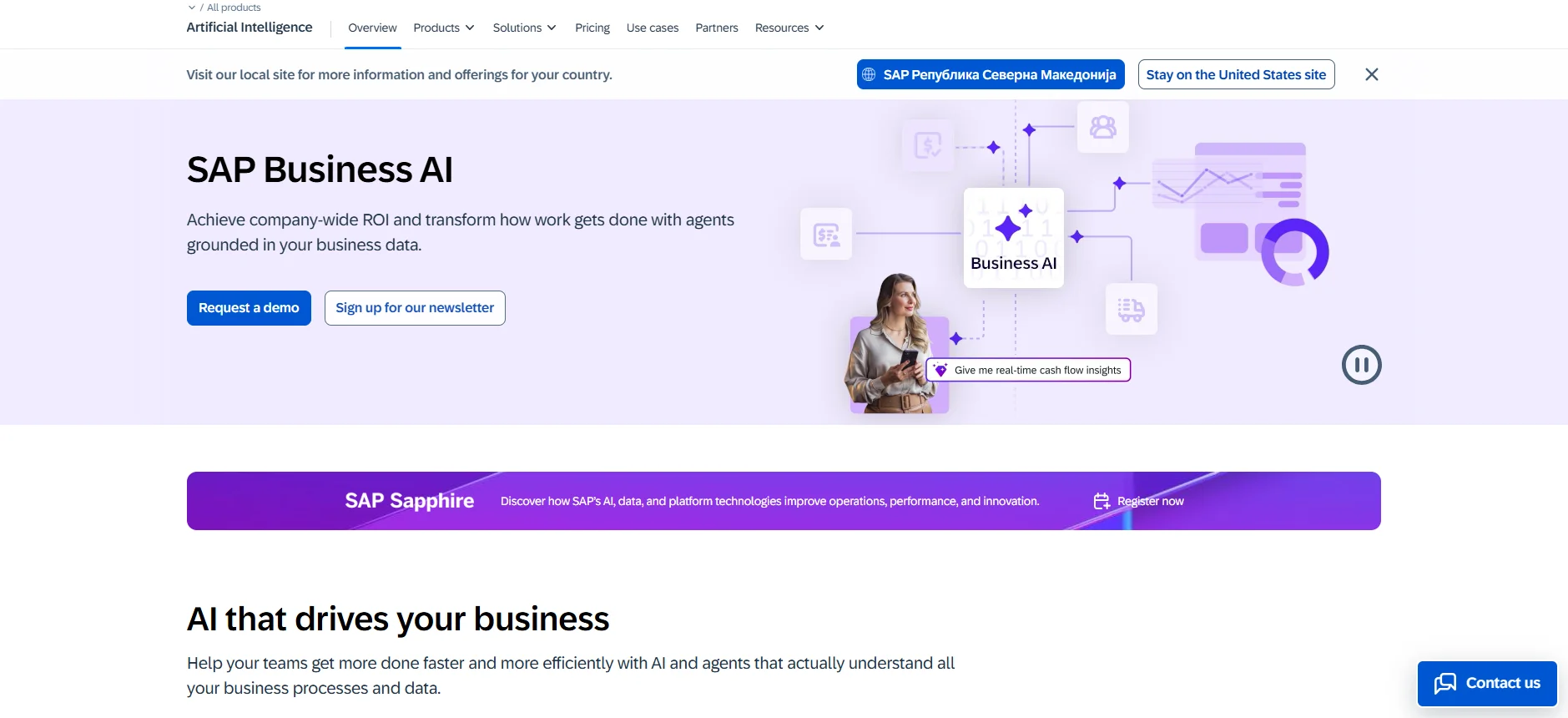
Image Source: sap.com
For global enterprises, that matters more than a standalone website bot because the value comes from process context, security, and seamless integration with the systems people already use.
SAP positions Joule as a unified AI layer that spans business functions, supports role-based access, and maintains context across tasks and multi-turn conversations. That can be useful for operations teams, HR, finance, and even sales teams that already work inside SAP.
SAP Business AI Key Features#
- Uses Joule as an AI assistant across SAP and non-SAP systems
- Uses Joule Agents for cross-functional automation and complex workflows
- Supports role-based access and a unified AI experience across business systems
- Keeps SAP business context and data grounding inside enterprise workflows
- Includes enterprise security, governance, and compliance controls
Pros#
- Fits well when the business already runs on SAP applications and data.
- Supports cross-functional automation, not just one chatbot use case.
- Keeps AI inside existing business workflows and access controls.
Cons#
- Not the best fit for teams that only need a simple customer-facing chatbot.
- Value depends heavily on existing SAP adoption and the depth of the rollout.
- Premium pricing is less straightforward than self-serve chatbot tools.
Pricing#
- Base AI: Included in SAP Cloud subscriptions.
- Premium AI: Paid separately through AI Units or per-user pricing, depending on the feature.
- Joule Premium: Available through premium AI packages.
- Enterprise pricing: Custom Pricing
8. Wonderchat#
Wonderchat is a no-code AI chatbot builder for teams that want fast deployment without building an enterprise agent stack from scratch.
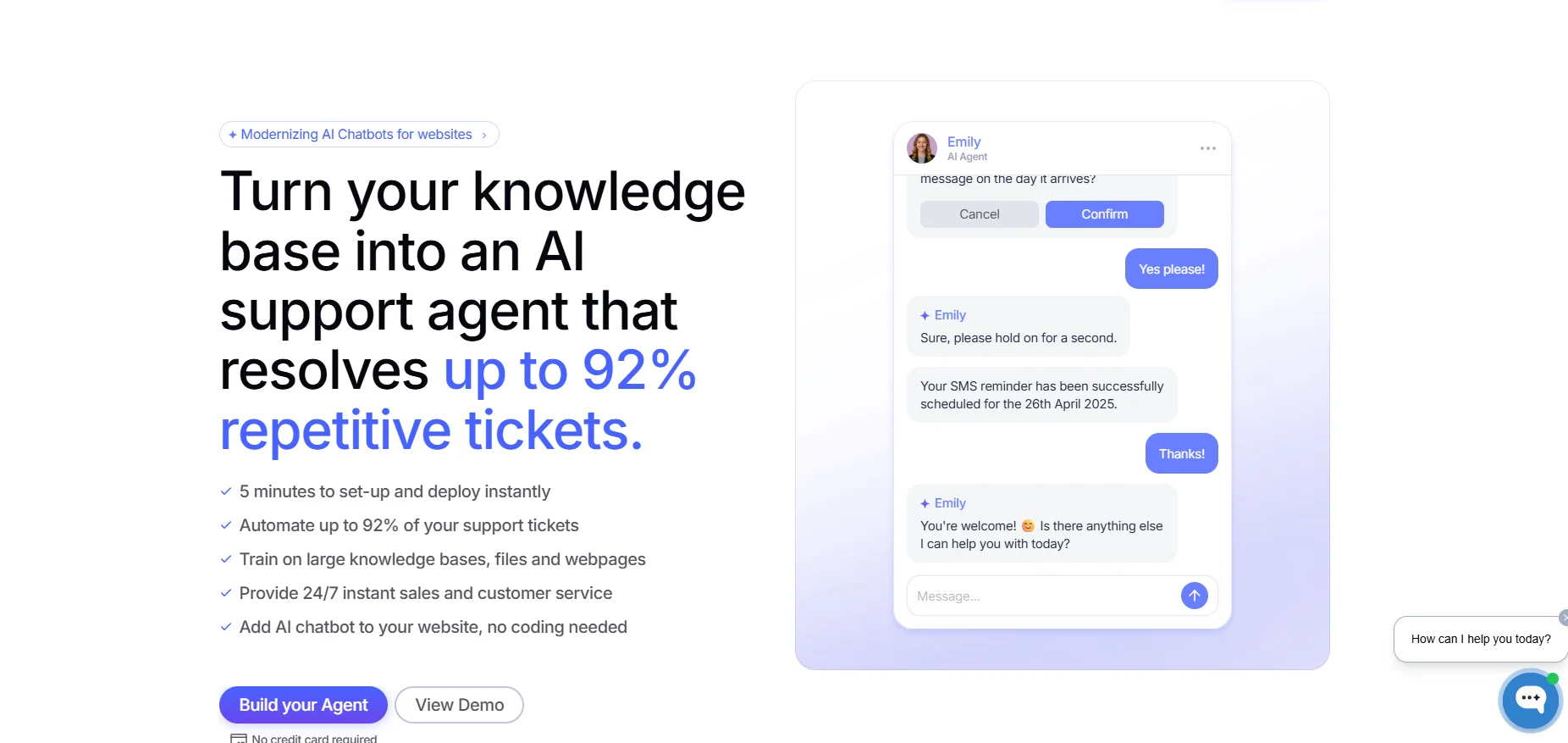
Image Source: wonderchat.io
It combines website chat, knowledge-based answers, lead collection, human handoff, analytics, and AI workflows in a simpler setup than cloud platform tools like Azure or Vertex AI. For enterprise teams that want a quicker path to support automation, that's the main appeal.
The tradeoff is platform depth. Wonderchat makes more sense for website chat, support automation, and lead capture than for highly customized enterprise systems work.
Wonderchat Key Features#
- Trains on websites, documents, PDFs, and files with a no-code setup
- Supports human handover, live chat, lead collection, and AI workflows
- Adds voice chat, phone agent support, and CRM integrations on higher plans
- Includes source citations, multilingual support, and analytics reporting
- Offers SOC 2, SSO, and enterprise security features on enterprise plans
Pros#
- Setup is quick and easy, with reviewers calling out the clean interface and fast launch.
- Response quality gets positive feedback, especially for knowledge-based answers trained on websites and PDFs.
- Pricing is seen as attractive by some reviewers, especially for business use cases.
- Support gets a positive mention when teams run into setup issues.
Cons#
- Review volume is still limited, so there is less third-party validation than with bigger platforms.
- Some website protections can create setup issues during content scraping.
Pricing#
- Starter: $29/month
- Basic: $99/month
- Turbo: $299/month
- Enterprise: Custom Pricing
How To Choose the Right Enterprise AI Chatbot#
Start with the role the chatbot needs to handle, not the number of AI features on the sales page.
Some enterprise teams need the AI chatbot for customer support, self-service, and knowledge base answers.
Others need an AI assistant that can analyze data, manage multi-step workflows, connect with backend systems, and support AI automation across departments.
The closer the chatbot gets to customer data, internal tools, and business-critical processes, the more security, control, and depth of integration matter.
For most enterprise teams, the shortlist becomes clearer when you look at five things:
- Knowledge quality: Can the chatbot return accurate answers from knowledge bases, internal databases, and uploaded files without dropping context?
- Security and governance: Verify enterprise-grade security, audit logs, role-based permissions, and deployment options suitable for regulated environments.
- Integration depth: A useful enterprise chatbot should integrate with the existing tech stack, CRM, help desk, and messaging apps rather than sit outside them.
- Handoff flow: The goal is not full containment. It's a clean path from automation to human agents when the issue gets more complex.
- Total cost: Usage-based pricing, premium add-ons, and higher-tier plans can quickly change the real cost.
It also helps to be honest about what kind of tool you need. A no-code chatbot builder may work well for faster deployment and simpler support use cases.
A more complex platform makes more sense when the chatbot needs to integrate with a unified platform across support, operations, and internal systems.
If the chatbot will interact with website visitors, customers, and employees, long-term fit matters more than a fast demo.
Steps to Deploy an Enterprise AI Chatbot With Denser#
Deploying an enterprise AI chatbot with Denser starts with the data it needs to read, the answers it needs to return, and the workflows it needs to support.
Denser lets you go from setup to live deployment in under 10 minutes once your content is ready.
Create an account and follow the steps below, or use this guide:
1. Connect the Content Your Chatbot Needs to Read#
Start by adding the sources your chatbot should answer from. With Denser, you can upload PDFs, DOCX files, and PPTX files, or paste your website URL so the platform crawls and indexes the site automatically.
You can also connect Google Drive, databases, and CRM systems when the chatbot needs access to live business data.
This step shapes answer quality more than anything else. If your chatbot reads the right help content, product docs, policy pages, internal documents, and business data, it can handle more than simple FAQs. It can support complex conversations with answers grounded in the content your team already trusts.
2. Test the Chatbot in the Dashboard Before You Publish It#
Once the data is connected, test the chatbot inside the Denser dashboard. Ask real questions in the live preview panel and review the replies with source citations before anything goes live.
You can fine-tune the AI prompt, adjust suggested questions, and check whether the chatbot responds with the right tone, structure, and accuracy.
This is also the stage where you pressure-test the setup against real enterprise use cases. Check how it handles edge cases, follow-up questions, complex tasks, and replies that need a clear human fallback.
Make sure the answers reflect your brand voice, keep the right conversation context, and follow the business logic you want the chatbot to use in production.
3. Deploy the Chatbot Where Your Team or Customers Need It#
After testing, deploy the chatbot with a single code snippet on your website, or launch it across tools your team already uses. Denser supports deployment to Slack, Zapier, Shopify, WordPress, and more, so you can match the rollout to the channels that matter most.
That gives enterprise teams a practical path for blending automation with real support and business workflows.
You can launch a customer-facing chatbot on your site, support internal knowledge search in Slack, or connect the chatbot to store and workflow systems without turning deployment into a long technical project.
Make Enterprise Support More Accurate, Scalable, and Easier to Trust#
Denser is an AI chatbot and retrieval platform built to answer questions using your own business content, with source citations attached.
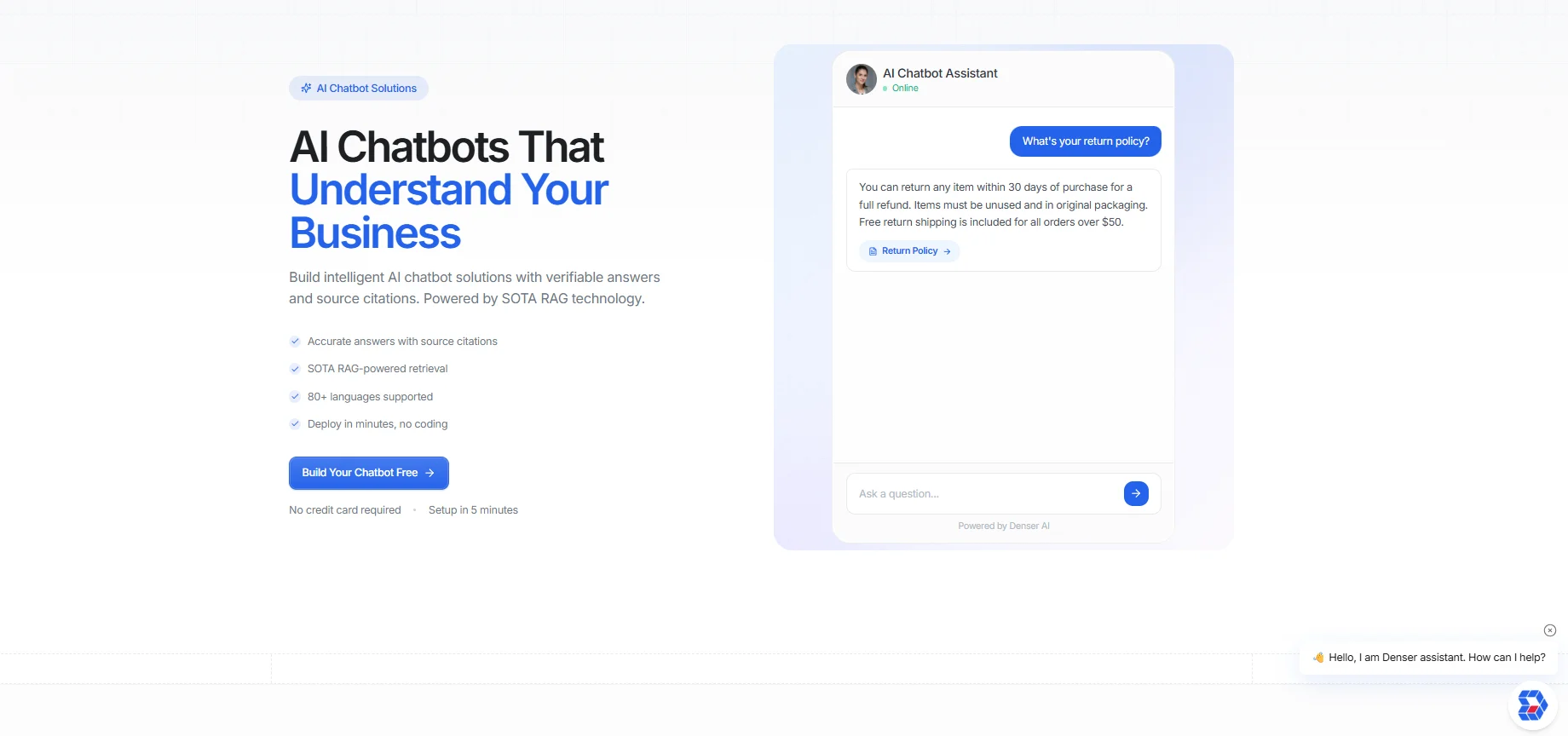
It can connect websites, documents, databases, cloud storage, CRM systems, and other business sources, then return verifiable answers across customer support, self-service, and internal knowledge workflows.
Denser also supports 80+ languages, granular access controls, real-time analytics, and deployment through web chat, API, Slack, Zapier, Salesforce, HubSpot, Shopify, and WordPress.
You can connect data sources, test responses with citations in the dashboard, and launch without a long custom build before you know whether the system fits your workflow.
Try Denser for free and reduce support costs with 24/7 enterprise answers!
FAQs About Best Enterprise AI Chatbot Solutions#
Can an enterprise chatbot work with internal databases?#
Yes. Many enterprise tools now support knowledge retrieval from internal databases, uploaded files, and backend systems. That's one of the biggest differences between enterprise chatbot platforms and lighter website bots.
Do enterprise chatbots replace human agents?#
No. They handle routine stuff, repetitive tasks, and many customer queries, but human agents still matter for complex issues, escalations, and sensitive decisions.
What security features matter most in an enterprise chatbot?#
Look for enterprise-grade security, role-based permissions, audit logs, secure data handling, and deployment options that align with your compliance model. For some organizations, on-premises deployment options or stricter network controls matter as much as the AI itself.