
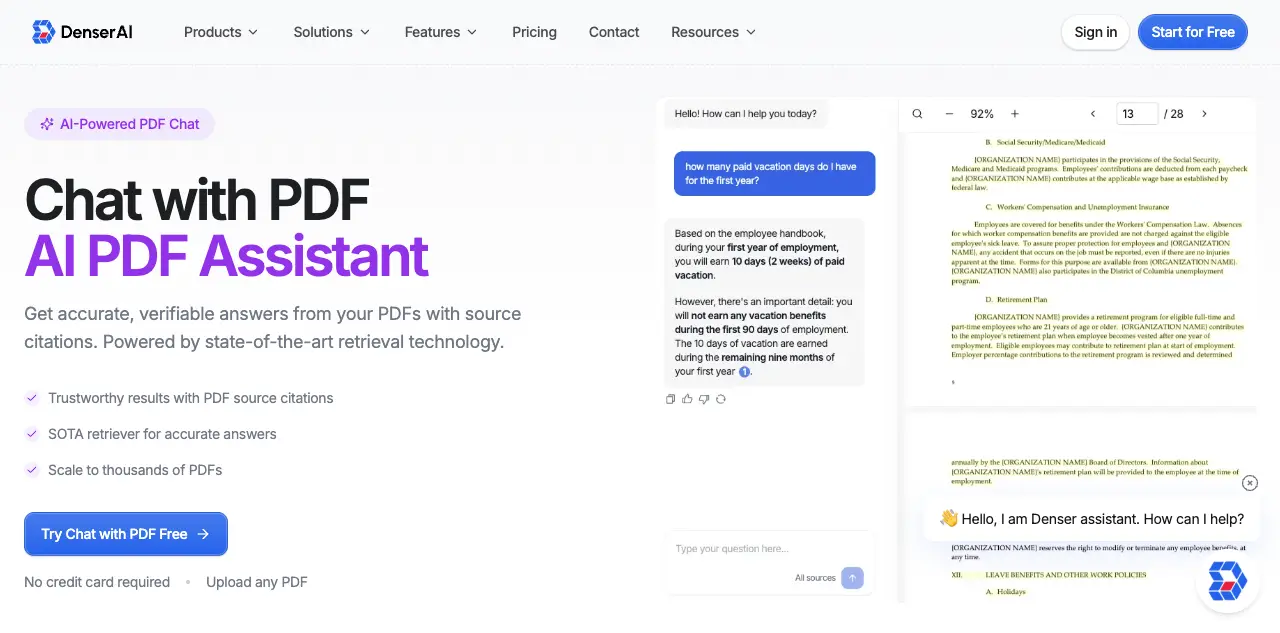
Chat with PDF: 7 Best AI PDF Chat Tools Compared (2026)

You have a 90-page contract on your screen. You need one specific clause about liability limits. The built-in search function returns 47 results for "liability," and none of them answer your actual question.
This is the problem that chat with PDF tools solve. Instead of keyword matching, these tools use AI to understand your question, scan the entire document, and return a direct answer with the exact page reference.
In 2026, there are dozens of document chat tools competing for your attention. We tested seven of the most popular options on real business documents, including contracts, research papers, and product manuals, to help you find the right fit.
What Does "Chat with PDF" Actually Mean?#
At its core, chatting with a PDF means uploading a document and asking questions about it in plain language. The AI reads the full document, understands the context of your question, and returns a specific answer rather than a list of keyword matches.
Here is how the underlying technology works:
- Document processing: The AI scans the PDF's structure, including headings, paragraphs, tables, and images. It breaks the content into searchable chunks.
- Embedding and indexing: Each chunk gets converted into a mathematical representation (called an embedding) that captures its meaning through semantic search, not just exact words.
- Retrieval: When you ask a question, the system finds the most semantically relevant chunks using a technique called Retrieval-Augmented Generation (RAG).
- Answer generation: A large language model reads those chunks and generates a natural language answer, ideally citing the specific passage it drew from.
The quality difference between tools comes down to how well they handle steps 3 and 4. Cheap implementations return vague summaries. Better tools deliver precise answers with page-level citations you can verify.
For a deeper look at the retrieval technology behind these tools, see our guide to retrieval-augmented generation.
7 Best Tools to Chat with PDF Documents in 2026#
We tested each tool by uploading a 45-page legal contract, a 120-page technical manual, and a 30-page research paper. We evaluated accuracy, citation quality, speed, pricing, and multi-document support. For a broader look at AI-powered PDF tools beyond chat, see our best AI PDF reader comparison.
1. ChatPDF - Best for Quick, One-Off Questions#
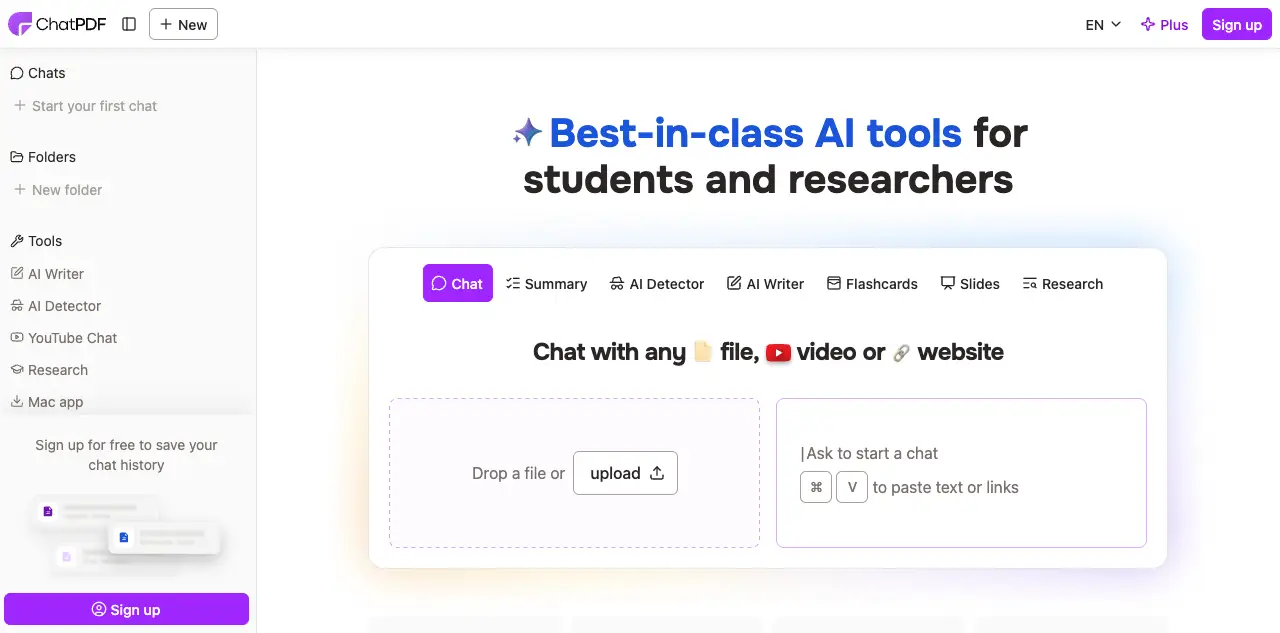
ChatPDF pioneered the concept of conversational PDF interaction. Upload a file, and you can start asking questions within seconds. No account required for basic use.
What it does well:
- Fastest time-to-first-answer of any tool we tested
- Clean, distraction-free interface
- Supports 2 free PDFs per day without signing up
- Handles research papers and textbooks particularly well
Where it falls short:
- Limited to single-document conversations on the free plan
- No source highlighting inside the PDF itself
- Lacks team features, analytics, or integration options
- File size capped at 10 MB (free) or 32 MB (Plus)
Pricing: Free plan available. Plus plan starts at $14.99/month (or $7.58/month billed yearly) for unlimited PDFs, 2,000 pages per PDF, and unlimited questions.
Best for: Students, researchers, and anyone who needs fast answers from individual documents.
2. AskYourPDF - Best Free Option with Multi-Document Support#
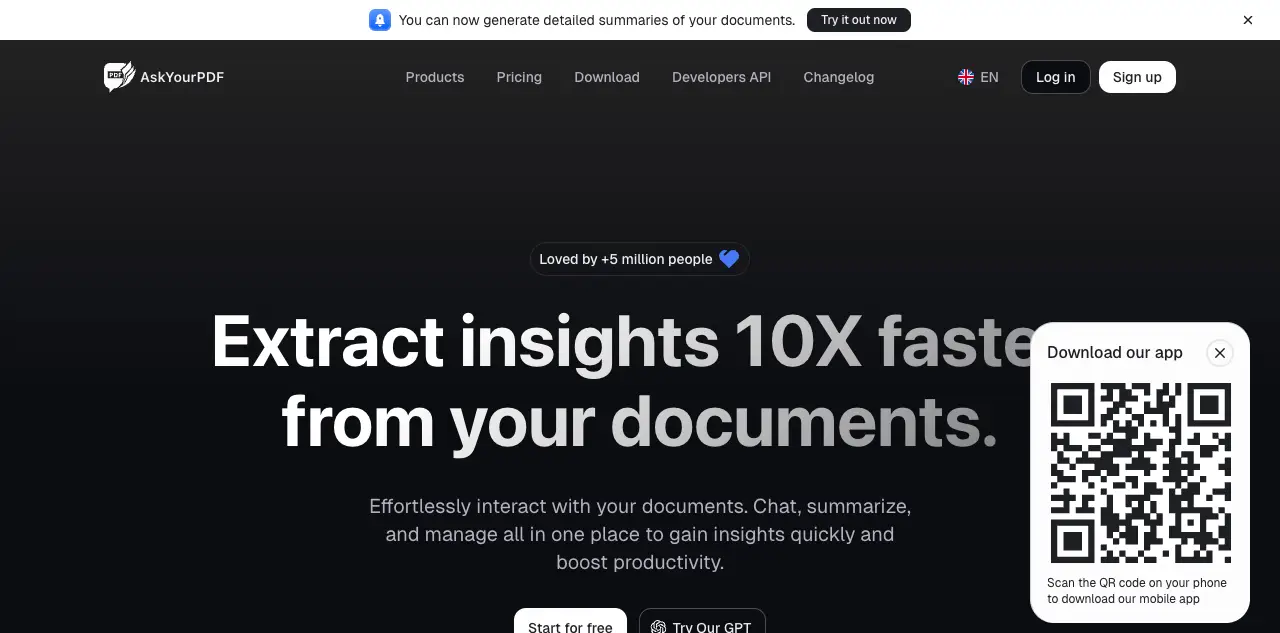
AskYourPDF offers a Chrome extension for reading PDFs directly in your browser and a knowledge base feature for organizing documents into searchable collections.
What it does well:
- Chrome extension lets you chat with any PDF you find online
- Knowledge base feature for multi-document conversations
- Knowledge base feature organizes documents into searchable collections
- API available for developers
Where it falls short:
- Answer accuracy was inconsistent on our legal contract test
- Citation references are text-based only, no visual highlighting
- Interface feels cluttered compared to simpler tools
Pricing: Free plan available. Premium starts at $11.99/month with higher limits, multi-document knowledge base, and Chrome extension access. Pro plan at $14.99/month adds priority support.
Best for: Budget-conscious users who need multi-document search and browser integration.
3. Smallpdf - Best for Document Workflows Beyond Chat#
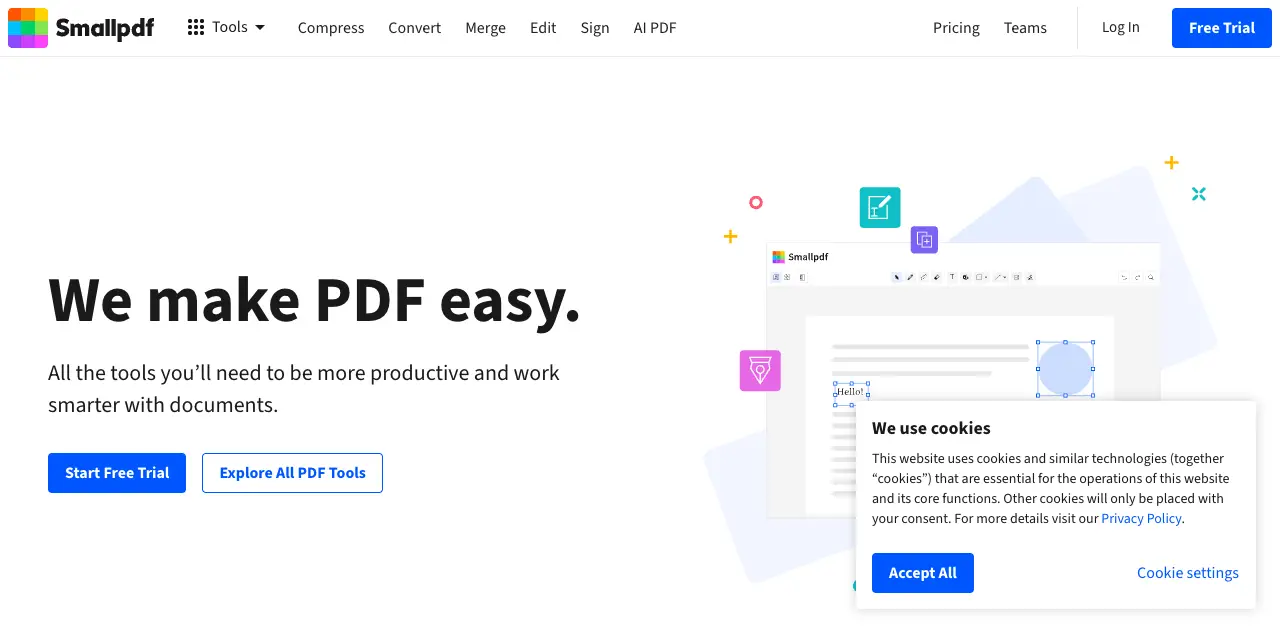
Smallpdf is primarily a PDF utility suite (compress, convert, merge), but its AI assistant adds document chat capabilities to the mix. If you already use Smallpdf for other PDF tasks, the chat feature is a natural addition.
What it does well:
- Combines chat with PDF editing, conversion, and signing tools
- Strong summarization for long documents
- Clean, polished interface
- Handles large files well
Where it falls short:
- AI chat is just one feature among many, not the primary focus
- No multi-document conversations
- Limited customization for business use cases
Pricing: Free plan with limited daily uses. Pro starts at $15/month with unlimited access to all tools including AI chat.
Best for: Users who need an all-in-one PDF toolkit with chat as a bonus feature.
4. PDF.ai - Best for Data Extraction from PDFs#
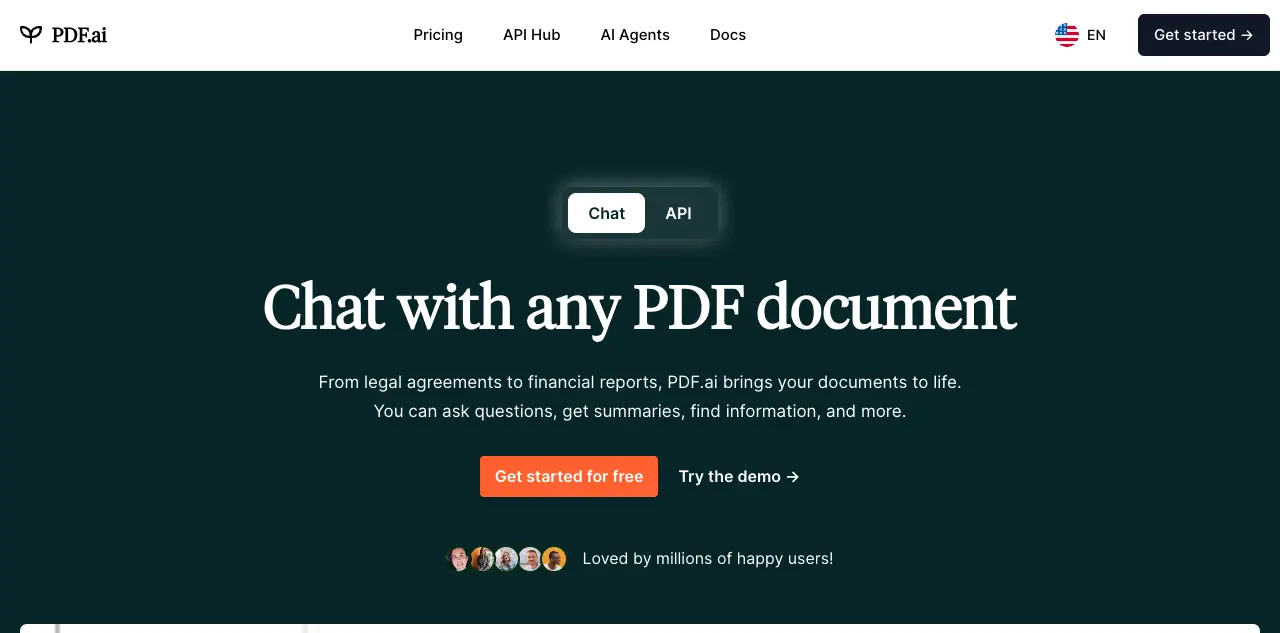
PDF.ai focuses on both conversational interaction and structured data extraction. Its Parser feature pulls tables, fields, and key-value pairs from documents automatically, which is useful for financial documents and invoices.
What it does well:
- Multi-document chat across PDF collections
- Structured data extraction (Parser) for tables and forms
- Document tagging and organization features
- Strong accuracy on financial and billing documents
Where it falls short:
- Free tier is very limited (1 PDF, 100 questions/month)
- Team features only available on higher-priced plans
- No visual source highlighting within PDFs
Pricing: Free Hobby plan. Pro at $10/month, Ultimate at $20/user/month, Enterprise at $30/user/month (billed yearly).
Best for: Finance teams and anyone who needs both document chat and structured data extraction.
5. SciSpace - Best for Academic Research#
SciSpace is built specifically for academic and scientific literature. It connects to a database of 220 million+ papers, so you can search, read, and chat with research documents in one place.
What it does well:
- Search across 220M+ academic papers integrated with document chat
- Citation-backed answers that reference specific studies
- Explains complex academic language in simpler terms
- Literature review tools that go beyond simple Q&A
Where it falls short:
- Focused almost exclusively on academic content
- Not suitable for business documents, contracts, or manuals
- Limited file format support beyond PDFs
Pricing: Free Basic plan with limited daily usage. Premium at $20/month ($12/month billed yearly). Teams at $18/seat/month.
Best for: Researchers, graduate students, and academic professionals.
6. Adobe Acrobat AI Assistant - Best for Existing Adobe Users#
Adobe's AI Assistant is built directly into Acrobat, the application most professionals already associate with PDFs. If your organization pays for Adobe Creative Cloud or Acrobat Pro, the AI assistant integrates without requiring a new tool.
What it does well:
- Native integration with the world's most widely used PDF software
- Strong document understanding, especially for complex layouts
- Summarization and Q&A within the familiar Acrobat interface
- Enterprise security and compliance built in
Where it falls short:
- Requires Acrobat Pro subscription ($19.99/month) plus AI add-on ($4.99/month)
- No multi-document conversations
- Limited to PDF format only
- AI features still relatively new and evolving
Pricing: Requires Acrobat Pro ($19.99/month) plus AI Assistant add-on ($4.99/month), or Acrobat Studio ($24.99/month) which bundles both.
Best for: Organizations already invested in the Adobe ecosystem.
7. Denser Chat - Best for Enterprise Knowledge Management#
Denser Chat takes a different approach from the tools above. Rather than focusing on individual document Q&A, it is built to turn large document collections into searchable, interactive knowledge bases with AI agent capabilities.
What it does well:
- Visual source highlighting shows the exact passage inside the PDF where the answer came from
- Scales to hundreds of thousands of documents and webpages
- Supports PDFs, Word docs, Excel, PowerPoint, and website content in one knowledge base
- AI agents can query databases, call APIs, and integrate with Slack, Zapier, and Shopify
- Full chat log analytics and conversation management
- Team workspaces with role-based access control
Where it falls short:
- More setup required than simple upload-and-chat tools
- Overkill for individual users who just need quick PDF answers
- Enterprise features require paid plans
Pricing: Free plan (1 bot, 20 queries). Starter at $29/month, Standard at $119/month, Business at $399/month.
Best for: Businesses and teams that need accurate, scalable document intelligence with integrations and analytics.
PDF Chat Tools: Feature Comparison#
| Feature | ChatPDF | AskYourPDF | Smallpdf | PDF.ai | SciSpace | Adobe AI | Denser Chat |
|---|---|---|---|---|---|---|---|
| Free plan | Yes | Yes | Limited | Very limited | Yes | No | Yes |
| Multi-document chat | Paid only | Yes | No | Yes | Yes | No | Yes |
| Visual PDF citations | No | No | No | No | No | No | Yes |
| Data extraction | No | No | No | Yes | No | No | No |
| Academic paper search | No | No | No | No | Yes (220M+) | No | No |
| Database/API integrations | No | API only | No | No | No | No | Yes |
| Team workspaces | No | No | No | Paid | No | Enterprise | Yes |
| Chat analytics | No | No | No | No | No | No | Yes |
| File formats beyond PDF | No | Limited | Yes | No | No | No | Yes |
| Best for | Individuals | Budget users | PDF workflows | Data extraction | Researchers | Adobe users | Enterprise |
How to Get the Best Results from PDF Chat Tools#
The quality of your results depends as much on how you use these tools as on which one you pick. Here are practical tips that work across all platforms.
Prepare your documents#
Clean, well-structured PDFs produce better results when you chat with PDF tools. If you are working with scanned documents, run OCR first. Documents with clear headings, consistent formatting, and text-based content (not images of text) give AI models more to work with.
Ask specific questions#
Vague questions get vague answers. Instead of "What does this document say about costs?" try "What is the monthly subscription fee for the Standard plan, and does it include support?"
The more specific your question, the more precise the answer. Include context when it helps: "In section 3 of the contract, what are the termination conditions?"
Verify citations#
Even the best tools occasionally misinterpret content. When accuracy matters, always check the source passage. Tools with visual highlighting like Denser Chat make this faster, but you should build a verification habit regardless of which tool you use.
Use follow-up questions#
These tools maintain conversation context. After getting an initial answer, ask follow-up questions to dig deeper: "What exceptions apply to that clause?" or "How does that compare to the section on warranties?"
Chat with PDF by Use Case#
Different situations call for different tools. Here is how to match your use case to the right solution.
For research and academia#
Start with SciSpace if you work primarily with published research. Its integration with 220M+ papers and citation-backed answers makes it the strongest option for literature reviews. For non-academic PDFs in a research context, ChatPDF is a fast and reliable backup.
For more examples of how AI tools handle academic documents, see our guide to AI PDF summarizers.
For legal and contract review#
Accuracy and source verification matter most here. Denser Chat is the strongest option because of its visual source highlighting, which lets legal teams verify exactly where an answer came from inside the document. For firms that need a dedicated legal chatbot solution, Denser also offers purpose-built workflows. Adobe Acrobat AI is a solid alternative for teams already using Acrobat Pro.
For dedicated contract review workflows, see our document review tool guide.
For customer support teams#
If you need to turn product manuals, FAQ documents, and policy guides into an interactive knowledge base chatbot for support agents, Denser Chat is designed for exactly this. Its team workspaces, chat analytics, and integration with tools like Slack and Zapier make it suitable for support operations at scale.
Learn more about AI-powered customer support.
For individual productivity#
If you just need fast answers from a single PDF, ChatPDF is the simplest option. No account required, no setup time. For users on a tight budget who need multi-document search, AskYourPDF offers the most generous free tier.
For finance and data extraction#
PDF.ai stands out when you need to pull structured data from invoices, financial statements, or billing documents. Its Parser feature automates table and field extraction.
Free vs. Paid: What You Actually Get#
If you want to chat with PDF free, most tools offer limited tiers. Here is what each option includes:
| Tool | Free Limits | Paid Starting Price | What Paid Unlocks |
|---|---|---|---|
| ChatPDF | 2 PDFs/day | $14.99/month | Unlimited PDFs, unlimited questions |
| AskYourPDF | 1 doc/day, 50 questions | $11.99/month | 50 docs/day, knowledge base, Chrome extension |
| Smallpdf | Limited daily tasks | $15/month | Unlimited access to all tools |
| PDF.ai | 1 PDF, 100 questions/month | $10/month | 100 PDFs, 1,000 questions/month |
| SciSpace | Limited daily usage | $20/month | Unlimited searches, full AI writer |
| Adobe AI | No free option | $19.99/month + $4.99 AI add-on | Full AI assistant |
| Denser Chat | 1 bot, 20 queries | $29/month | More bots, queries, storage |
For a deeper look at free document analysis options, check out our guide to AI document readers.
Privacy and Security Considerations#
When you chat with PDF documents using any cloud-based tool, data security matters. Here is what to consider:
Data retention: Some tools store your uploaded documents on their servers. Check each tool's privacy policy to understand how long your data is kept and whether it is used for model training.
Encryption: Look for end-to-end encryption during upload and at rest. Enterprise tools like Denser Chat and Adobe Acrobat AI typically offer stronger security guarantees.
Compliance: If you work in regulated industries (healthcare, finance, legal), verify that the tool meets relevant compliance standards (SOC 2, HIPAA, GDPR).
On-premise options: For maximum security, some tools offer self-hosted deployments. This keeps your documents entirely within your own infrastructure.
Frequently Asked Questions#
How do I chat with a PDF?#
Upload your PDF to any of the tools listed above, then type a question in the chat box. The AI analyzes the document and returns an answer with references to the source passage. Most tools let you start an AI PDF chat within seconds of uploading.
How accurate are PDF chat tools?#
Accuracy varies significantly between tools and depends on document quality. Well-structured, text-based PDFs produce the best results. Tools using RAG technology with source citations tend to be more reliable because you can verify answers against the original text. On our test documents, accuracy ranged from about 75% (basic tools) to 95%+ (tools with strong retrieval and citation features).
Can I chat with multiple PDFs at once?#
Yes, several tools support multi-document conversations. AskYourPDF, PDF.ai, SciSpace, and Denser Chat all allow you to upload multiple files and ask questions across them. ChatPDF, Smallpdf, and Adobe AI are limited to single-document conversations on most plans.
Do these tools work with scanned PDFs?#
Most tools support OCR (optical character recognition) for scanned documents, but results are less reliable than with native text PDFs. If you regularly work with scanned documents, test your specific document type before committing to a paid plan.
Is my data safe when I upload PDFs?#
Each tool has different data handling policies. Enterprise-focused tools like Denser Chat and Adobe Acrobat AI typically offer stronger security guarantees including encryption, compliance certifications, and data retention controls. For sensitive documents, review the privacy policy carefully before uploading.
What file formats are supported besides PDF?#
Denser Chat supports the widest range: PDF, Word, Excel, PowerPoint, and website content. Smallpdf handles multiple formats through its conversion tools. Most other tools in this list focus primarily or exclusively on PDFs.
Which tool is best for business use?#
For enterprise knowledge management with team collaboration, analytics, and integrations, Denser Chat provides the most comprehensive solution. For smaller teams focused on data extraction, PDF.ai is a strong alternative. For individual business users who need quick answers, ChatPDF is the fastest option.
Start Chatting with Your Documents#
The right chat with PDF tool depends on what you need. For quick, individual document questions, ChatPDF gets you answers in seconds. For academic research, SciSpace connects you to millions of papers. For teams that need scalable document intelligence with analytics and integrations, Denser Chat is built for that.
Ready to turn your documents into an interactive knowledge base? Try Denser Chat free and see how AI-powered document intelligence can save your team hours every week.