
7 Best AI PDF Summarizer Tools to Save Hours of Reading (2026)

A 120-page technical manual lands in your inbox. An AI PDF summarizer can pull the three data points you need before your meeting in 45 minutes. Traditional Ctrl+F won't help because you don't know the exact wording.
What is the best AI PDF summarizer? The best AI PDF summarizers in 2026 are Denser (visual source citations and multi-file summarization), ChatPDF (fast single-document summaries), Smallpdf (all-in-one PDF toolkit), QuillBot (paragraph-level condensing), Adobe Acrobat AI (native PDF integration), SciSpace (academic papers), and NoteGPT (mind map summaries). Denser leads for teams needing verified, cited summaries across document collections.
A good pdf summarizer ai tool solves this by condensing lengthy documents into key takeaways in seconds. But summarization quality varies wildly between tools. Some give you a generic paragraph. Others deliver structured summaries with page-level citations you can verify against the source.
We tested seven of the most popular PDF summarizer tools on a 45-page legal contract, a 120-page technical manual, and a 30-page research paper. Here's how they compare.
What Is an AI PDF Summarizer?#
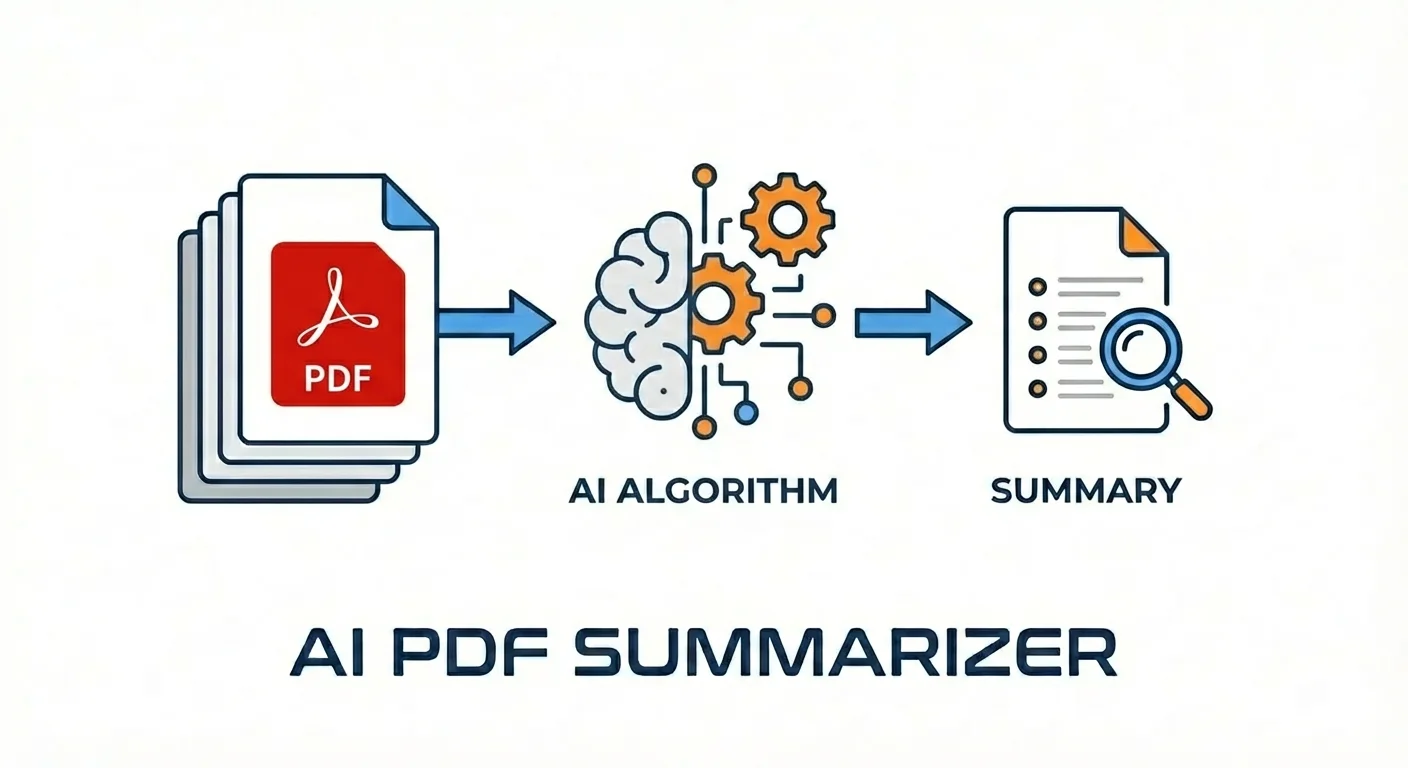
An AI PDF summarizer uses natural language processing and large language models to analyze PDF documents and generate concise summaries. Unlike keyword search, these tools understand context, identify key arguments, and extract conclusions across entire documents.
The technology behind these tools relies on retrieval-augmented generation (RAG). When you upload a PDF, the system breaks it into searchable chunks, converts each chunk into a mathematical representation using semantic search, and retrieves the most relevant passages to generate a summary.
The difference between a good AI summarizer and a basic one comes down to three things: how well it identifies the most important content, whether it provides source citations you can verify, and how accurately it handles complex document structures like tables, charts, and multi-column layouts.
7 Best AI PDF Summarizers Compared#
Quick Comparison: PDF Summarizer Tools in 2026
| Tool | Best For | Source Citations | Multi-File | Free Tier | Starting Price |
|---|---|---|---|---|---|
| Denser | Teams and enterprise | Visual highlighting | Yes | Yes | $29/month |
| ChatPDF | Quick single-doc summaries | Text references | Folder-based | Yes | $14.99/month |
| Smallpdf | All-in-one PDF workflows | No | No | Yes | $15/month |
| QuillBot | Paragraph-level condensing | No | No | Yes | $4.17/month |
| Adobe Acrobat AI | Adobe ecosystem users | Visual highlighting | No | No | $19.99 + $4.99/month |
| SciSpace | Academic research | Citation-backed | Yes | Yes | $20/month |
| NoteGPT | Visual mind map summaries | Basic | No | Yes | $9.99/month |
1. Denser - Best AI PDF Summarizer for Teams#
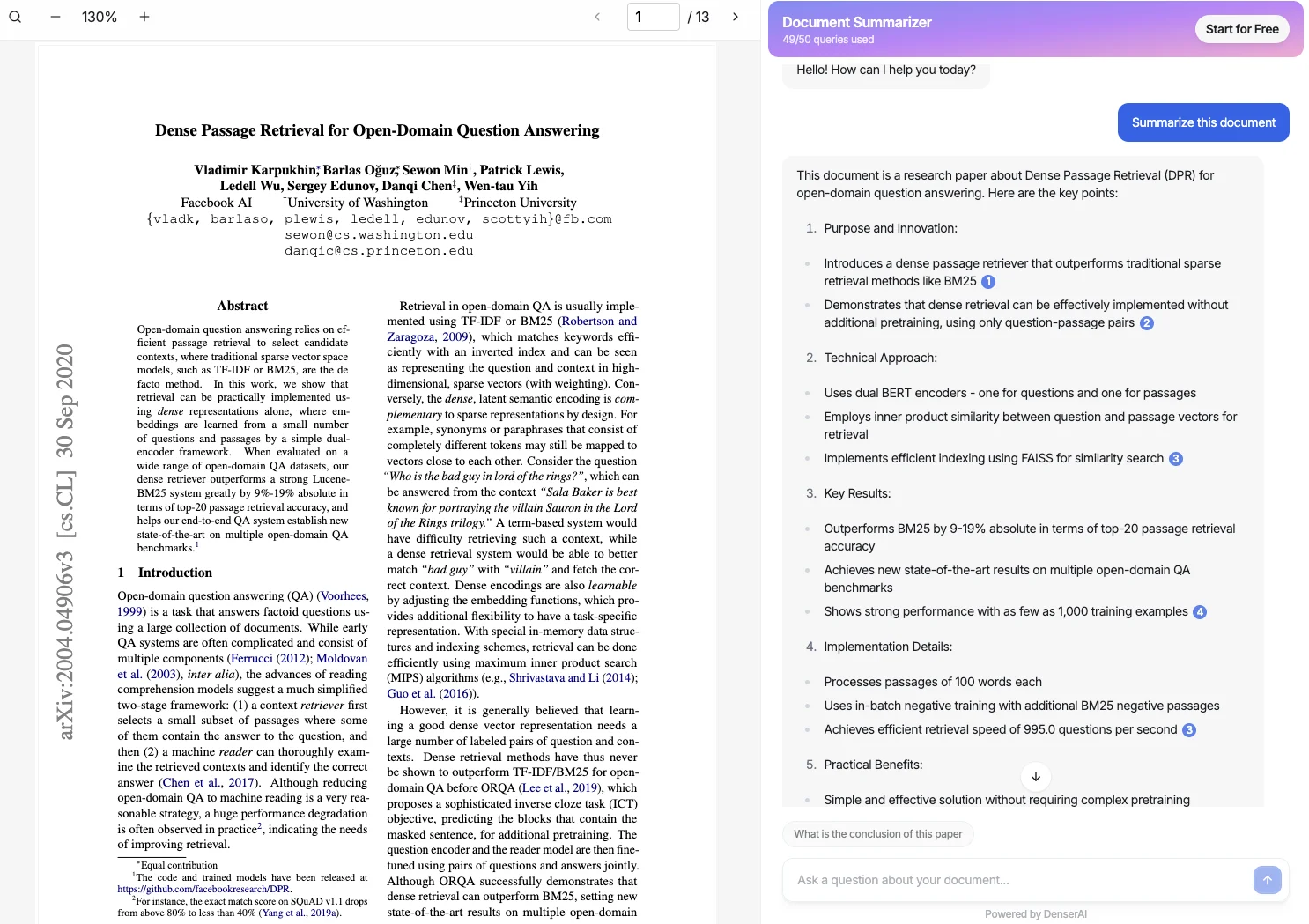
Denser is a no-code AI platform that turns PDFs and other documents into interactive, searchable knowledge bases. Its summarization goes beyond simple condensing. Every summary includes visual source citations that highlight the exact passage in the original document.
What sets it apart for summarization:
- Visual source citations show exactly where each summary point came from
- Summarize across multiple files in a single session
- Follow-up questions let you dig deeper into specific sections after the initial summary
- Supports PDF, Word, Excel, PowerPoint, and 80+ languages
Pros:
- Source-highlighted summaries build trust and speed up verification
- Multi-file summarization on paid plans
- Free tier available to test before committing
- Deploy summaries as a chatbot on your website for customer-facing documentation
Cons:
- Advanced features require paid plans
- Browser-based (no desktop app)
Pricing: Free tier (1 bot, 20 queries). Starter at $29/month, Standard at $119/month, Business at $399/month. See pricing or try it free.
2. ChatPDF - Fastest for Single-Document Summaries#
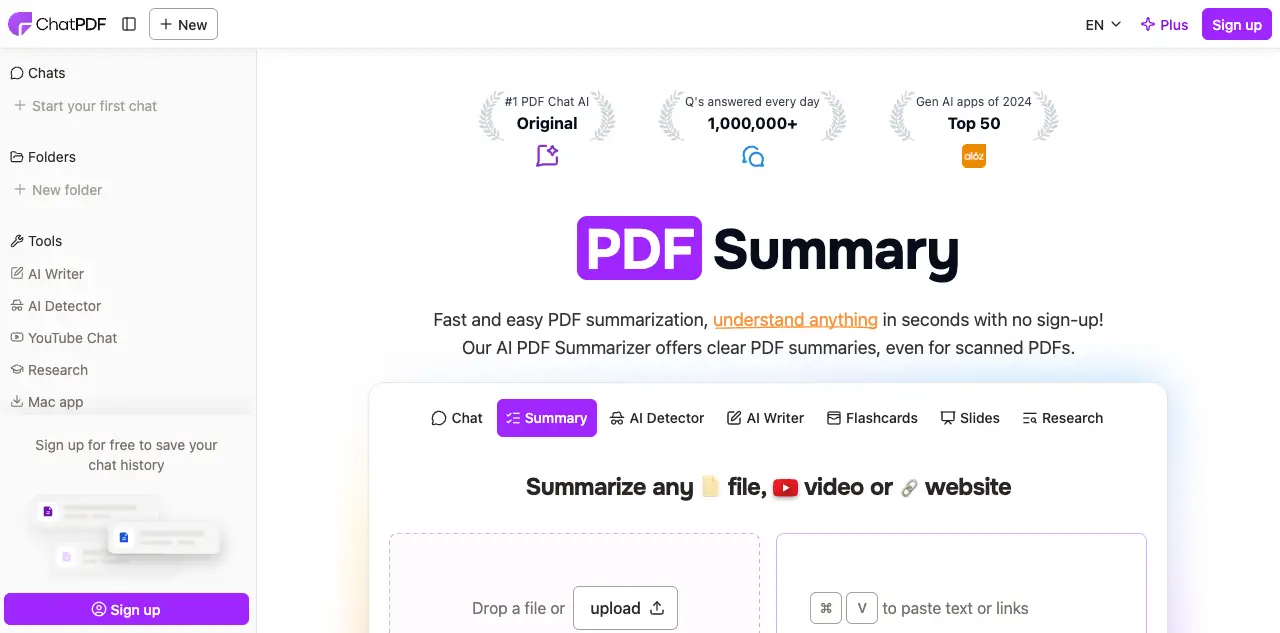
ChatPDF is the quickest way to get a PDF summarized. Upload a file and you'll have a summary within seconds. The side-by-side layout shows your document alongside the chat, making it easy to cross-reference.
Pros:
- Fastest time-to-summary of any tool we tested
- No account required for basic use (2 free PDFs/day)
- Clean, distraction-free interface
- Folder-based multi-document queries on paid plan
Cons:
- No visual source citations (text references only)
- Limited to 10 MB on free tier, 32 MB on Plus
- No team features or integrations
Pricing: Free (2 PDFs/day). Plus at $14.99/month ($7.58/month yearly) for unlimited PDFs and questions. For more options, see our ChatPDF alternatives guide.
3. Smallpdf - Best for PDF Workflows Beyond Summarization#
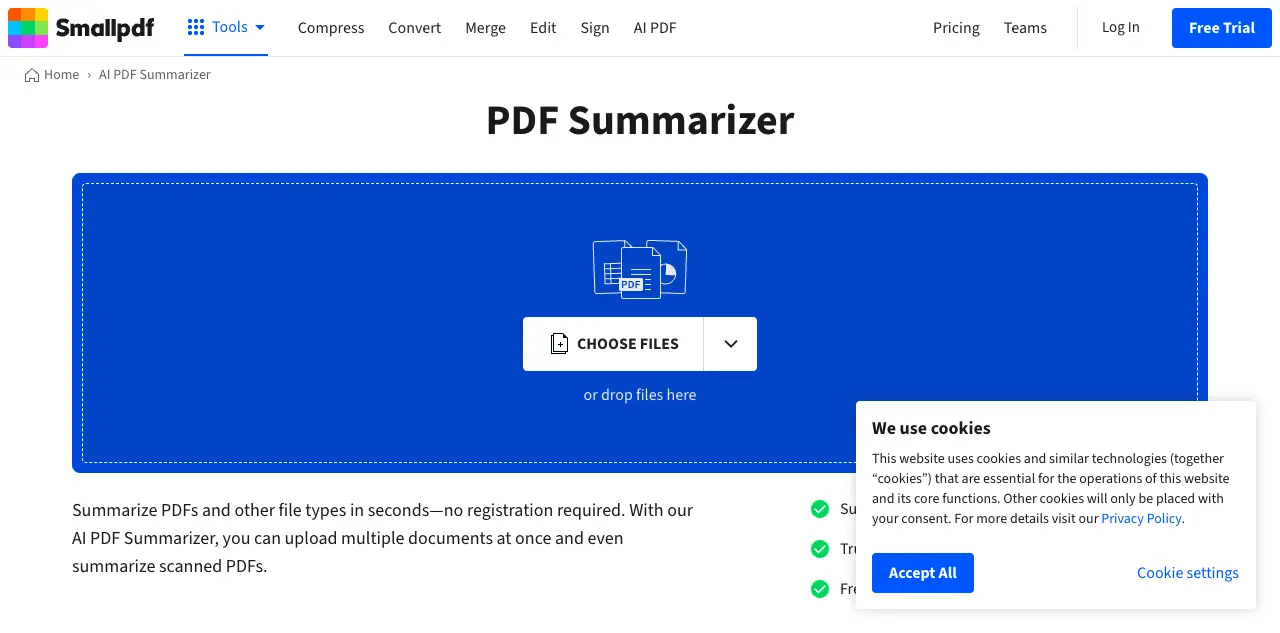
Smallpdf is primarily a PDF utility suite for compressing, converting, merging, and signing, but its AI assistant adds summarization and document chat to the mix. If you already use Smallpdf for other PDF tasks, the summarizer is a natural addition.
Pros:
- Combines summarization with 30+ PDF editing and conversion tools
- Strong condensing for long documents
- Clean interface trusted by 1.7 billion users
- Handles large files well
Cons:
- AI summarization is one feature among many, not the primary focus
- No multi-document summarization
- Limited customization for business use cases
Pricing: Free plan with limited daily uses. Pro at $15/month with unlimited access to all tools. Team plans at $12/seat/month.
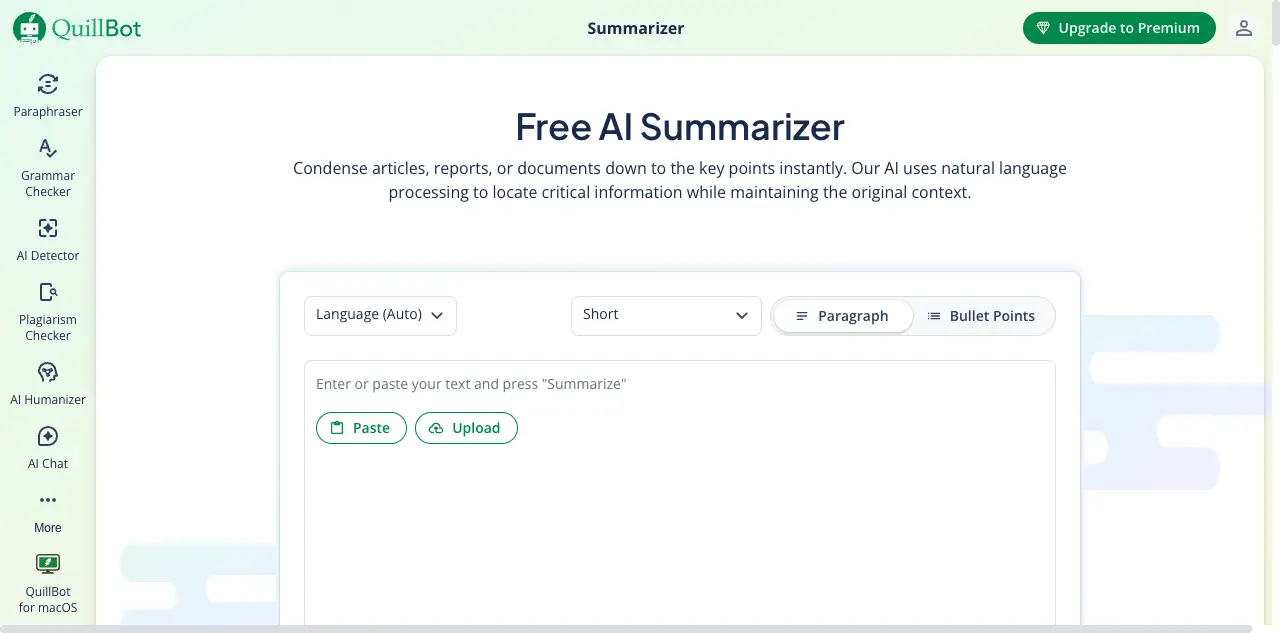
4. QuillBot - Best for Paragraph-Level Summarization#
QuillBot takes a different approach. Instead of summarizing entire documents at once, it works best at the paragraph and section level. You can paste text or upload a document and choose between "key sentences" mode (extractive) and "paragraph" mode (abstractive).
Pros:
- Two summarization modes (extractive and abstractive)
- Adjustable summary length with a slider
- Strong paraphrasing engine alongside summarization
- Chrome extension for in-browser use
Cons:
- Less effective on very long documents (works best under 25 pages)
- No source citations or page references
- No multi-document support
- Summarization is secondary to QuillBot's paraphrasing tools
Pricing: Free plan with 1,200-word limit. Premium at $4.17/month (billed yearly) or $9.95/month for unlimited summarization.
5. Adobe Acrobat AI Assistant - Best for Existing Adobe Users#
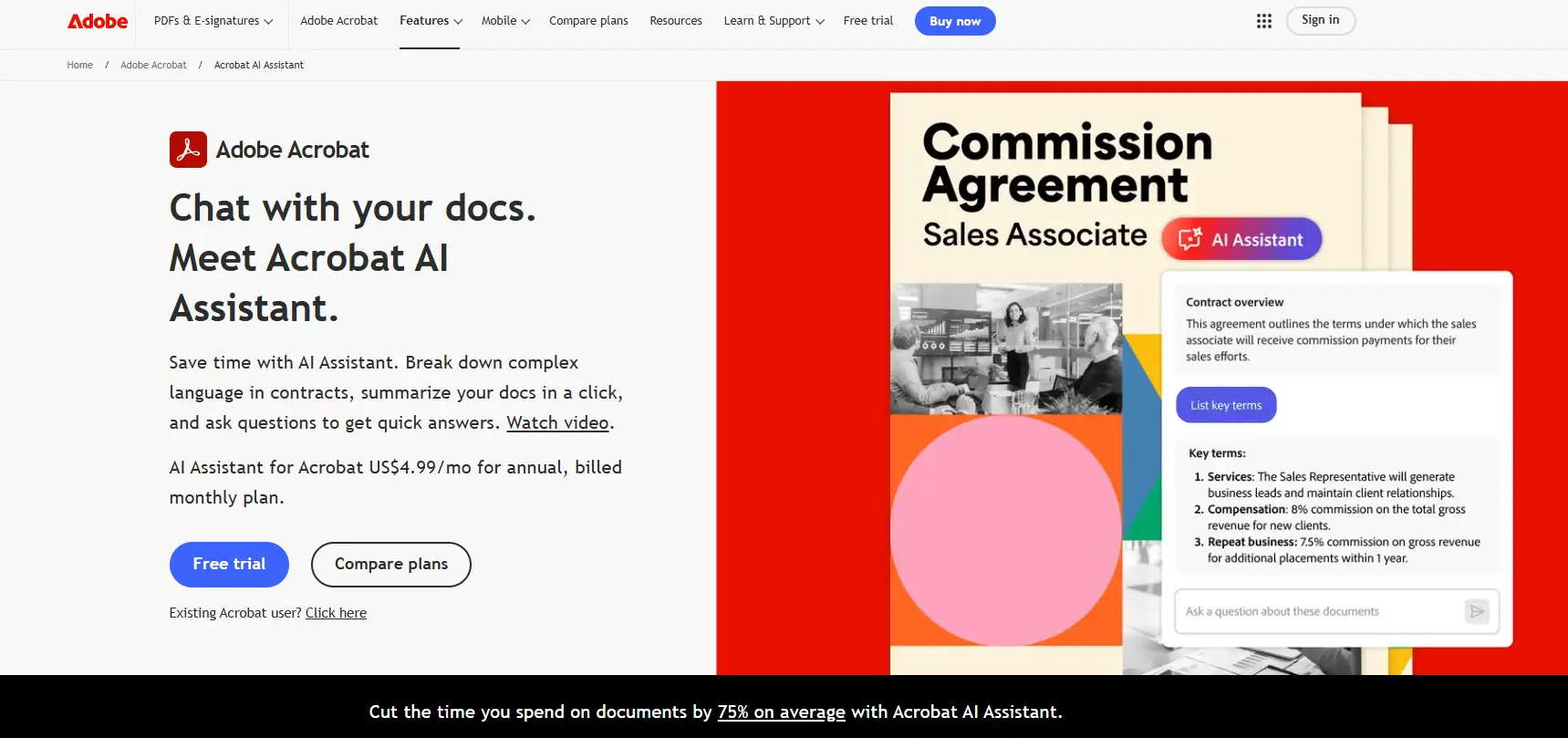
Adobe Acrobat AI Assistant is built into Acrobat and generates summaries with clickable citations that highlight the corresponding sections in your document. If your organization already pays for Acrobat Pro, the AI add-on integrates without requiring a new tool.
Pros:
- Native integration with the world's most used PDF software
- Visual citations with document highlighting
- Strong table and chart recognition
- Enterprise-grade security
Cons:
- No free tier for AI features
- 120-page limit for document processing
- Single-document only (no multi-file summaries)
- Requires Acrobat Pro subscription plus AI add-on
Pricing: Requires Acrobat Pro ($19.99/month) plus AI Assistant add-on ($4.99/month), or Acrobat Studio ($24.99/month) which bundles both.
6. SciSpace - Best AI PDF Summarizer for Research Papers#
SciSpace is built for academic and scientific literature. Connected to 220 million+ papers, it summarizes research documents and explains complex academic language in simpler terms. Its literature review tools go beyond basic summarization.
Pros:
- Search and summarize across 220M+ academic papers
- Citation-backed summaries that reference specific studies
- Explains jargon and technical terms automatically
- Literature review tools for comparing multiple papers
Cons:
- Focused almost exclusively on academic content
- Not suitable for business documents or contracts
- Limited file format support beyond PDFs
Pricing: Free Basic plan with limited daily usage. Premium at $20/month ($12/month yearly). Teams at $18/seat/month.
7. NoteGPT - Best for Visual Mind Map Summaries#
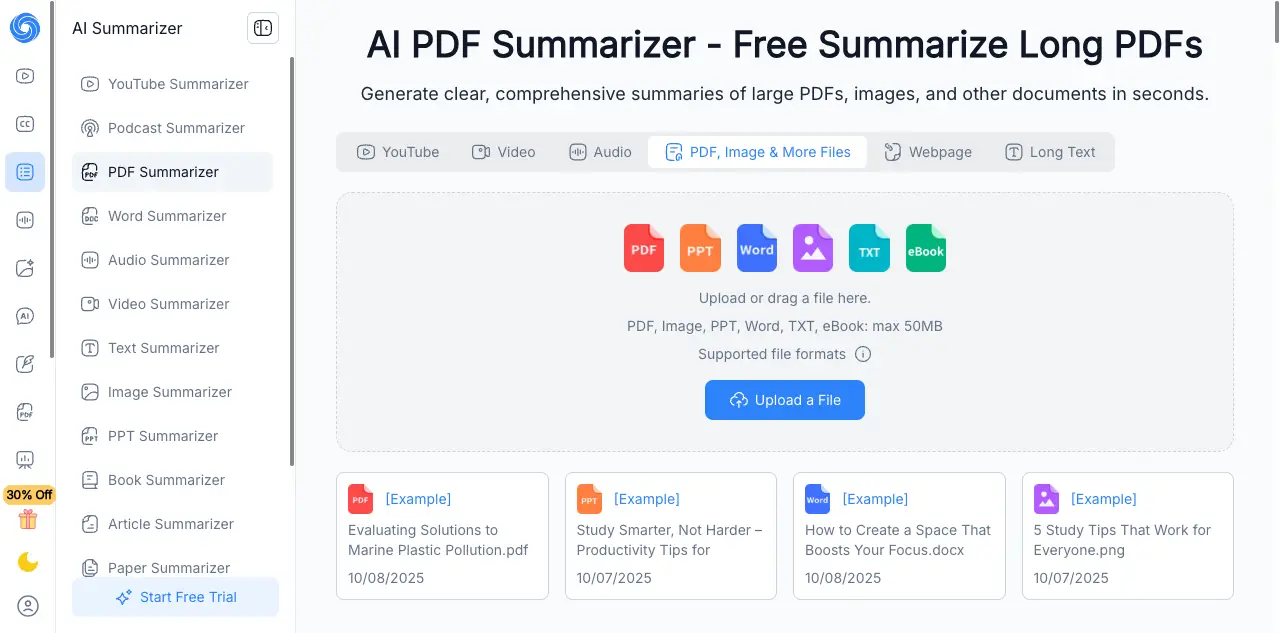
NoteGPT stands out by converting PDF summaries into visual mind maps. Instead of a wall of text, you get a structured diagram that shows how different sections and concepts relate to each other. This is particularly useful for studying and presentations.
Pros:
- Mind map visualization of document structure
- Supports YouTube video summarization alongside PDFs
- No login required for basic use
- Exports summaries in multiple formats
Cons:
- Mind maps can oversimplify complex documents
- No source citations or page references
- Limited multi-document support
- AI accuracy is lower on heavily formatted PDFs
Pricing: Free plan with limited daily uses. Pro at $9.99/month for unlimited summaries and mind maps.
Feature Comparison: Top PDF Summarizer Tools#
| Feature | Denser | ChatPDF | Smallpdf | QuillBot | Adobe AI | SciSpace | NoteGPT |
|---|---|---|---|---|---|---|---|
| Free plan | Yes | Yes | Limited | Yes | No | Yes | Yes |
| Visual citations | Yes | No | No | No | Yes | No | No |
| Multi-document | Yes | Folder | No | No | No | Yes | No |
| Mind map output | No | No | No | No | No | No | Yes |
| OCR (scanned PDFs) | Built-in | Basic | Yes | No | Native | No | No |
| File formats beyond PDF | Word, Excel, PPT | Word, PPT, TXT | 30+ formats | Text only | Office docs | No | No |
| Academic paper search | No | No | No | No | No | 220M+ | No |
| API access | REST API | No | No | No | No | No | No |
| Team workspaces | Yes | No | Team plan | No | Enterprise | No | No |
How to Get the Best Results from an AI PDF Summarizer#
The quality of your summaries depends on how you use the tool. Whether you summarize pdf documents for work or research, these practical tips work across all platforms.
Start with the full summary, then drill down#
Ask for an overall summary first to understand the document's structure. Then ask targeted follow-up questions about specific sections. This two-step approach gives you both the big picture and the details you need.
Be specific with your prompts#
"Summarize this document" gives you a generic overview. "What are the three main recommendations in section 4, and what evidence supports each one?" gives you actionable information. The more specific your question, the more useful the summary.
Verify critical information#
Even the best AI summarizer tools occasionally misinterpret content, especially with tables, charts, and legal language. For high-stakes documents like contracts or compliance reports, always verify key points against the source. Tools with visual citations like Denser and Adobe make verification faster.
Use the right tool for the right document#
Short reports (under 25 pages) work well with any tool. For long technical manuals, prioritize tools with strong OCR and multi-section support. For academic papers, SciSpace's domain-specific model produces more accurate summaries. For document collections, choose tools with multi-file support. For a broader look at AI PDF readers, we cover additional options beyond summarization.
AI PDF Summarizer vs AI PDF Reader: What's the Difference?#
These terms overlap, but they serve different primary needs:
AI PDF summarizers focus on condensing content. They take a long document and produce a shorter version that captures the key points. The goal is to save reading time.
AI PDF readers focus on interactive Q&A. They let you chat with PDF documents, asking specific questions and getting targeted answers. The goal is to find specific information.
Most modern tools do both. Denser, ChatPDF, and Adobe Acrobat AI all handle summarization and interactive Q&A. The distinction matters mainly when choosing a pdf summarizer ai tool: if you primarily need quick overviews, prioritize summarization quality. If you need to dig into specific details, prioritize Q&A accuracy and source citations.
For a deeper comparison of interactive PDF tools, see our AI document reader guide.
Who Should Use a PDF Summarizer AI Tool?#
Researchers and students#
Academic papers are dense by design. SciSpace and Denser both handle literature reviews well, letting you summarize multiple papers and compare findings. For a focused academic tool, see our guide to PDF AI analysis.
Legal professionals#
Contracts and case files require careful review, but an AI summarizer can identify key clauses and flag important terms in minutes. Tools with source citations are essential here because you need to verify every point. For dedicated legal workflows, explore legal chatbot solutions.
Business teams#
Reports, whitepapers, and market analyses take valuable time to review. A good summarizer extracts the key findings and recommendations so you can focus on decision-making. Teams that work with large data sets can also chat with your data for deeper analysis beyond summaries.
Customer support teams#
Turn product manuals and policy documents into summarized, searchable knowledge bases. Denser supports this by letting you deploy document summaries as an interactive knowledge base chatbot.
FAQs About AI PDF Summarizers#
Is there a free AI PDF summarizer?#
Yes. The best free AI PDF summarizer options include ChatPDF (2 free PDFs per day without signup), QuillBot (free plan up to 1,200 words), Denser (free tier with 1 bot and 20 queries), and NoteGPT (limited daily use without login). For the least commitment, ChatPDF and NoteGPT let you summarize pdf documents immediately.
How accurate are AI PDF summaries?#
Accuracy depends on document complexity and the tool's underlying model. Well-structured, text-based PDFs produce the best results. Scanned documents, complex tables, and multi-column layouts reduce accuracy. Tools with source citations (Denser, Adobe) let you verify accuracy quickly. On our test documents, summary accuracy ranged from about 80% (basic tools) to 95%+ (tools with strong retrieval and citation features).
Can AI summarizers handle scanned PDFs?#
Tools with built-in OCR (Denser, Smallpdf, Adobe Acrobat AI) can process scanned documents, but results are less reliable than native text PDFs. If you regularly work with scanned documents, test your specific document type before committing to a paid plan.
What file formats do summarizers support beyond PDF?#
Denser supports PDF, Word, Excel, PowerPoint, and text files. Smallpdf handles 30+ formats through its conversion tools. ChatPDF accepts Word, PowerPoint, and text files. QuillBot works primarily with pasted text. Adobe handles Office documents. SciSpace and NoteGPT focus on PDFs only.
Can I summarize multiple PDFs at once?#
Denser and SciSpace support multi-document summarization, letting you upload multiple files and generate summaries across them. ChatPDF offers folder-based grouping on its paid plan. Most other tools are limited to single documents per session.
Start Summarizing Your Documents#
The right pdf summarizer ai tool depends on what you need. For quick, individual summaries, ChatPDF is the fastest option. For academic research, SciSpace connects you to millions of papers. For paragraph-level condensing, QuillBot offers the most affordable option.
For teams that need cited, verified summaries across document collections, Denser provides the most complete summarization and document review package with visual source citations and multi-file support.
Try Denser free and see how a pdf summarizer ai tool with source citations can save your team hours every week.